
try/catch/finally, throw, custom errors
Use try/catch/finally, throw simple errors, and define a tiny custom Error for clearer messages.
try/catch/finally, throw, custom errors is a free JavaScript Academy lesson on CoddyKit. This is lesson 1 of 2. Any 3 lessons of this learning path are free to read in full — after that, CoddyKit PRO unlocks every lesson, plus hands-on practice with a built-in code editor and a 24/7 AI tutor. It is part of the JavaScript Academy learning path, and your progress syncs across the web and the CoddyKit app. The JavaScript Academy course includes 2 lessons in total.
Intro to error handling
Goal: Catch errors safely and keep programs stable.
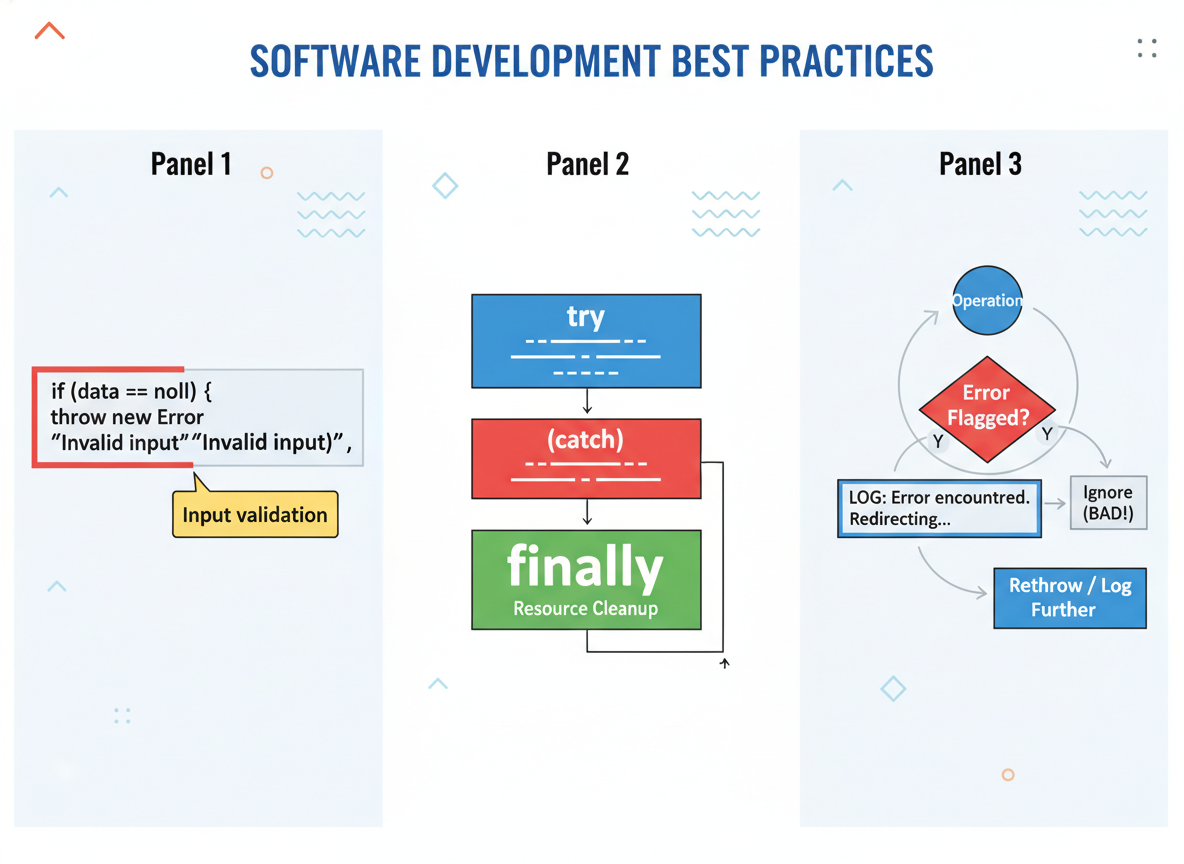
- try/catch basics
- throw with a clear message
- finally for cleanup
- tiny custom Error
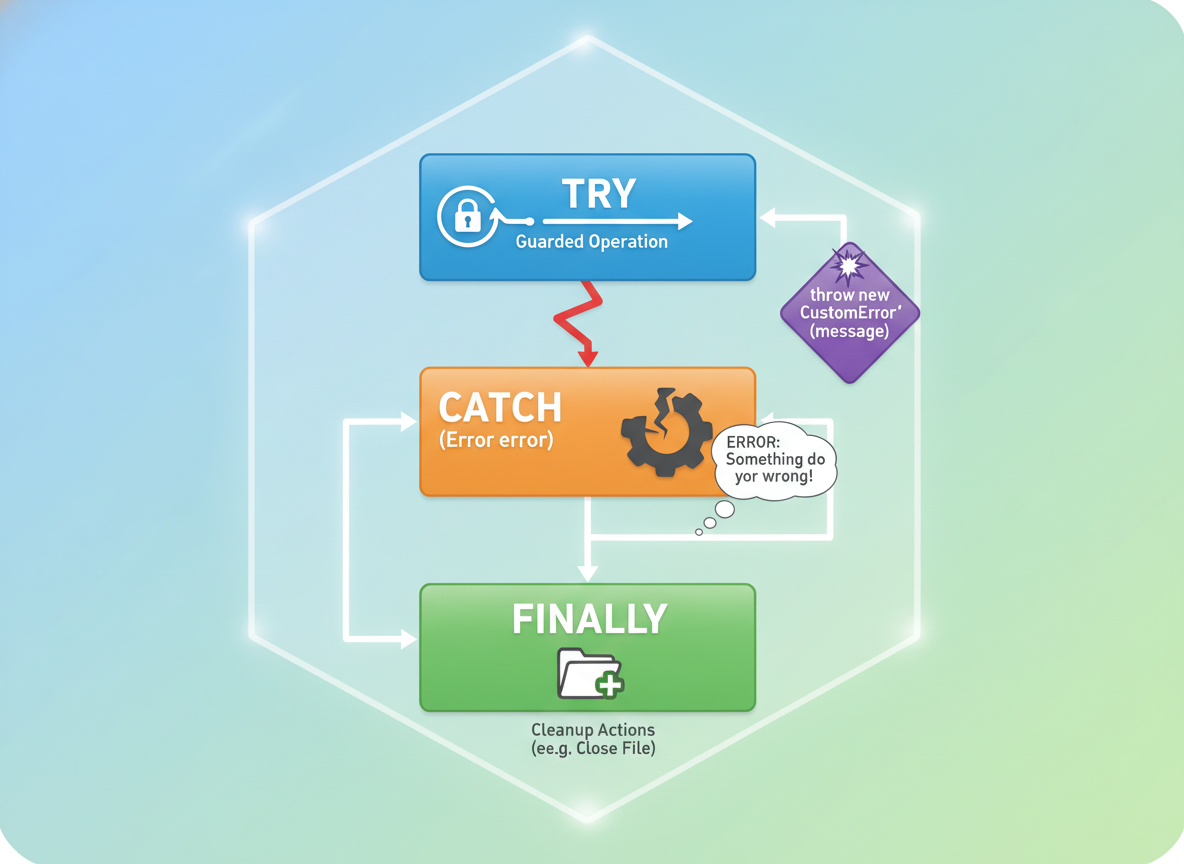
try/catch basics
Wrap risky operations with try. In catch, show a short, helpful message.
// try/catch around risky code
try {
  const data = JSON.parse("{\"name\":\"Ayla\"}");
  console.log("Parsed:", data.name);
} catch (e) {
  // e.message is short and useful on mobile
  console.log("Failed to parse:", e.message);
}
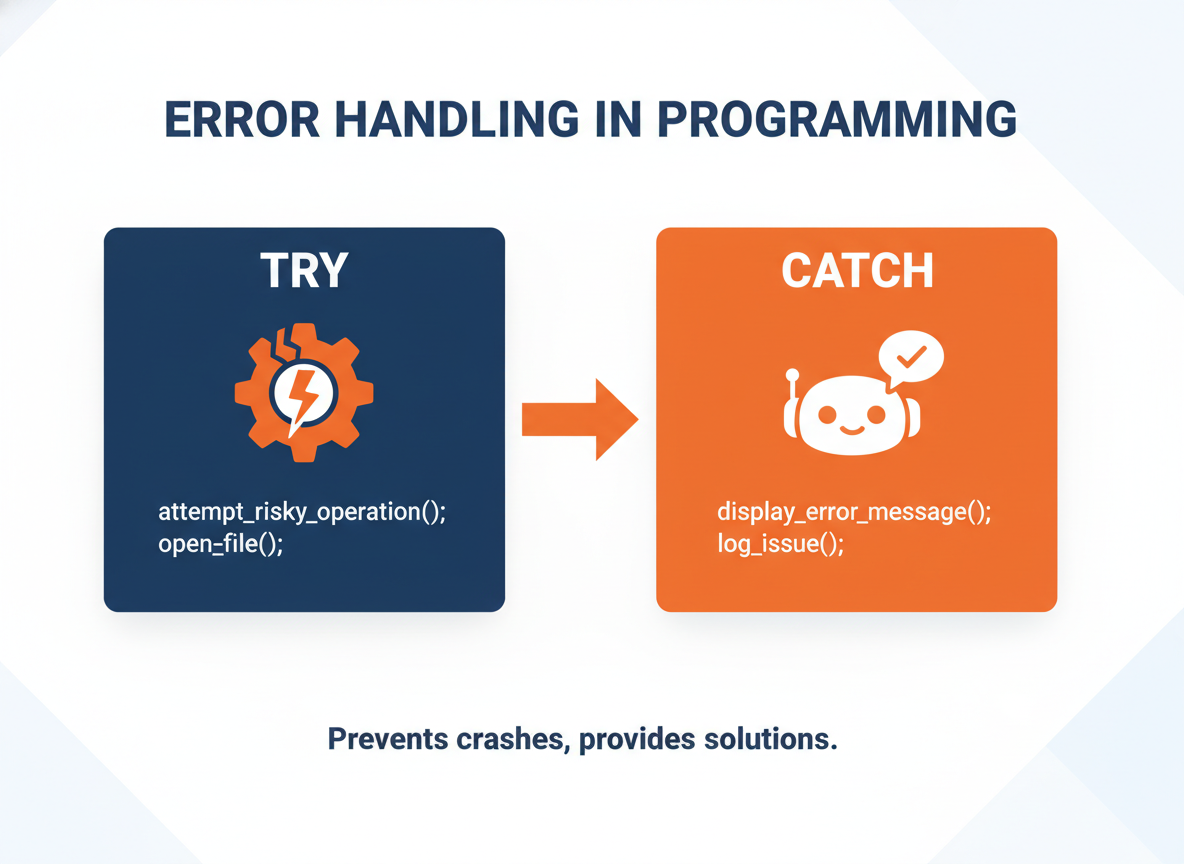
throw basics
Use throw new Error("message") to stop and explain what went wrong.
// Throw when inputs are invalid
function doubleNumber(n) {
  if (typeof n !== "number") {
    throw new Error("Number required");
  }
  return n * 2;
}

try {
  console.log(doubleNumber(4));
  console.log(doubleNumber("4")); // will throw
} catch (e) {
  console.log("Error:", e.message);
}

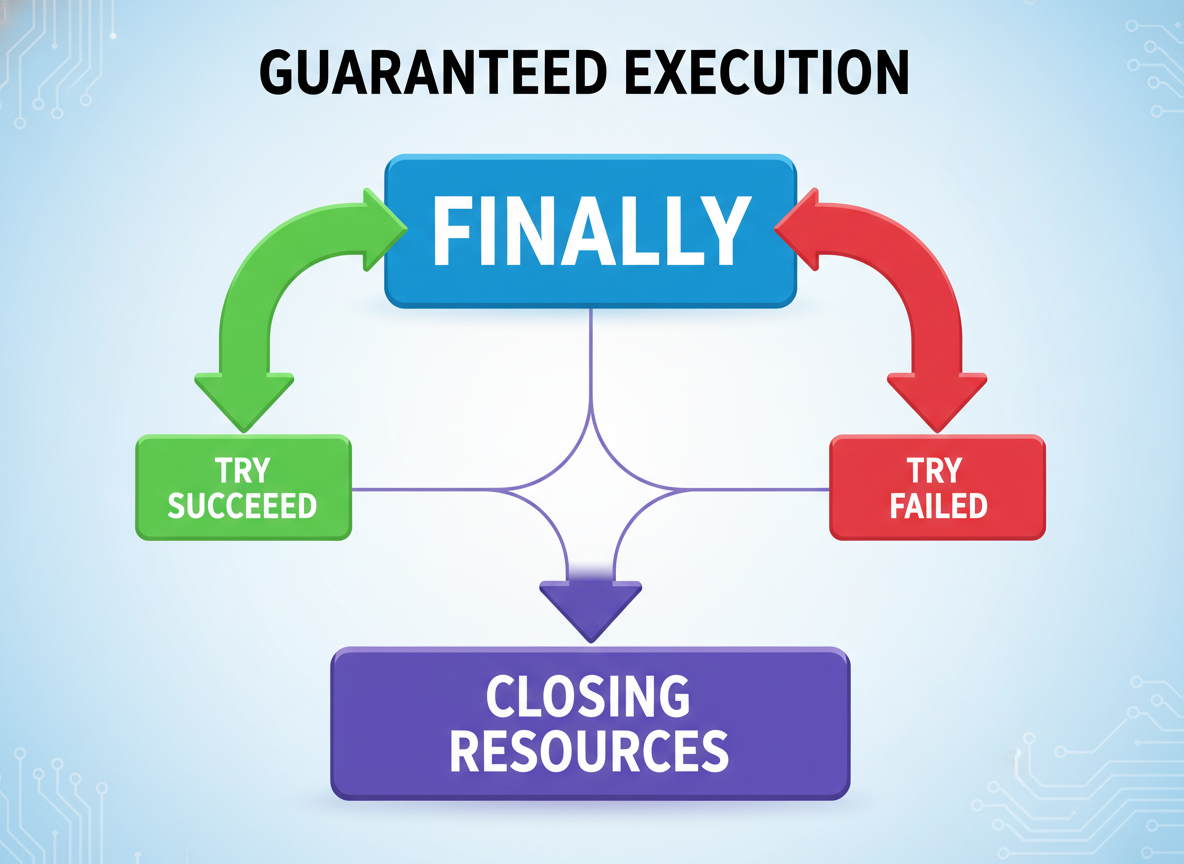
finally for cleanup
finally runs whether try succeeded or failed — useful for closing resources.
// finally runs after try/catch — great for cleanup
let opened = false;

try {
  opened = true;
  console.log("Opened:", opened);
  // Force an error to see finally still run
  JSON.parse("{ bad }");
} catch (e) {
  console.log("Caught:", e.message);
} finally {
  opened = false;
  console.log("Closed:", opened);
}
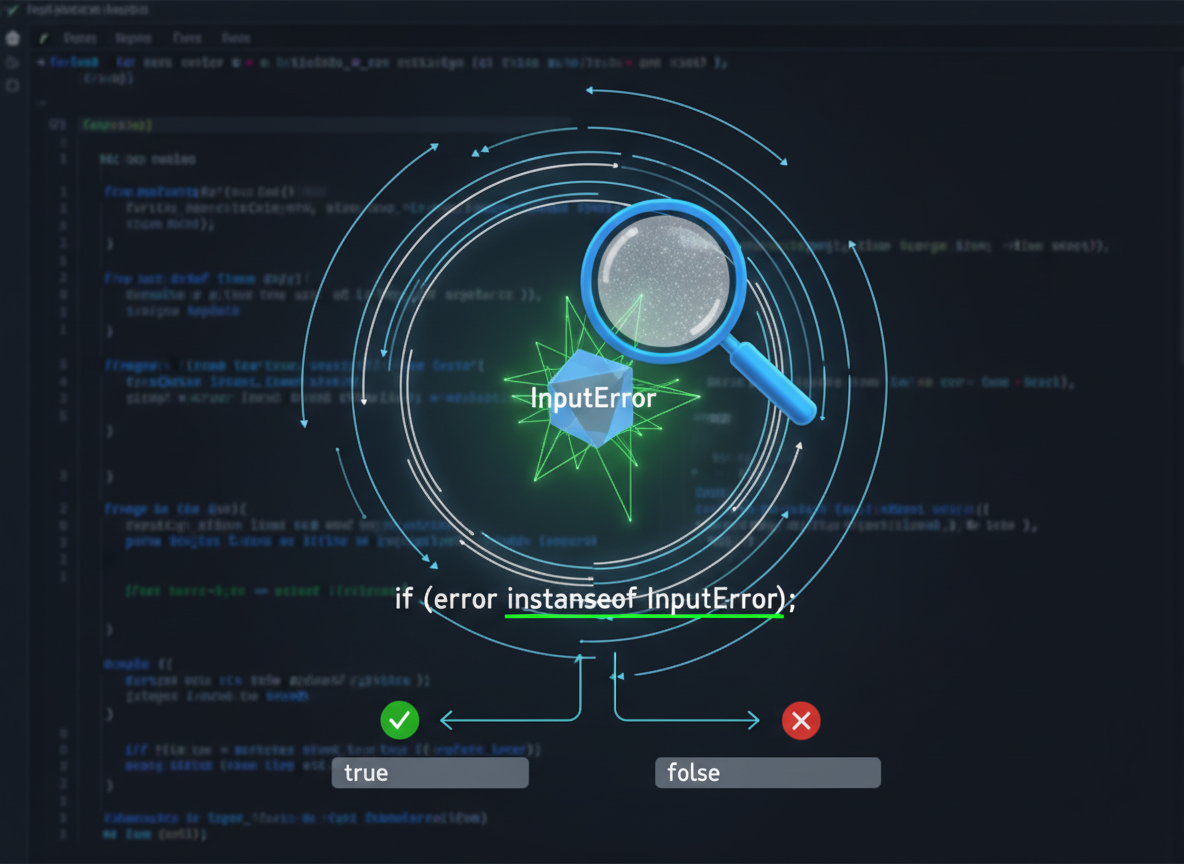
Custom Error (light)
Create a tiny InputError for input issues. Use instanceof to handle it specifically.
// Make a small custom error
class InputError extends Error {
  constructor(message) {
    super(message);
    this.name = "InputError";
  }
}

function positive(n) {
  if (typeof n !== "number") {
    throw new InputError("Number required");
  }
  if (n <= 0) {
    throw new InputError("Must be positive");
  }
  return n;
}

try {
  console.log("OK:", positive(3));
  console.log("Fail:", positive(0));
} catch (e) {
  if (e instanceof InputError) {
    console.log("Input problem:", e.message);
  } else {
    // Unknown error: rethrow or log differently
    console.log("Unexpected:", e.message);
  }
}
Tips & checklist
Tips:
- Validate inputs early; throw short messages.
- Use finally for cleanup (close flags, timers, etc.).
- Do not swallow errors: log briefly or rethrow.
finally quiz
Quick check: finally behavior.

Recap
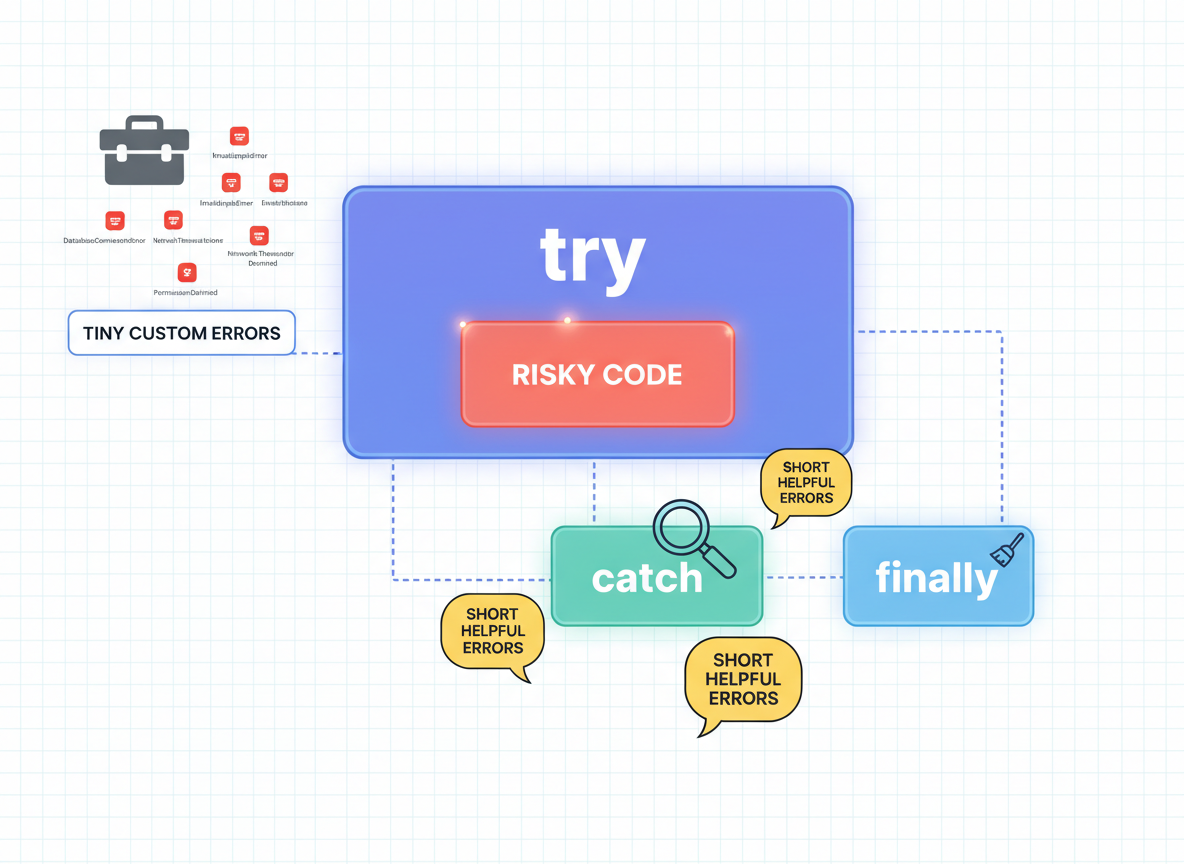
Recap: Wrap risky code with try/catch, throw short helpful errors, use finally for cleanup, and define tiny custom errors for clearer handling.

Learn JavaScript with an AI tutor — free
Write and run real code in your browser, get instant help from a 24/7 AI tutor, and pick up where you left off on the web or in the app.
- Courses
- 59
- Lessons
- 200
Frequently Asked Questions
Is the “try/catch/finally, throw, custom errors” lesson free?
Yes — any 3 lessons of the JavaScript Academy learning path, including “try/catch/finally, throw, custom errors”, are free to read in full here on the web. After that, CoddyKit PRO unlocks every lesson, plus interactive practice with a built-in code editor and a 24/7 AI tutor. The JavaScript Academy course includes 2 lessons in total.
What will I learn in “try/catch/finally, throw, custom errors”?
Use try/catch/finally, throw simple errors, and define a tiny custom Error for clearer messages. You practise JavaScript Academy with hands-on code you run directly in the browser, and a 24/7 AI tutor answers your questions as you work through the lesson.
Do I need any experience to start JavaScript Academy?
No prior experience is required. JavaScript Academy on CoddyKit is structured for beginners through advanced learners, so you can start here or from the beginning and move at your own pace. This is lesson 1 of 2.
How long does the “try/catch/finally, throw, custom errors” lesson take?
Most CoddyKit lessons take about 5–10 minutes. Each one is bite-sized and interactive, so you make steady progress and pick up exactly where you left off across the web and the app.
Can I write and run code in this JavaScript Academy lesson?
Yes. Every JavaScript Academy lesson includes a built-in code editor, so you write and run real code right in your browser and get instant AI feedback — no local setup required.
All lessons in this course
- try/catch/finally, throw, custom errors
- Defensive Programming & Input Checks