
Defensive Programming & Input Checks
Write small input checks, use guard clauses, safe parsing, defaults, and simple object validation to prevent failures early.
Defensive Programming & Input Checks is a free JavaScript Academy lesson on CoddyKit. This is lesson 2 of 2. Any 3 lessons of this learning path are free to read in full — after that, CoddyKit PRO unlocks every lesson, plus hands-on practice with a built-in code editor and a 24/7 AI tutor. It is part of the JavaScript Academy learning path, and your progress syncs across the web and the CoddyKit app. The JavaScript Academy course includes 2 lessons in total.
Intro to defensive checks
Goal: Stop bad inputs early so bugs do not spread.
- Type and range checks
- Guard clauses
- Safe parsing
- Defaults and simple object validation
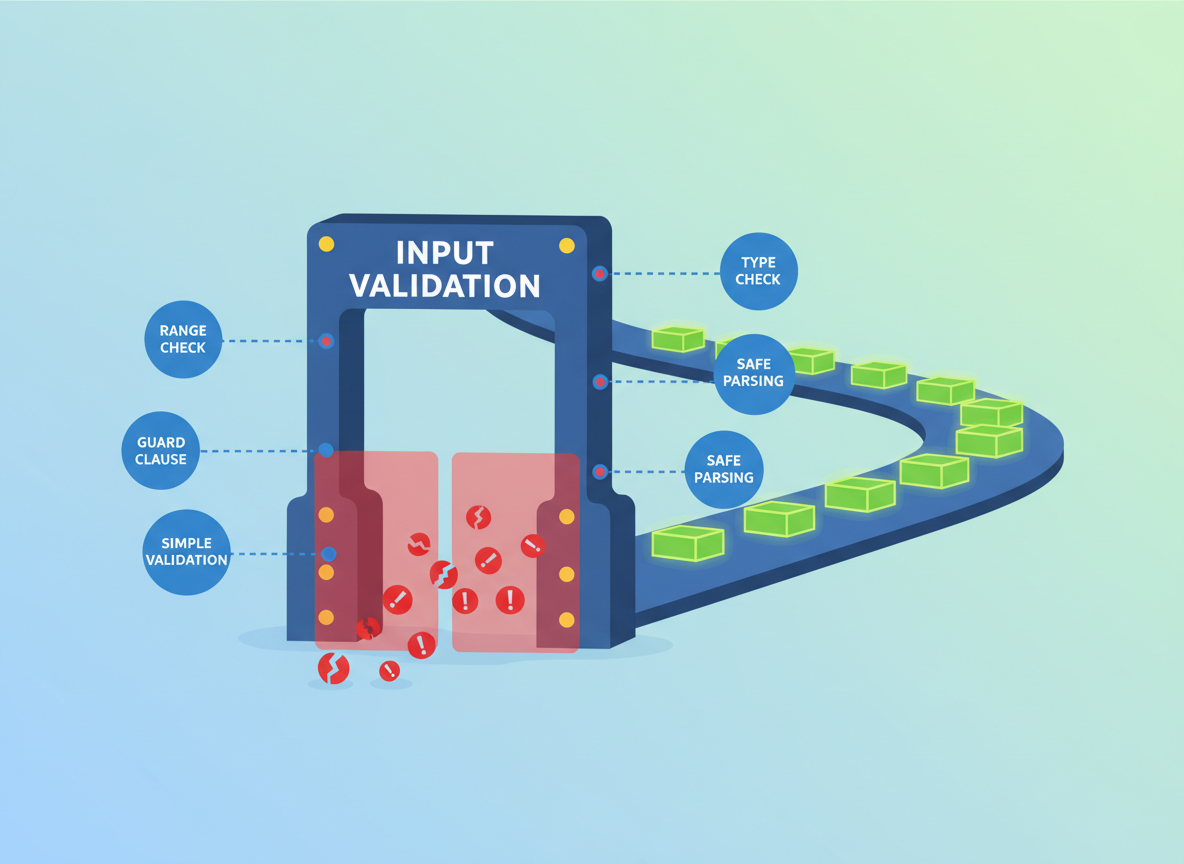
Type helpers
Create small helpers to reuse checks like number and non-empty string.
// Tiny type helpers
function isNumber(n) {
  return typeof n === "number" && Number.isFinite(n);
}

function isNonEmptyString(s) {
  return typeof s === "string" && s.trim().length > 0;
}

console.log("isNumber(3):", isNumber(3));
console.log("isNumber(NaN):", isNumber(NaN));
console.log("isNonEmptyString(\"\"):", isNonEmptyString(""));
console.log("isNonEmptyString(\"hi\"):", isNonEmptyString("hi"));

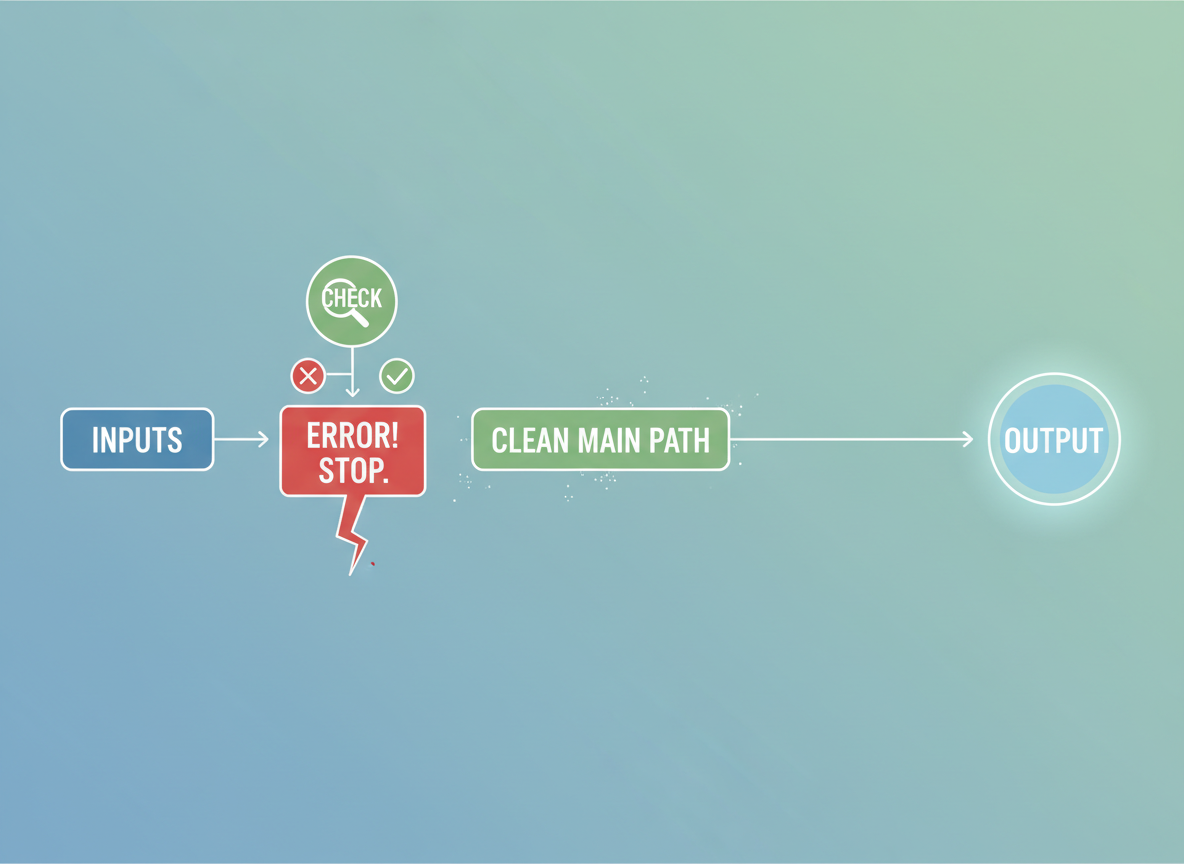
Guard clause demo
Check inputs first; stop early on errors so the main path stays clean.
// Guard clauses: return early if invalid
function buy(quantity) {
  if (!isNumber(quantity)) {
    console.log("Quantity must be a number");
    return;
  }
  if (quantity <= 0) {
    console.log("Quantity must be > 0");
    return;
  }
  console.log("Buying", quantity, "items");
}

buy(3);
buy("3");
buy(0);
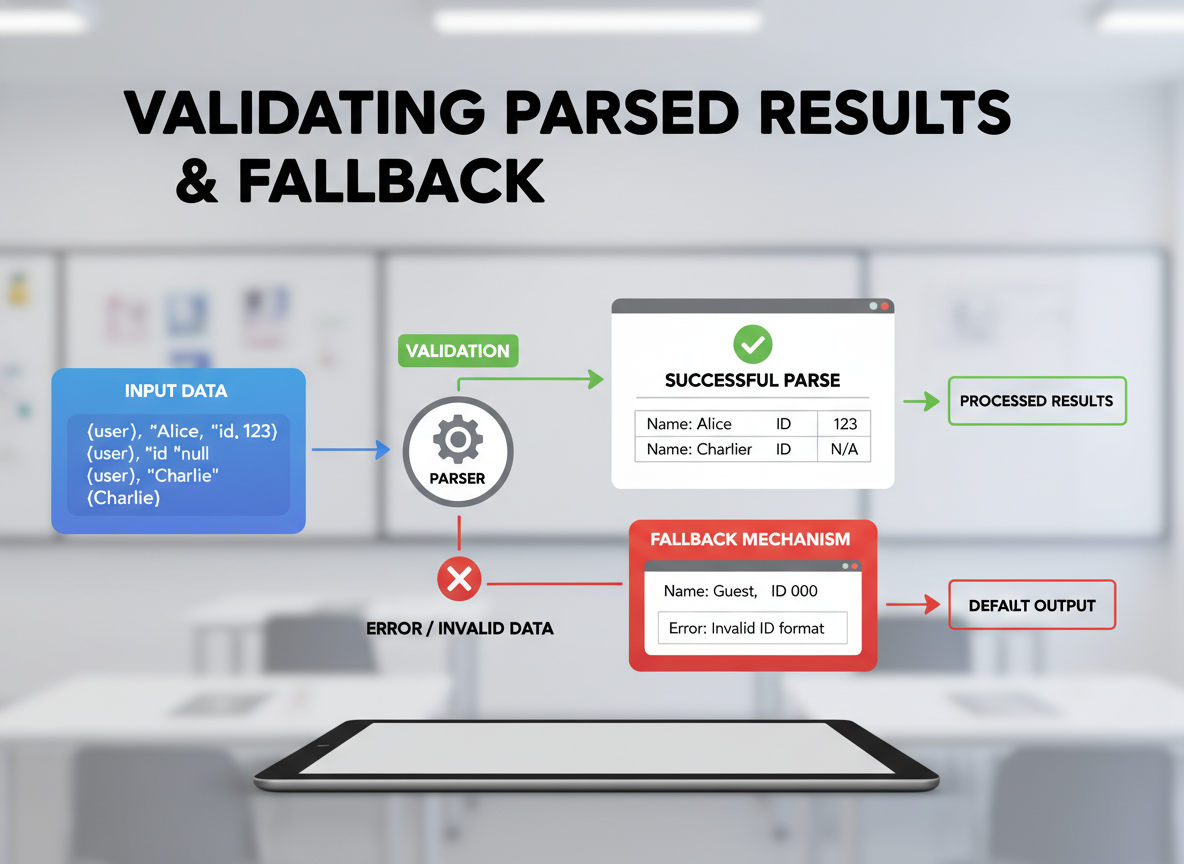
Parsing with fallback
Validate parsed results. If parsing fails, return a small fallback instead of crashing.
// Parse safely and use sensible defaults
function toInt(str, fallback = 0) {
  const n = parseInt(str, 10);
  if (!Number.isFinite(n)) {
    return fallback;
  }
  return n;
}

console.log("toInt(\"42\"):", toInt("42"));
console.log("toInt(\"7px\", -1):", toInt("7px", -1));
console.log("toInt(\"abc\", 0):", toInt("abc", 0));
Defaults and ranges
Use ?? for null/undefined defaults, then clamp to a safe range.
// Defaults with ?? and simple range checks
function clampPercent(value) {
  // Use 0 as default when value is null or undefined
  const v = (value ?? 0);

  if (!isNumber(v)) {
    return 0;
  }
  // Clamp into 0..100
  const clamped = Math.min(100, Math.max(0, v));
  return clamped;
}

console.log(clampPercent(undefined));
console.log(clampPercent(120));
console.log(clampPercent(-5));
console.log(clampPercent(55));

Object shape check
Check required fields and simple ranges; return a small result object like { ok, reason }.
// Simple object validation
function validateUser(u) {
  if (u == null || typeof u !== "object") {
    return { ok: false, reason: "User must be an object" };
  }
  if (!isNonEmptyString(u.name)) {
    return { ok: false, reason: "name required" };
  }
  if (!isNumber(u.age) || u.age < 0) {
    return { ok: false, reason: "age must be a number >= 0" };
  }
  return { ok: true };
}

console.log("good:", validateUser({ name: "Ayla", age: 21 }));
console.log("bad:", validateUser({ name: "", age: -1 }));

Defensive checks quiz
Quick check: Defensive input handling.
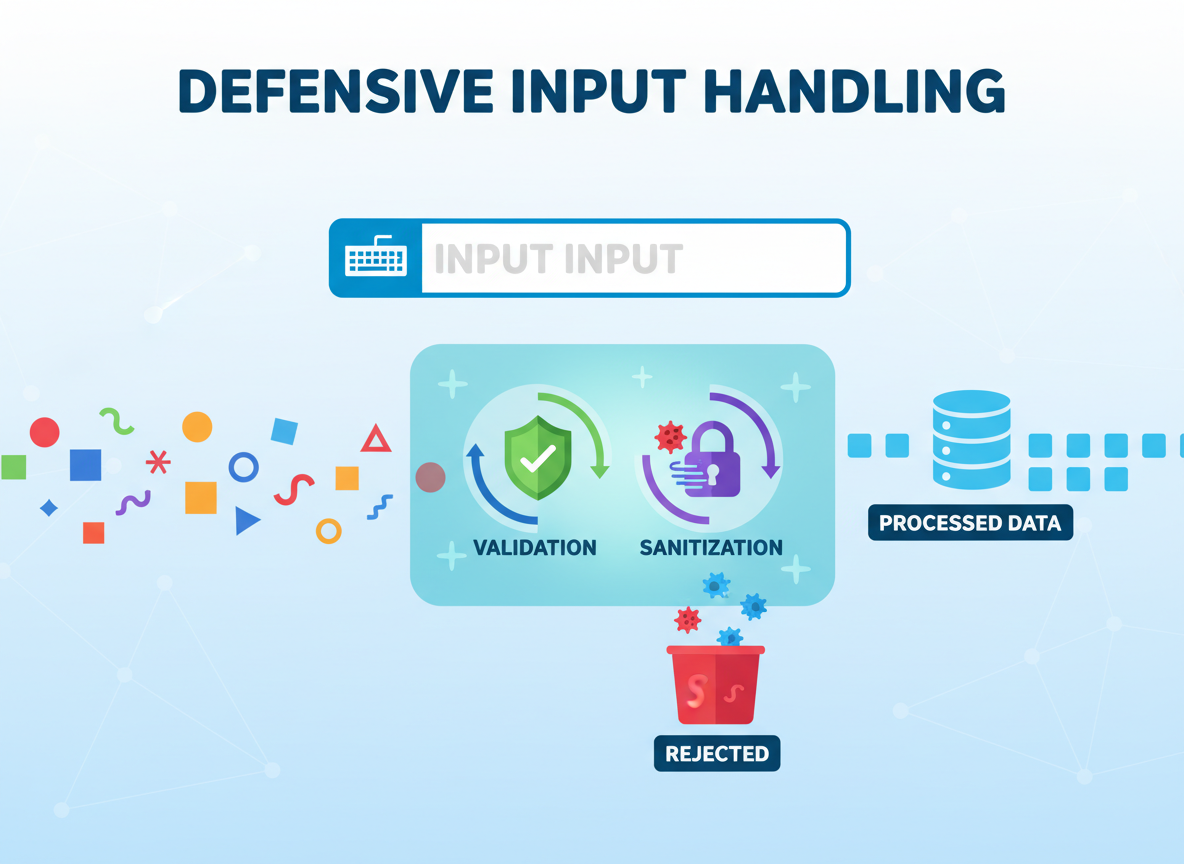
Recap
Recap: Use tiny type helpers, guard clauses, safe parsing with fallbacks, nullish defaults, range clamps, and simple object validation to stop bugs early.


Learn JavaScript with an AI tutor — free
Write and run real code in your browser, get instant help from a 24/7 AI tutor, and pick up where you left off on the web or in the app.
- Courses
- 59
- Lessons
- 200
Frequently Asked Questions
Is the “Defensive Programming & Input Checks” lesson free?
Yes — any 3 lessons of the JavaScript Academy learning path, including “Defensive Programming & Input Checks”, are free to read in full here on the web. After that, CoddyKit PRO unlocks every lesson, plus interactive practice with a built-in code editor and a 24/7 AI tutor. The JavaScript Academy course includes 2 lessons in total.
What will I learn in “Defensive Programming & Input Checks”?
Write small input checks, use guard clauses, safe parsing, defaults, and simple object validation to prevent failures early. You practise JavaScript Academy with hands-on code you run directly in the browser, and a 24/7 AI tutor answers your questions as you work through the lesson.
Do I need any experience to start JavaScript Academy?
No prior experience is required. JavaScript Academy on CoddyKit is structured for beginners through advanced learners, so you can start here or from the beginning and move at your own pace. This is lesson 2 of 2.
How long does the “Defensive Programming & Input Checks” lesson take?
Most CoddyKit lessons take about 5–10 minutes. Each one is bite-sized and interactive, so you make steady progress and pick up exactly where you left off across the web and the app.
Can I write and run code in this JavaScript Academy lesson?
Yes. Every JavaScript Academy lesson includes a built-in code editor, so you write and run real code right in your browser and get instant AI feedback — no local setup required.
All lessons in this course
- try/catch/finally, throw, custom errors
- Defensive Programming & Input Checks