
Dates — Basics, Time Zones, Intl.DateTimeFormat
Create dates, read parts, format for locales, and print other time zones using Intl.DateTimeFormat.
Dates — Basics, Time Zones, Intl.DateTimeFormat is a free JavaScript Academy lesson on CoddyKit. This is lesson 3 of 3. Any 3 lessons of this learning path are free to read in full — after that, CoddyKit PRO unlocks every lesson, plus hands-on practice with a built-in code editor and a 24/7 AI tutor. It is part of the JavaScript Academy learning path, and your progress syncs across the web and the CoddyKit app. The JavaScript Academy course includes 3 lessons in total.
Intro to dates
Goal: Create and format dates safely.
- new Date()
- Reading parts
- Locale formatting
- Other time zones

Create Date values
Create with new Date(), a timestamp, or simple y/m/d parts (month index starts at 0).
// Create Date instances
// Now (current time)
const now = new Date();

// From timestamp (milliseconds since Jan 1, 1970 UTC)
const fromMs = new Date(0);

// From parts: year, monthIndex (0=Jan), day
const xmas = new Date(2025, 11, 25);

console.log("Now:", now.toString());
console.log("Epoch:", fromMs.toUTCString());
console.log("Xmas:", xmas.toDateString());

Getters for parts
Use getters like getFullYear, getMonth, getDate, getHours.
// Read parts with getters
const d = new Date(2025, 0, 2, 15, 30);

console.log("Year:", d.getFullYear());
console.log("Month (0=Jan):", d.getMonth());
console.log("Day of month:", d.getDate());
console.log("Hours:", d.getHours());
console.log("Minutes:", d.getMinutes());

ISO & epoch
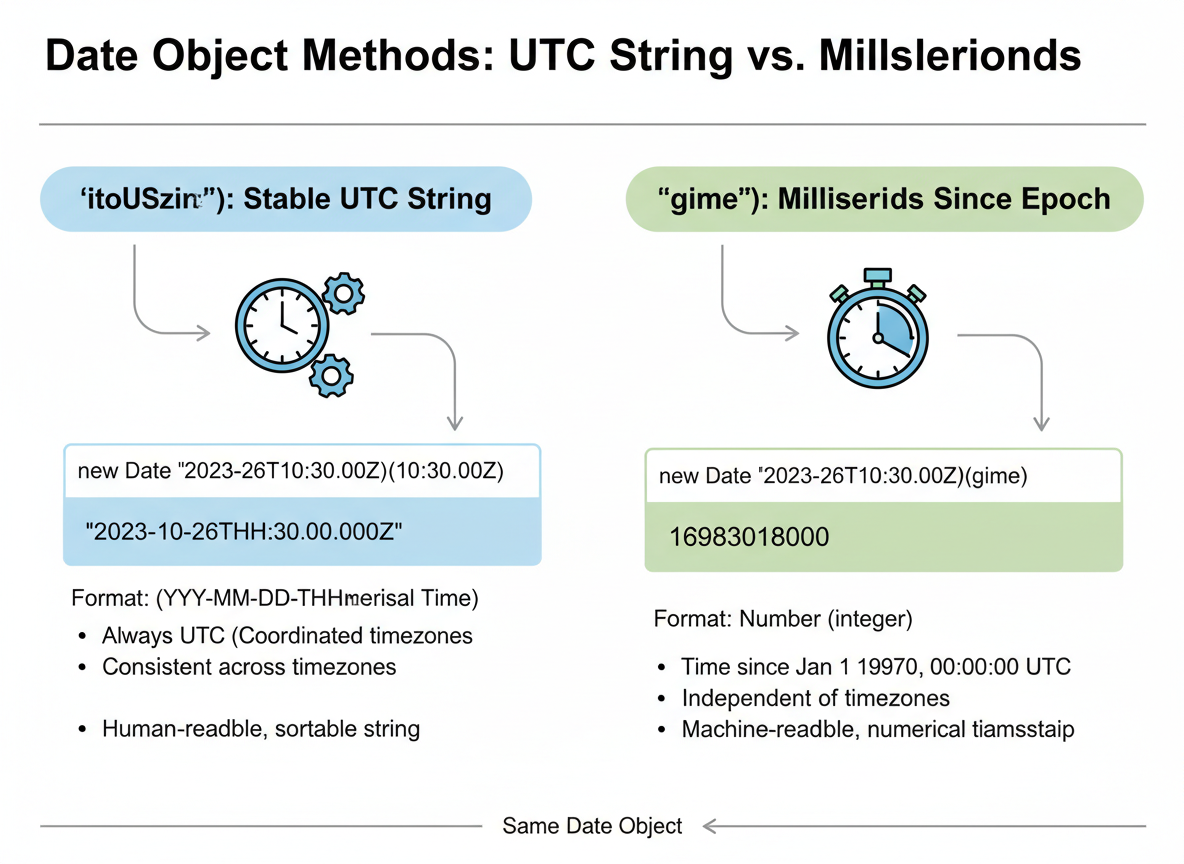
toISOString gives a stable UTC string. getTime returns milliseconds since epoch.
// ISO string and timestamps
const sample = new Date();

console.log("ISO:", sample.toISOString());
console.log("Unix seconds (approx):", Math.floor(sample.getTime() / 1000));
Locale formatting
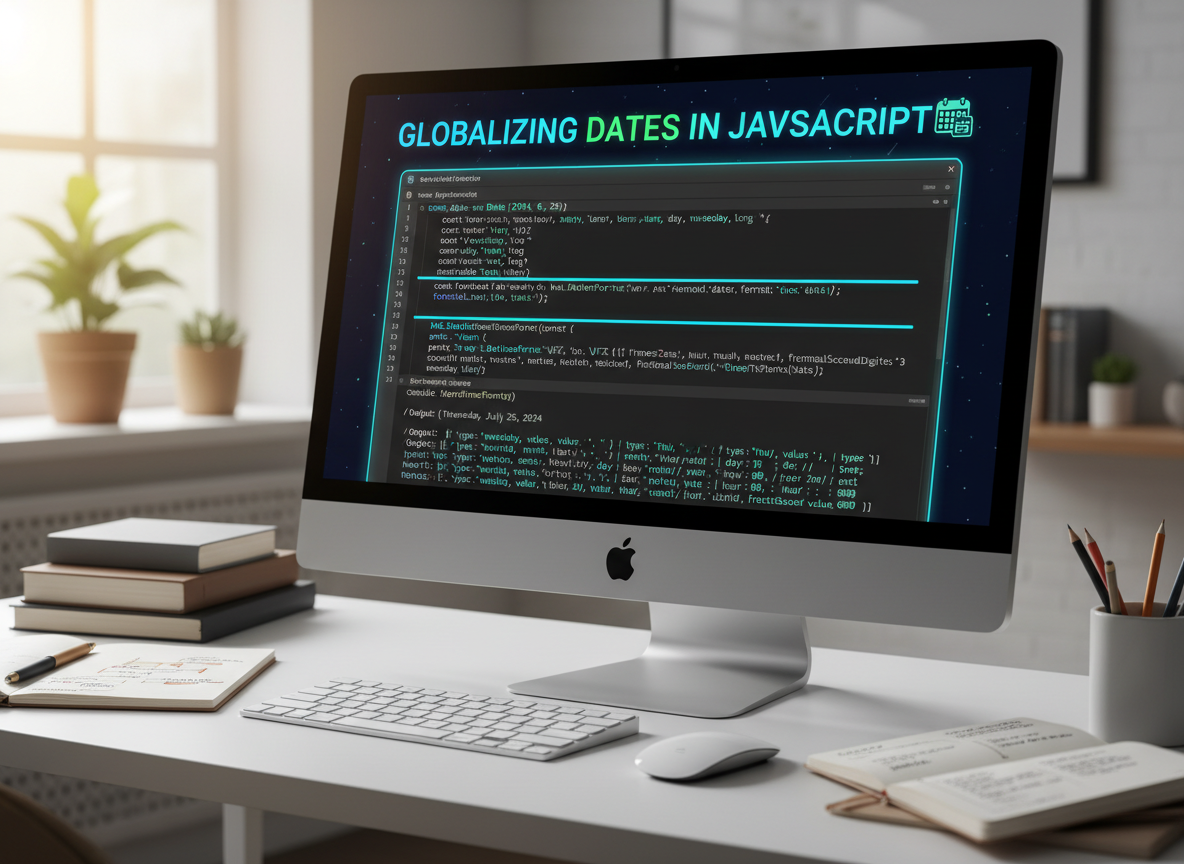
Use Intl.DateTimeFormat for clear, locale-aware output with options for parts.
// Format for a locale
const date = new Date(2025, 6, 4, 9, 5);

// Simple: toLocaleString uses your environment defaults
console.log("Local:", date.toLocaleString());

// Intl.DateTimeFormat with explicit locale and options
const fmt = new Intl.DateTimeFormat("en-GB", {
  year: "numeric",
  month: "short",
  day: "2-digit",
  hour: "2-digit",
  minute: "2-digit"
});

console.log("Formatted:", fmt.format(date));
Format other time zones
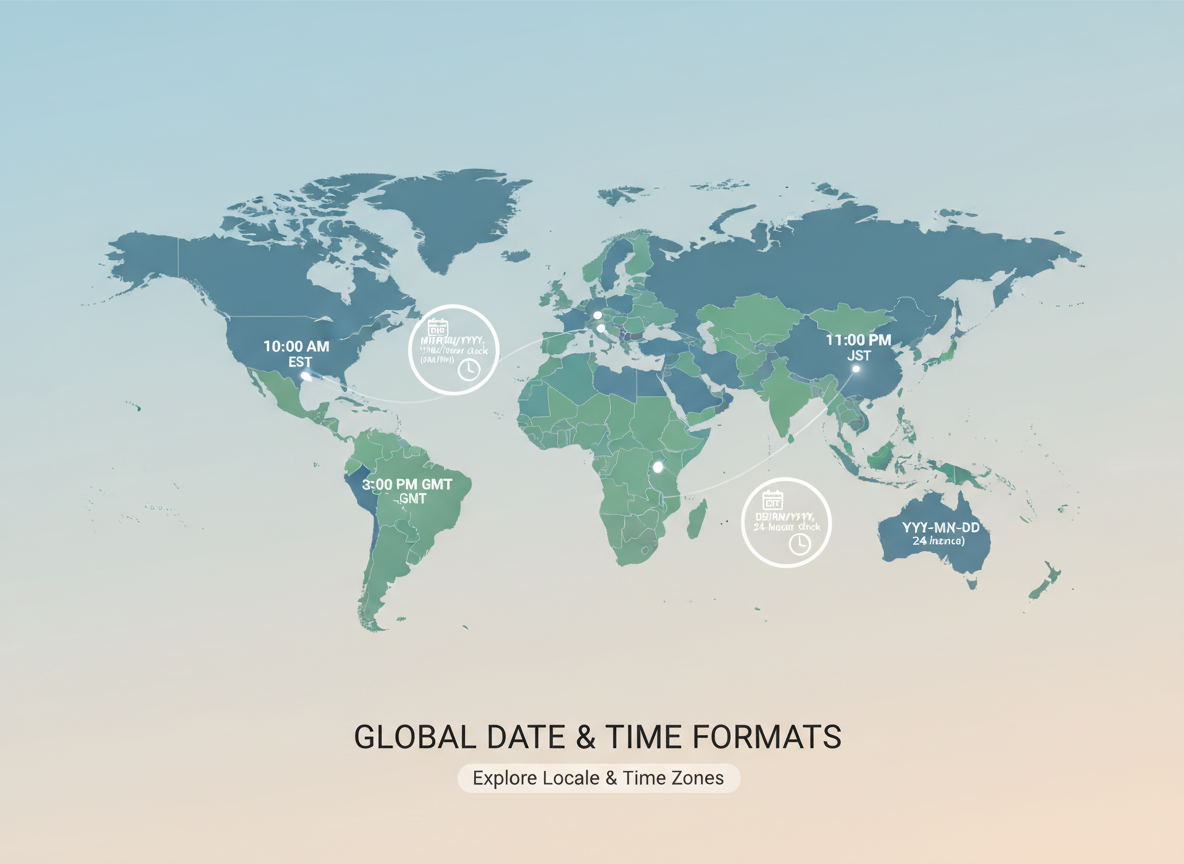
Pick a timeZone to see the same instant in different regions (no manual math needed).
// Format for a different time zone
const meeting = new Date(Date.UTC(2025, 3, 10, 12, 0));

const ny = new Intl.DateTimeFormat("en-US", {
  timeZone: "America/New_York",
  dateStyle: "medium",
  timeStyle: "short"
});

const tokyo = new Intl.DateTimeFormat("en-US", {
  timeZone: "Asia/Tokyo",
  dateStyle: "medium",
  timeStyle: "short"
});

console.log("NY:", ny.format(meeting));
console.log("Tokyo:", tokyo.format(meeting));

Intl.DateTimeFormat quiz
Quick check: Locale/time-zone formatting.
Recap
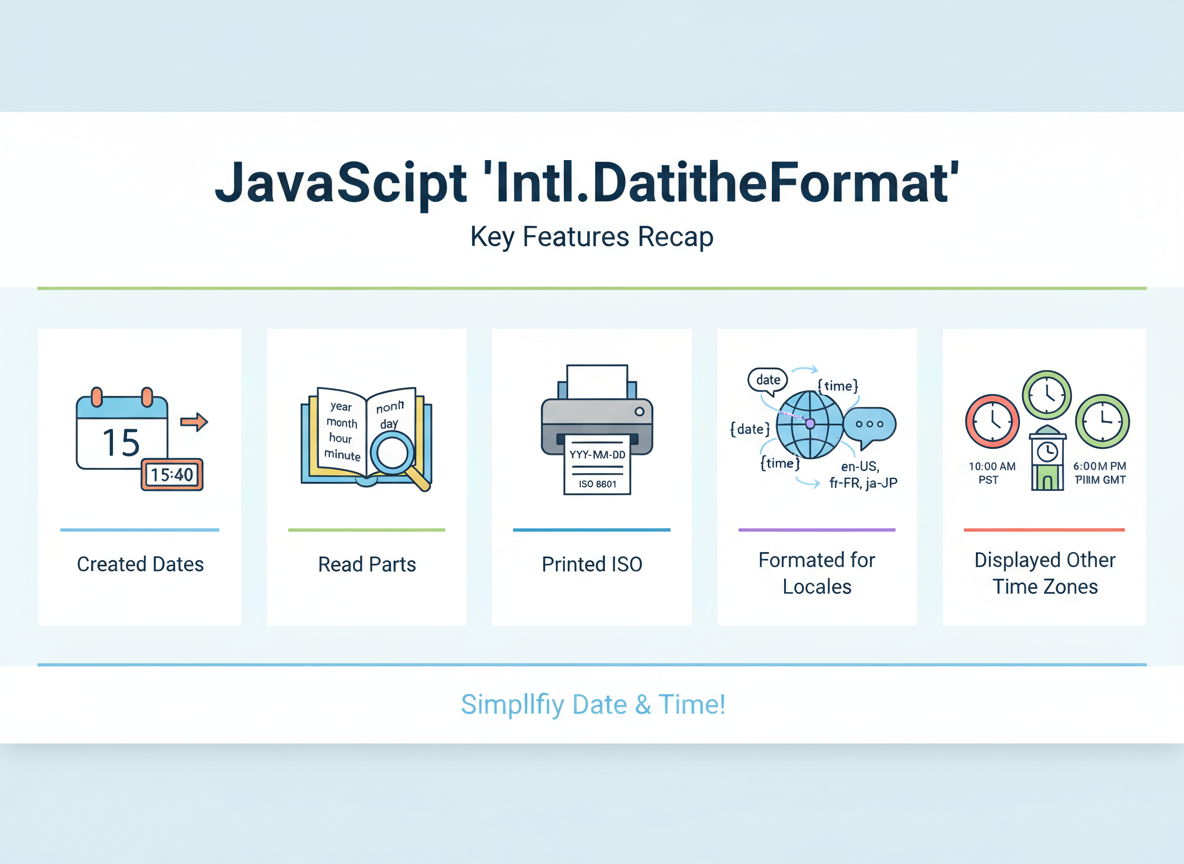
Recap: You created dates, read parts, printed ISO, formatted for locales, and displayed other time zones with Intl.DateTimeFormat.

Learn JavaScript with an AI tutor — free
Write and run real code in your browser, get instant help from a 24/7 AI tutor, and pick up where you left off on the web or in the app.
- Courses
- 59
- Lessons
- 200
Frequently Asked Questions
Is the “Dates — Basics, Time Zones, Intl.DateTimeFormat” lesson free?
Yes — any 3 lessons of the JavaScript Academy learning path, including “Dates — Basics, Time Zones, Intl.DateTimeFormat”, are free to read in full here on the web. After that, CoddyKit PRO unlocks every lesson, plus interactive practice with a built-in code editor and a 24/7 AI tutor. The JavaScript Academy course includes 3 lessons in total.
What will I learn in “Dates — Basics, Time Zones, Intl.DateTimeFormat”?
Create dates, read parts, format for locales, and print other time zones using Intl.DateTimeFormat. You practise JavaScript Academy with hands-on code you run directly in the browser, and a 24/7 AI tutor answers your questions as you work through the lesson.
Do I need any experience to start JavaScript Academy?
No prior experience is required. JavaScript Academy on CoddyKit is structured for beginners through advanced learners, so you can start here or from the beginning and move at your own pace. This is lesson 3 of 3.
How long does the “Dates — Basics, Time Zones, Intl.DateTimeFormat” lesson take?
Most CoddyKit lessons take about 5–10 minutes. Each one is bite-sized and interactive, so you make steady progress and pick up exactly where you left off across the web and the app.
Can I write and run code in this JavaScript Academy lesson?
Yes. Every JavaScript Academy lesson includes a built-in code editor, so you write and run real code right in your browser and get instant AI feedback — no local setup required.
All lessons in this course
- Template Literals & Common String Operations
- Numbers — Integers vs Floats & Math Essentials
- Dates — Basics, Time Zones, Intl.DateTimeFormat