
Retrying & Backoff Patterns
Retry failing async work a few times with delays; add exponential backoff and tiny jitter; stop after a clear max.
Retrying & Backoff Patterns is a free JavaScript Academy lesson on CoddyKit. This is lesson 3 of 3. Any 3 lessons of this learning path are free to read in full — after that, CoddyKit PRO unlocks every lesson, plus hands-on practice with a built-in code editor and a 24/7 AI tutor. It is part of the JavaScript Academy learning path, and your progress syncs across the web and the CoddyKit app. The JavaScript Academy course includes 3 lessons in total.
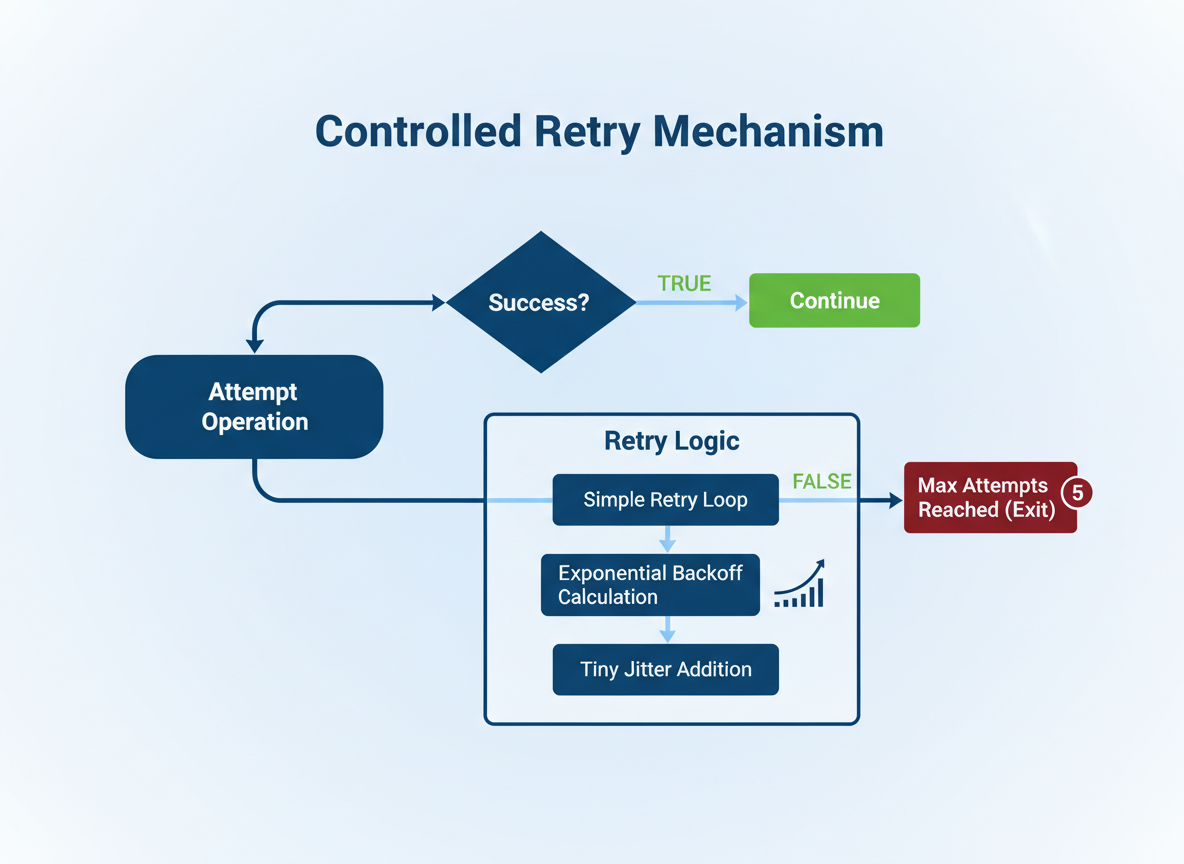
Why retry?
Goal: Add small, controlled retries.
- Simple retry loop
- Exponential backoff
- Tiny jitter
- Clear max attempts
Delay helper
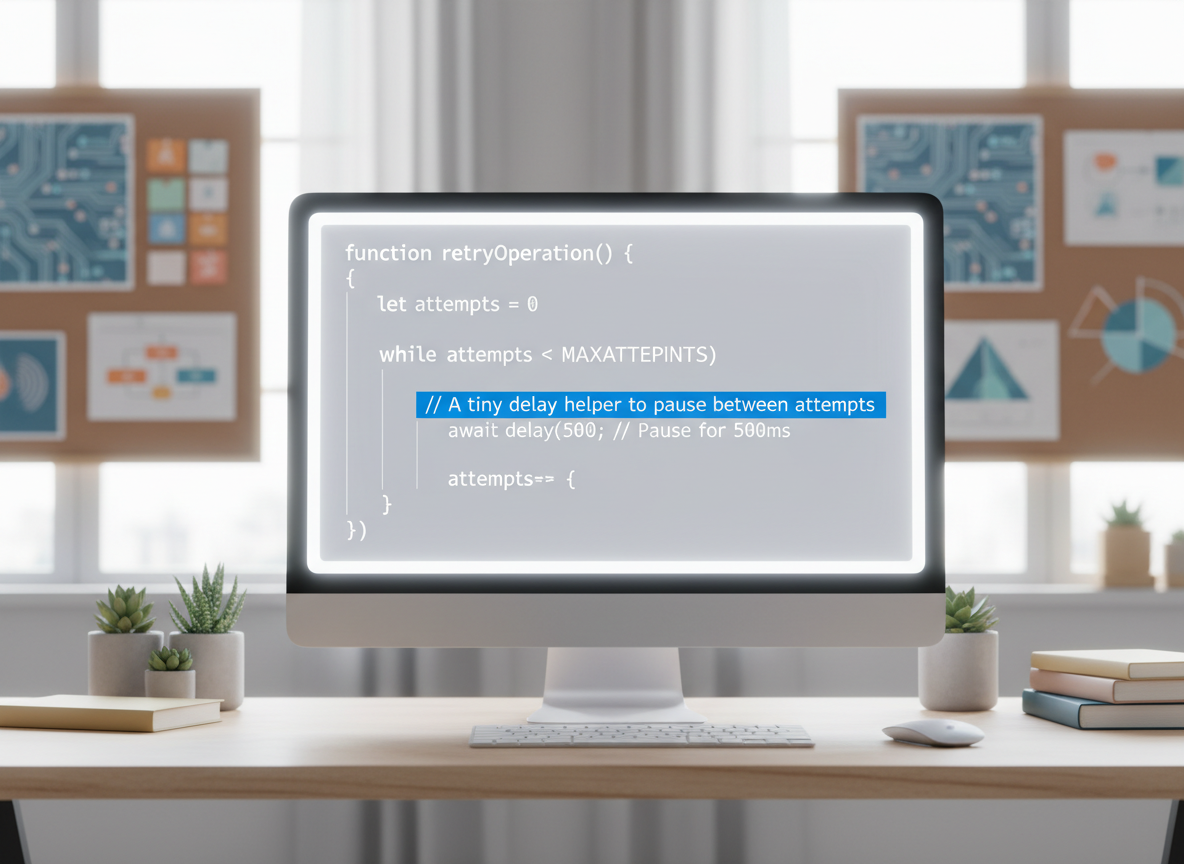
You need a tiny delay helper to pause between attempts.
// delay: resolve after ms
function delay(ms) {
  return new Promise(function (resolve) {
    setTimeout(function () { resolve(); }, ms);
  });
}

async function demoDelay() {
  console.log("wait...");
  await delay(5);
  console.log("done");
}

demoDelay();
Fake unstable work
This fake task lets us practice retries without real network calls.
// Unstable task: fails first N times, then succeeds
function makeUnstable(failCount, value) {
  let left = failCount;
  return async function run() {
    if (left > 0) {
      left = left - 1;
      throw new Error("temporary");
    }
    return value;
  };
}

const sometimes = makeUnstable(2, "OK");
sometimes().catch(function (e) { console.log("first:", e.message); });

Fixed retry loop
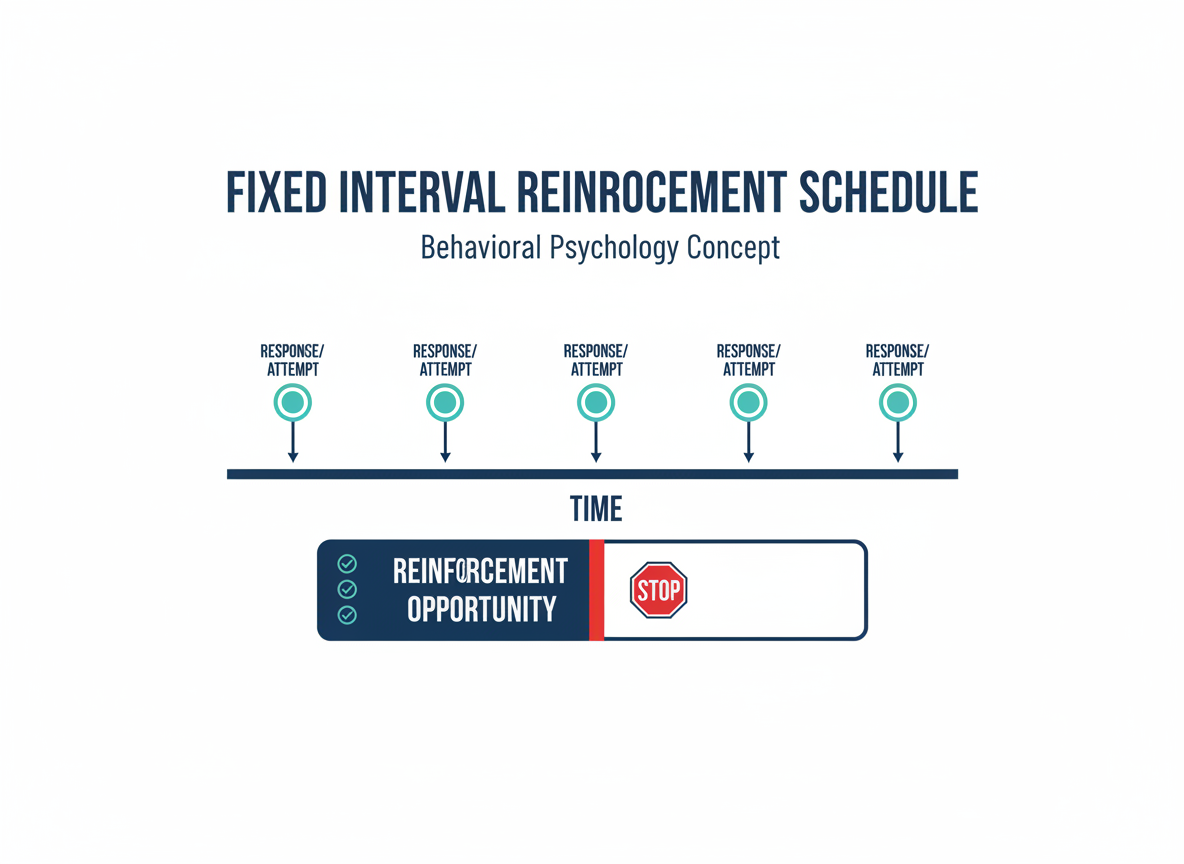
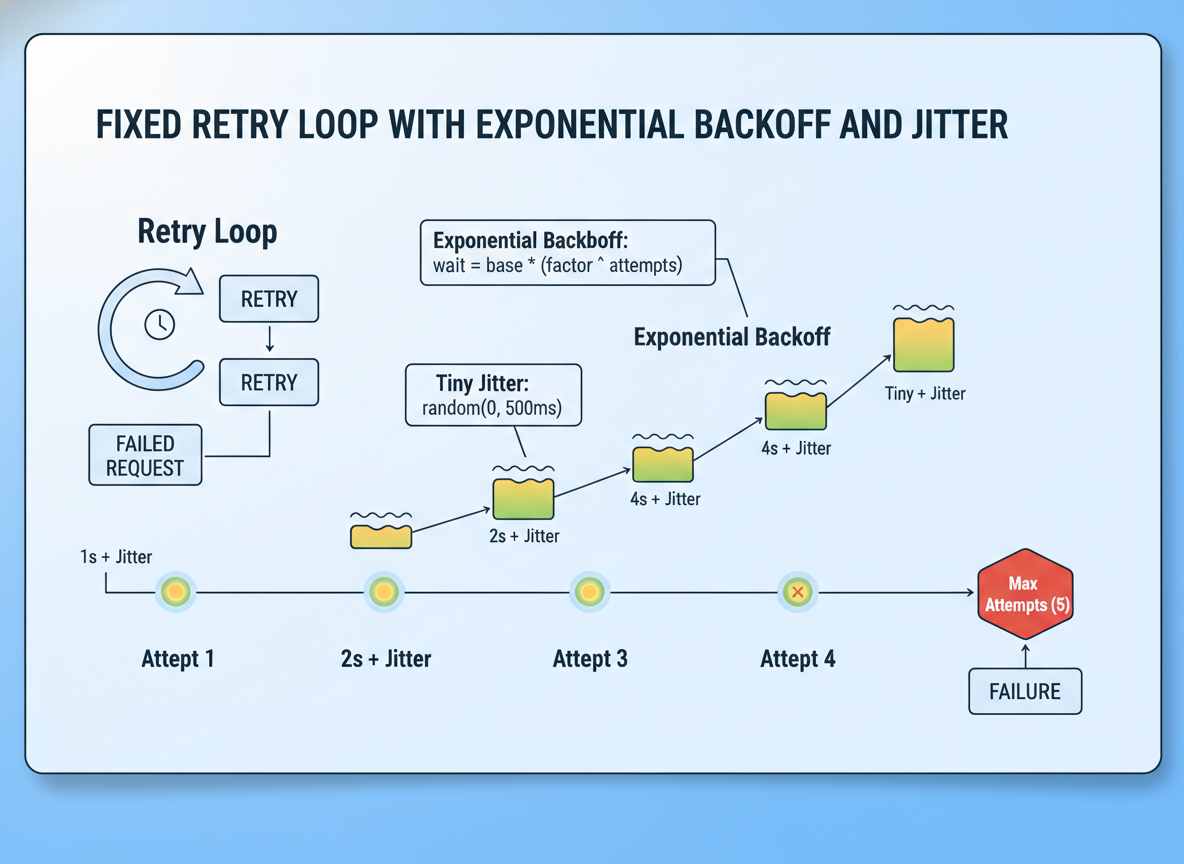
Fixed interval: wait the same time between attempts; stop after max tries.
// Retry a few times with a fixed wait
async function retryFixed(fn, tries, waitMs) {
  let lastError = null;
  for (let i = 1; i <= tries; i++) {
    try {
      return await fn();
    } catch (e) {
      lastError = e;
      console.log("attempt", i, "failed:", e.message);
      if (i < tries) {
        await delay(waitMs);
      }
    }
  }
  throw lastError;
}

(async function () {
  const job = makeUnstable(2, "OK");
  const result = await retryFixed(job, 3, 5);
  console.log("fixed result:", result);
})();
Exponential backoff
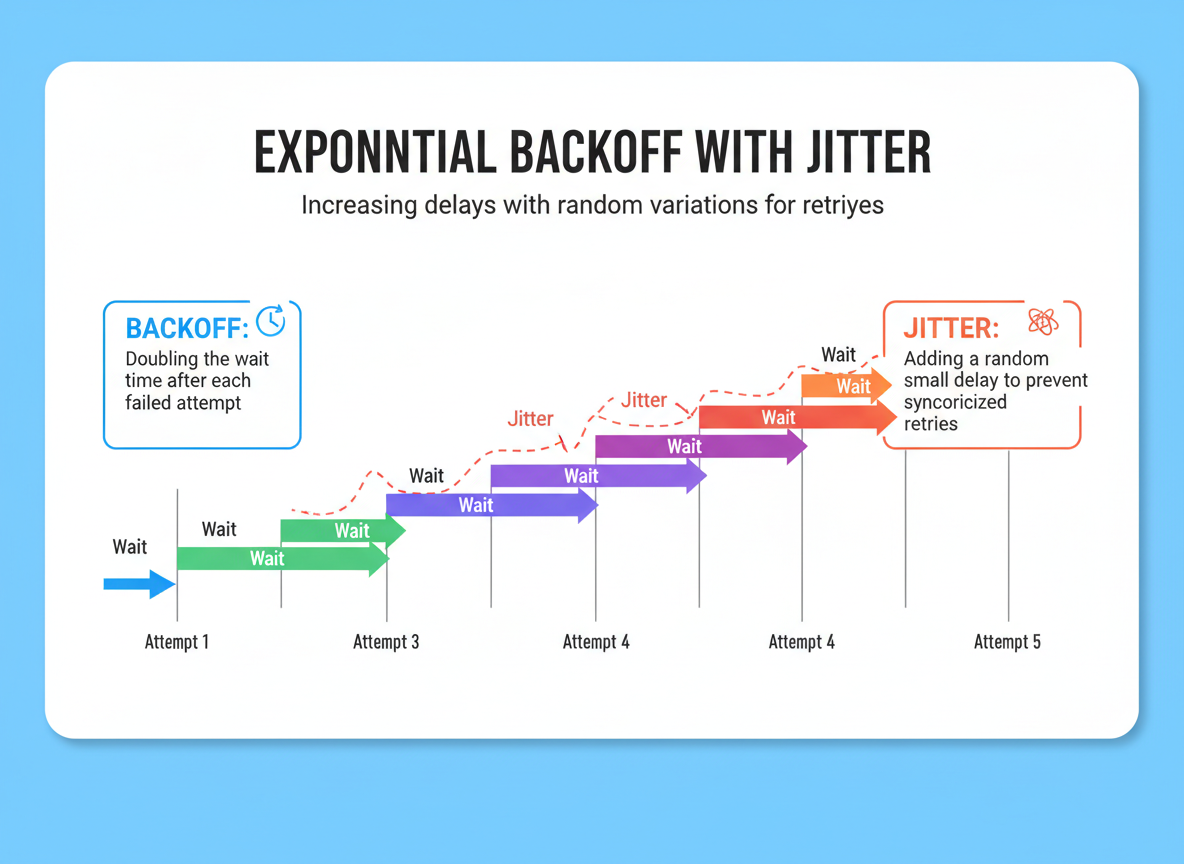
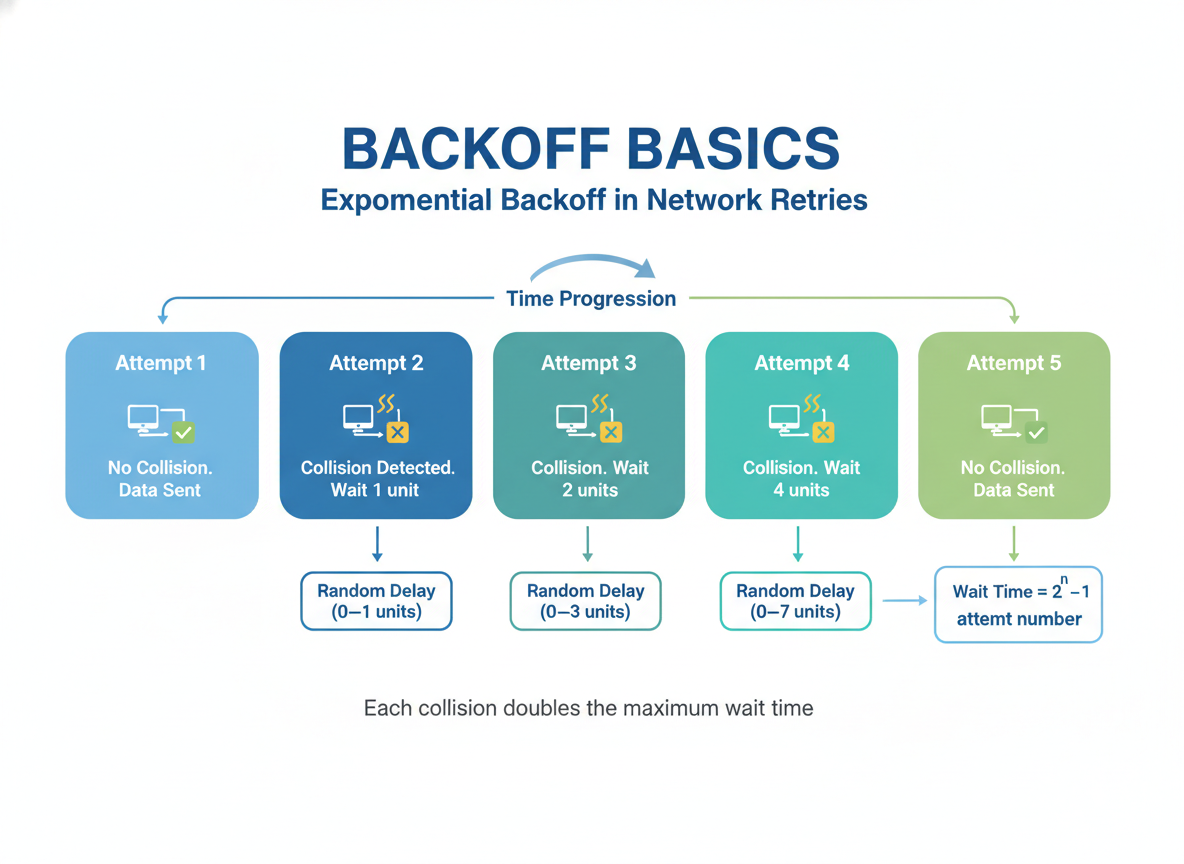
Backoff: increase the wait each attempt; add a tiny jitter to avoid spikes.
// Exponential backoff with a tiny jitter
function jitter(ms) {
  const wiggle = Math.floor(Math.random() * 3); // 0..2
  return ms + wiggle;
}

async function retryBackoff(fn, tries, baseMs) {
  let lastError = null;
  for (let i = 1; i <= tries; i++) {
    try {
      return await fn();
    } catch (e) {
      lastError = e;
      console.log("attempt", i, "failed:", e.message);
      if (i < tries) {
        const wait = jitter(baseMs * Math.pow(2, i - 1));
        await delay(wait);
      }
    }
  }
  throw lastError;
}

(async function () {
  const job = makeUnstable(2, "OK");
  const value = await retryBackoff(job, 4, 3);
  console.log("backoff result:", value);
})();
Retry tips
Tips:
- Retry only for temporary errors (timeouts, rate limits).
- Do not retry on bad inputs.
- Keep attempts small (3–5) and log failures briefly.

Retry/backoff quiz
Quick check: Backoff basics.
Recap
Recap: You built a fixed retry loop, added exponential backoff with tiny jitter, and set a max attempts to keep apps responsive.

Learn JavaScript with an AI tutor — free
Write and run real code in your browser, get instant help from a 24/7 AI tutor, and pick up where you left off on the web or in the app.
- Courses
- 59
- Lessons
- 200
Frequently Asked Questions
Is the “Retrying & Backoff Patterns” lesson free?
Yes — any 3 lessons of the JavaScript Academy learning path, including “Retrying & Backoff Patterns”, are free to read in full here on the web. After that, CoddyKit PRO unlocks every lesson, plus interactive practice with a built-in code editor and a 24/7 AI tutor. The JavaScript Academy course includes 3 lessons in total.
What will I learn in “Retrying & Backoff Patterns”?
Retry failing async work a few times with delays; add exponential backoff and tiny jitter; stop after a clear max. You practise JavaScript Academy with hands-on code you run directly in the browser, and a 24/7 AI tutor answers your questions as you work through the lesson.
Do I need any experience to start JavaScript Academy?
No prior experience is required. JavaScript Academy on CoddyKit is structured for beginners through advanced learners, so you can start here or from the beginning and move at your own pace. This is lesson 3 of 3.
How long does the “Retrying & Backoff Patterns” lesson take?
Most CoddyKit lessons take about 5–10 minutes. Each one is bite-sized and interactive, so you make steady progress and pick up exactly where you left off across the web and the app.
Can I write and run code in this JavaScript Academy lesson?
Yes. Every JavaScript Academy lesson includes a built-in code editor, so you write and run real code right in your browser and get instant AI feedback — no local setup required.
All lessons in this course
- Writing async functions; try/catch; parallel vs sequential
- Timeouts & Aborting with AbortController
- Retrying & Backoff Patterns