
Writing async functions; try/catch; parallel vs sequential
Create async functions, await results, catch errors, and compare sequential vs parallel patterns.
Writing async functions; try/catch; parallel vs sequential is a free JavaScript Academy lesson on CoddyKit. This is lesson 1 of 3. Any 3 lessons of this learning path are free to read in full — after that, CoddyKit PRO unlocks every lesson, plus hands-on practice with a built-in code editor and a 24/7 AI tutor. It is part of the JavaScript Academy learning path, and your progress syncs across the web and the CoddyKit app. The JavaScript Academy course includes 3 lessons in total.
Intro to async/await
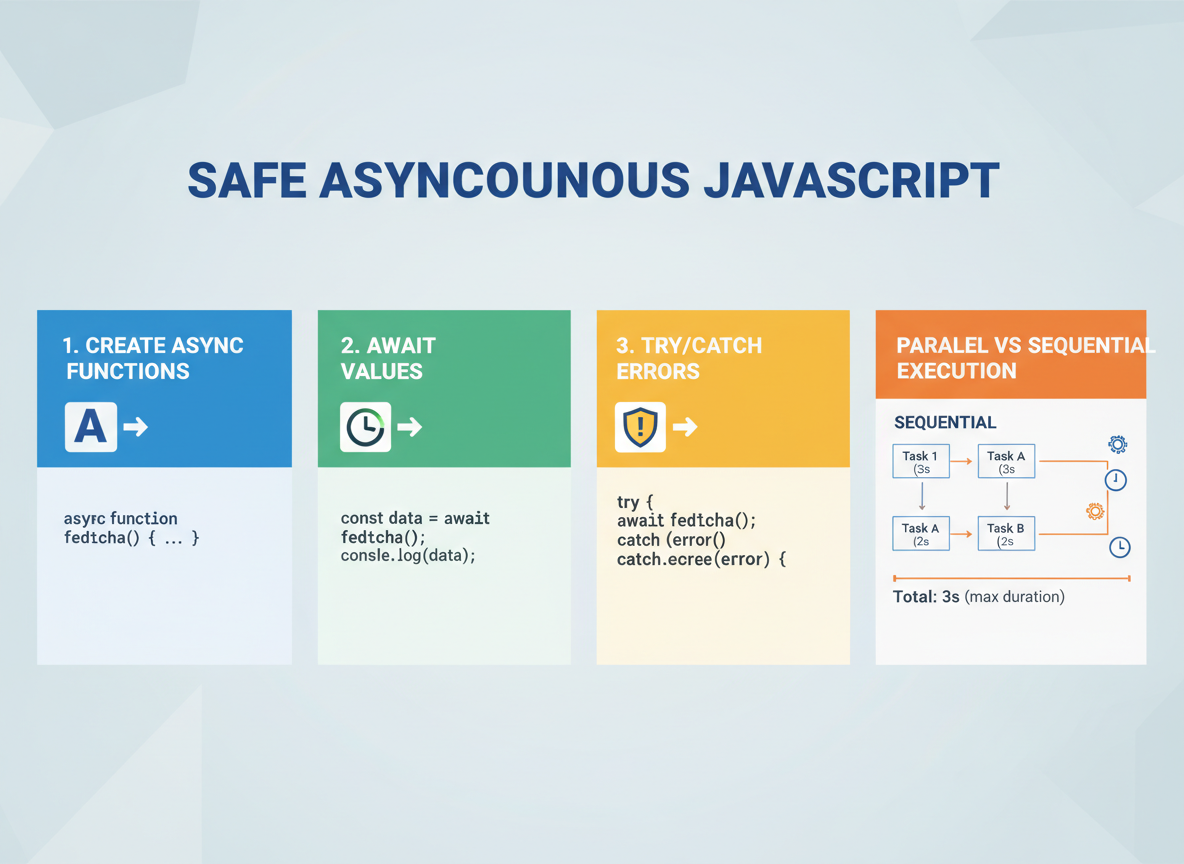
Goal: Use async/await safely.
- Create async functions
- Await values
- try/catch errors
- Parallel vs sequential
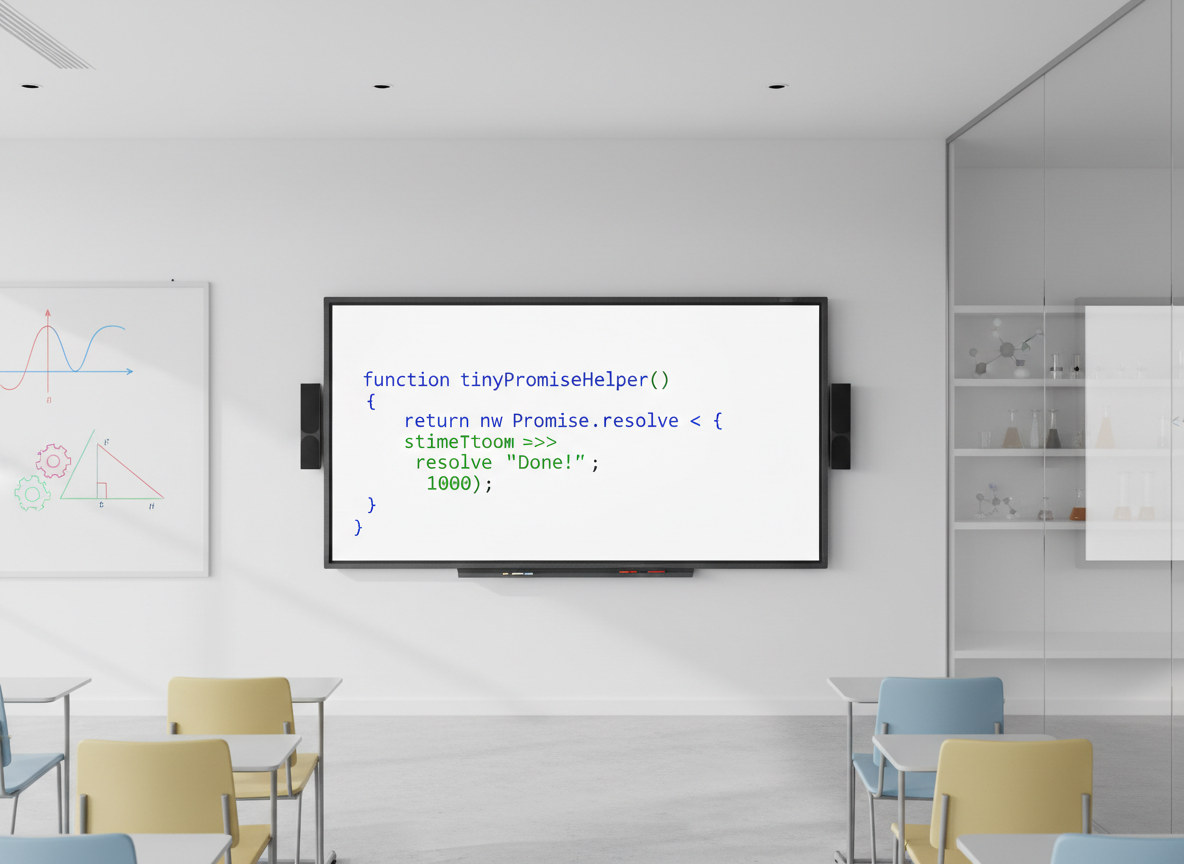
Tiny Promise helper
Create a tiny Promise-based helper to test awaits.
// delay returns a Promise that resolves after ms
function delay(ms, value) {
  return new Promise(function (resolve) {
    setTimeout(function () { resolve(value); }, ms);
  });
}

// Example usage
delay(10, "ok").then(function (v) {
  console.log("delay:", v);
});
Async function basics
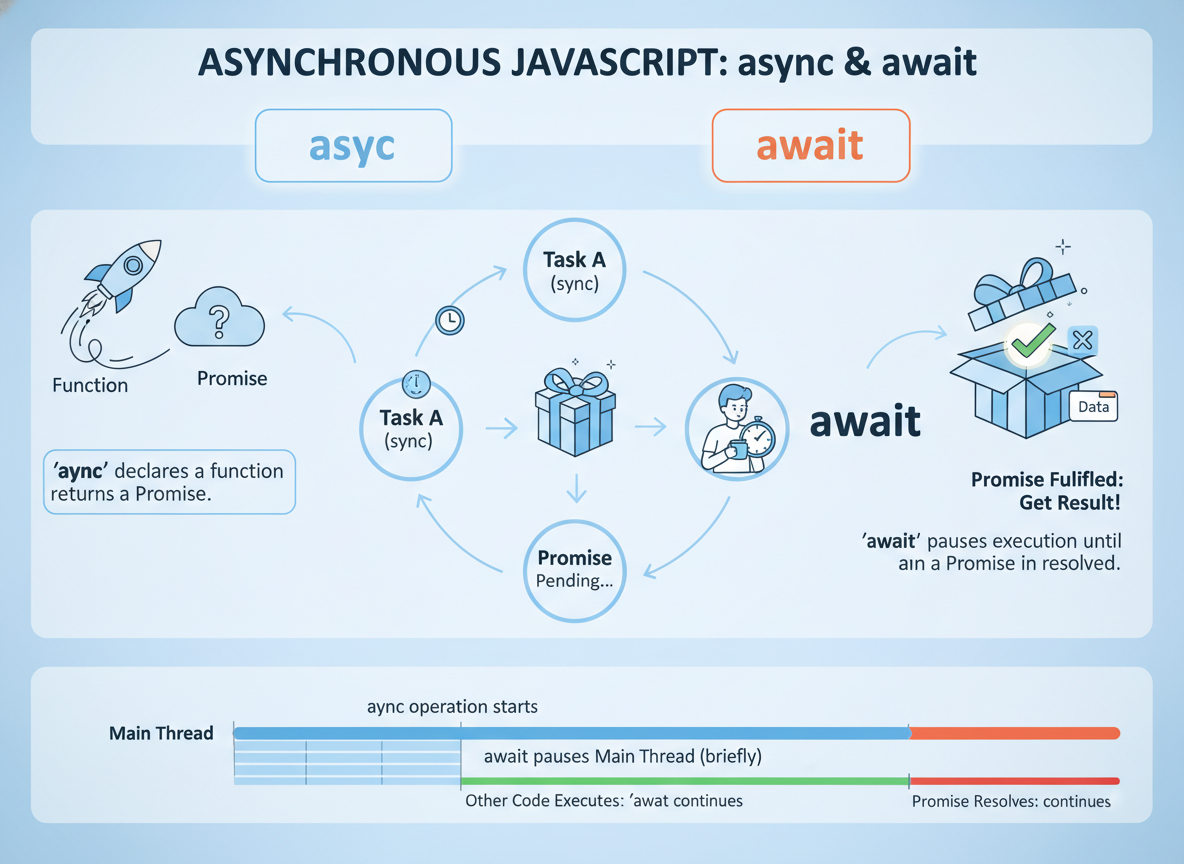
async marks a function that returns a Promise; inside it you can use await.
// An async function can use await inside
async function greet() {
  const name = await delay(5, "Ayla");
  console.log("Hello,", name);
}

// Call it
greet();
try/catch with await
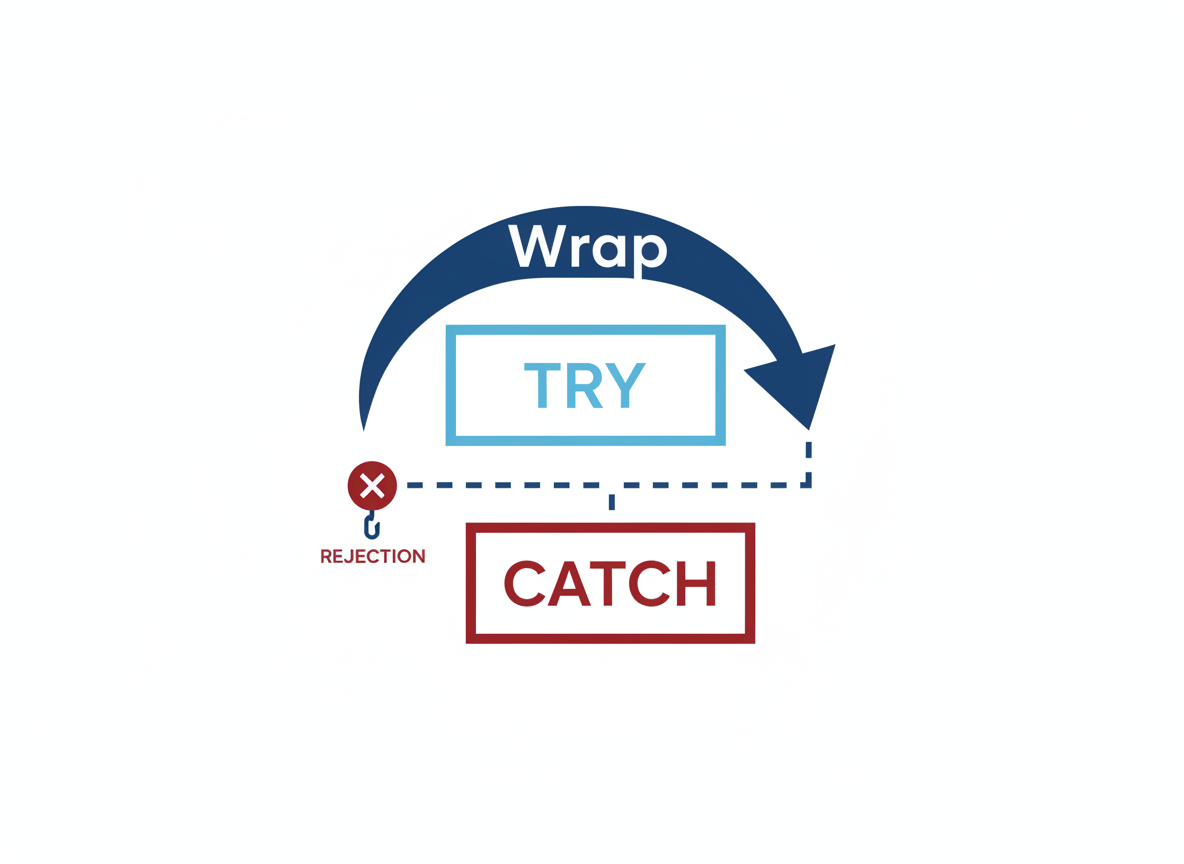
Wrap awaits in try/catch when a step may reject.
// Simulate a failing task
function failAfter(ms, message) {
  return new Promise(function (resolve, reject) {
    setTimeout(function () { reject(new Error(message)); }, ms);
  });
}

async function runSafe() {
  try {
    const v = await failAfter(5, "boom");
    console.log("Value:", v);
  } catch (e) {
    console.log("Caught:", e.message);
  }
}

runSafe();
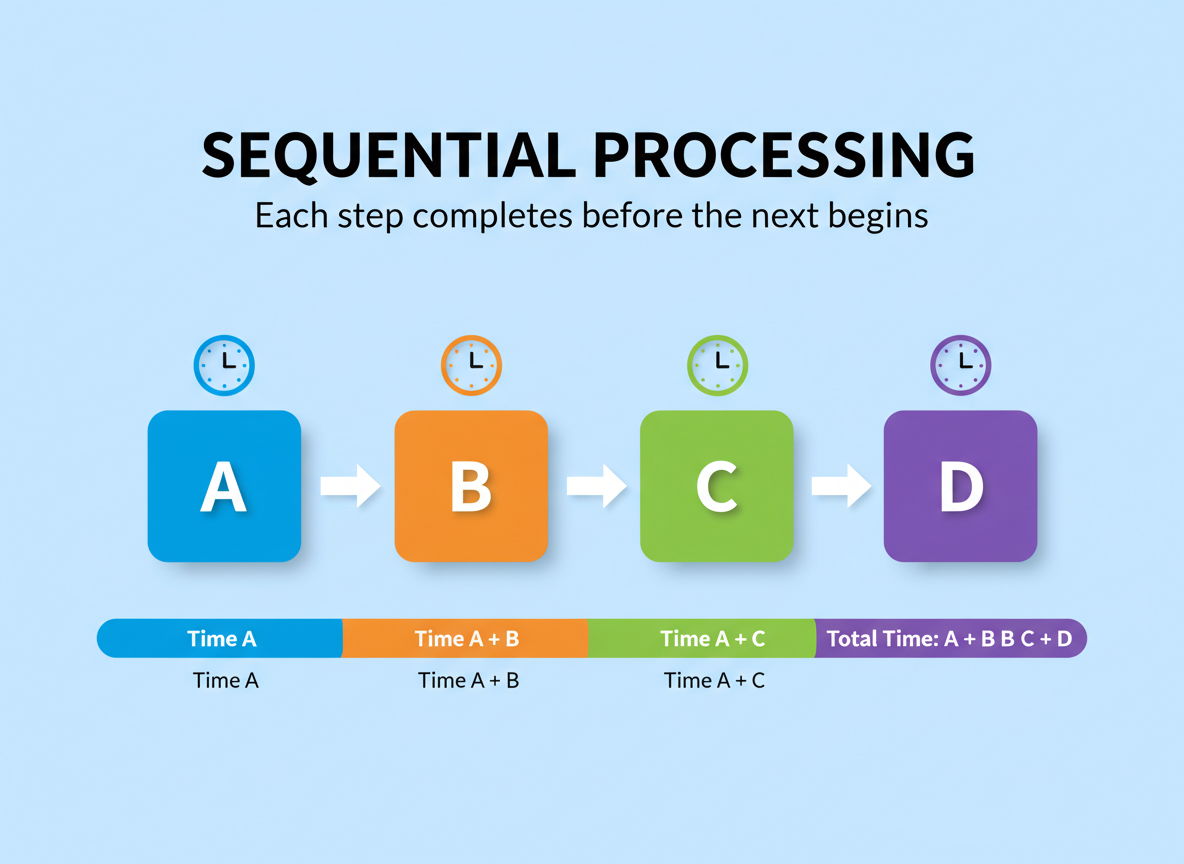
Sequential pattern
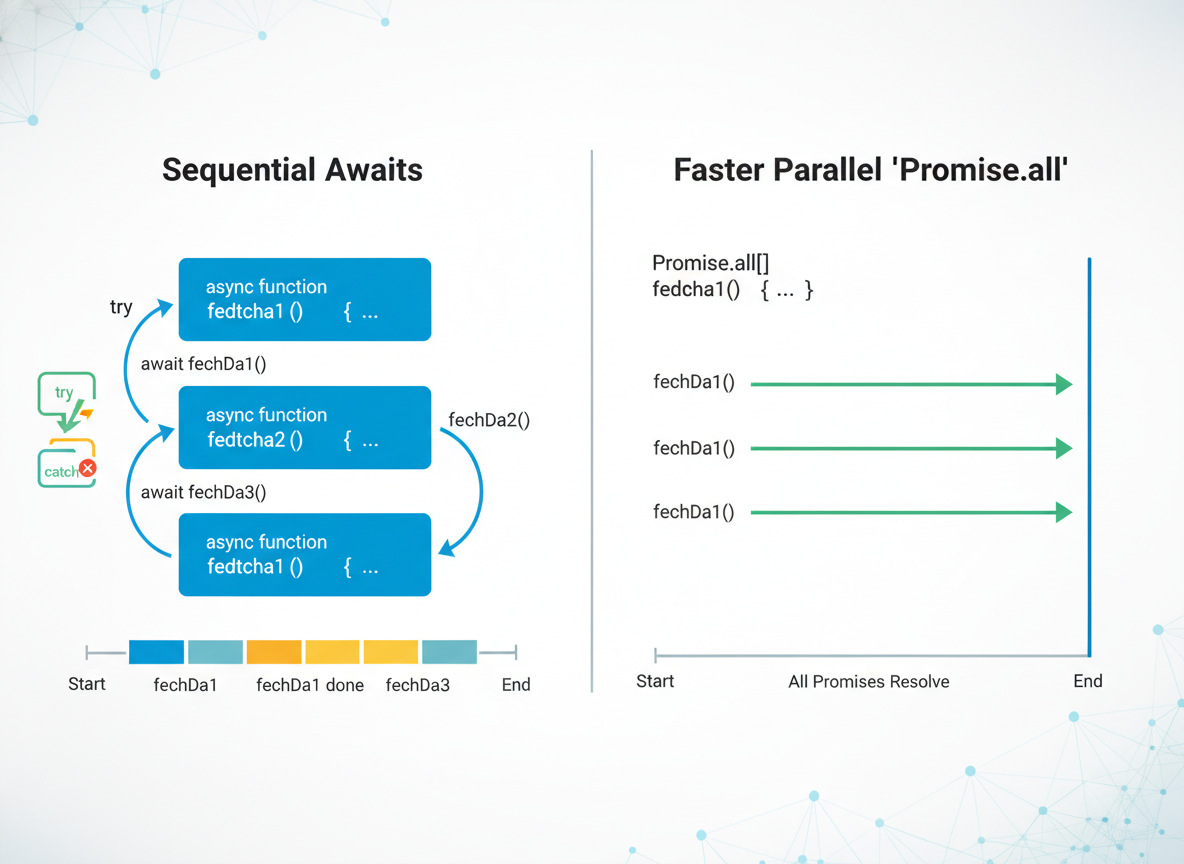
Sequential: each await waits for the previous to finish; times add up.
// Sequential: total time ~ A + B
async function sequential() {
  const a = await delay(8, "A");
  const b = await delay(8, "B");
  console.log("seq:", a + b);
}

sequential();
Parallel with all
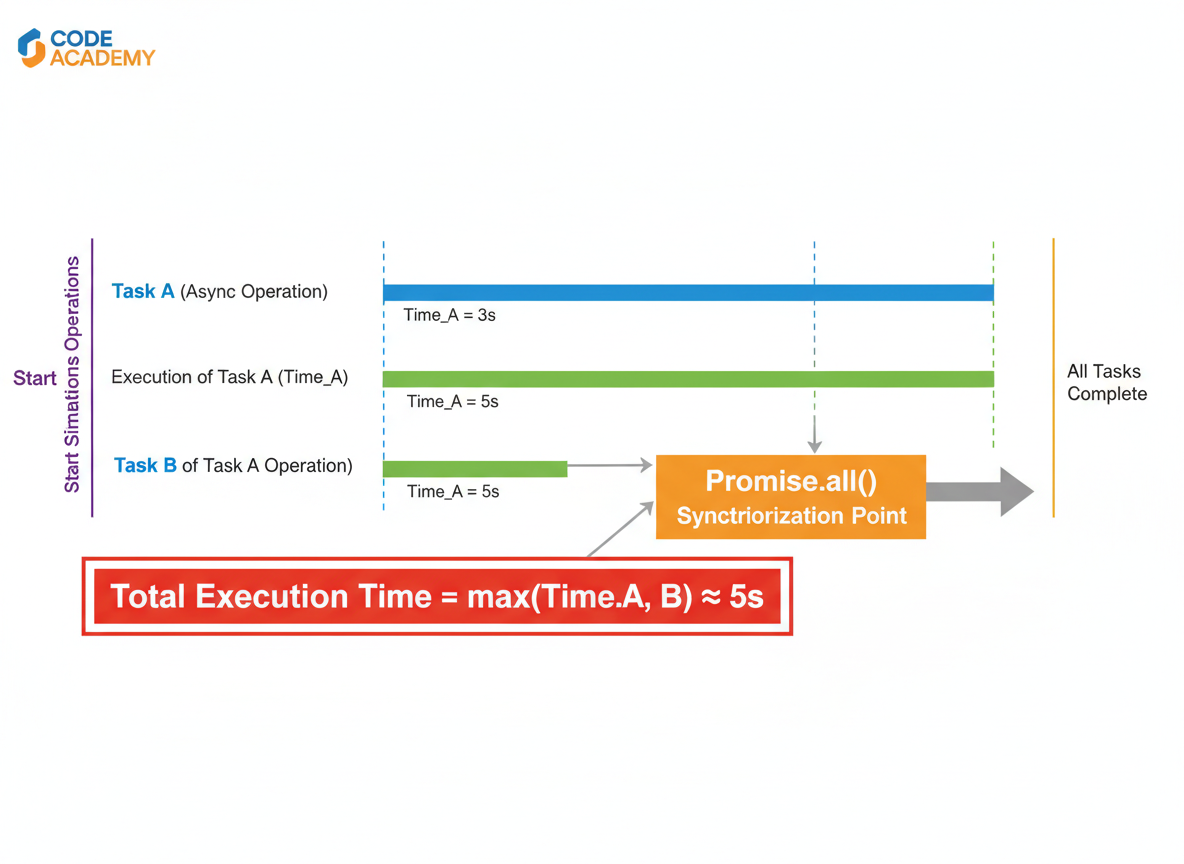
Parallel: start tasks first, then await Promise.all; total time ~ max(A, B).
// Parallel: start both, then await together
async function parallel() {
  const pa = delay(8, "A");
  const pb = delay(8, "B");
  const results = await Promise.all([pa, pb]);
  console.log("par:", results.join(""));
}

parallel();
Parallel vs sequential quiz
Quick check: Faster pattern for independent tasks?

Recap
Recap: You wrote async functions, awaited values, handled errors with try/catch, and compared sequential awaits to faster parallel Promise.all.

Learn JavaScript with an AI tutor — free
Write and run real code in your browser, get instant help from a 24/7 AI tutor, and pick up where you left off on the web or in the app.
- Courses
- 59
- Lessons
- 200
Frequently Asked Questions
Is the “Writing async functions; try/catch; parallel vs sequential” lesson free?
Yes — any 3 lessons of the JavaScript Academy learning path, including “Writing async functions; try/catch; parallel vs sequential”, are free to read in full here on the web. After that, CoddyKit PRO unlocks every lesson, plus interactive practice with a built-in code editor and a 24/7 AI tutor. The JavaScript Academy course includes 3 lessons in total.
What will I learn in “Writing async functions; try/catch; parallel vs sequential”?
Create async functions, await results, catch errors, and compare sequential vs parallel patterns. You practise JavaScript Academy with hands-on code you run directly in the browser, and a 24/7 AI tutor answers your questions as you work through the lesson.
Do I need any experience to start JavaScript Academy?
No prior experience is required. JavaScript Academy on CoddyKit is structured for beginners through advanced learners, so you can start here or from the beginning and move at your own pace. This is lesson 1 of 3.
How long does the “Writing async functions; try/catch; parallel vs sequential” lesson take?
Most CoddyKit lessons take about 5–10 minutes. Each one is bite-sized and interactive, so you make steady progress and pick up exactly where you left off across the web and the app.
Can I write and run code in this JavaScript Academy lesson?
Yes. Every JavaScript Academy lesson includes a built-in code editor, so you write and run real code right in your browser and get instant AI feedback — no local setup required.
All lessons in this course
- Writing async functions; try/catch; parallel vs sequential
- Timeouts & Aborting with AbortController
- Retrying & Backoff Patterns