
Map & Set essentials
Use Map for key→value lookups and Set for unique values; iterate, convert, and apply tiny patterns.
Map & Set essentials is a free JavaScript Academy lesson on CoddyKit. This is lesson 1 of 3. Any 3 lessons of this learning path are free to read in full — after that, CoddyKit PRO unlocks every lesson, plus hands-on practice with a built-in code editor and a 24/7 AI tutor. It is part of the JavaScript Academy learning path, and your progress syncs across the web and the CoddyKit app. The JavaScript Academy course includes 3 lessons in total.
Why Map & Set?
Goal: Pick the right container.
- Map: key→value (any type of key)
- Set: unique values
- Iterate and convert
- Tiny everyday patterns
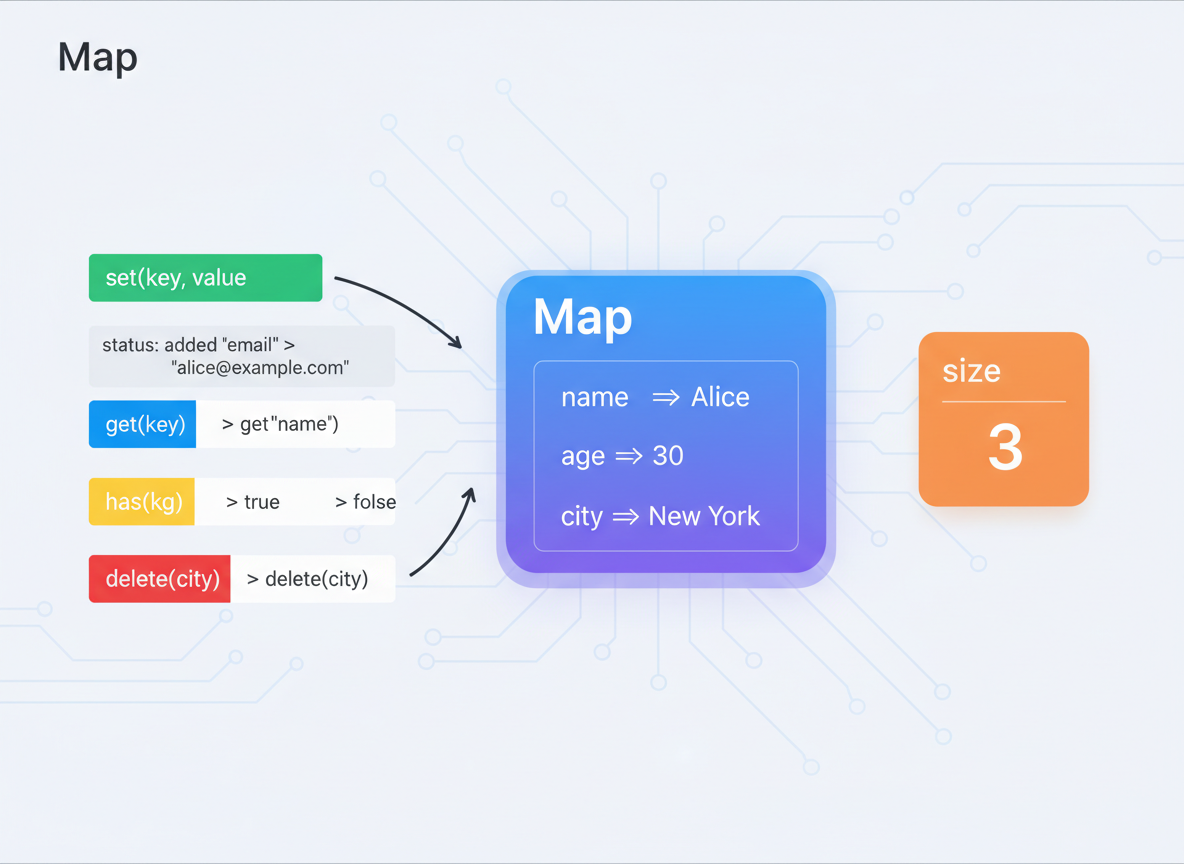
Map: set/get/has
Map offers set, get, has, delete, clear, and a size property.
// Map: key→value with any key type
const userToScore = new Map();

// set values
userToScore.set("ayla", 10);
userToScore.set("mina", 15);

// read values
console.log("ayla:", userToScore.get("ayla"));
console.log("has lena?", userToScore.has("lena"));

// size
console.log("size:", userToScore.size);
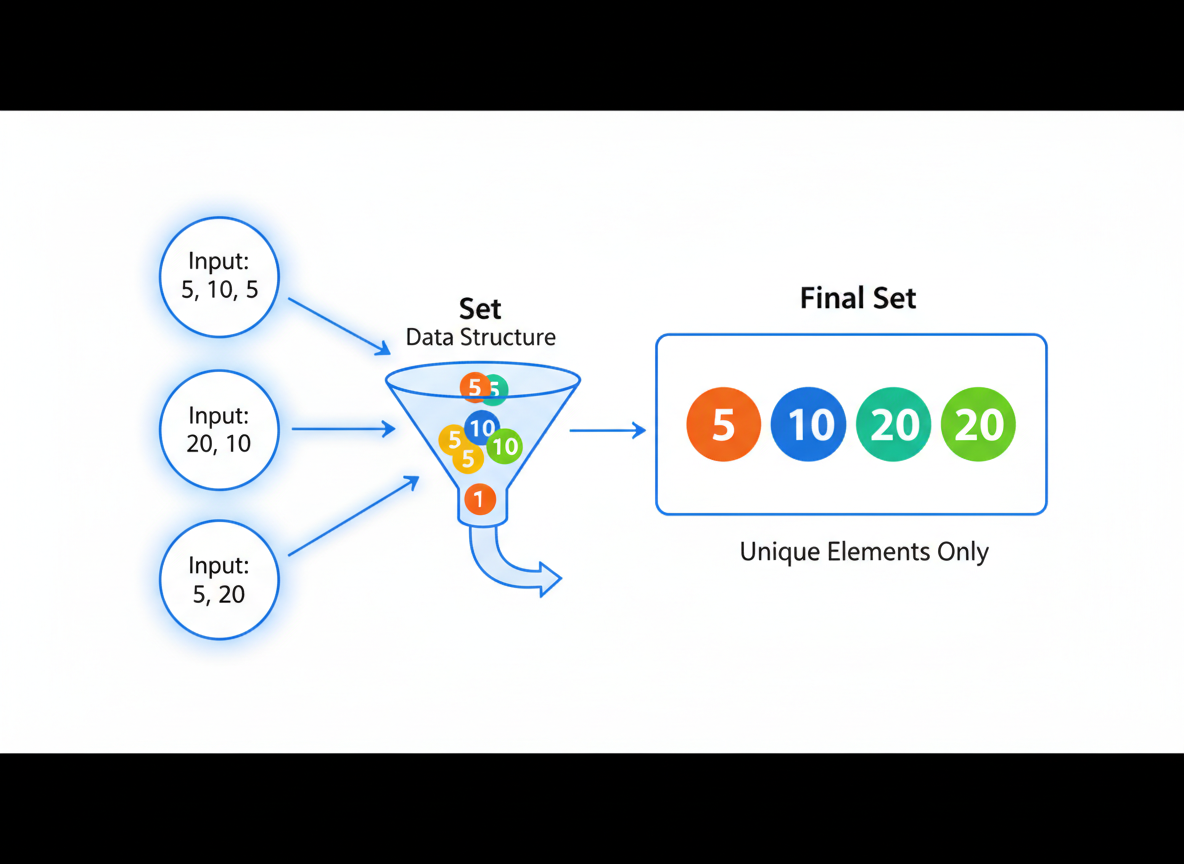
Set: unique values
Set keeps only one copy of each value; duplicates are ignored.
// Set: unique values
const seen = new Set();

// add values (duplicates are ignored)
seen.add("red");
seen.add("blue");
seen.add("red"); // ignored

console.log("size:", seen.size);
console.log("has red?", seen.has("red"));

seen.delete("blue");
console.log("after delete:", seen.size);
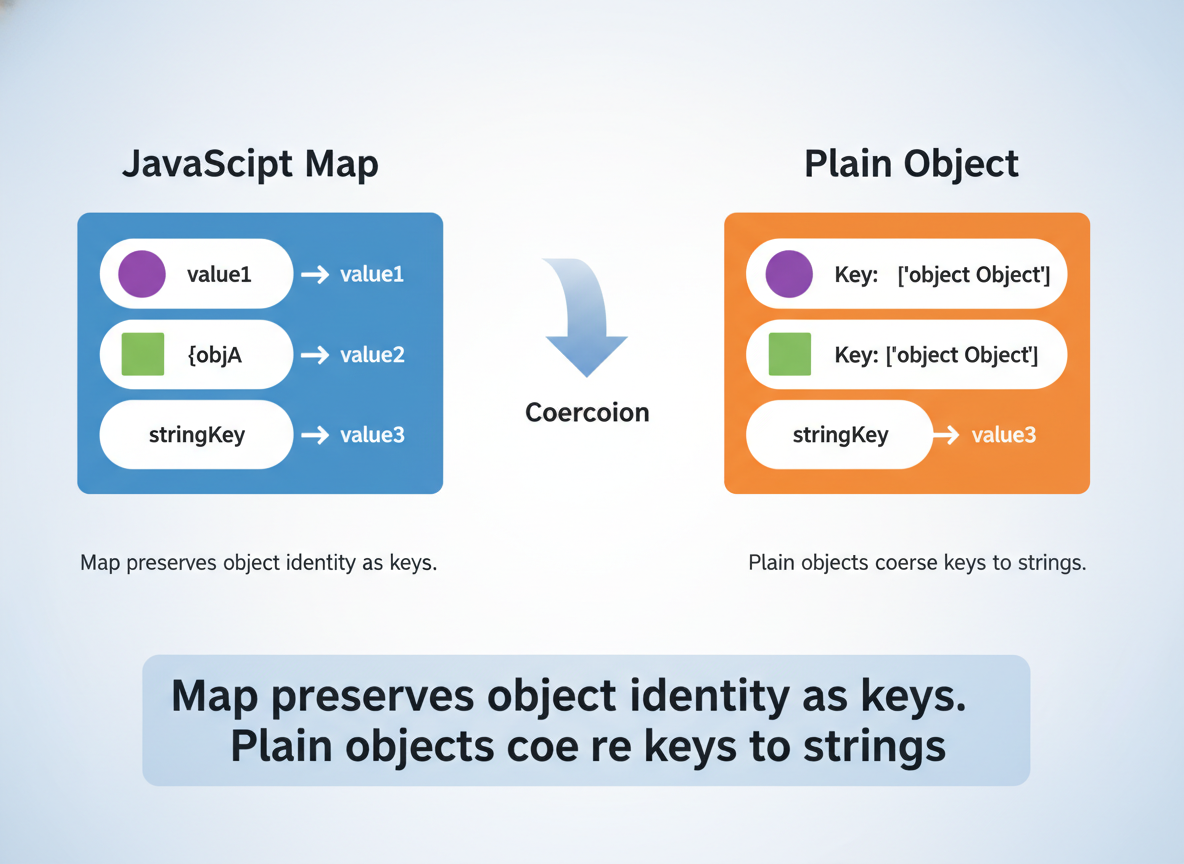
Why Map over Object
Map preserves object identity as keys. Plain objects coerce keys to strings.
// Map can use objects as keys directly
const key1 = { id: 1 };
const key2 = { id: 1 }; // different reference

const map = new Map();
map.set(key1, "A");

console.log("get key1:", map.get(key1));
console.log("get key2:", map.get(key2)); // undefined (different object)

const obj = {};
obj[key1] = "B"; // coerces key to "[object Object]"
console.log("object key:", obj["[object Object]"]);
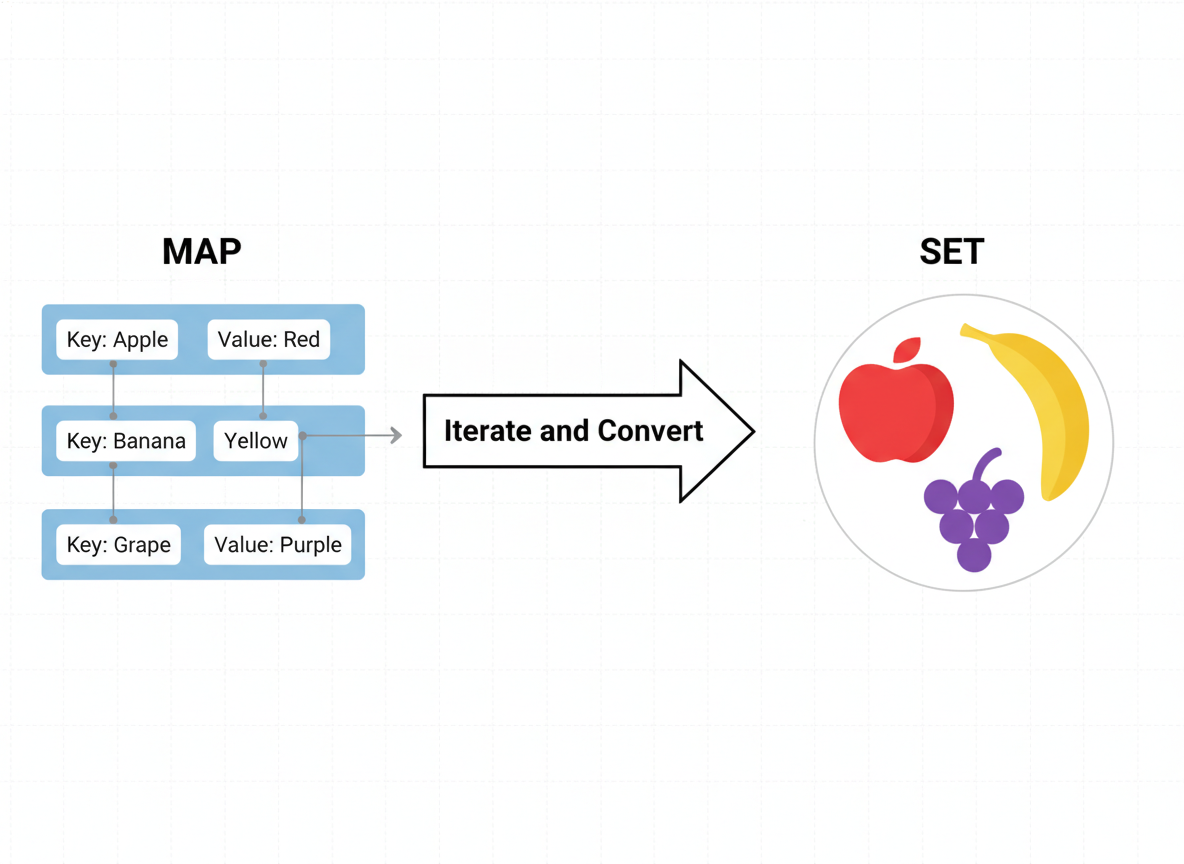
Conversions
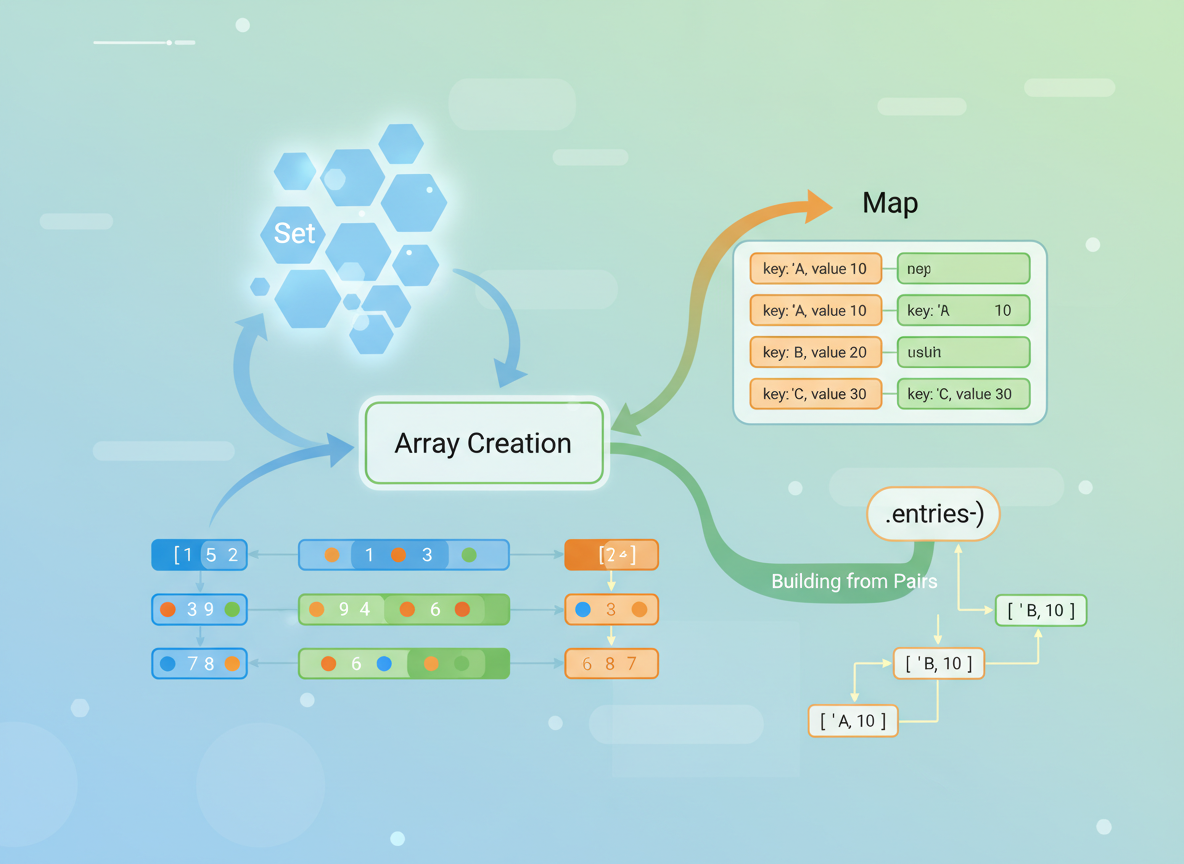
Create unique arrays from a Set. Build a Map from pairs and back with entries().
// Unique array values via Set
const nums = [2, 2, 3, 4, 3];
const unique = Array.from(new Set(nums));
console.log("unique:", unique);

// Map from pairs; back to pairs
const pairs = [["a", 1], ["b", 2]];
const m = new Map(pairs);
console.log("get a:", m.get("a"));
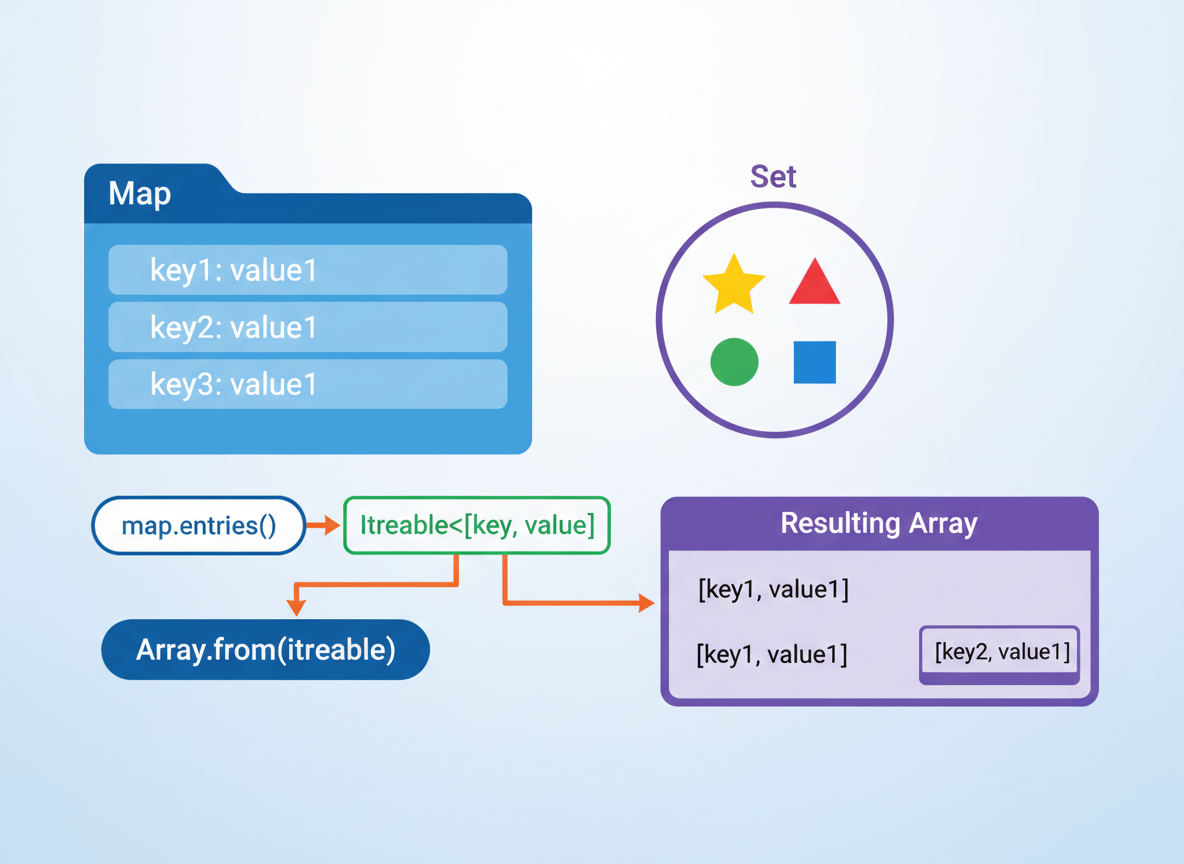
console.log("entries:", Array.from(m.entries()));
Patterns to remember
Tiny patterns:
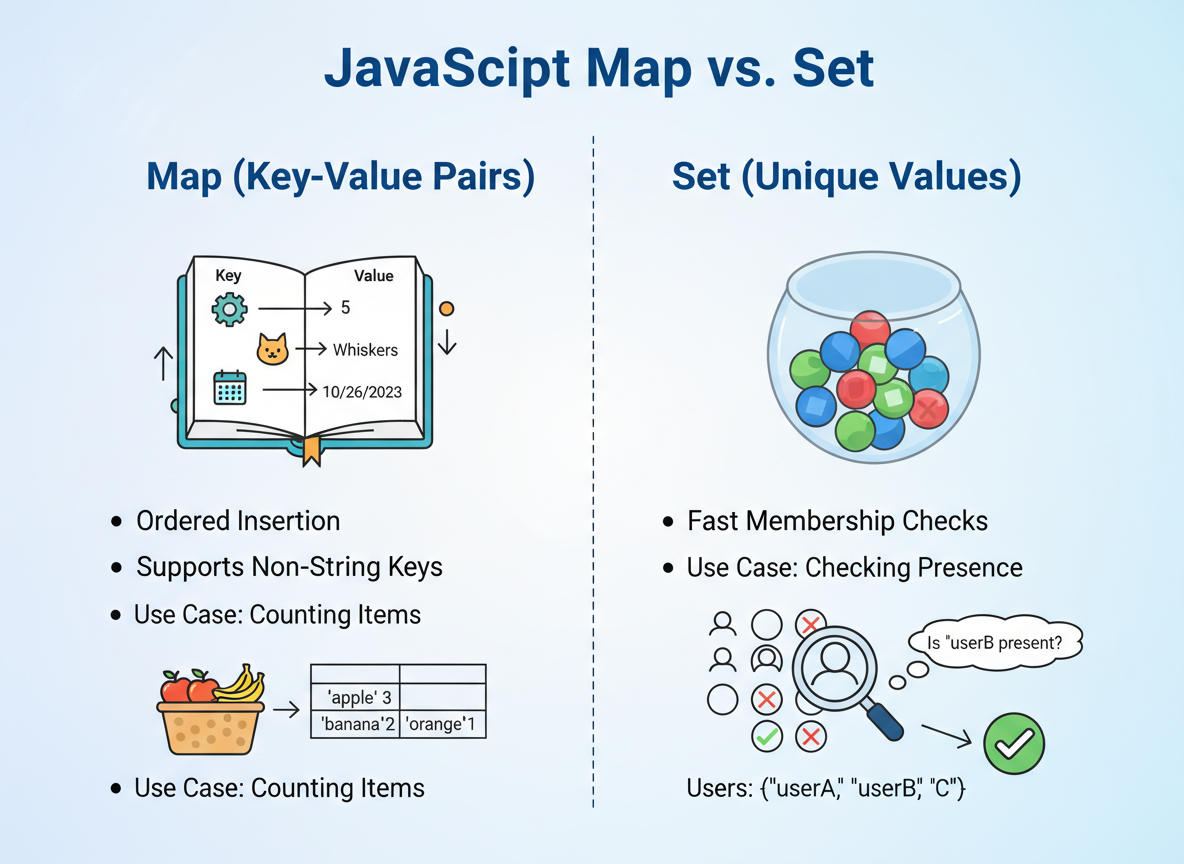
- Use Map for counts (key → number).
- Use Set for quick membership checks.
- Prefer Map when keys are not strings or when you need insertion order.
Set uniqueness quiz
Quick check: Uniqueness.

Recap
Recap: Choose Map for key→value lookups (any key type) and Set for unique values; iterate and convert with entries()/Array.from.

Learn JavaScript with an AI tutor — free
Write and run real code in your browser, get instant help from a 24/7 AI tutor, and pick up where you left off on the web or in the app.
- Courses
- 59
- Lessons
- 200
Frequently Asked Questions
Is the “Map & Set essentials” lesson free?
Yes — any 3 lessons of the JavaScript Academy learning path, including “Map & Set essentials”, are free to read in full here on the web. After that, CoddyKit PRO unlocks every lesson, plus interactive practice with a built-in code editor and a 24/7 AI tutor. The JavaScript Academy course includes 3 lessons in total.
What will I learn in “Map & Set essentials”?
Use Map for key→value lookups and Set for unique values; iterate, convert, and apply tiny patterns. You practise JavaScript Academy with hands-on code you run directly in the browser, and a 24/7 AI tutor answers your questions as you work through the lesson.
Do I need any experience to start JavaScript Academy?
No prior experience is required. JavaScript Academy on CoddyKit is structured for beginners through advanced learners, so you can start here or from the beginning and move at your own pace. This is lesson 1 of 3.
How long does the “Map & Set essentials” lesson take?
Most CoddyKit lessons take about 5–10 minutes. Each one is bite-sized and interactive, so you make steady progress and pick up exactly where you left off across the web and the app.
Can I write and run code in this JavaScript Academy lesson?
Yes. Every JavaScript Academy lesson includes a built-in code editor, so you write and run real code right in your browser and get instant AI feedback — no local setup required.
All lessons in this course
- Map & Set essentials
- WeakMap & WeakSet — simple privacy and caches
- Iteration Patterns