
setTimeout, setInterval, and timer drift
Schedule one-off and repeating tasks with setTimeout/setInterval and learn a simple technique to reduce timer drift.
setTimeout, setInterval, and timer drift is a free JavaScript Academy lesson on CoddyKit. This is lesson 1 of 3. Any 3 lessons of this learning path are free to read in full — after that, CoddyKit PRO unlocks every lesson, plus hands-on practice with a built-in code editor and a 24/7 AI tutor. It is part of the JavaScript Academy learning path, and your progress syncs across the web and the CoddyKit app. The JavaScript Academy course includes 3 lessons in total.
Intro to timers
Goal: Schedule work cleanly.
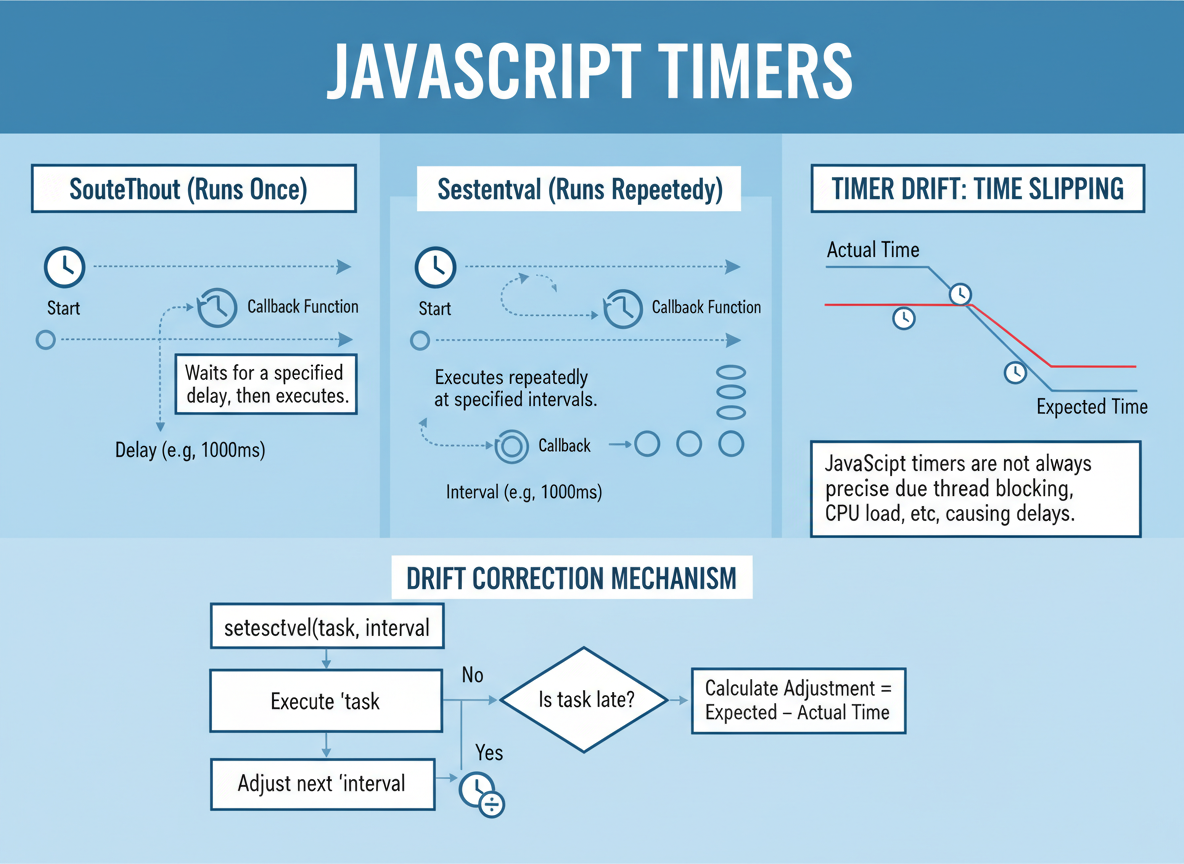
- setTimeout: run later (once)
- setInterval: run repeatedly
- Drift: why timers slip
- Simple drift fix
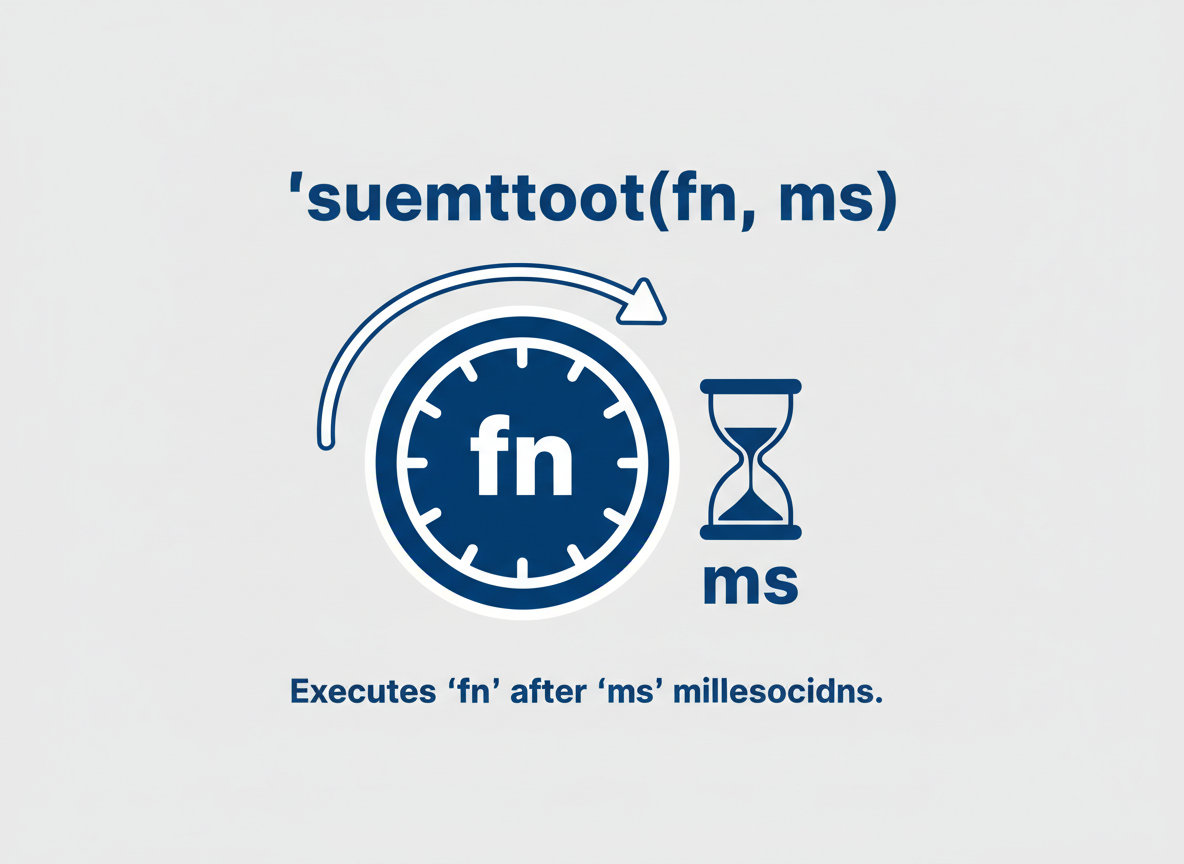
setTimeout — one-off
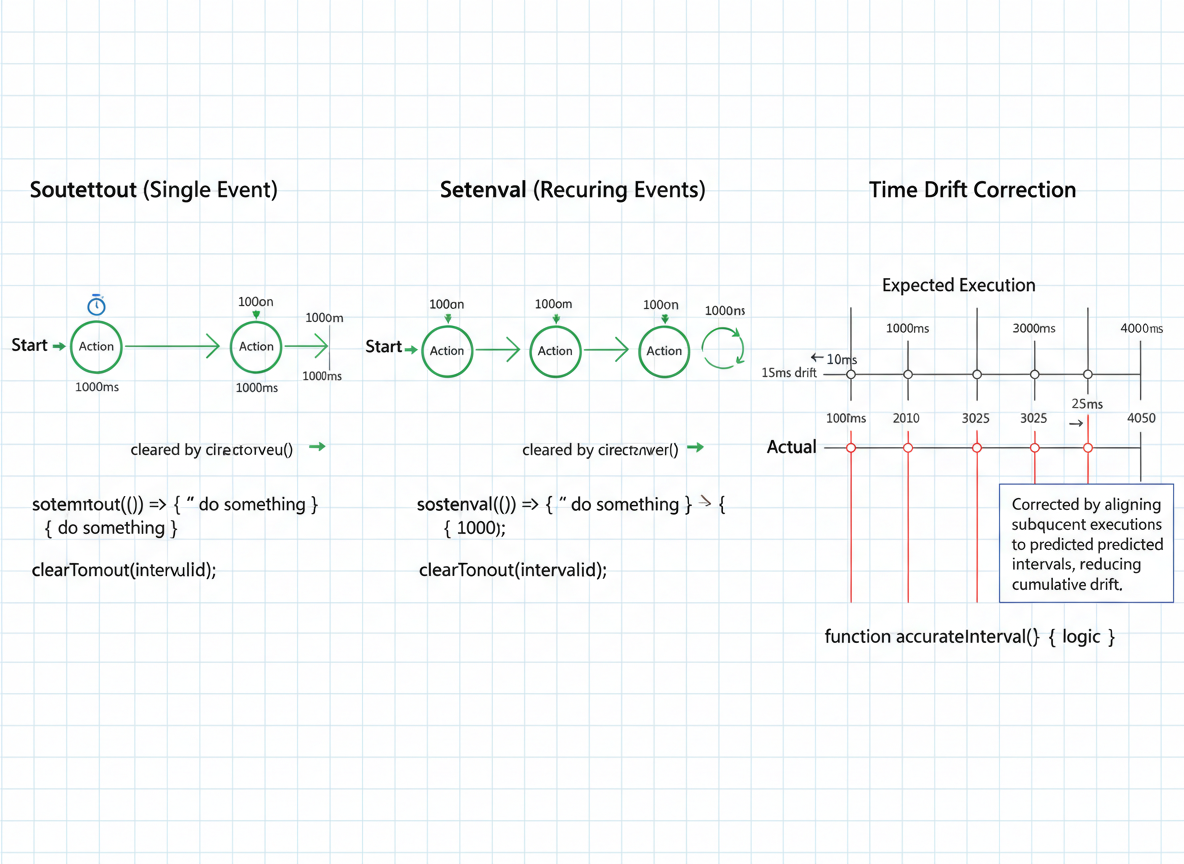
setTimeout(fn, ms) runs once after the delay (minimum timing, not exact).
// setTimeout schedules a one-off callback
console.log("A: start");

setTimeout(function () {
  console.log("B: after ~5ms");
}, 5);

console.log("C: scheduled");
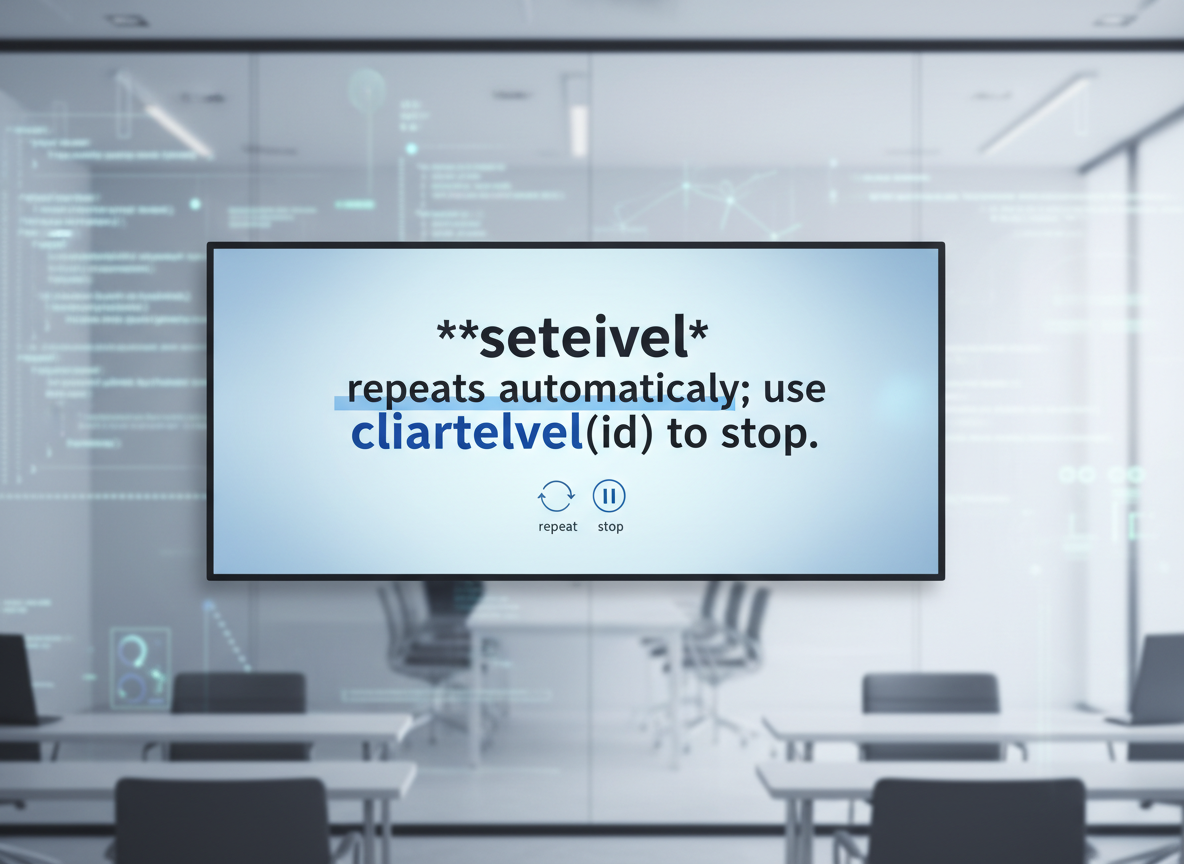
setInterval — repeating
setInterval repeats automatically; use clearInterval(id) to stop.
// setInterval repeats; always clear it
let count = 0;

const id = setInterval(function () {
  count = count + 1;
  console.log("tick", count);

  // Stop after 3 ticks to avoid endless logs
  if (count >= 3) {
    clearInterval(id);
    console.log("stopped");
  }
}, 5);
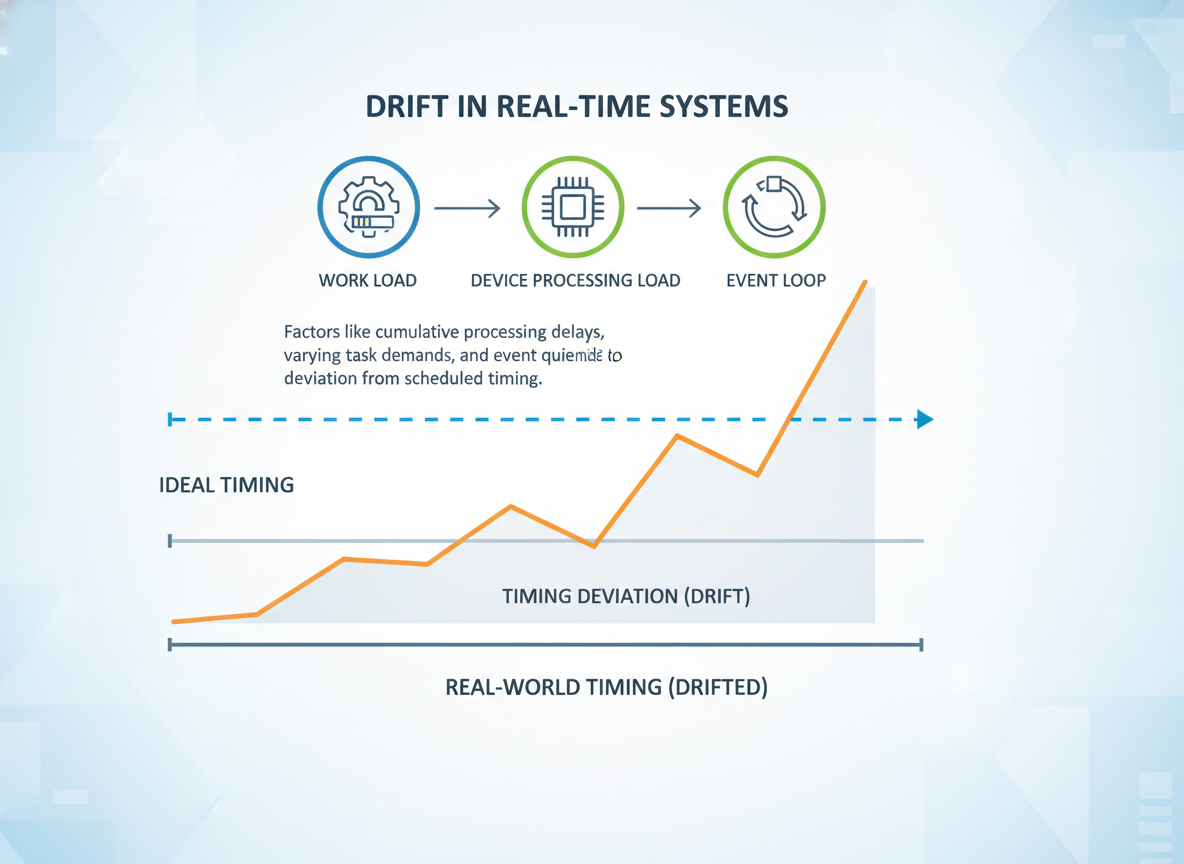
See drift happen
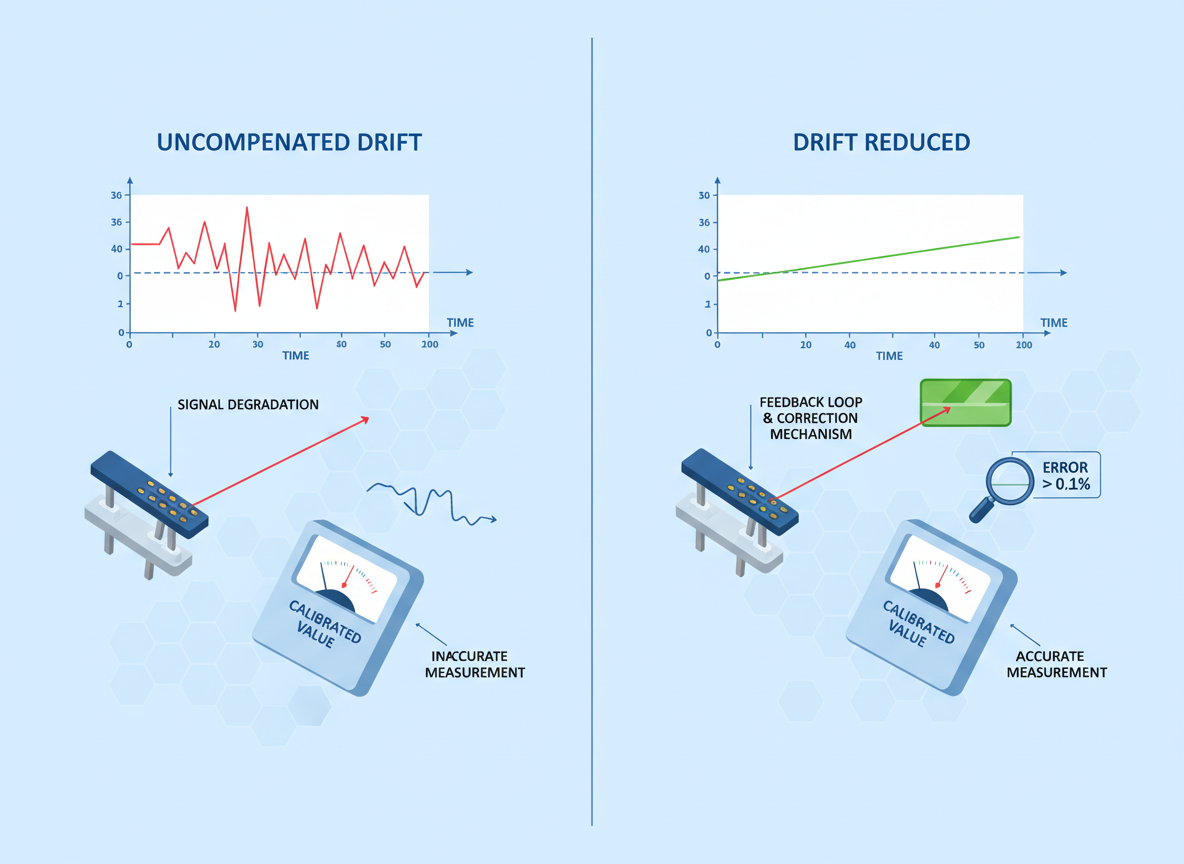
Real gaps vary; work, device load, and the event loop cause drift.
// Drift demo: expected vs actual timing
const targetMs = 5;
let last = Date.now();
let times = 0;

const driftId = setInterval(function () {
  const now = Date.now();
  const gap = now - last; // actual gap
  last = now;
  times = times + 1;
  console.log("gap~", gap, "ms");

  if (times >= 3) {
    clearInterval(driftId);
    console.log("done");
  }
}, targetMs);
Aligned scheduling
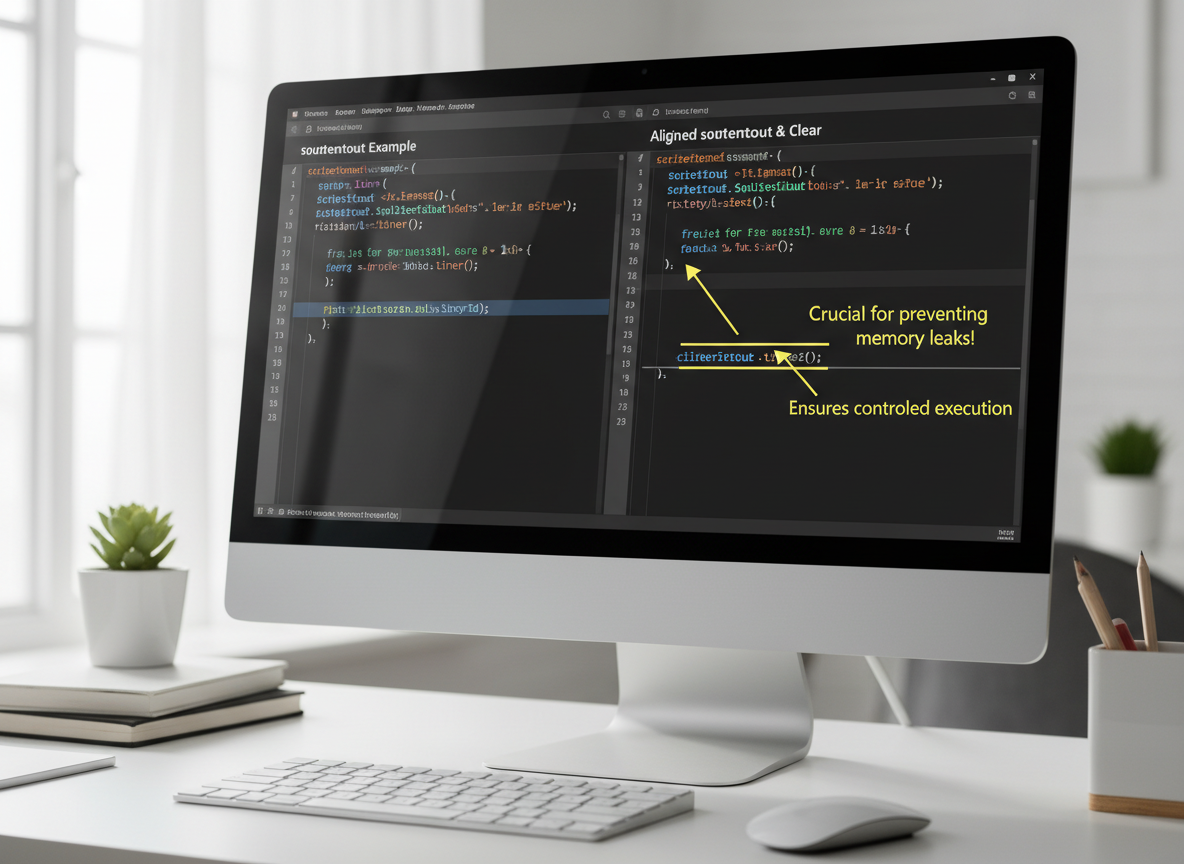
Align to a moving expected time: compute the next delay from it to avoid accumulating error.
// Simple drift fix: schedule from the expected time
const step = 5;
let expected = Date.now() + step;
let ticks = 0;

function tick() {
  ticks = ticks + 1;
  const now = Date.now();
  const drift = now - expected; // positive if we are late
  console.log("drift:", drift, "ms");

  // Compute next expected time first
  expected = expected + step;

  // Next delay = time until the next expected timestamp
  const nextDelay = Math.max(0, expected - Date.now());

  if (ticks < 3) {
    setTimeout(tick, nextDelay);
  } else {
    console.log("aligned stop");
  }
}

setTimeout(tick, step);

Tips & checklist
Tips:
- Always clearInterval when finished.
- Prefer aligned setTimeout loops for steady cadence.
- Keep timer callbacks short to reduce drift.
Drift fix quiz
Quick check: Drift reduction.
Recap
Recap: Use setTimeout for one-offs, setInterval for repeats (remember to clear), and reduce drift by aligning next runs to expected times.

Learn JavaScript with an AI tutor — free
Write and run real code in your browser, get instant help from a 24/7 AI tutor, and pick up where you left off on the web or in the app.
- Courses
- 59
- Lessons
- 200
Frequently Asked Questions
Is the “setTimeout, setInterval, and timer drift” lesson free?
Yes — any 3 lessons of the JavaScript Academy learning path, including “setTimeout, setInterval, and timer drift”, are free to read in full here on the web. After that, CoddyKit PRO unlocks every lesson, plus interactive practice with a built-in code editor and a 24/7 AI tutor. The JavaScript Academy course includes 3 lessons in total.
What will I learn in “setTimeout, setInterval, and timer drift”?
Schedule one-off and repeating tasks with setTimeout/setInterval and learn a simple technique to reduce timer drift. You practise JavaScript Academy with hands-on code you run directly in the browser, and a 24/7 AI tutor answers your questions as you work through the lesson.
Do I need any experience to start JavaScript Academy?
No prior experience is required. JavaScript Academy on CoddyKit is structured for beginners through advanced learners, so you can start here or from the beginning and move at your own pace. This is lesson 1 of 3.
How long does the “setTimeout, setInterval, and timer drift” lesson take?
Most CoddyKit lessons take about 5–10 minutes. Each one is bite-sized and interactive, so you make steady progress and pick up exactly where you left off across the web and the app.
Can I write and run code in this JavaScript Academy lesson?
Yes. Every JavaScript Academy lesson includes a built-in code editor, so you write and run real code right in your browser and get instant AI feedback — no local setup required.
All lessons in this course
- setTimeout, setInterval, and timer drift
- Debounce vs Throttle — hand-rolled
- Animation Timing — intro with time-based loops