
Animation Timing — intro with time-based loops
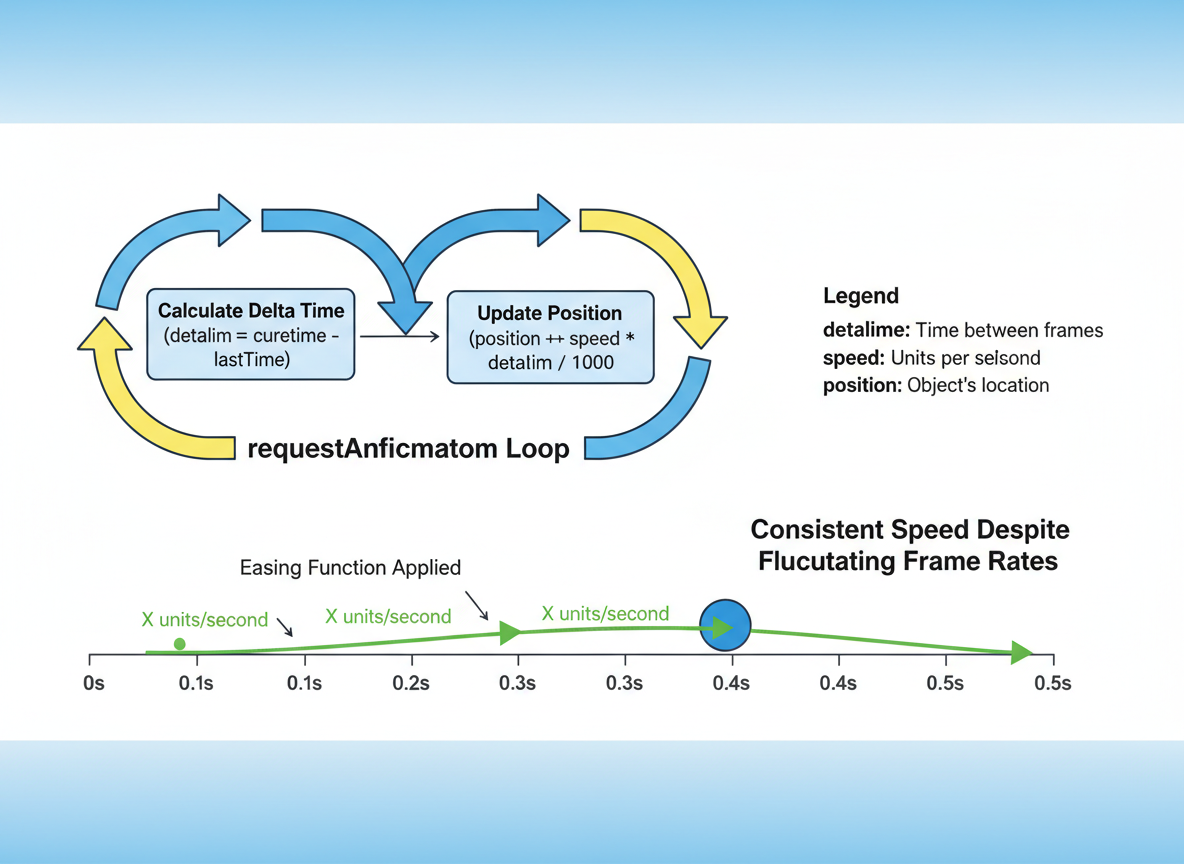
Build a tiny animation loop, use time-based (delta) updates, simulate requestAnimationFrame, and add a simple easing.
Animation Timing — intro with time-based loops is a free JavaScript Academy lesson on CoddyKit. This is lesson 3 of 3. Any 3 lessons of this learning path are free to read in full — after that, CoddyKit PRO unlocks every lesson, plus hands-on practice with a built-in code editor and a 24/7 AI tutor. It is part of the JavaScript Academy learning path, and your progress syncs across the web and the CoddyKit app. The JavaScript Academy course includes 3 lessons in total.
Why time-based animation?
Goal: Drive smooth motion with time-based updates.
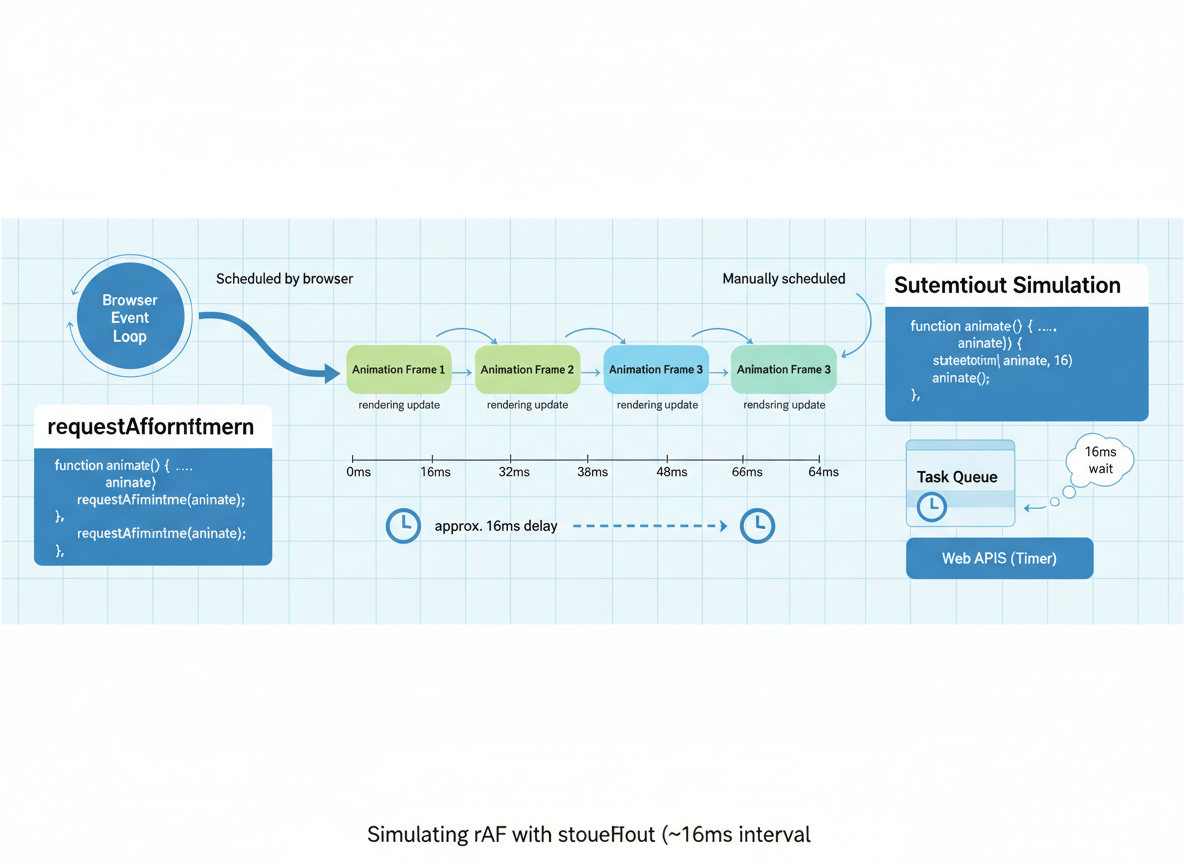
- Simulate requestAnimationFrame
- Measure delta time
- Move at units/second
- Add a tiny easing
Simulated rAF
No DOM here, so we simulate requestAnimationFrame using setTimeout at about 16ms.
// requestFrame: simulate ~60 FPS with setTimeout
function requestFrame(fn) {
  // ~16ms between frames for ~60fps
  return setTimeout(function () { fn(Date.now()); }, 16);
}

function cancelFrame(id) {
  clearTimeout(id);
}

// Tiny demo: schedule one frame
requestFrame(function (ts) {
  console.log("frame at", ts);
});
Delta time basics
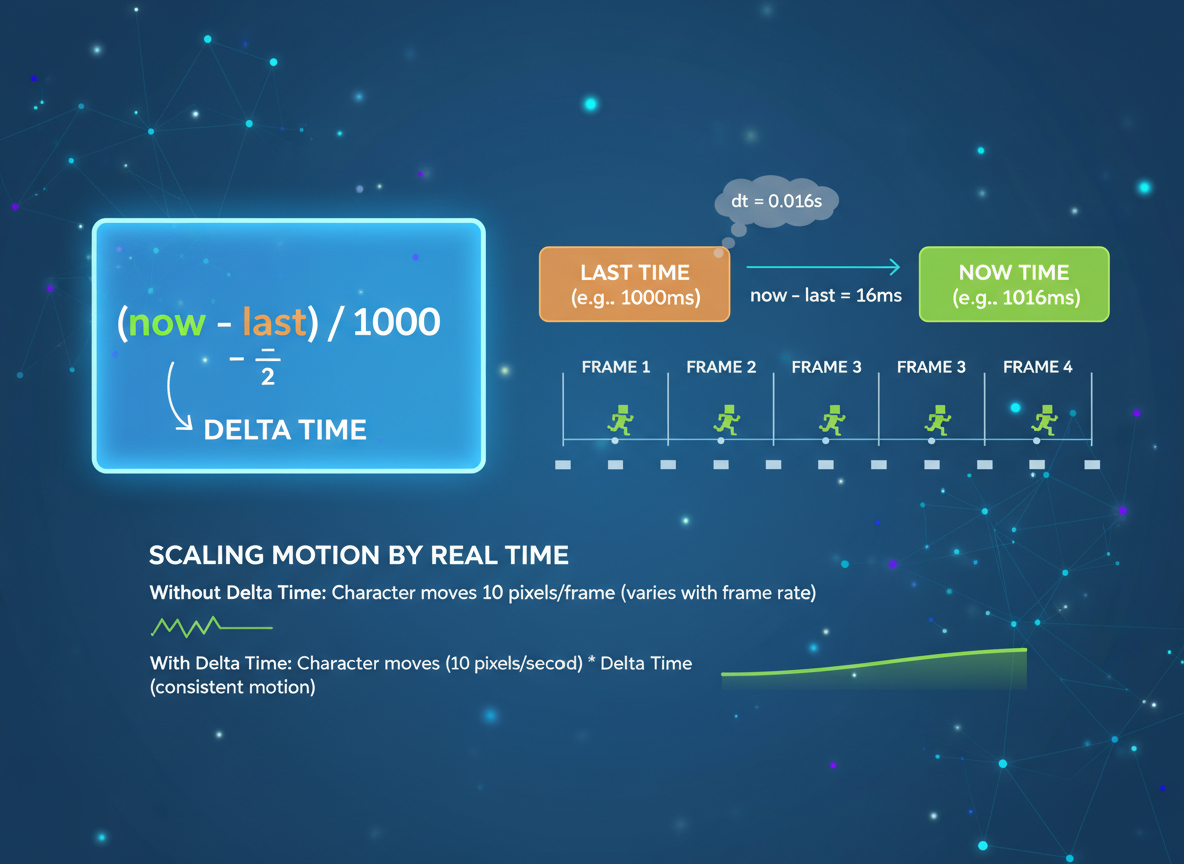
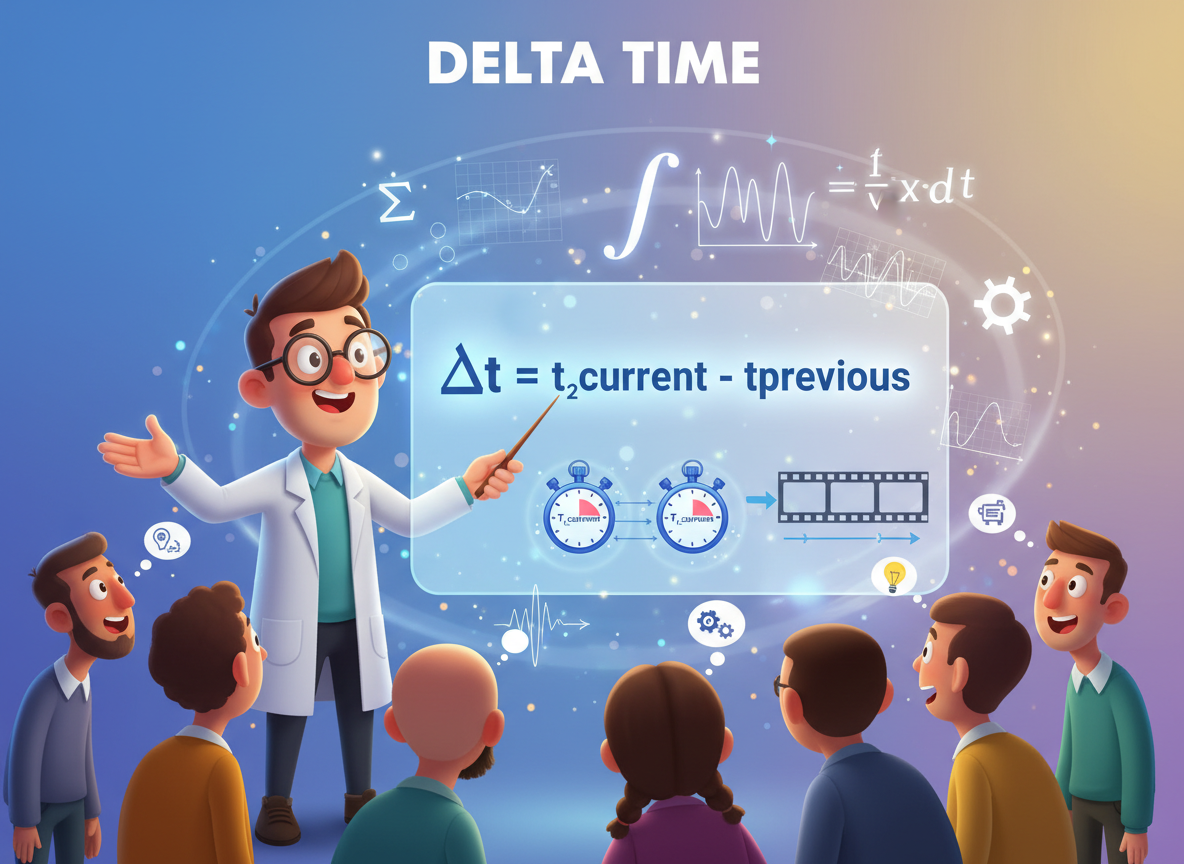
Compute delta time each frame: (now − last) / 1000. This scales motion by real time.
// Time-based loop: compute delta time in seconds
let running = true;
let last = Date.now();

function loop() {
  if (!running) { return; }
  const now = Date.now();
  const dt = (now - last) / 1000; // seconds
  last = now;

  // Print a tiny delta preview
  console.log("dt", dt.toFixed(3), "s");

  requestFrame(loop);
}

// Start the loop and stop after a few frames
loop();
setTimeout(function () {
  running = false;
  console.log("stop");
}, 60);
Units per second
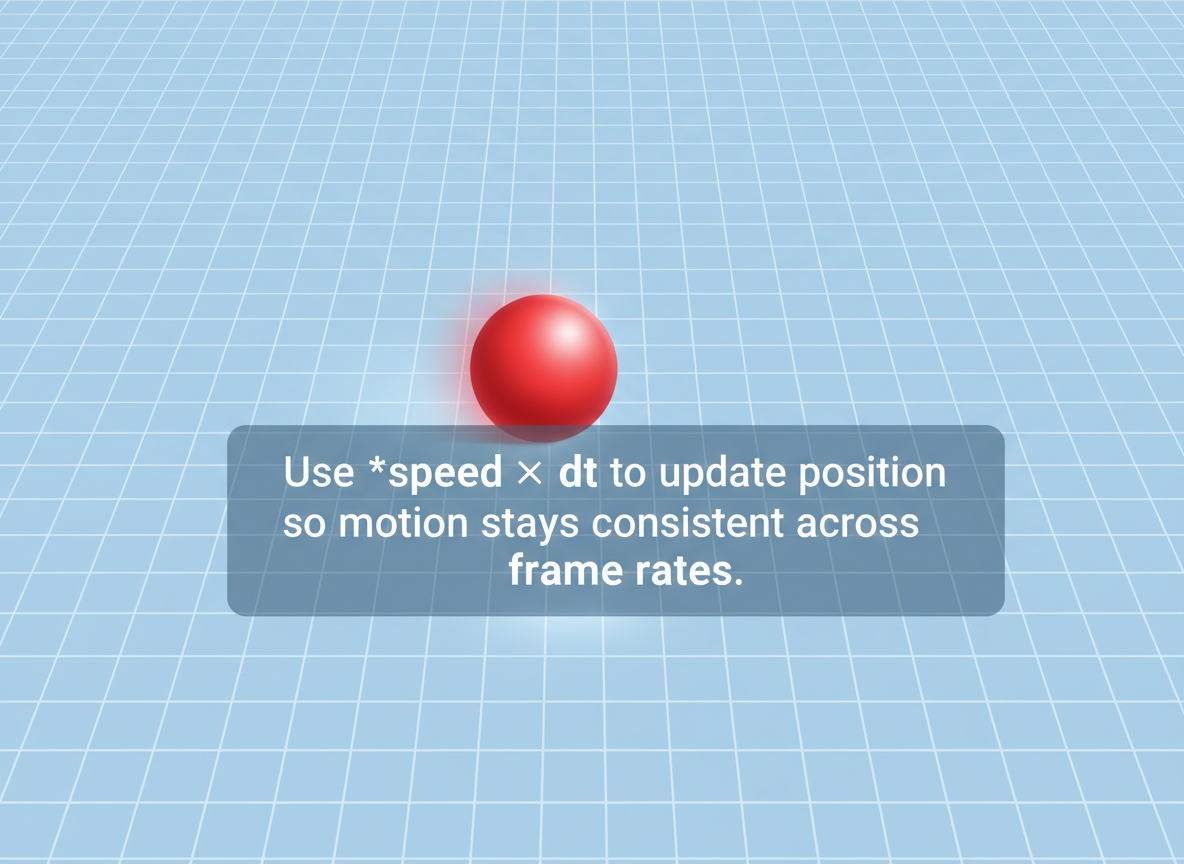
Use speed × dt to update position so motion stays consistent across frame rates.
// Move with a speed in units/second
let x = 0;               // position
const speed = 50;        // units per second

let lastT = Date.now();
let frames = 0;

function moveLoop() {
  const now = Date.now();
  const dt = (now - lastT) / 1000;
  lastT = now;

  // Distance = speed * time
  x = x + speed * dt;
  frames = frames + 1;

  console.log("x", Math.round(x));

  if (frames < 5) {
    requestFrame(moveLoop);
  } else {
    console.log("final x", Math.round(x));
  }
}

moveLoop();
Tiny easing demo
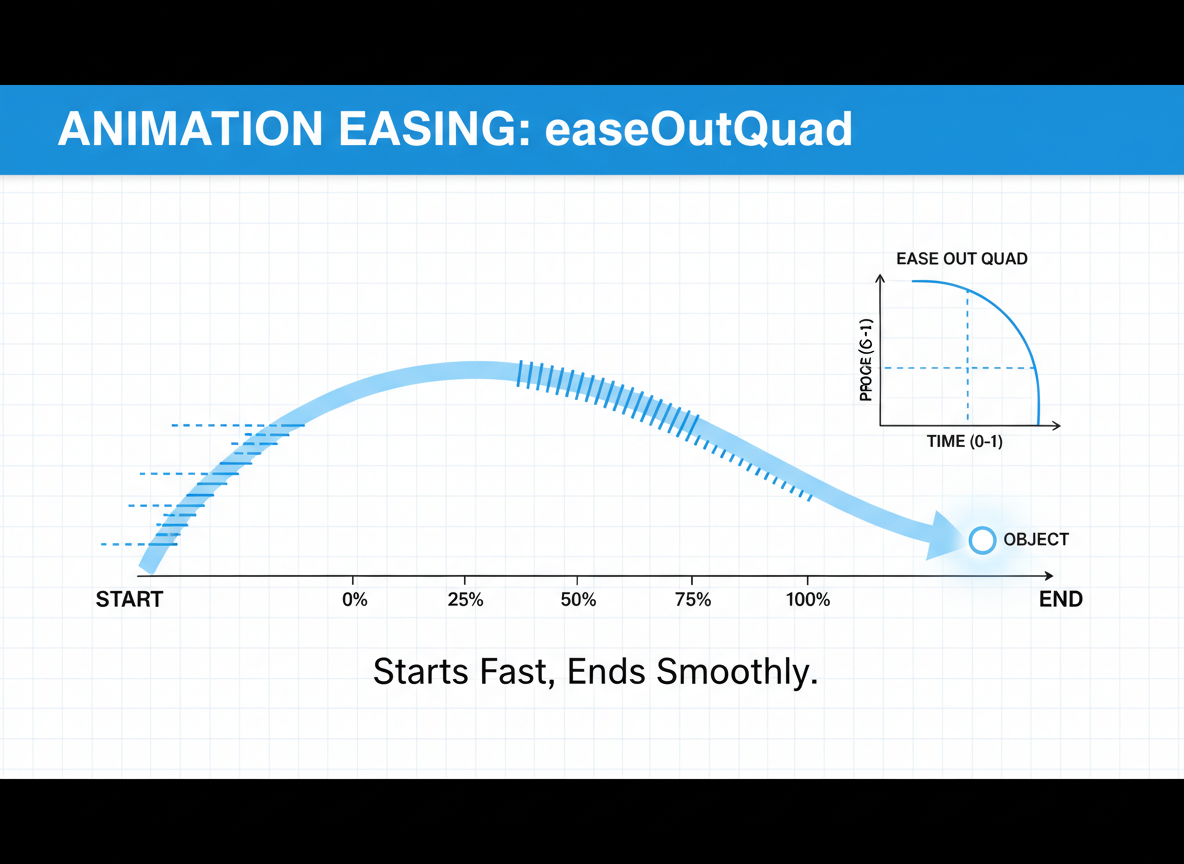
Easing shapes the curve. Here easeOutQuad starts fast and slows near the end.
// Ease from 0 to 1 over duration using easeOutQuad
function easeOutQuad(t) {
  // t in [0,1]
  return 1 - (1 - t) * (1 - t);
}

async function tween(durationMs) {
  let start = Date.now();
  let id = null;

  function step() {
    const now = Date.now();
    const t = Math.min(1, (now - start) / durationMs);
    const eased = easeOutQuad(t);
    console.log("eased", eased.toFixed(2));

    if (t < 1) {
      id = requestFrame(step);
    } else {
      cancelFrame(id);
      console.log("done");
    }
  }

  step();
}

tween(60);
Fixed-step taste
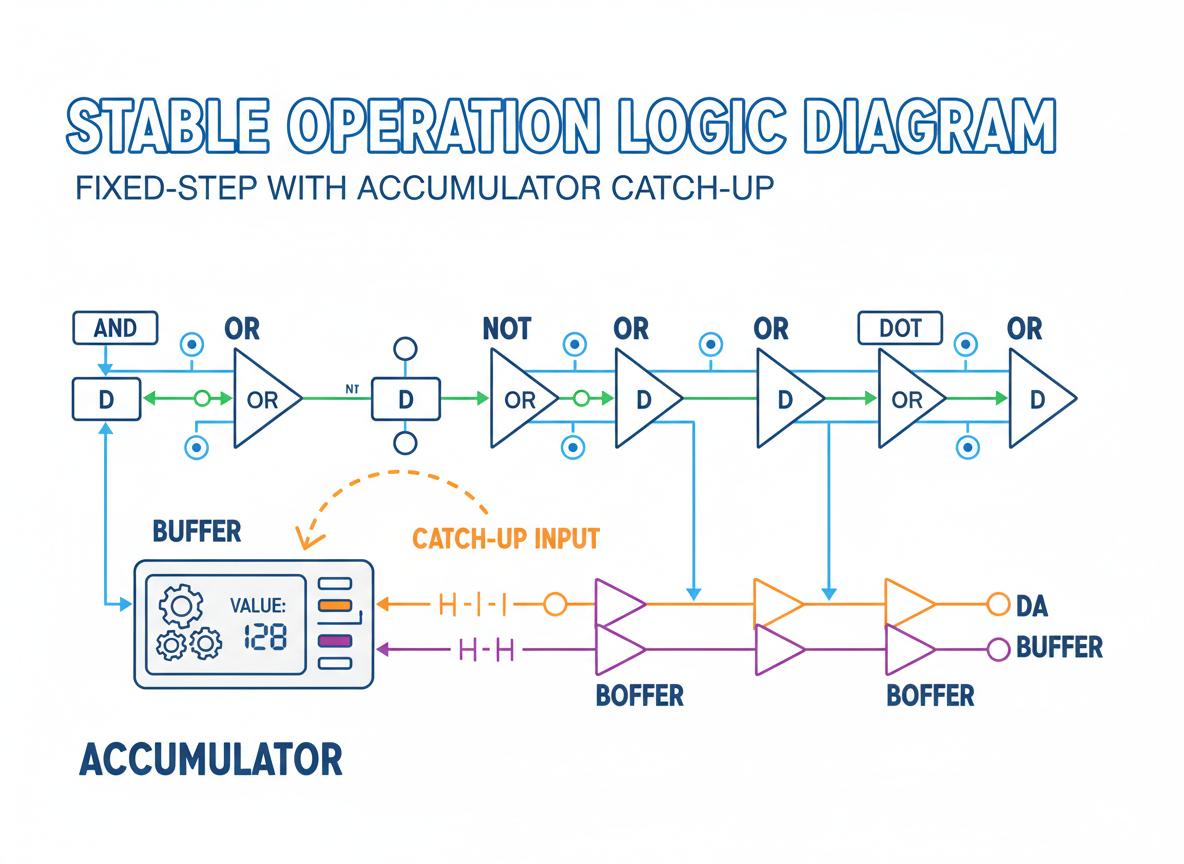
A fixed step can stabilize logic; the accumulator catches up if a frame is late.
// Fixed-step taste: step a physics tick and catch up using an accumulator
let acc = 0;                  // accumulated time
const step = 1 / 30;          // 30 FPS fixed step in seconds
let lastTime = Date.now();
let value = 0;
let fixedFrames = 0;

function fixedLoop() {
  const now = Date.now();
  const dt = (now - lastTime) / 1000;
  lastTime = now;
  acc = acc + dt;

  // Run zero or more fixed steps to catch up
  while (acc >= step) {
    // Update logic at a fixed rate
    value = value + 1;        // pretend physics
    acc = acc - step;
  }

  console.log("value", value);

  fixedFrames = fixedFrames + 1;
  if (fixedFrames < 5) {
    requestFrame(fixedLoop);
  } else {
    console.log("fixed stop");
  }
}

fixedLoop();
Delta vs fixed quiz
Quick check: Why delta time?
Recap
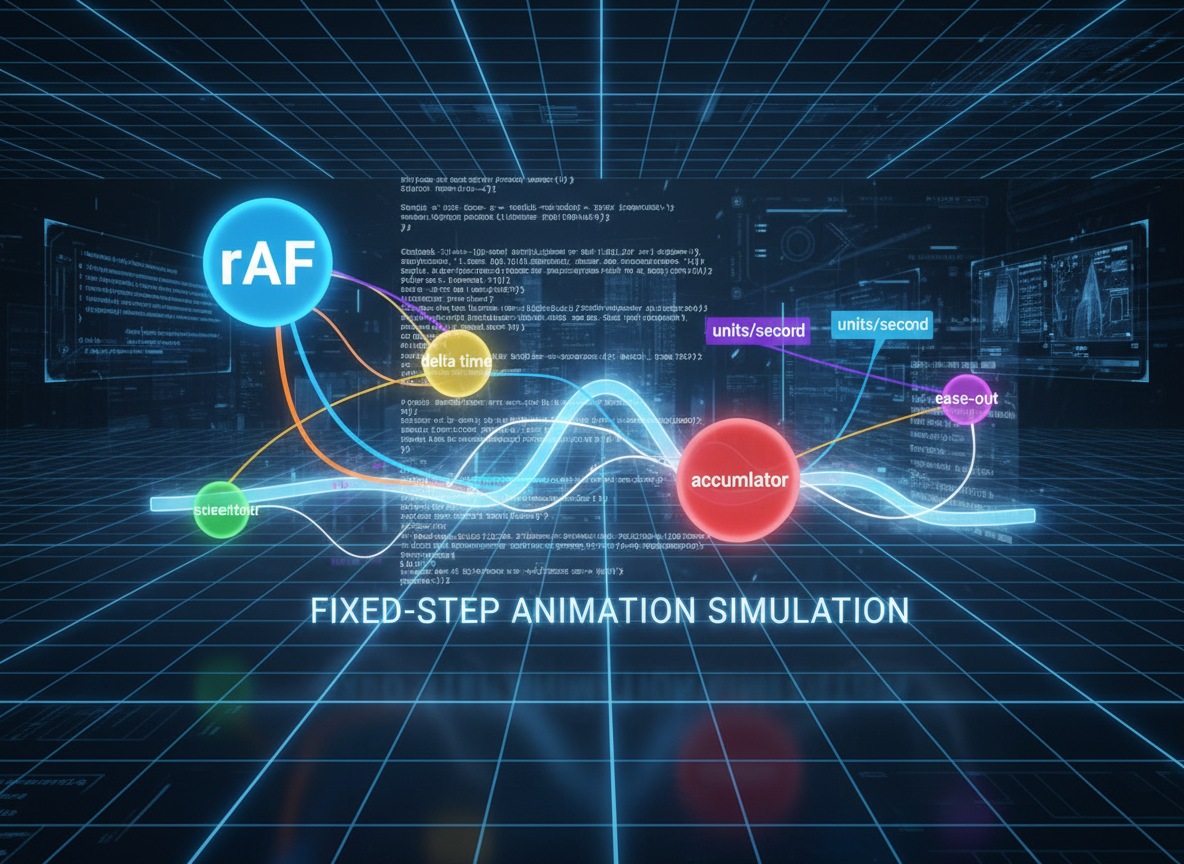
Recap: You simulated rAF with setTimeout, measured delta time, moved at units/second, added an ease-out, and saw a fixed-step taste with an accumulator.

Learn JavaScript with an AI tutor — free
Write and run real code in your browser, get instant help from a 24/7 AI tutor, and pick up where you left off on the web or in the app.
- Courses
- 59
- Lessons
- 200
Frequently Asked Questions
Is the “Animation Timing — intro with time-based loops” lesson free?
Yes — any 3 lessons of the JavaScript Academy learning path, including “Animation Timing — intro with time-based loops”, are free to read in full here on the web. After that, CoddyKit PRO unlocks every lesson, plus interactive practice with a built-in code editor and a 24/7 AI tutor. The JavaScript Academy course includes 3 lessons in total.
What will I learn in “Animation Timing — intro with time-based loops”?
Build a tiny animation loop, use time-based (delta) updates, simulate requestAnimationFrame, and add a simple easing. You practise JavaScript Academy with hands-on code you run directly in the browser, and a 24/7 AI tutor answers your questions as you work through the lesson.
Do I need any experience to start JavaScript Academy?
No prior experience is required. JavaScript Academy on CoddyKit is structured for beginners through advanced learners, so you can start here or from the beginning and move at your own pace. This is lesson 3 of 3.
How long does the “Animation Timing — intro with time-based loops” lesson take?
Most CoddyKit lessons take about 5–10 minutes. Each one is bite-sized and interactive, so you make steady progress and pick up exactly where you left off across the web and the app.
Can I write and run code in this JavaScript Academy lesson?
Yes. Every JavaScript Academy lesson includes a built-in code editor, so you write and run real code right in your browser and get instant AI feedback — no local setup required.
All lessons in this course
- setTimeout, setInterval, and timer drift
- Debounce vs Throttle — hand-rolled
- Animation Timing — intro with time-based loops