
Debounce vs Throttle — hand-rolled
Build tiny debounce and throttle utilities. Practice trailing and leading variants and know when to pick each.
Debounce vs Throttle — hand-rolled is a free JavaScript Academy lesson on CoddyKit. This is lesson 2 of 3. Any 3 lessons of this learning path are free to read in full — after that, CoddyKit PRO unlocks every lesson, plus hands-on practice with a built-in code editor and a 24/7 AI tutor. It is part of the JavaScript Academy learning path, and your progress syncs across the web and the CoddyKit app. The JavaScript Academy course includes 3 lessons in total.
Overview
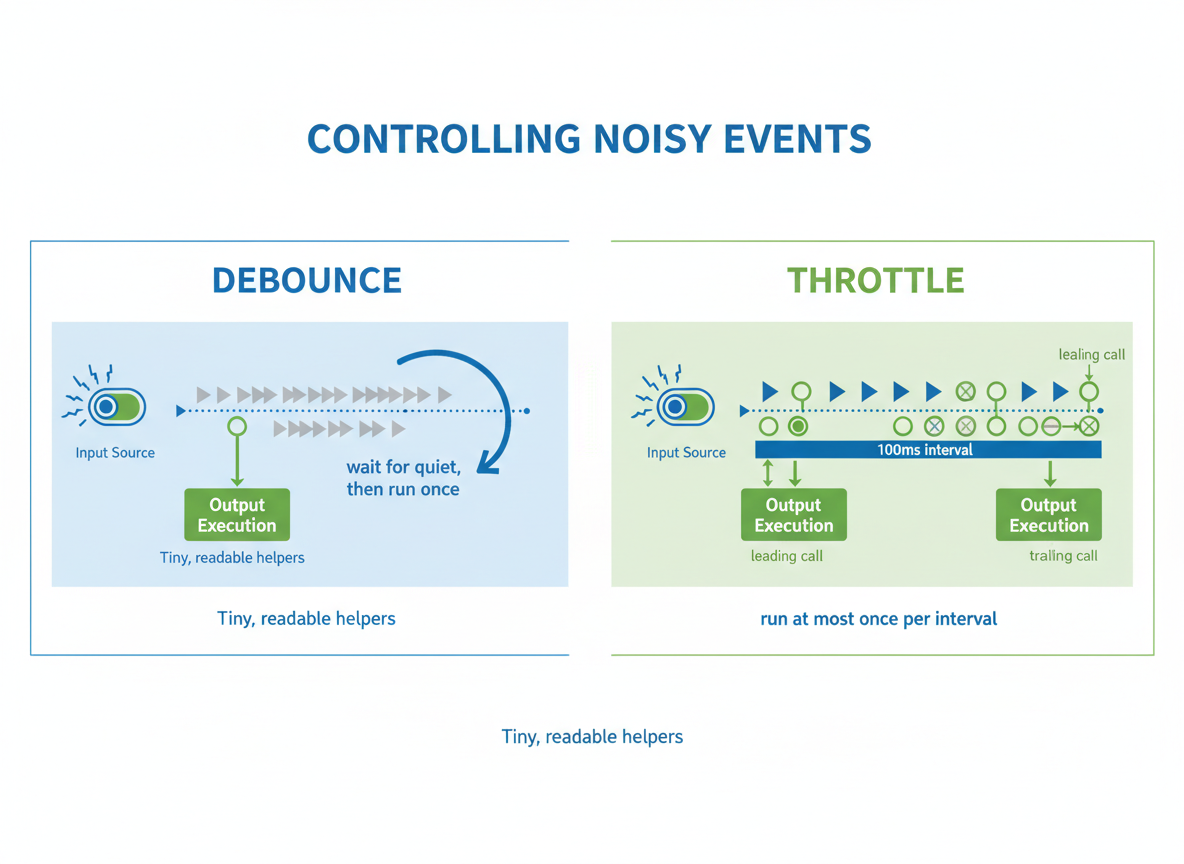
Goal: Control noisy events.
- Debounce: wait for quiet, then run once
- Throttle: run at most once per interval
- Leading vs trailing calls
- Tiny, readable helpers
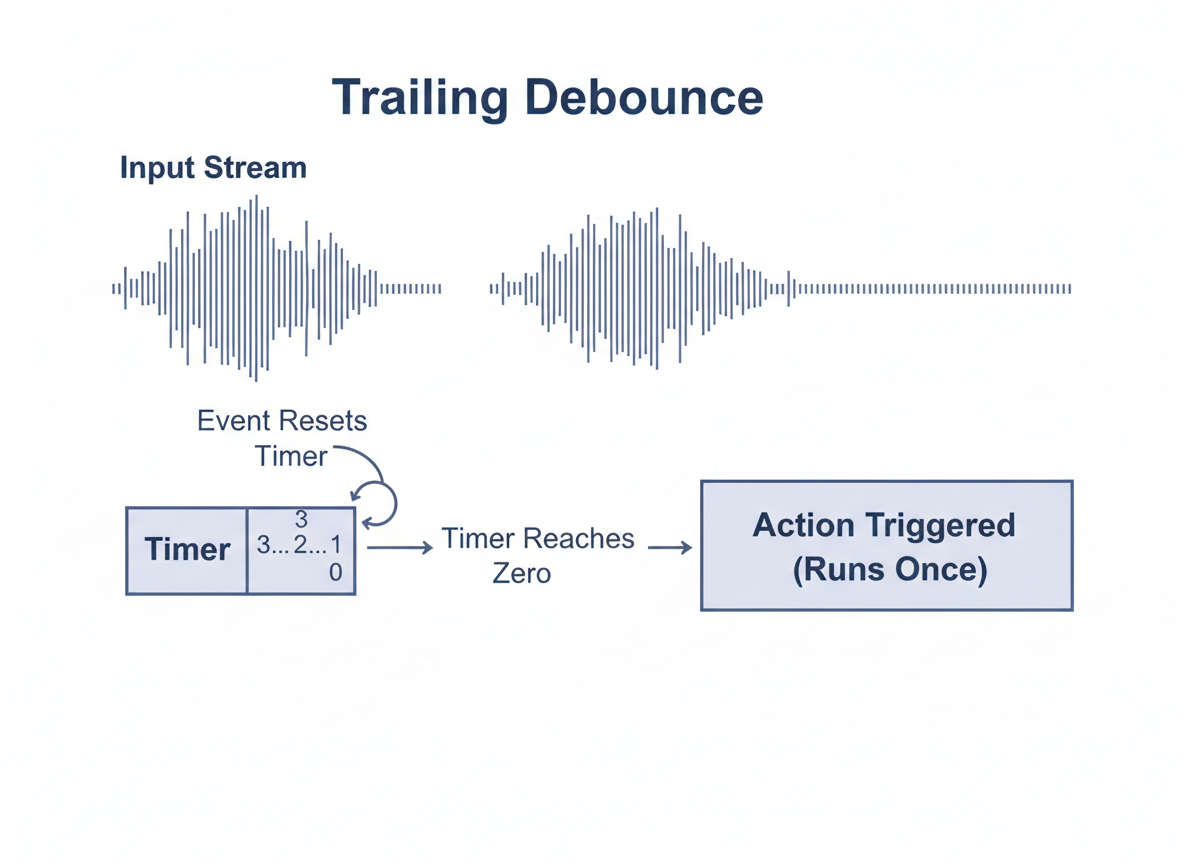
Debounce (trailing)
Trailing debounce resets a timer on each event and runs once when things calm down.
// Debounce (trailing): run once after events stop
function debounce(fn, wait) {
  let t = null;
  return function (...args) {
    clearTimeout(t);
    t = setTimeout(function () {
      fn.apply(null, args);
    }, wait);
  };
}

// Simulate rapid events: only the last triggers the call
const debouncedLog = debounce(function (msg) {
  console.log("debounced:", msg);
}, 10);

for (let i = 0; i < 5; i++) {
  setTimeout(function () {
    debouncedLog("final after bursts");
  }, i * 3);
}
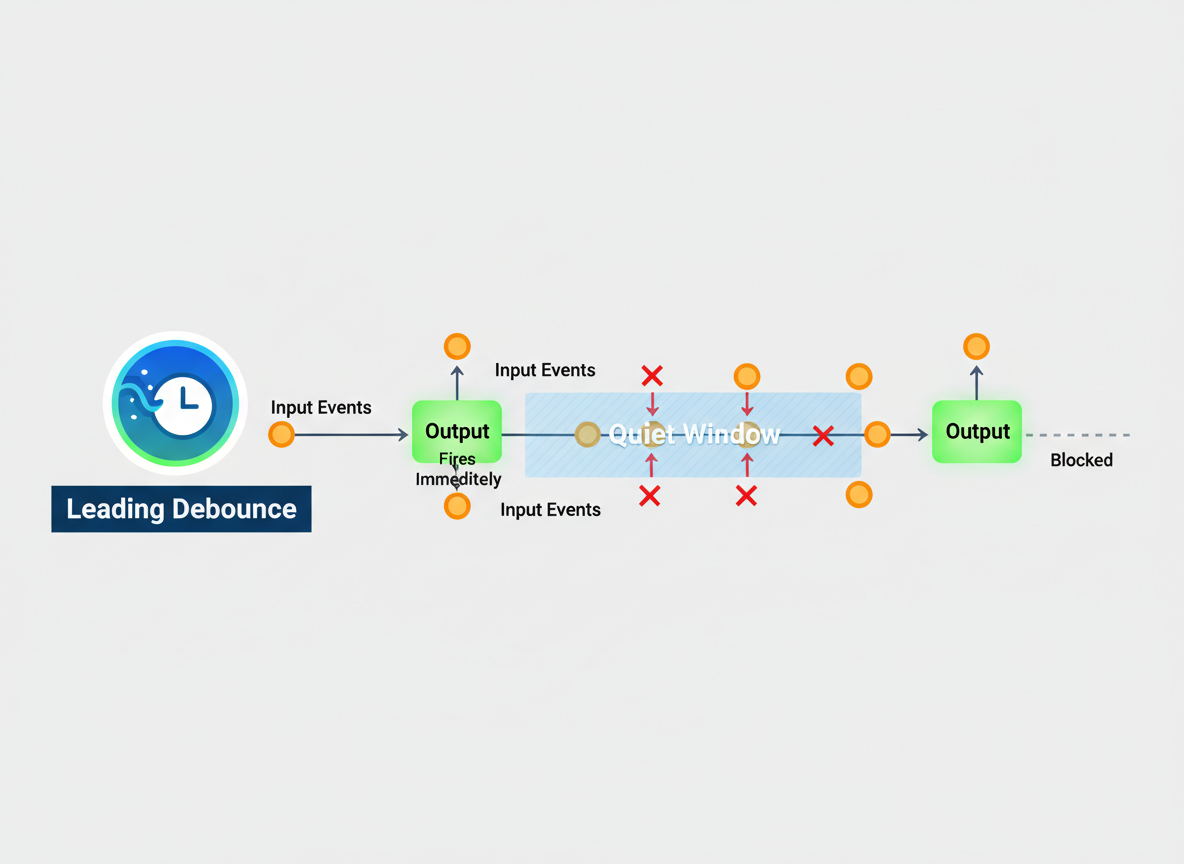
Debounce (leading)
Leading debounce fires immediately, then blocks repeats until the quiet window ends.
// Debounce (leading): first call fires immediately, then ignore until quiet
function debounceLeading(fn, wait) {
  let t = null;
  return function (...args) {
    if (t === null) {
      fn.apply(null, args);
    }
    clearTimeout(t);
    t = setTimeout(function () {
      t = null;
    }, wait);
  };
}

// Demo: first call prints quickly; later bursts are ignored until quiet
const firstTap = debounceLeading(function (x) {
  console.log("leading:", x);
}, 12);

for (let i = 0; i < 4; i++) {
  setTimeout(function () {
    firstTap("first-then-wait");
  }, i * 3);
}
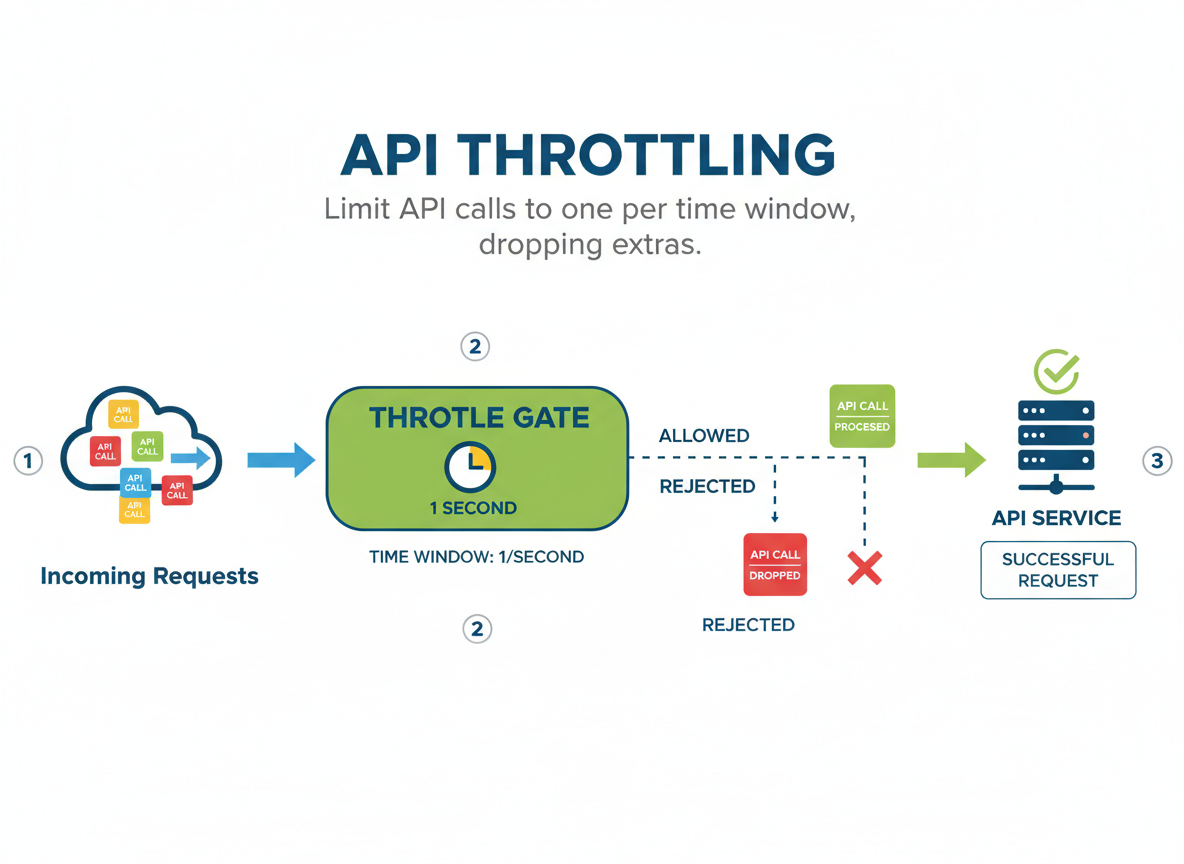
Throttle (leading)
Throttle limits calls to one per time window, dropping extras.
// Throttle (leading): at most once per interval
function throttle(fn, wait) {
  let last = 0;
  return function (...args) {
    const now = Date.now();
    if (now - last >= wait) {
      last = now;
      fn.apply(null, args);
    }
  };
}

// Demo: many events, but prints at most once every 10ms
const throttled = throttle(function (n) {
  console.log("throttled:", n);
}, 10);

for (let i = 0; i < 10; i++) {
  setTimeout(function () {
    throttled(i);
  }, i * 2);
}
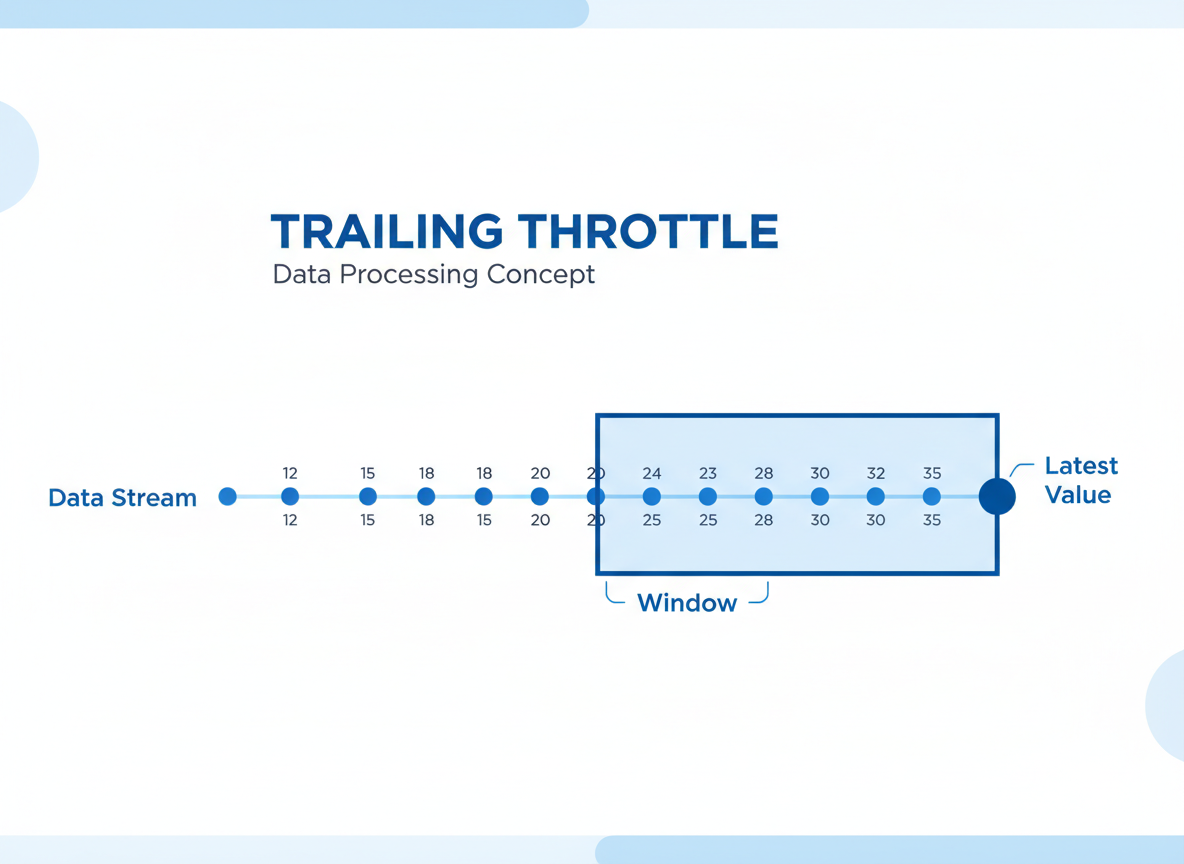
Throttle (trailing)
Trailing throttle ensures you still get the latest value at the end of the window.
// Throttle (trailing): schedule the last call within the window
function throttleTrailing(fn, wait) {
  let last = 0;
  let timer = null;
  let queuedArgs = null;

  function invoke(args) {
    last = Date.now();
    fn.apply(null, args);
  }

  return function (...args) {
    const now = Date.now();
    const remaining = wait - (now - last);

    if (remaining <= 0) {
      // Window passed: run now
      clearTimeout(timer);
      timer = null;
      queuedArgs = null;
      invoke(args);
    } else {
      // Queue the latest args to run at the end of the window
      queuedArgs = args;
      clearTimeout(timer);
      timer = setTimeout(function () {
        timer = null;
        if (queuedArgs) {
          invoke(queuedArgs);
          queuedArgs = null;
        }
      }, remaining);
    }
  };
}

// Demo: last value in a burst is printed after the window
const trail = throttleTrailing(function (x) {
  console.log("trail:", x);
}, 10);

for (let i = 0; i < 6; i++) {
  setTimeout(function () {
    trail("v" + i);
  }, i * 3);
}
When to use which?
Choosing:
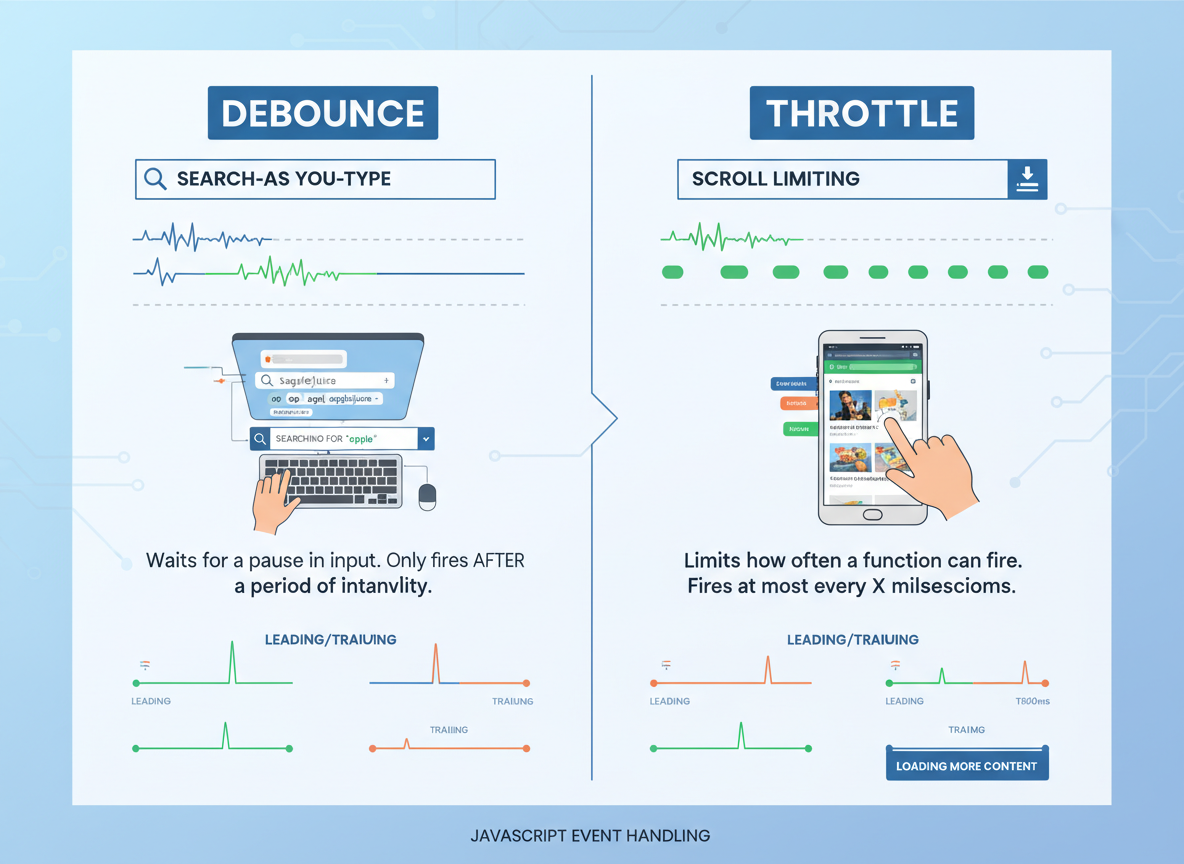
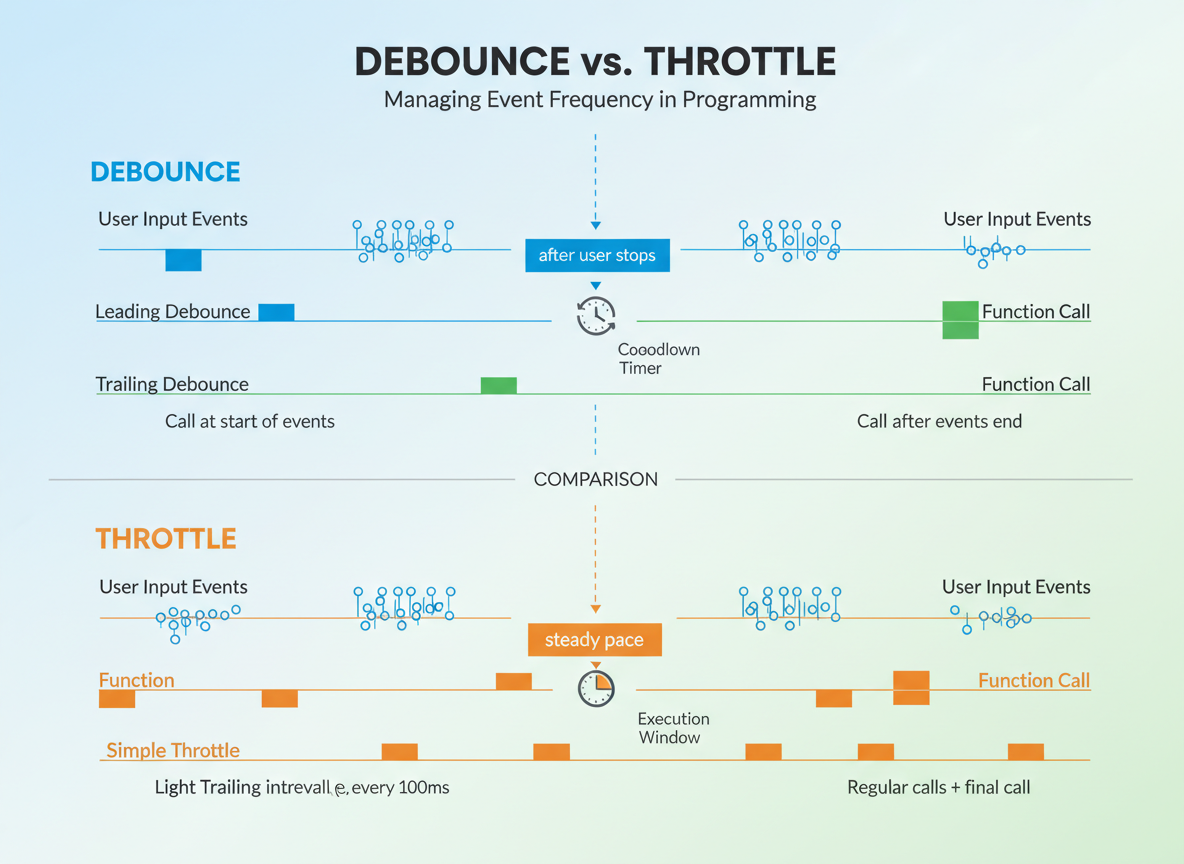
- Debounce: search-as-you-type, resize — run after user stops.
- Throttle: scroll/drag — limit calls to steady pace.
- Leading for instant feedback; trailing to capture final value.
Debounce vs throttle quiz
Quick check: Limit calls per window.

Recap
Recap: You wrote trailing and leading debounce, a simple leading throttle, and a light trailing throttle. Pick debounce for “after user stops”, throttle for “steady pace”.

Learn JavaScript with an AI tutor — free
Write and run real code in your browser, get instant help from a 24/7 AI tutor, and pick up where you left off on the web or in the app.
- Courses
- 59
- Lessons
- 200
Frequently Asked Questions
Is the “Debounce vs Throttle — hand-rolled” lesson free?
Yes — any 3 lessons of the JavaScript Academy learning path, including “Debounce vs Throttle — hand-rolled”, are free to read in full here on the web. After that, CoddyKit PRO unlocks every lesson, plus interactive practice with a built-in code editor and a 24/7 AI tutor. The JavaScript Academy course includes 3 lessons in total.
What will I learn in “Debounce vs Throttle — hand-rolled”?
Build tiny debounce and throttle utilities. Practice trailing and leading variants and know when to pick each. You practise JavaScript Academy with hands-on code you run directly in the browser, and a 24/7 AI tutor answers your questions as you work through the lesson.
Do I need any experience to start JavaScript Academy?
No prior experience is required. JavaScript Academy on CoddyKit is structured for beginners through advanced learners, so you can start here or from the beginning and move at your own pace. This is lesson 2 of 3.
How long does the “Debounce vs Throttle — hand-rolled” lesson take?
Most CoddyKit lessons take about 5–10 minutes. Each one is bite-sized and interactive, so you make steady progress and pick up exactly where you left off across the web and the app.
Can I write and run code in this JavaScript Academy lesson?
Yes. Every JavaScript Academy lesson includes a built-in code editor, so you write and run real code right in your browser and get instant AI feedback — no local setup required.
All lessons in this course
- setTimeout, setInterval, and timer drift
- Debounce vs Throttle — hand-rolled
- Animation Timing — intro with time-based loops