
Module resolution in Node and browser bundlers
Learn how imports are resolved: relative vs bare specifiers, file extensions (.js/.mjs/.cjs), index files, and simple package entry points.
Module resolution in Node and browser bundlers is a free JavaScript Academy lesson on CoddyKit. This is lesson 3 of 3. Any 3 lessons of this learning path are free to read in full — after that, CoddyKit PRO unlocks every lesson, plus hands-on practice with a built-in code editor and a 24/7 AI tutor. It is part of the JavaScript Academy learning path, and your progress syncs across the web and the CoddyKit app. The JavaScript Academy course includes 3 lessons in total.
Big picture
Goal: Know how import paths resolve.
- Relative vs bare specifiers
- Use explicit .js (safe default)
- index.js in folders
- Package entry points (main/exports, taste)
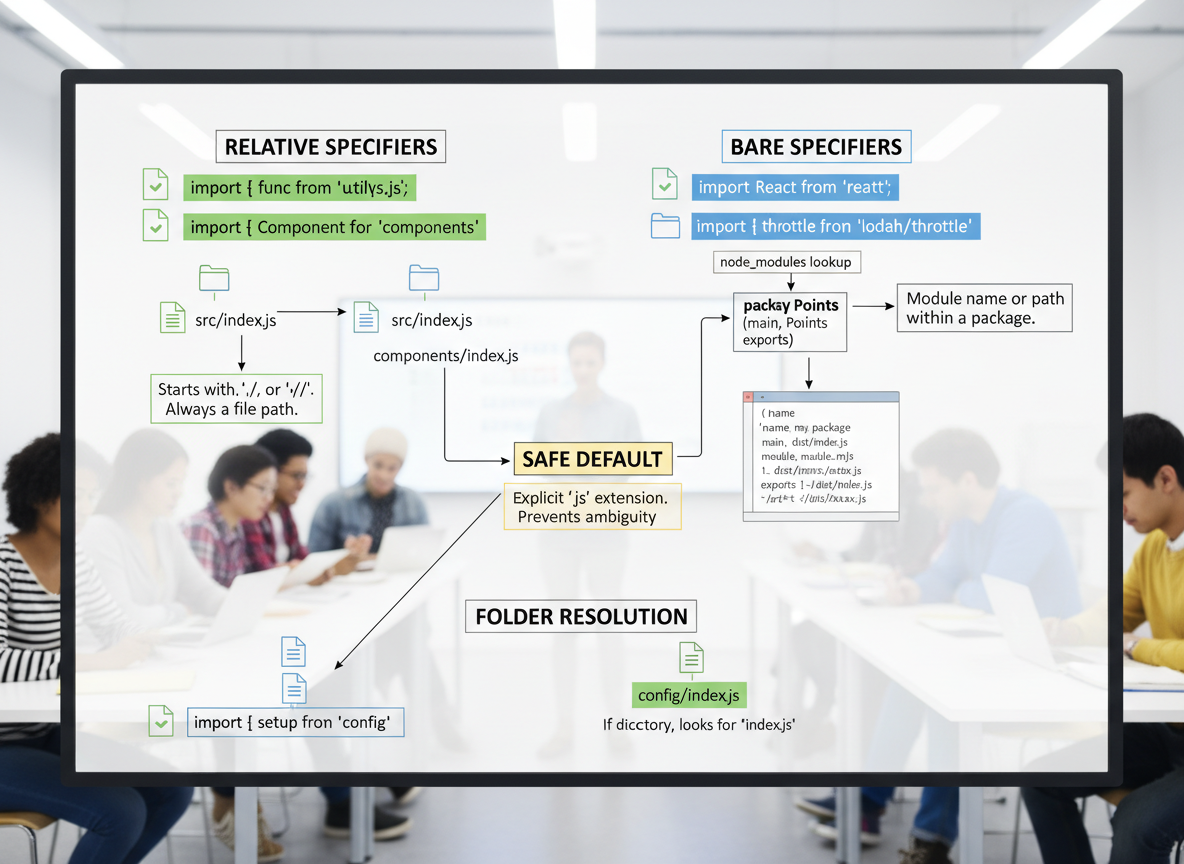
Relative vs bare
Relative imports start with ./ or ../. Bare imports point to installed packages.
// Relative path imports start with ./ or ../
// Bare specifiers refer to packages installed (e.g., "lodash")
const examples = [
  "import { sum } from \\"./math.js\\";   // relative, file nearby",
  "import leftPad from \\"left-pad\\";   // bare, from node_modules",
  "import thing from \\"../lib/thing.js\\"; // parent folder"
];

console.log("specifiers:");
for (const line of examples) console.log(line);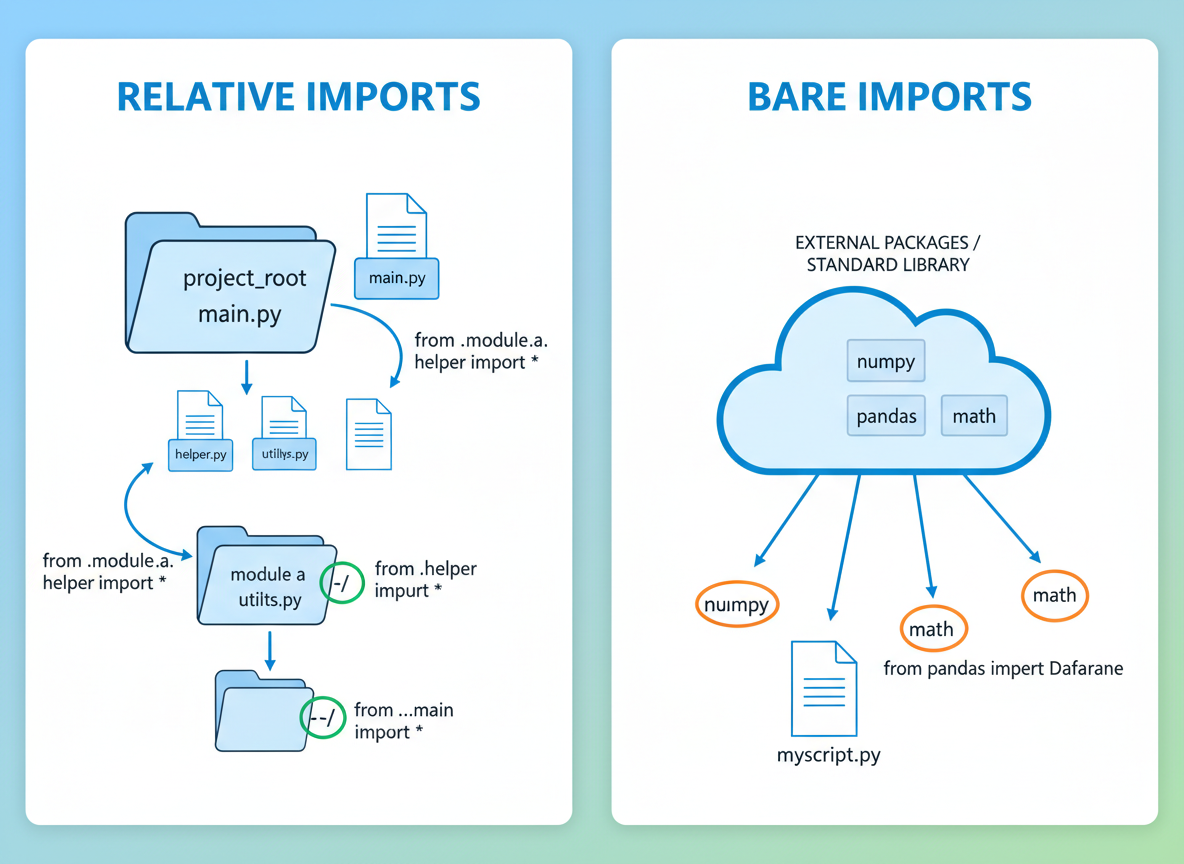
Extensions matter
Add the .js extension in ESM to avoid resolution errors. You may also see .mjs or .cjs.
// Include file extensions for ESM (safe beginner habit)
const extTips = [
  "Good (ESM): import util from \\"./util.js\\"",
  "Also seen: .mjs for ESM files, .cjs for CJS files",
  "Avoid: import \\"./util\\" (may fail in Node/browsers)"
];

console.log("extensions:");
for (const t of extTips) console.log(t);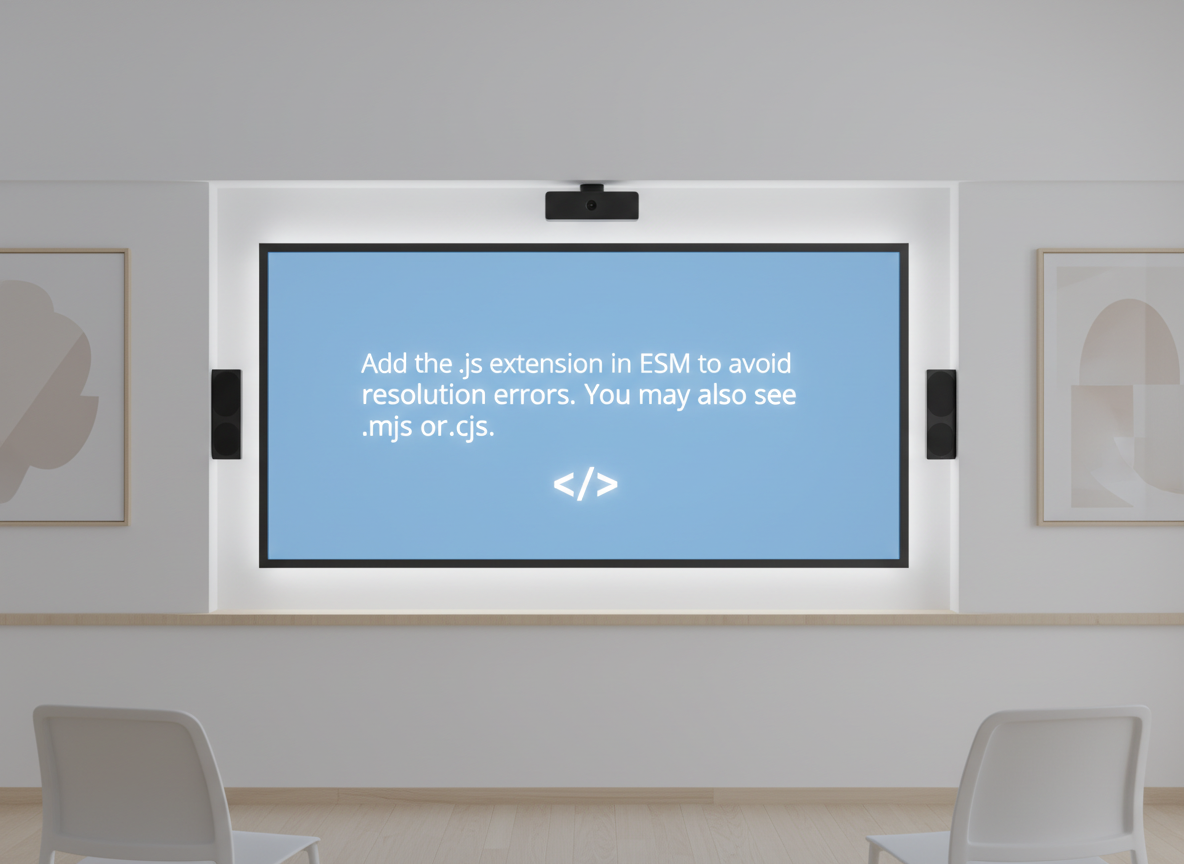
Folders & index.js
Folders often expose index.js. Being explicit (.../index.js) is clear for beginners.
// If you import a folder, many setups look for index.js inside it
const folderExample = [
  "my-lib/",
  "  index.js",
  "  helpers/",
  "    index.js"
];

for (const l of folderExample) console.log(l);

// Typical imports
const dirImports = [
  "import main from \\"./my-lib/index.js\\";",
  "import alsoMain from \\"./my-lib/\\";        // some setups resolve to index.js",
  "import helper from \\"./my-lib/helpers/index.js\\";"
];

console.log("imports:");
for (const l of dirImports) console.log(l);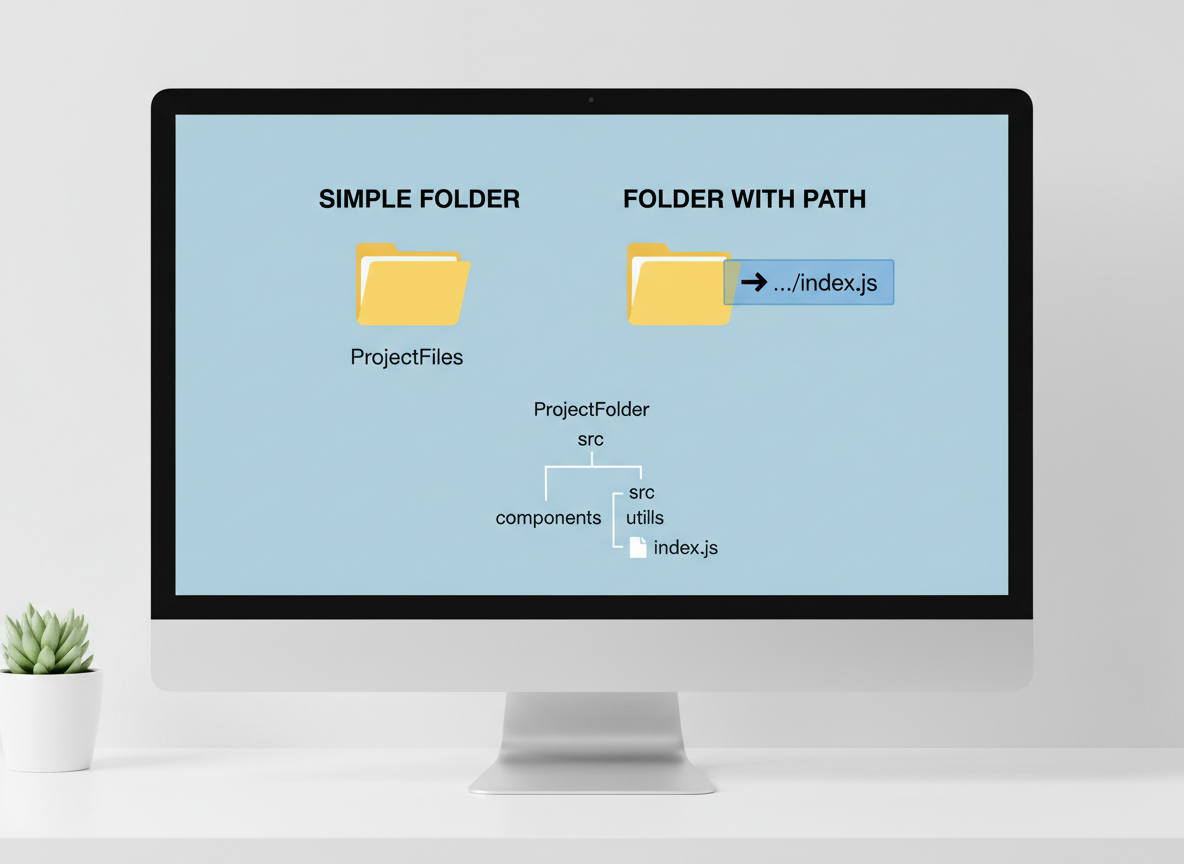
Package entry points
Packages expose entry points via main/exports. Bare imports choose the right file for ESM or CJS.
// Installed packages declare entry points in package.json
const pkgJson = [
  "{",
  "  \\"name\\": \\"tiny-lib\\",",
  "  \\"main\\": \\"dist/cjs/index.cjs\\",",
  "  \\"exports\\": {",
  "    \\".\\": { \\"import\\": \\"./dist/esm/index.js\\", \\"require\\": \\"./dist/cjs/index.cjs\\" }",
  "  }",
  "}"
];

console.log("package.json entry (example):");
for (const l of pkgJson) console.log(l);

// Importing a bare specifier will use these fields
console.log("import tiny-lib     -> resolves to ESM or CJS entry depending on environment");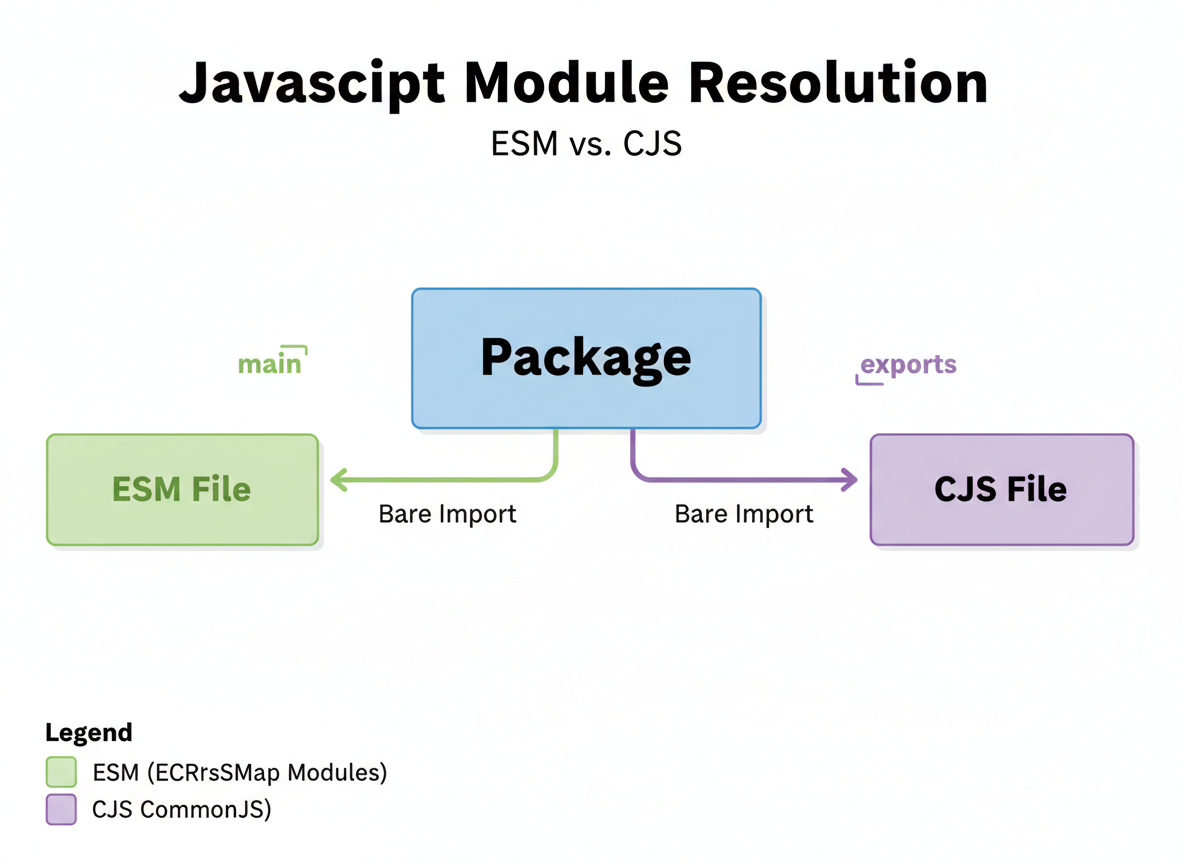
Tips & pitfalls
Tips:
- Prefer relative paths with .js for local files.
- Use bare imports only for installed packages.
- Be explicit with index.js to avoid ambiguity.
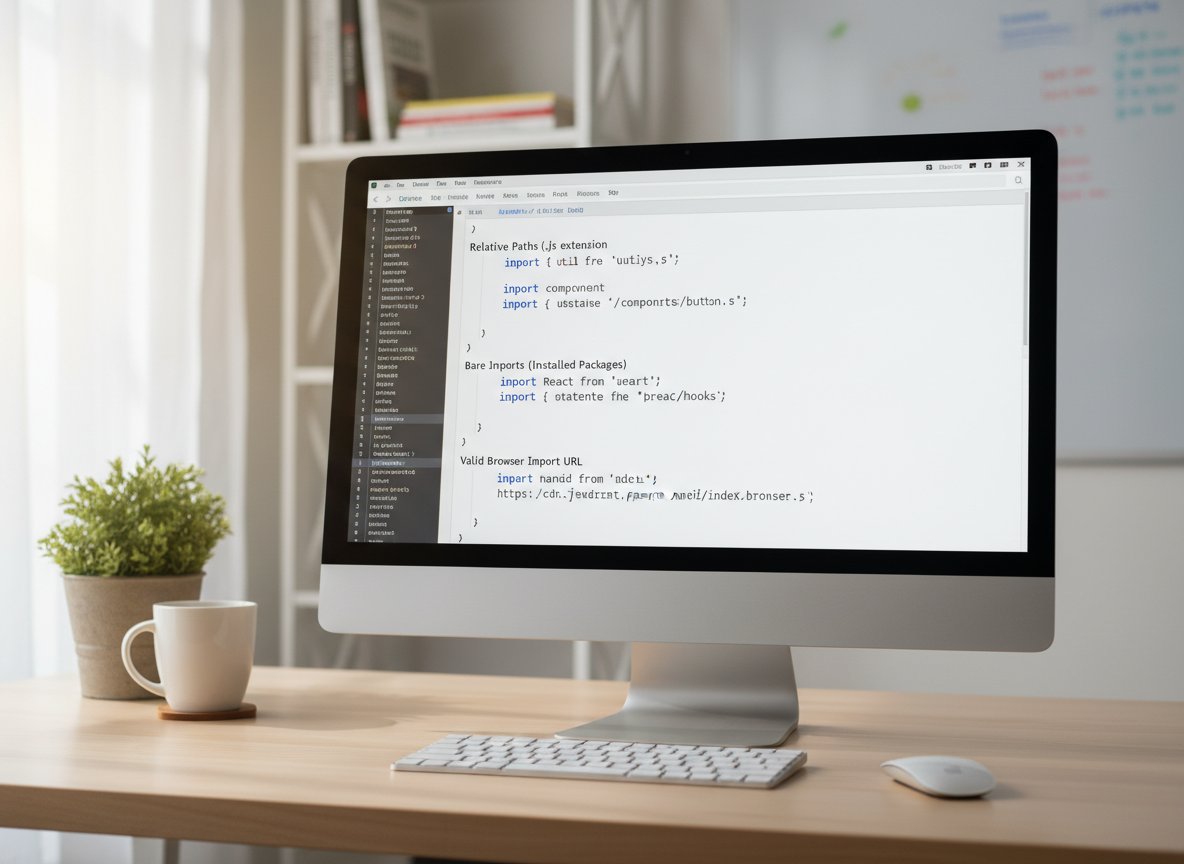
- In the browser, imports must be valid URLs (often with extensions).
Resolution basics quiz
Quick check: Safe local import path.

Recap
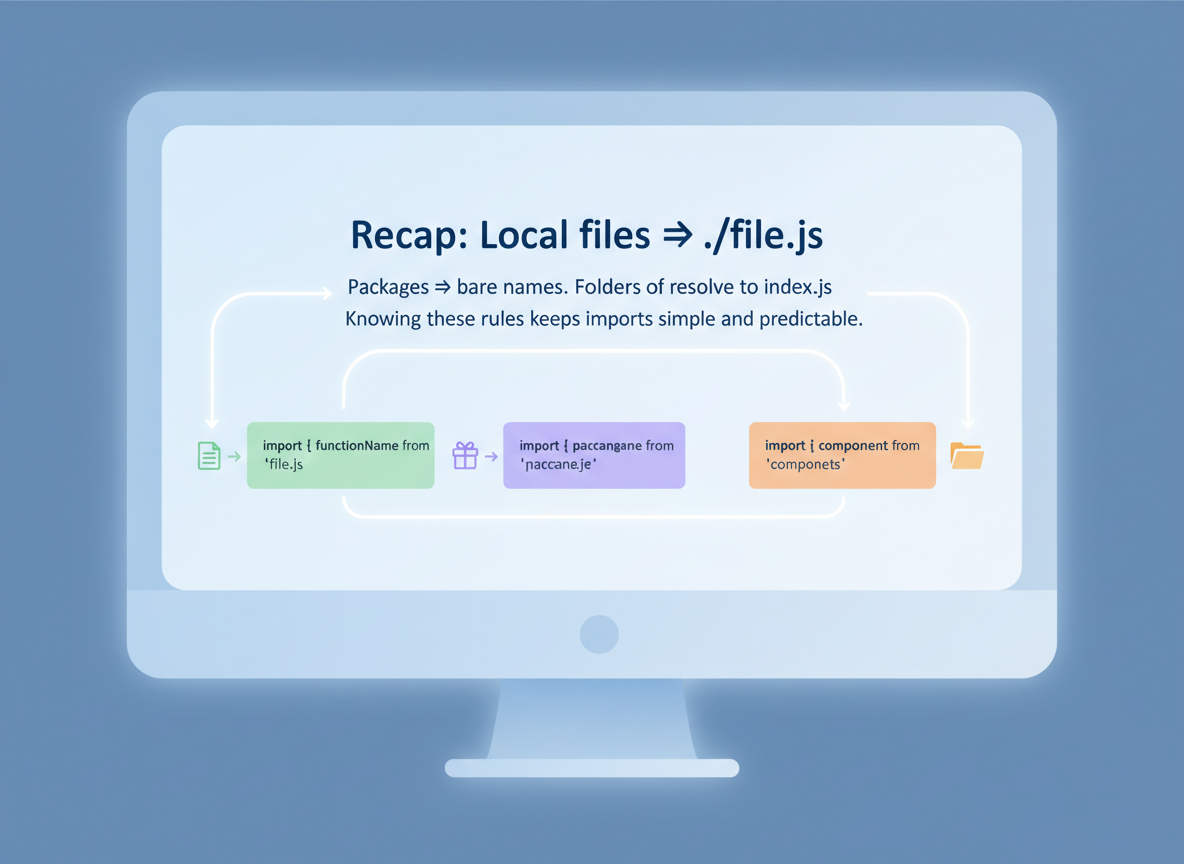
Recap: Local files → ./file.js. Packages → bare names. Folders often resolve to index.js. Knowing these rules keeps imports simple and predictable.

Learn JavaScript with an AI tutor — free
Write and run real code in your browser, get instant help from a 24/7 AI tutor, and pick up where you left off on the web or in the app.
- Courses
- 59
- Lessons
- 200
Frequently Asked Questions
Is the “Module resolution in Node and browser bundlers” lesson free?
Yes — any 3 lessons of the JavaScript Academy learning path, including “Module resolution in Node and browser bundlers”, are free to read in full here on the web. After that, CoddyKit PRO unlocks every lesson, plus interactive practice with a built-in code editor and a 24/7 AI tutor. The JavaScript Academy course includes 3 lessons in total.
What will I learn in “Module resolution in Node and browser bundlers”?
Learn how imports are resolved: relative vs bare specifiers, file extensions (.js/.mjs/.cjs), index files, and simple package entry points. You practise JavaScript Academy with hands-on code you run directly in the browser, and a 24/7 AI tutor answers your questions as you work through the lesson.
Do I need any experience to start JavaScript Academy?
No prior experience is required. JavaScript Academy on CoddyKit is structured for beginners through advanced learners, so you can start here or from the beginning and move at your own pace. This is lesson 3 of 3.
How long does the “Module resolution in Node and browser bundlers” lesson take?
Most CoddyKit lessons take about 5–10 minutes. Each one is bite-sized and interactive, so you make steady progress and pick up exactly where you left off across the web and the app.
Can I write and run code in this JavaScript Academy lesson?
Yes. Every JavaScript Academy lesson includes a built-in code editor, so you write and run real code right in your browser and get instant AI feedback — no local setup required.
All lessons in this course
- ESM basics — import/export, default vs named
- CommonJS basics — require/module.exports and exports
- Module resolution in Node and browser bundlers