
CommonJS basics — require/module.exports and exports
Learn CommonJS: require(), module.exports, exports shortcut, and a small interop taste with ESM.
CommonJS basics — require/module.exports and exports is a free JavaScript Academy lesson on CoddyKit. This is lesson 2 of 3. Any 3 lessons of this learning path are free to read in full — after that, CoddyKit PRO unlocks every lesson, plus hands-on practice with a built-in code editor and a 24/7 AI tutor. It is part of the JavaScript Academy learning path, and your progress syncs across the web and the CoddyKit app. The JavaScript Academy course includes 3 lessons in total.
CJS: big picture
Goal: Read and write small CommonJS modules.
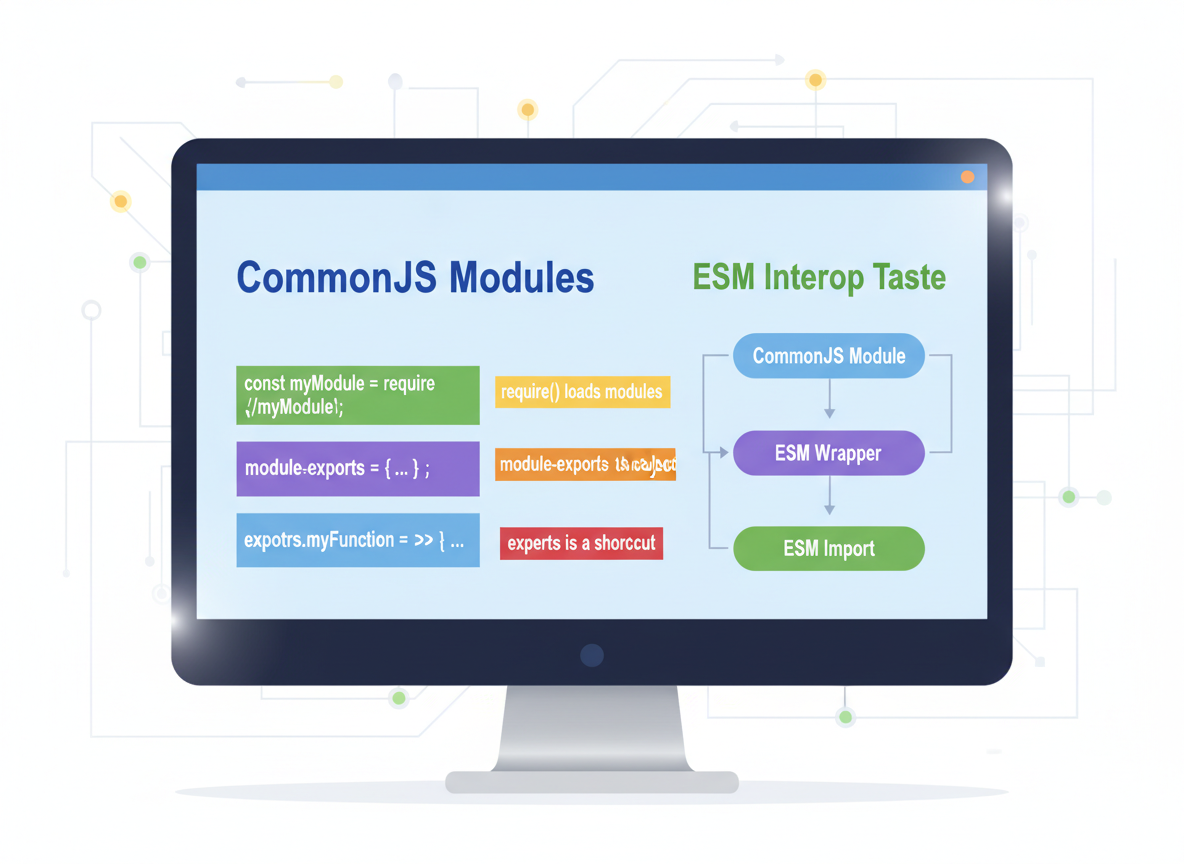
- require() loads modules
- module.exports is the export object
- exports is a shortcut to the same object
- Quick ESM interop taste
require() — idea
require(path) returns the module's exported object in CommonJS.
// CommonJS import uses require()
const cjsExample = [
  "const math = require(\\"./math.js\\");",
  "console.log(math.sum(2, 3));"
];

console.log("require() example:");
for (const line of cjsExample) console.log(line);

// Emulate a loaded module object
const loaded = { sum: function (a, b) { return a + b; } };
console.log("emulated require sum:", loaded.sum(2, 3));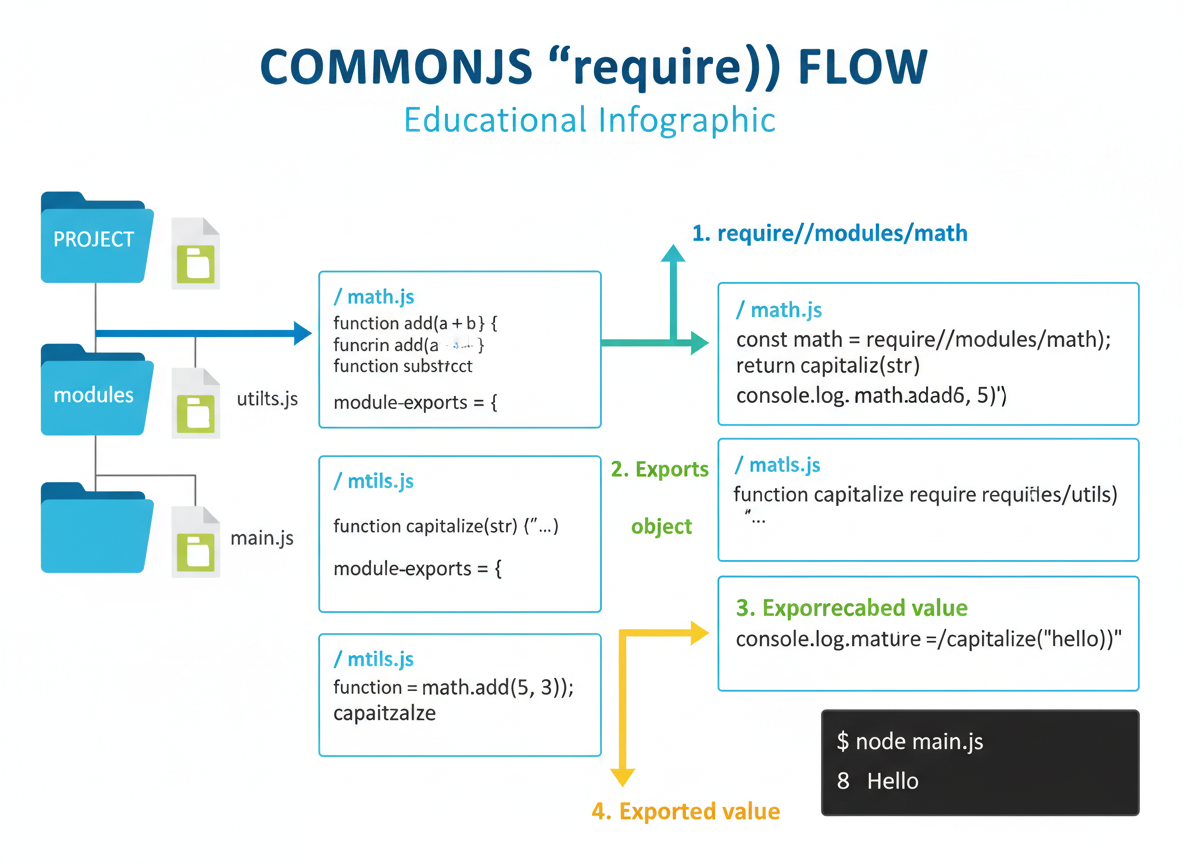
module.exports
Assign a value to module.exports to export it (function, object, etc.).
// module.exports sets what the module returns
const lines1 = [
  "function greet(name) { return \\"Hi \\" + name; }",
  "module.exports = greet;"
];

console.log("module.exports example:");
for (const l of lines1) console.log(l);

// Emulate consumption
function greet(name) { return "Hi " + name; }
const api1 = greet; // like module.exports = greet
console.log("use exported fn:", api1("Ayla"));
exports shortcut
exports.prop = ... is fine; do not reassign exports = ... because it no longer points to module.exports.
// exports is a shortcut to module.exports (same object)
const lines2 = [
  "// Good: add properties",
  "exports.sum = function (a, b) { return a + b; };",
  "",
  "// Pitfall: reassigning exports breaks the link",
  "exports = function () {}; // WRONG"
];

console.log("exports shortcut:");
for (const l of lines2) console.log(l);

// Emulate good usage
const moduleObj = {};
const exportsRef = moduleObj;  // like exports === module.exports initially
exportsRef.sum = function (a, b) { return a + b; };
console.log("sum via exportsRef:", moduleObj.sum(2, 4));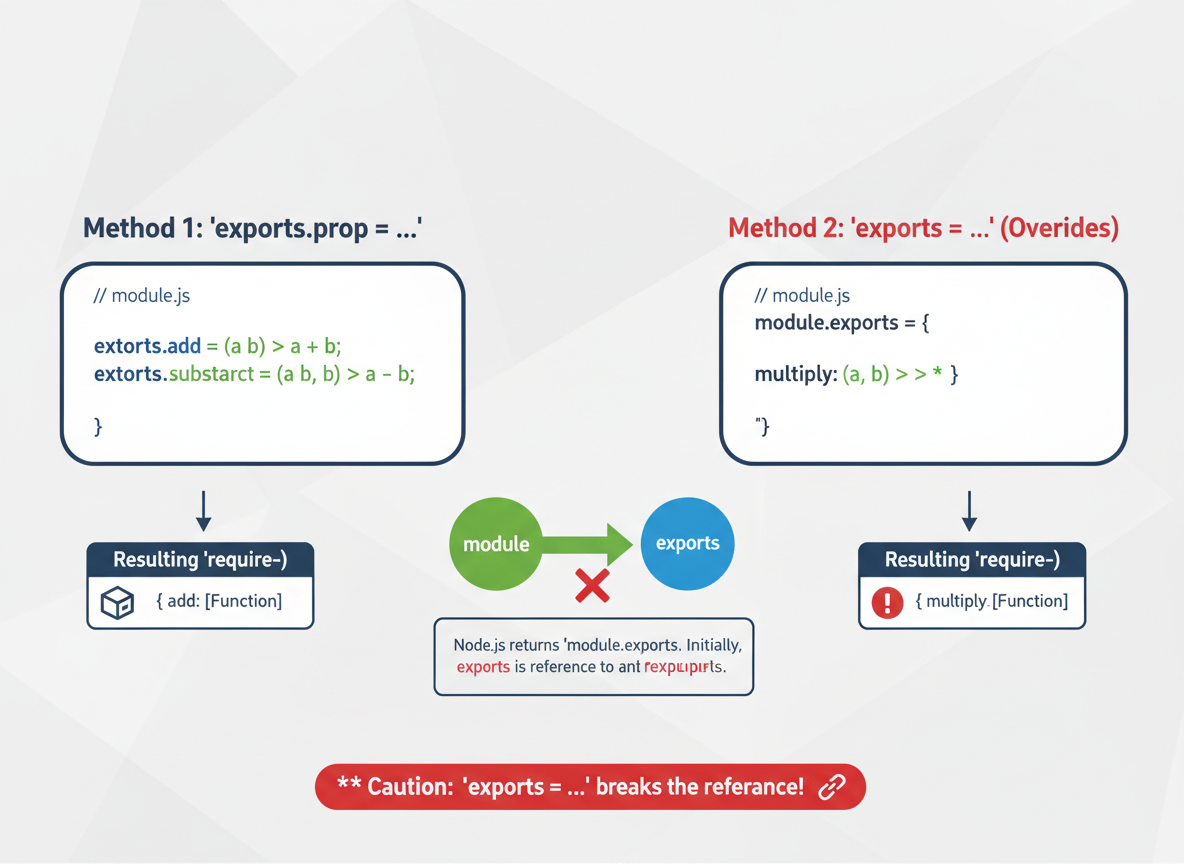
Multiple exports
You can export an object holding many functions and read them via properties.
// Export an object with multiple members
const lines3 = [
  "function add(a, b) { return a + b; }",
  "function mul(a, b) { return a * b; }",
  "module.exports = { add, mul };"
];

console.log("multiple exports object:");
for (const l of lines3) console.log(l);

// Emulate consumption
const api2 = {
  add: function (a, b) { return a + b; },
  mul: function (a, b) { return a * b; }
};
console.log("use add/mul:", api2.add(1, 2), api2.mul(2, 3));
ESM ↔ CJS taste
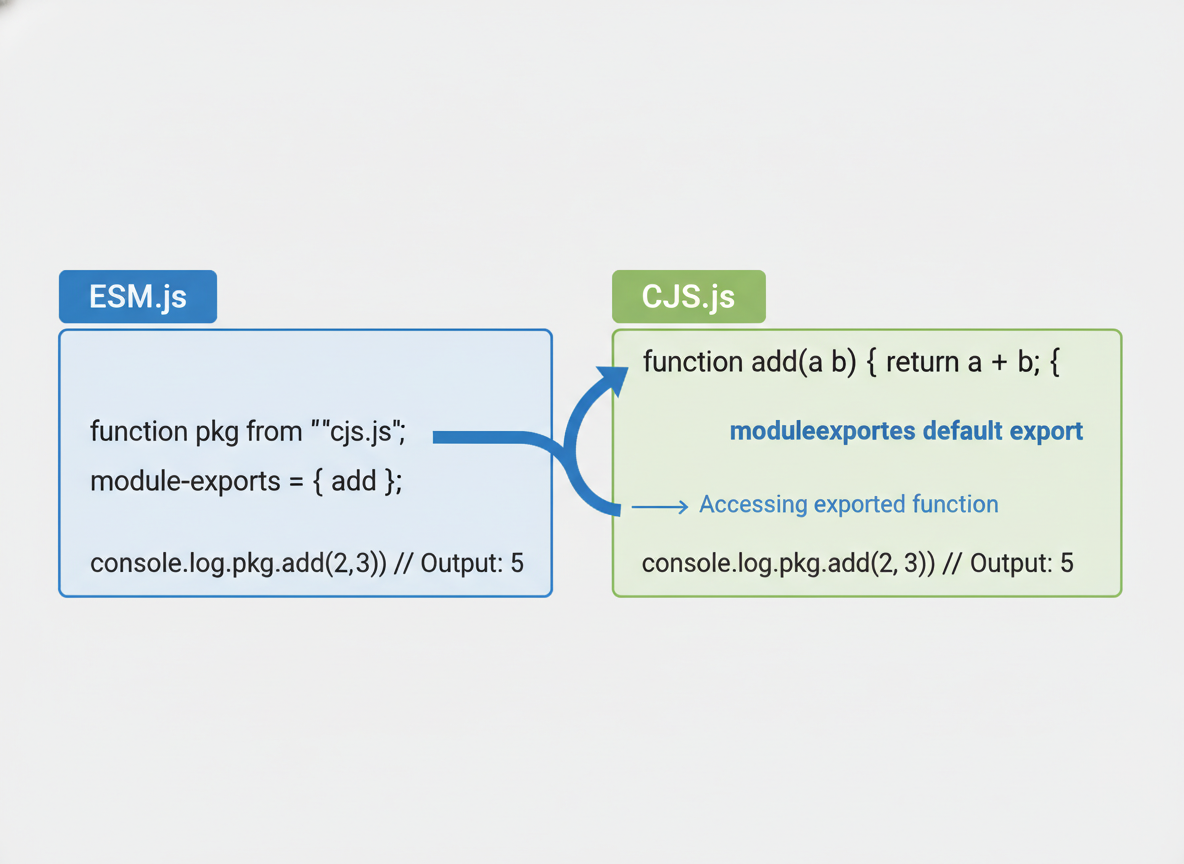
Interop (taste):
- ESM importing CJS often receives the CJS module.exports as the default.
- Example: import pkg from "./cjs.js" then use pkg.add().
- Keep examples simple; avoid mixing styles in one file unless you must.
CJS export syntax quiz
Quick check: Export in CommonJS.

Recap
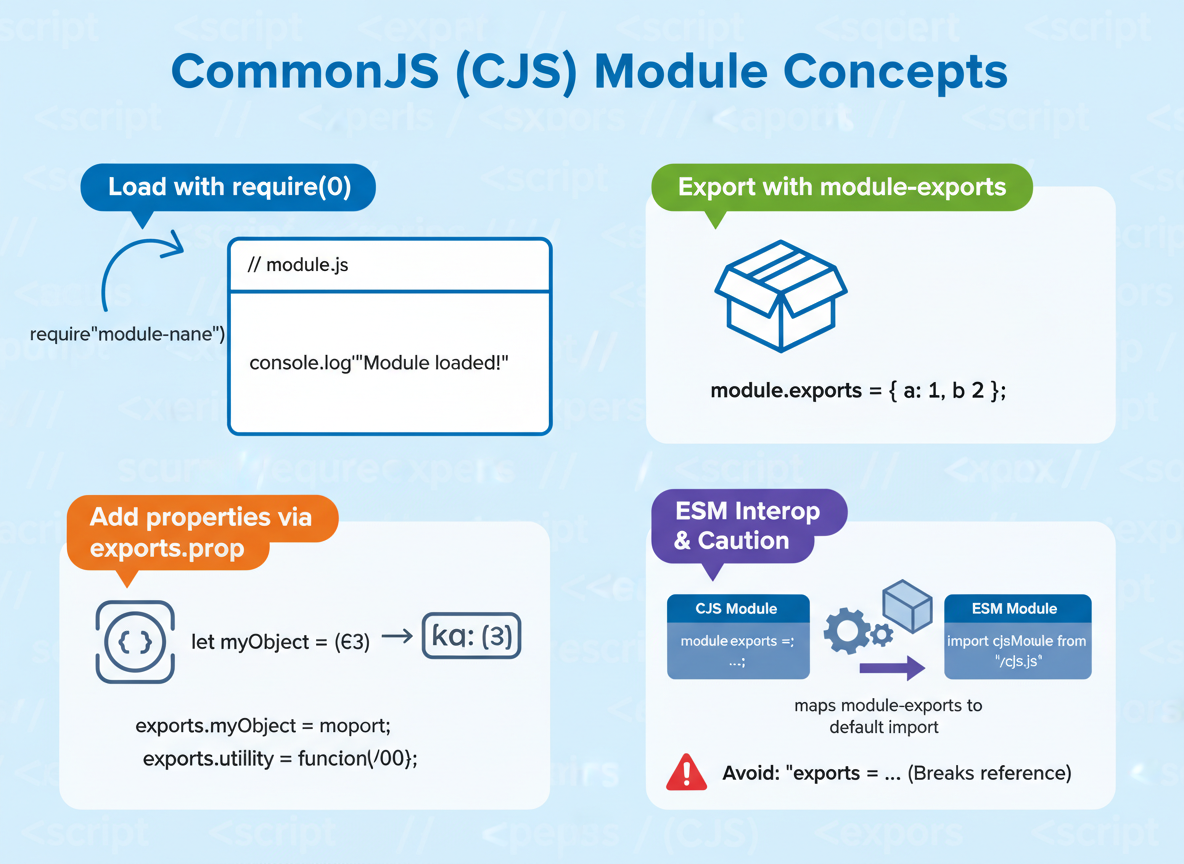
Recap: Load with require(), export with module.exports, add properties via exports.prop, and avoid reassigning exports. ESM interop often maps CJS module.exports to a default.

Learn JavaScript with an AI tutor — free
Write and run real code in your browser, get instant help from a 24/7 AI tutor, and pick up where you left off on the web or in the app.
- Courses
- 59
- Lessons
- 200
Frequently Asked Questions
Is the “CommonJS basics — require/module.exports and exports” lesson free?
Yes — any 3 lessons of the JavaScript Academy learning path, including “CommonJS basics — require/module.exports and exports”, are free to read in full here on the web. After that, CoddyKit PRO unlocks every lesson, plus interactive practice with a built-in code editor and a 24/7 AI tutor. The JavaScript Academy course includes 3 lessons in total.
What will I learn in “CommonJS basics — require/module.exports and exports”?
Learn CommonJS: require(), module.exports, exports shortcut, and a small interop taste with ESM. You practise JavaScript Academy with hands-on code you run directly in the browser, and a 24/7 AI tutor answers your questions as you work through the lesson.
Do I need any experience to start JavaScript Academy?
No prior experience is required. JavaScript Academy on CoddyKit is structured for beginners through advanced learners, so you can start here or from the beginning and move at your own pace. This is lesson 2 of 3.
How long does the “CommonJS basics — require/module.exports and exports” lesson take?
Most CoddyKit lessons take about 5–10 minutes. Each one is bite-sized and interactive, so you make steady progress and pick up exactly where you left off across the web and the app.
Can I write and run code in this JavaScript Academy lesson?
Yes. Every JavaScript Academy lesson includes a built-in code editor, so you write and run real code right in your browser and get instant AI feedback — no local setup required.
All lessons in this course
- ESM basics — import/export, default vs named
- CommonJS basics — require/module.exports and exports
- Module resolution in Node and browser bundlers