
ESM basics — import/export, default vs named
Learn ESM import/export basics: what a module is, named vs default exports, namespace imports, and a light CommonJS contrast.
ESM basics — import/export, default vs named is a free JavaScript Academy lesson on CoddyKit. This is lesson 1 of 3. Any 3 lessons of this learning path are free to read in full — after that, CoddyKit PRO unlocks every lesson, plus hands-on practice with a built-in code editor and a 24/7 AI tutor. It is part of the JavaScript Academy learning path, and your progress syncs across the web and the CoddyKit app. The JavaScript Academy course includes 3 lessons in total.
What is a module?
Goal: Read module syntax with confidence.
- What a module is
- Named vs default exports
- import * as namespace
- Quick CJS contrast

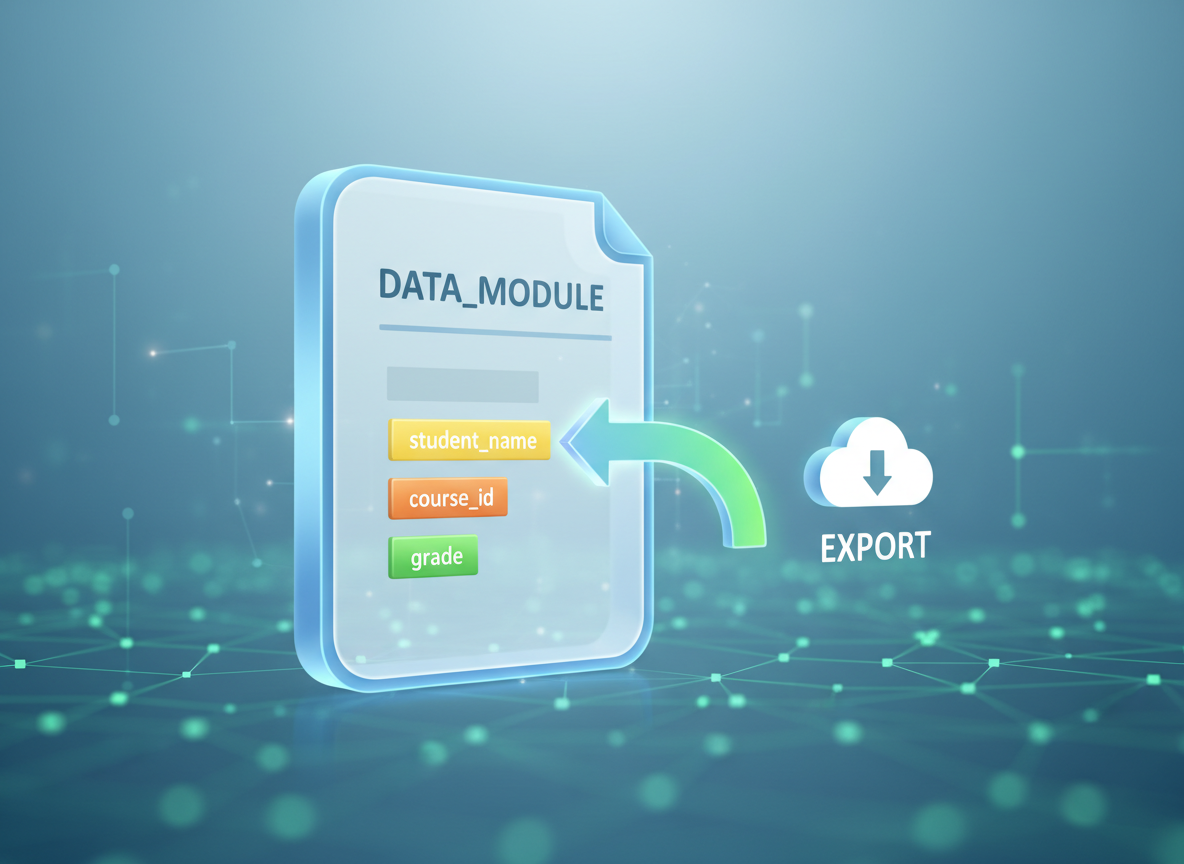
Module = file + local scope
A module is a file. Its variables are local unless you export them.
// A module is just a file with its own scope
// Here we simulate "module scope" by keeping variables local.
(function () {
  const secret = 42;                          // local to this file/scope
  function reveal() { return "value:" + secret; }
  console.log("module-like scope:", typeof secret === "number", reveal());
})();
Named exports — idea
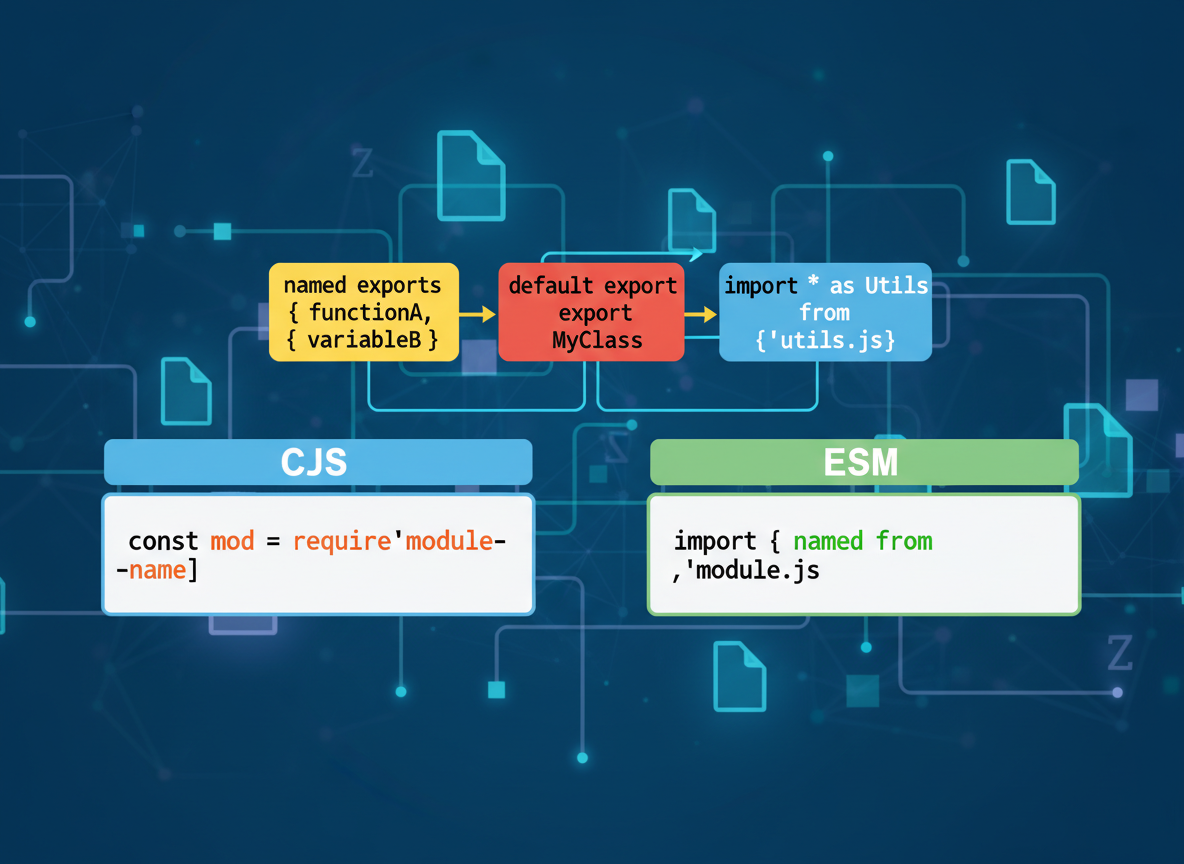
Named exports use braces on import: import { name }. You can export several items from one file.
// Named exports: you export multiple items by name
const exampleNamedExport = [
  "export const PI = 3.14;",
  "export function sum(a, b) { return a + b; }",
  "import { PI, sum } from \\"./math.js\\";"
];

console.log("named export example:");
for (const line of exampleNamedExport) console.log(line);

// Tiny emulation: pretend we imported two named symbols
const PI = 3.14;
function sum(a, b) { return a + b; }
console.log("emulated use:", PI, sum(2, 3));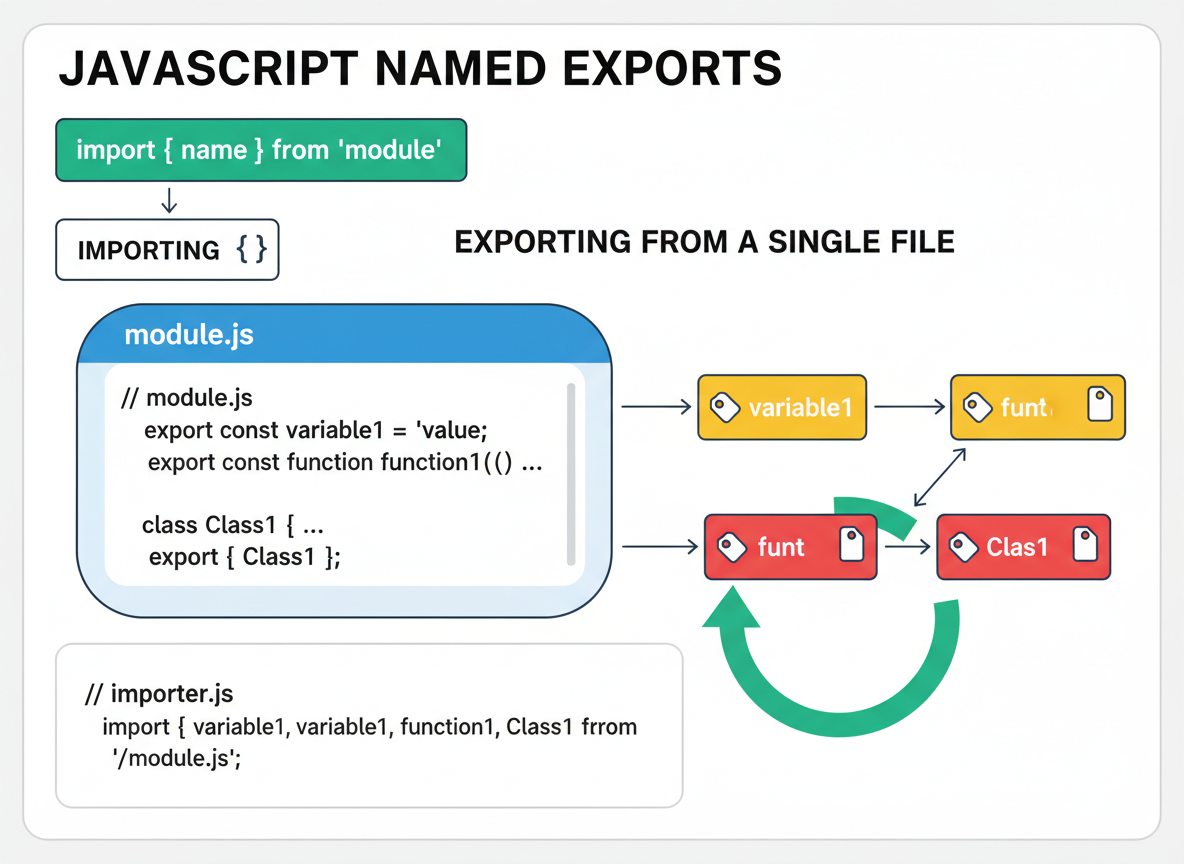
Default export — idea
A default export is imported without braces: import name from "path".
// Default export: each module can have at most one default
const exampleDefault = [
  "export default function greet(name) { return \\"Hi \\" + name; }",
  "import greet from \\"./greet.js\\"; // no braces"
];

console.log("default export example:");
for (const line of exampleDefault) console.log(line);

// Emulation of default import usage
function greet(name) { return "Hi " + name; }
console.log("emulated default:", greet("Ayla"));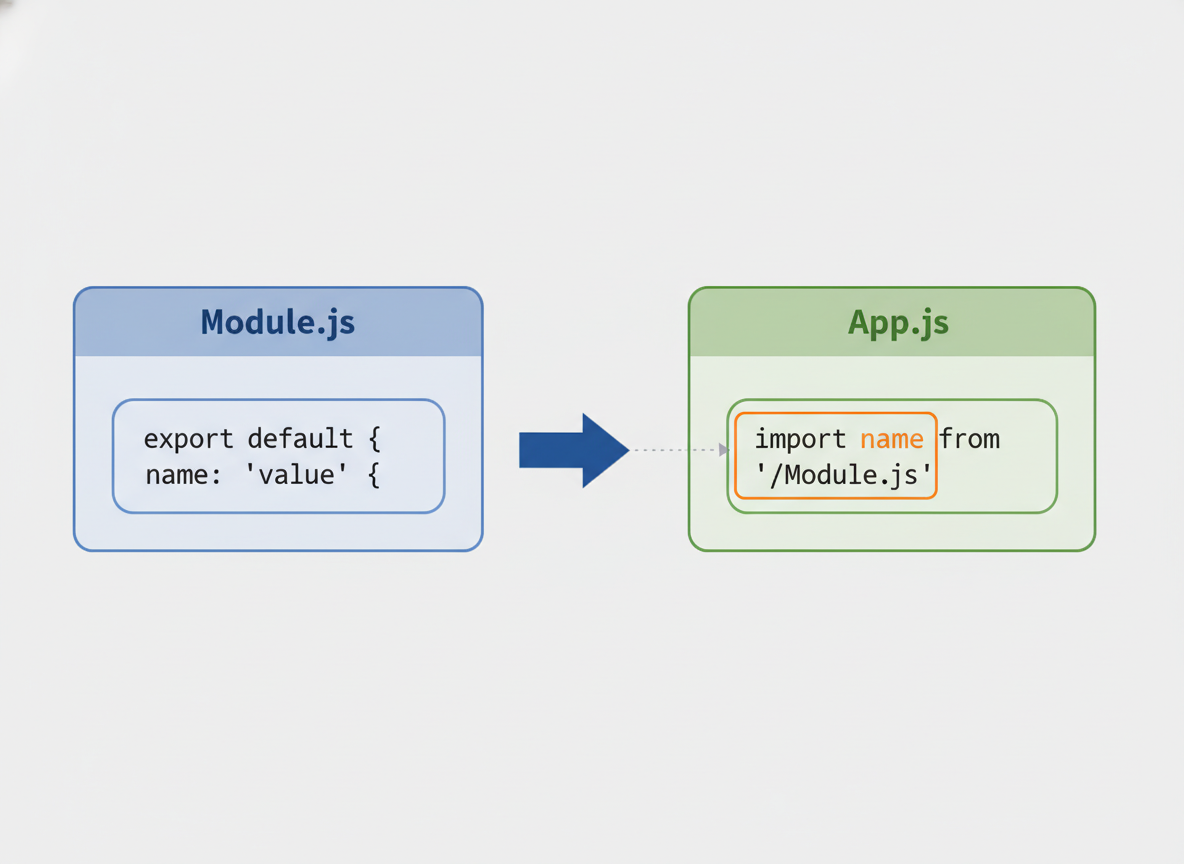
Namespace import
import * as ns gathers named exports into one object (e.g., math.sum).
// Namespace import collects all named exports under one object
const exampleNamespace = [
  "import * as math from \\"./math.js\\";",
  "console.log(math.PI, math.sum(1, 2));"
];

console.log("namespace import example:");
for (const line of exampleNamespace) console.log(line);

// Emulate a namespace object
const math = { PI: 3.14, sum: function (a, b) { return a + b; } };
console.log("namespace use:", math.PI, math.sum(4, 5));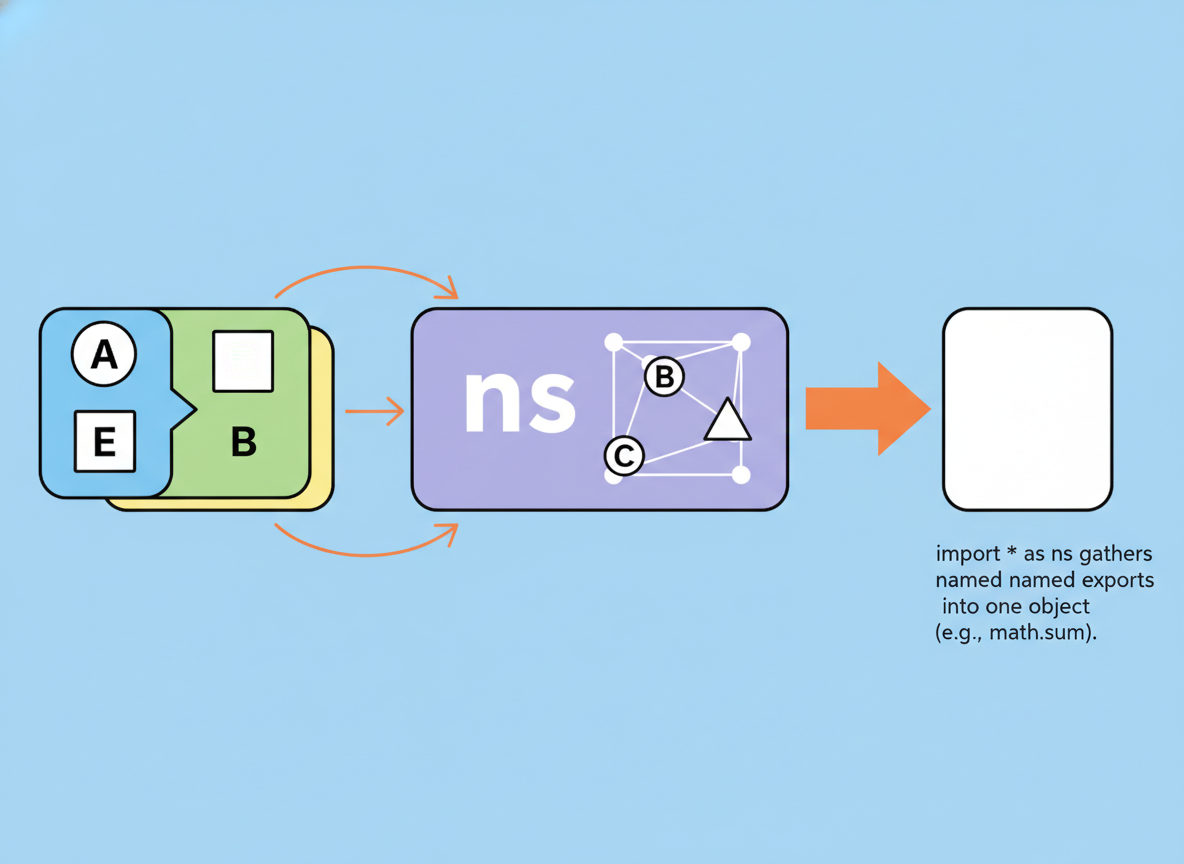
CJS contrast & resolution notes
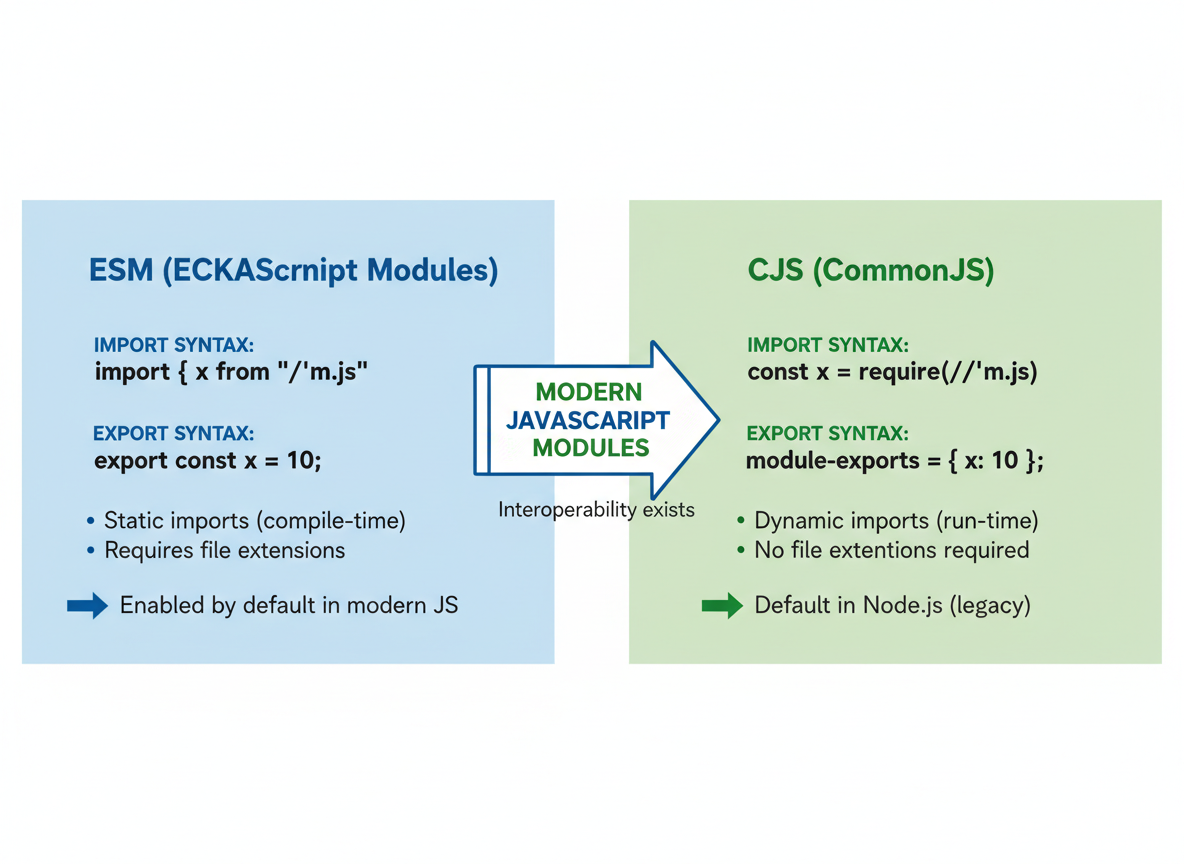
CJS vs ESM (taste):
- ESM: import/export syntax (static). Example: import { x } from "./m.js".
- CJS: require/module.exports (dynamic). Example: const x = require("./m.js").
- In ESM, use explicit file extensions in browser and many Node setups (e.g., ./file.js).
Named vs default import quiz
Quick check: Named import syntax.

Recap
Recap: A module is a file. Use named exports with braces, one default export without braces, and import * for a namespace. CJS uses require, ESM uses import.

Learn JavaScript with an AI tutor — free
Write and run real code in your browser, get instant help from a 24/7 AI tutor, and pick up where you left off on the web or in the app.
- Courses
- 59
- Lessons
- 200
Frequently Asked Questions
Is the “ESM basics — import/export, default vs named” lesson free?
Yes — any 3 lessons of the JavaScript Academy learning path, including “ESM basics — import/export, default vs named”, are free to read in full here on the web. After that, CoddyKit PRO unlocks every lesson, plus interactive practice with a built-in code editor and a 24/7 AI tutor. The JavaScript Academy course includes 3 lessons in total.
What will I learn in “ESM basics — import/export, default vs named”?
Learn ESM import/export basics: what a module is, named vs default exports, namespace imports, and a light CommonJS contrast. You practise JavaScript Academy with hands-on code you run directly in the browser, and a 24/7 AI tutor answers your questions as you work through the lesson.
Do I need any experience to start JavaScript Academy?
No prior experience is required. JavaScript Academy on CoddyKit is structured for beginners through advanced learners, so you can start here or from the beginning and move at your own pace. This is lesson 1 of 3.
How long does the “ESM basics — import/export, default vs named” lesson take?
Most CoddyKit lessons take about 5–10 minutes. Each one is bite-sized and interactive, so you make steady progress and pick up exactly where you left off across the web and the app.
Can I write and run code in this JavaScript Academy lesson?
Yes. Every JavaScript Academy lesson includes a built-in code editor, so you write and run real code right in your browser and get instant AI feedback — no local setup required.
All lessons in this course
- ESM basics — import/export, default vs named
- CommonJS basics — require/module.exports and exports
- Module resolution in Node and browser bundlers