
package.json, scripts, and deps vs devDeps
Understand package.json fields, define simple scripts, and know the difference between dependencies and devDependencies.
package.json, scripts, and deps vs devDeps is a free JavaScript Academy lesson on CoddyKit. This is lesson 1 of 3. Any 3 lessons of this learning path are free to read in full — after that, CoddyKit PRO unlocks every lesson, plus hands-on practice with a built-in code editor and a 24/7 AI tutor. It is part of the JavaScript Academy learning path, and your progress syncs across the web and the CoddyKit app. The JavaScript Academy course includes 3 lessons in total.
Why package.json?
Goal: Read and use package.json.
- Key fields: name, version, type
- scripts: run short commands
- dependencies vs devDependencies
- Semantic versions (caret/tilde) — beginner taste
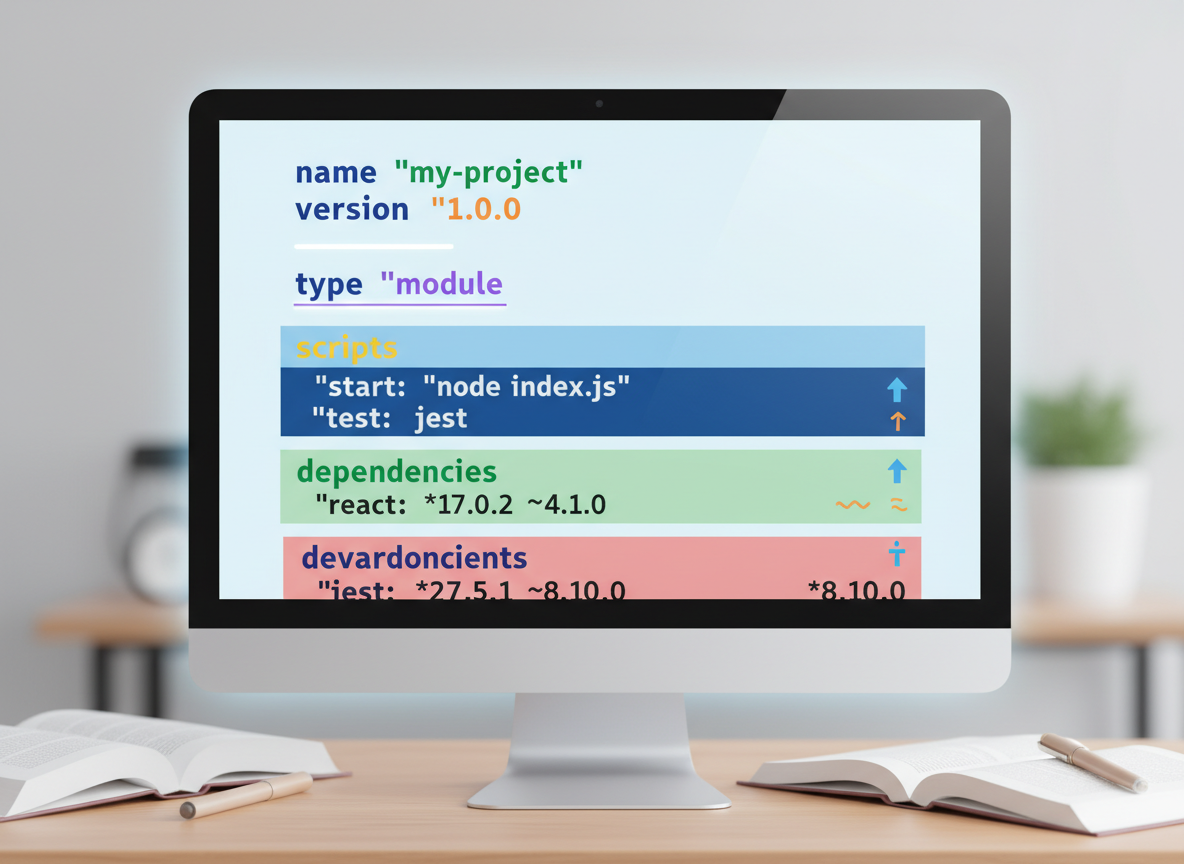
Fields at a glance
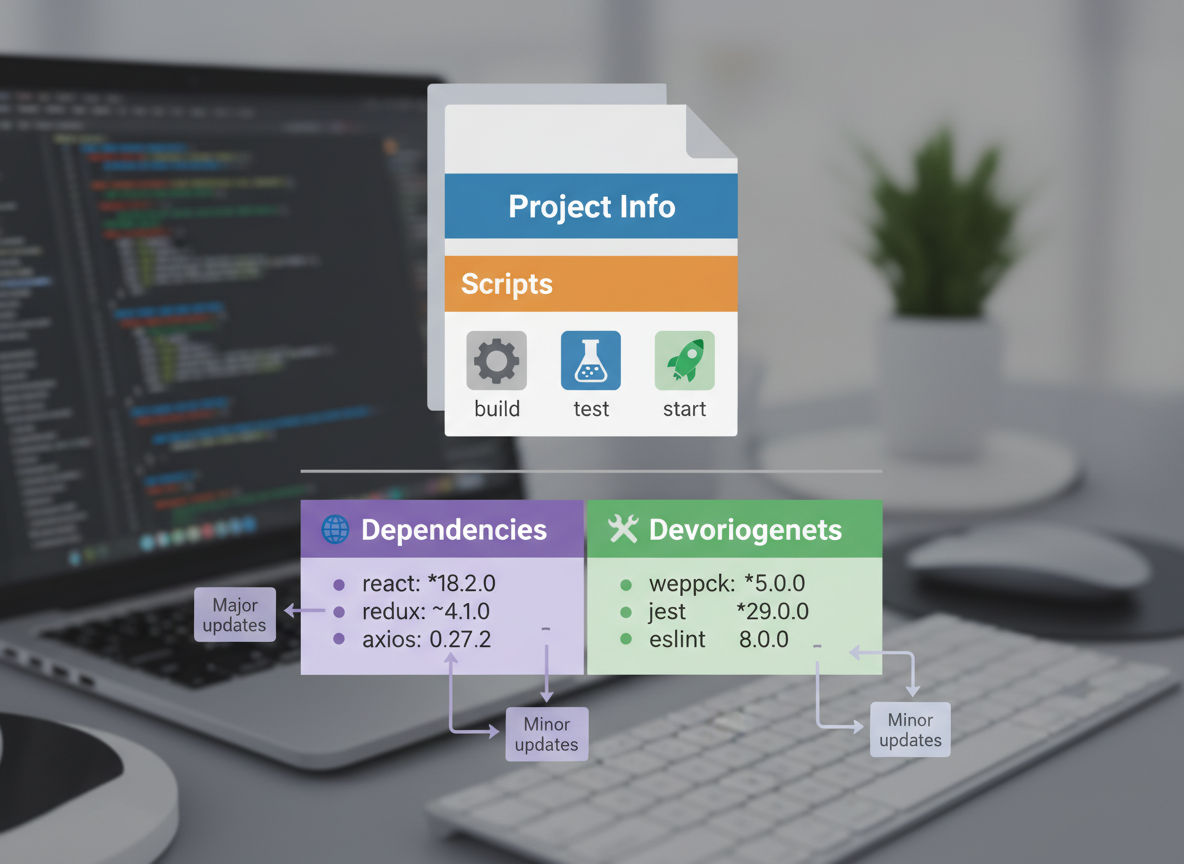
package.json is a manifest with project info, scripts, and dependency lists.
// Emulate a minimal package.json as a JS object
const pkg = {
  name: "hello-app",
  version: "1.0.0",
  type: "module",
  scripts: {
    start: "node index.js",
    build: "echo building...",
    test: "echo tests..."
  },
  dependencies: {
    "chalk": "^5.3.0"
  },
  devDependencies: {
    "eslint": "^9.0.0"
  }
};

console.log("name:", pkg.name);
console.log("version:", pkg.version);
console.log("type:", pkg.type);
console.log("scripts:", Object.keys(pkg.scripts));
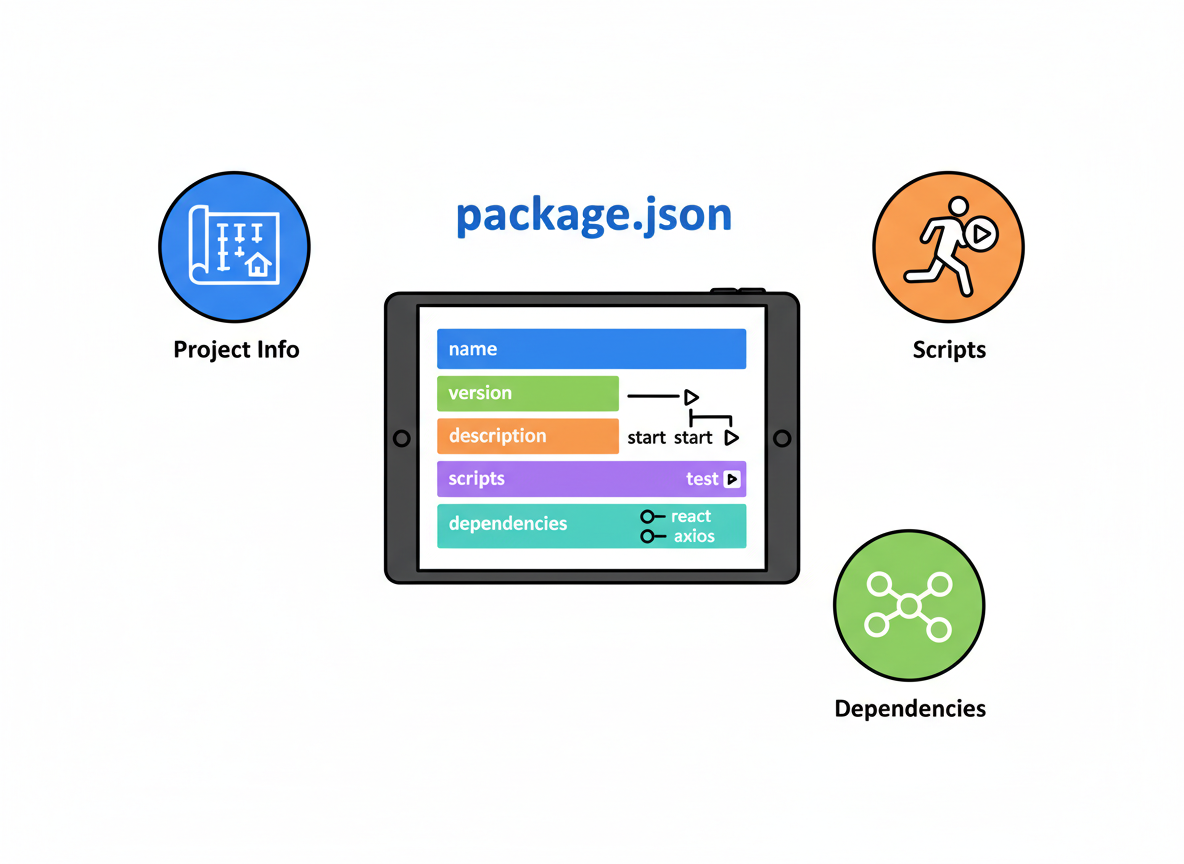
Scripts by name
Add commands under scripts (e.g., build, test), then run them with your package manager.
// Tiny emulator for "npm run <name>"
function runScript(name) {
  const cmd = pkg.scripts[name];
  if (!cmd) {
    console.log("no such script:", name);
    return;
  }
  console.log("running:", name, "->", cmd);
}

runScript("build");
runScript("test");
runScript("missing");

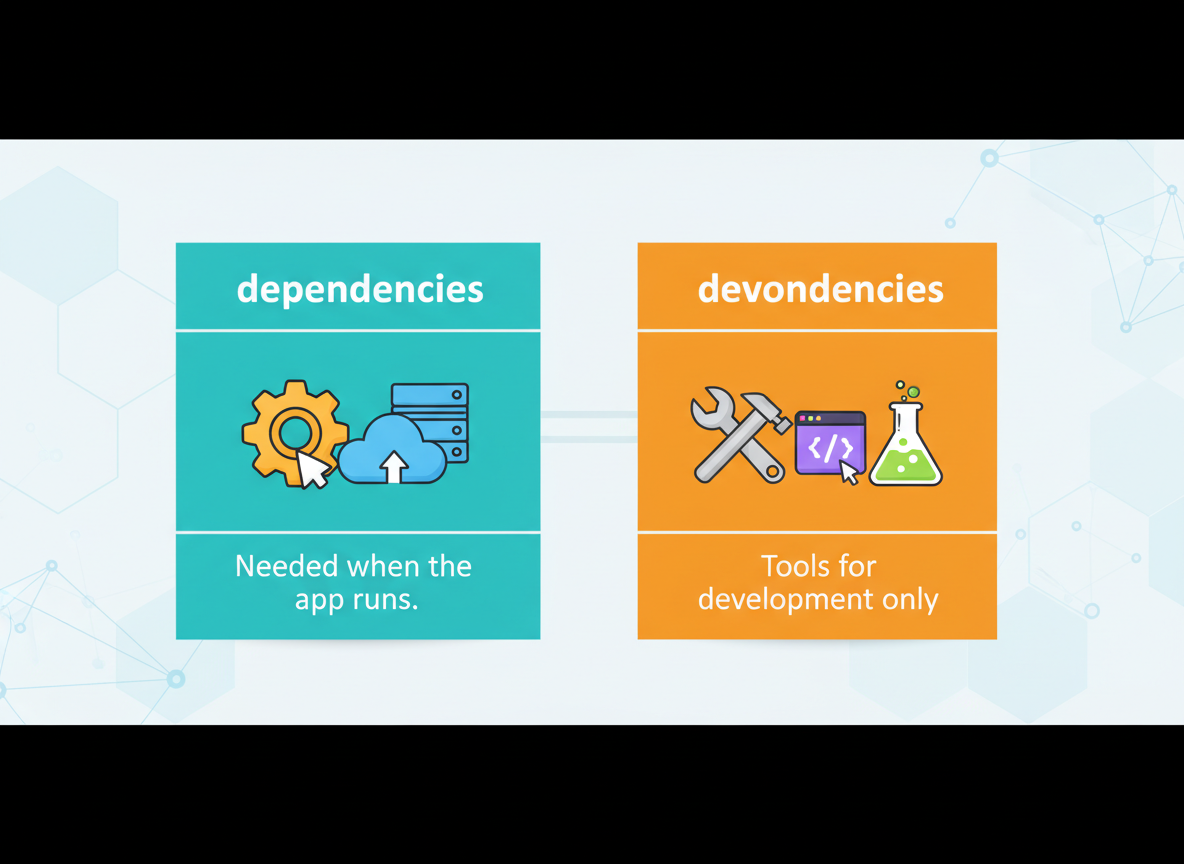
What goes where?
dependencies are needed when the app runs; devDependencies are tools for development only.
// List production deps vs development-time tools
function listDeps() {
  console.log("deps:", Object.keys(pkg.dependencies));
  console.log("devDeps:", Object.keys(pkg.devDependencies));
}

// Rule of thumb in comments:
// dependencies -> needed at runtime (your app uses them when running)
// devDependencies -> only for development (lint, test, build tools)

listDeps();
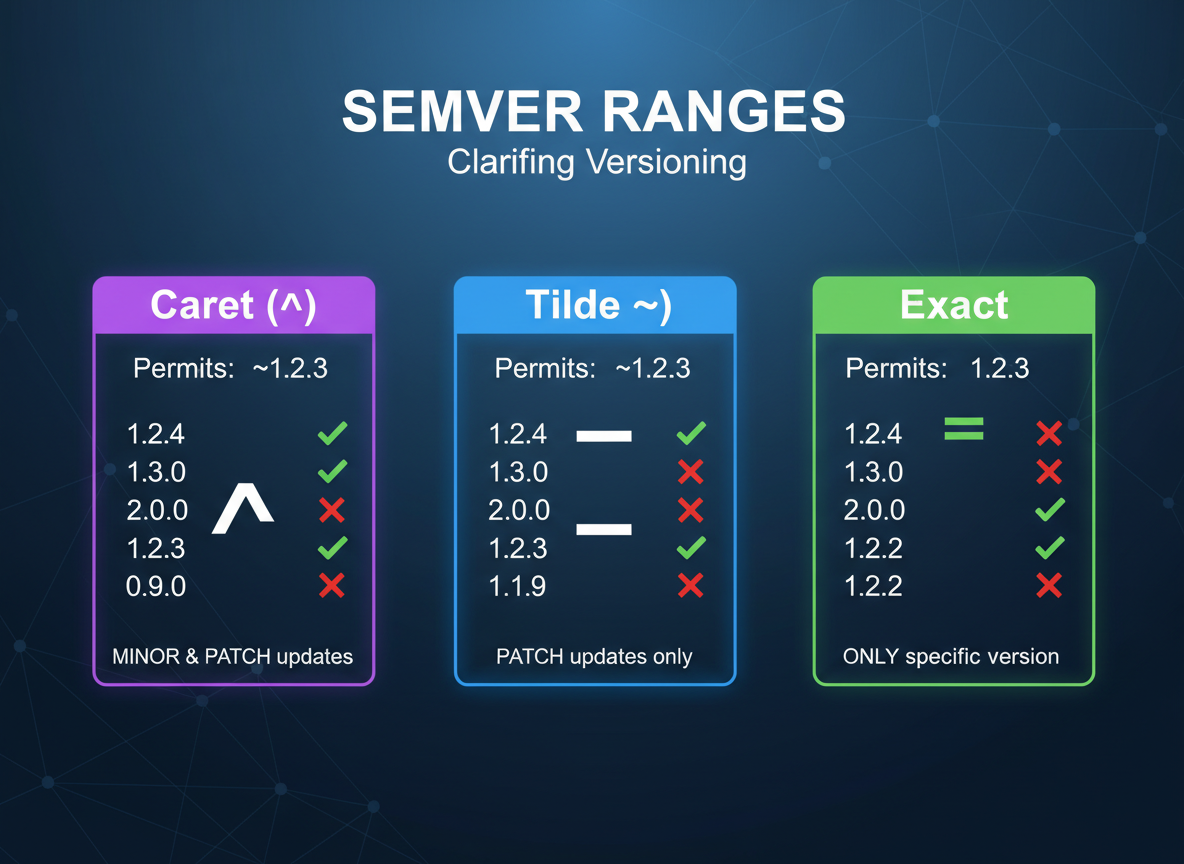
Semver basics
Semver ranges express allowed updates: caret (minor+patch), tilde (patch), or exact.
// Semantic version ranges (intent only)
// ^1.2.3  -> allow minor/patch updates (1.x compatible)
// ~1.2.3  -> allow patch updates (1.2.x)
// 1.2.3   -> exact version

const ranges = ["^1.2.3", "~1.2.3", "1.2.3"];
for (const r of ranges) {
  console.log("range:", r);
}
Practical notes
Tips:
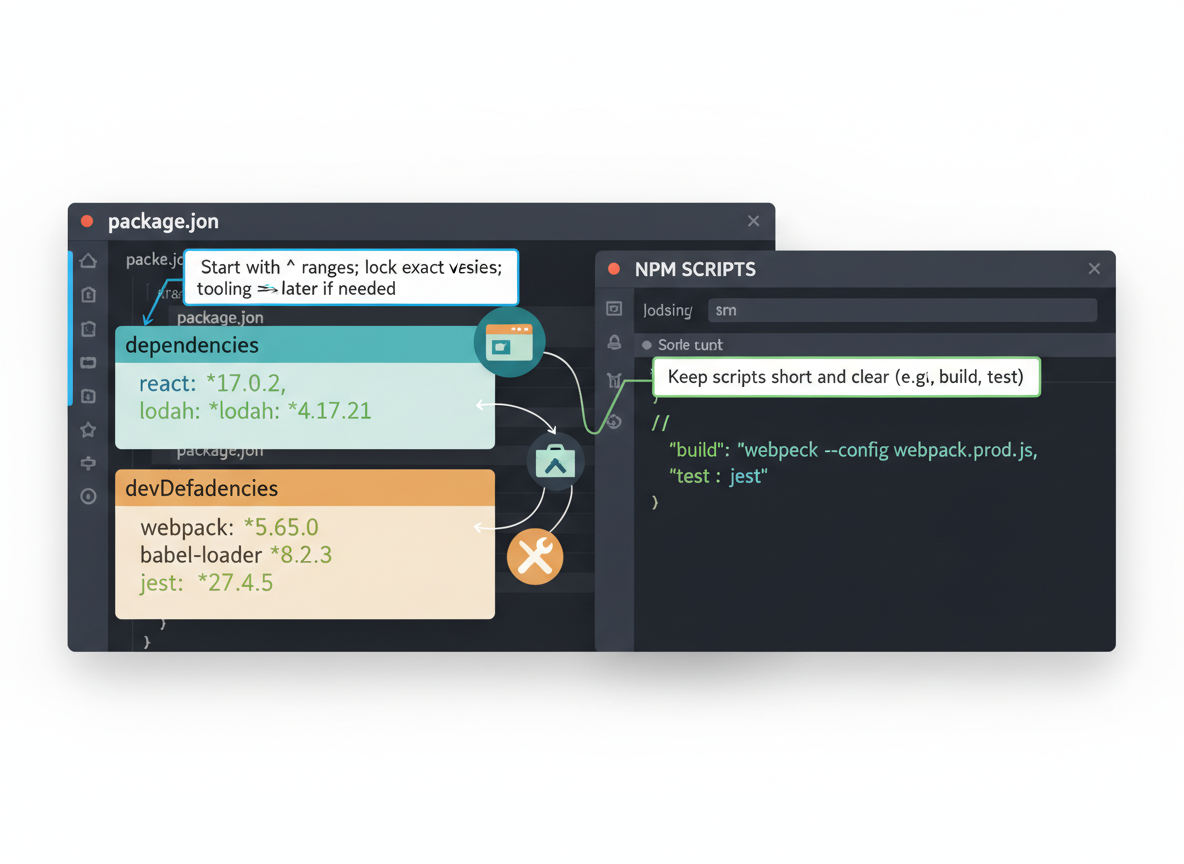
- Keep scripts short and clear (e.g., build, test).
- Runtime libraries → dependencies; tooling → devDependencies.
- Start with ^ ranges; lock exact versions later if needed.
scripts field quiz
Quick check: Where do commands live?

Recap
Recap: package.json lists project info, scripts to run tasks, and separates dependencies (runtime) from devDependencies (development tools). Use simple semver ranges to stay up to date.

Learn JavaScript with an AI tutor — free
Write and run real code in your browser, get instant help from a 24/7 AI tutor, and pick up where you left off on the web or in the app.
- Courses
- 59
- Lessons
- 200
Frequently Asked Questions
Is the “package.json, scripts, and deps vs devDeps” lesson free?
Yes — any 3 lessons of the JavaScript Academy learning path, including “package.json, scripts, and deps vs devDeps”, are free to read in full here on the web. After that, CoddyKit PRO unlocks every lesson, plus interactive practice with a built-in code editor and a 24/7 AI tutor. The JavaScript Academy course includes 3 lessons in total.
What will I learn in “package.json, scripts, and deps vs devDeps”?
Understand package.json fields, define simple scripts, and know the difference between dependencies and devDependencies. You practise JavaScript Academy with hands-on code you run directly in the browser, and a 24/7 AI tutor answers your questions as you work through the lesson.
Do I need any experience to start JavaScript Academy?
No prior experience is required. JavaScript Academy on CoddyKit is structured for beginners through advanced learners, so you can start here or from the beginning and move at your own pace. This is lesson 1 of 3.
How long does the “package.json, scripts, and deps vs devDeps” lesson take?
Most CoddyKit lessons take about 5–10 minutes. Each one is bite-sized and interactive, so you make steady progress and pick up exactly where you left off across the web and the app.
Can I write and run code in this JavaScript Academy lesson?
Yes. Every JavaScript Academy lesson includes a built-in code editor, so you write and run real code right in your browser and get instant AI feedback — no local setup required.
All lessons in this course
- package.json, scripts, and deps vs devDeps
- npx and semantic versioning ranges
- Local vs global tools, bins, and team-friendly workflows