
let, const, and avoiding var
let and const basics, why to avoid var, block scope, and a gentle intro to the temporal dead zone (TDZ).
let, const, and avoiding var is a free JavaScript Academy lesson on CoddyKit. This is lesson 1 of 3. Any 3 lessons of this learning path are free to read in full — after that, CoddyKit PRO unlocks every lesson, plus hands-on practice with a built-in code editor and a 24/7 AI tutor. It is part of the JavaScript Academy learning path, and your progress syncs across the web and the CoddyKit app. The JavaScript Academy course includes 3 lessons in total.
Intro
Goal: Use let and const confidently, avoid legacy var, and understand block scope and TDZ.
- let vs const
- Block scope
- TDZ safety
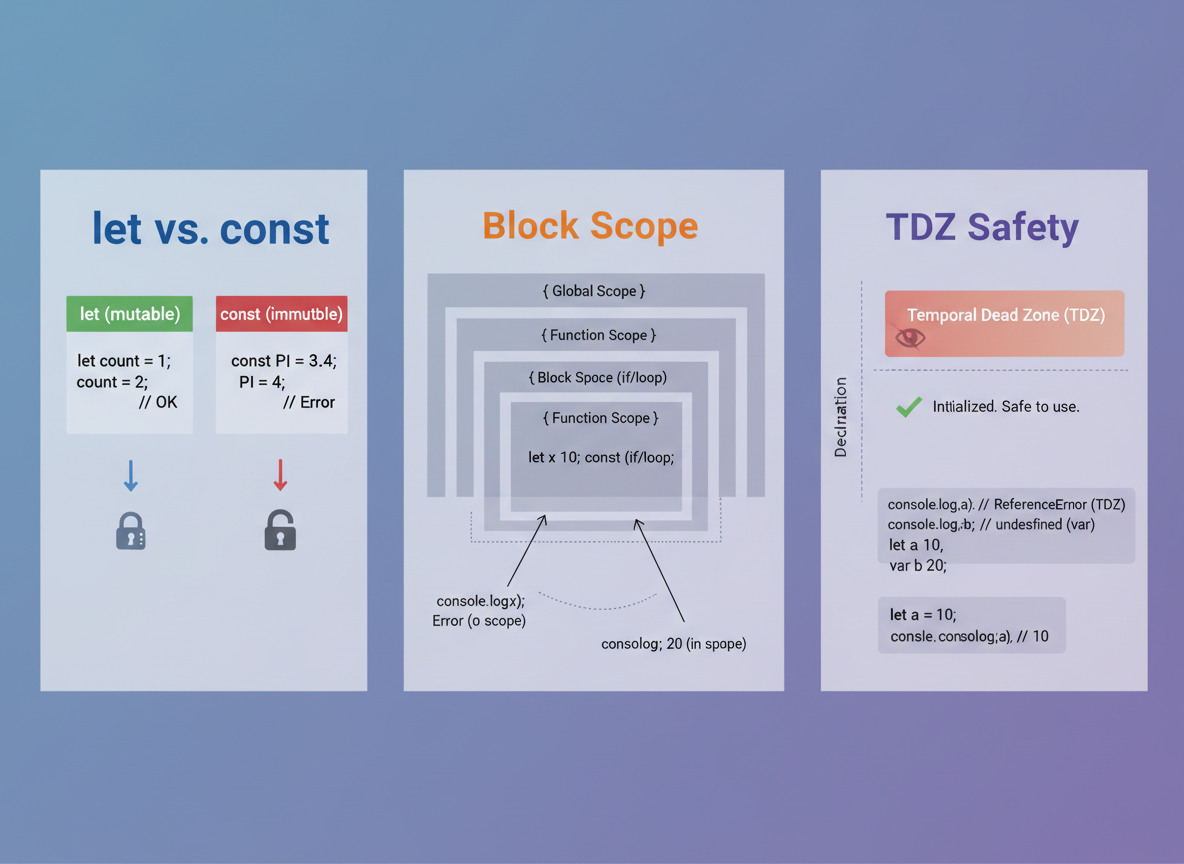
let vs const basics
Rule: Use const unless you plan to reassign; otherwise choose let.
// Prefer const by default; use let when you need to reassign
const appName = "CoddyKit";
// cannot reassign
let score = 0;
// can reassign

score = score + 1;
console.log("App:", appName);
console.log("Score:", score);

Why avoid var
Avoid var because:
- It is function-scoped, not block-scoped.
- It is hoisted and can read as undefined before declaration.
- It makes refactors harder and less predictable.

Block scope demo
Block scope helps keep variables local and your code tidy.
// Block scope: variables exist only inside the braces
let lives = 3;

if (true) {
  const bonus = 10;
 // only inside this block
  let level = 2;
// only inside this block
  console.log("Inside:", bonus, level);
}

console.log("Lives:", lives);
// The following would be ReferenceError if uncommented:
// console.log(bonus, level);

TDZ (safe demo)
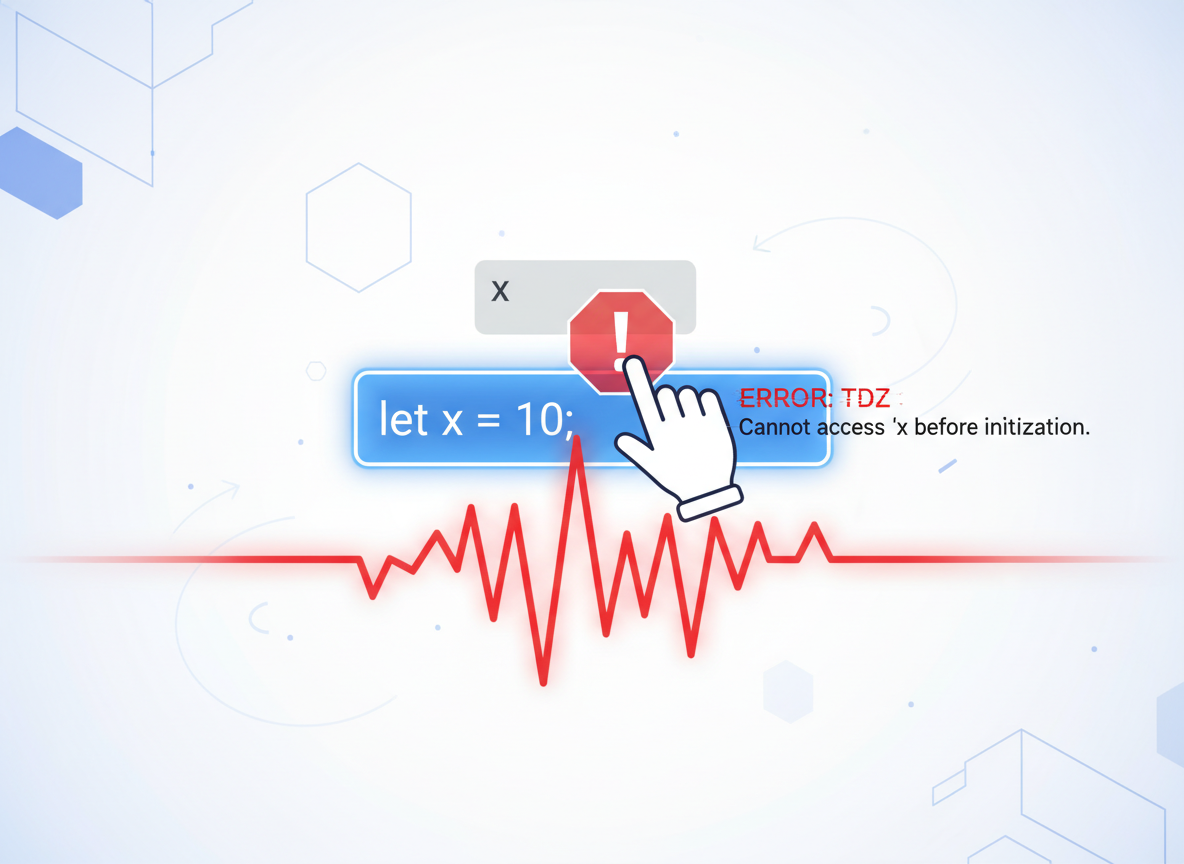
TDZ: A let/const variable cannot be read before its declaration line; this prevents many bugs.
// TDZ: accessing let/const before declaration throws ReferenceError
try {
  // Uncommenting next line would throw:
  // console.log(theme);
  // ReferenceError (TDZ)
  let theme = "dark";
  console.log("Theme after declare:", theme);
} catch (e) {
  console.log("Caught:", e.message);
}
Naming & tips
Naming:
- Use clear nouns for data (userName, score).
- Use verbs for functions (computeTotal).
- Keep scope tight; declare close to usage.

let vs const quiz
Quick check: Block scope and reassignment.

Recap
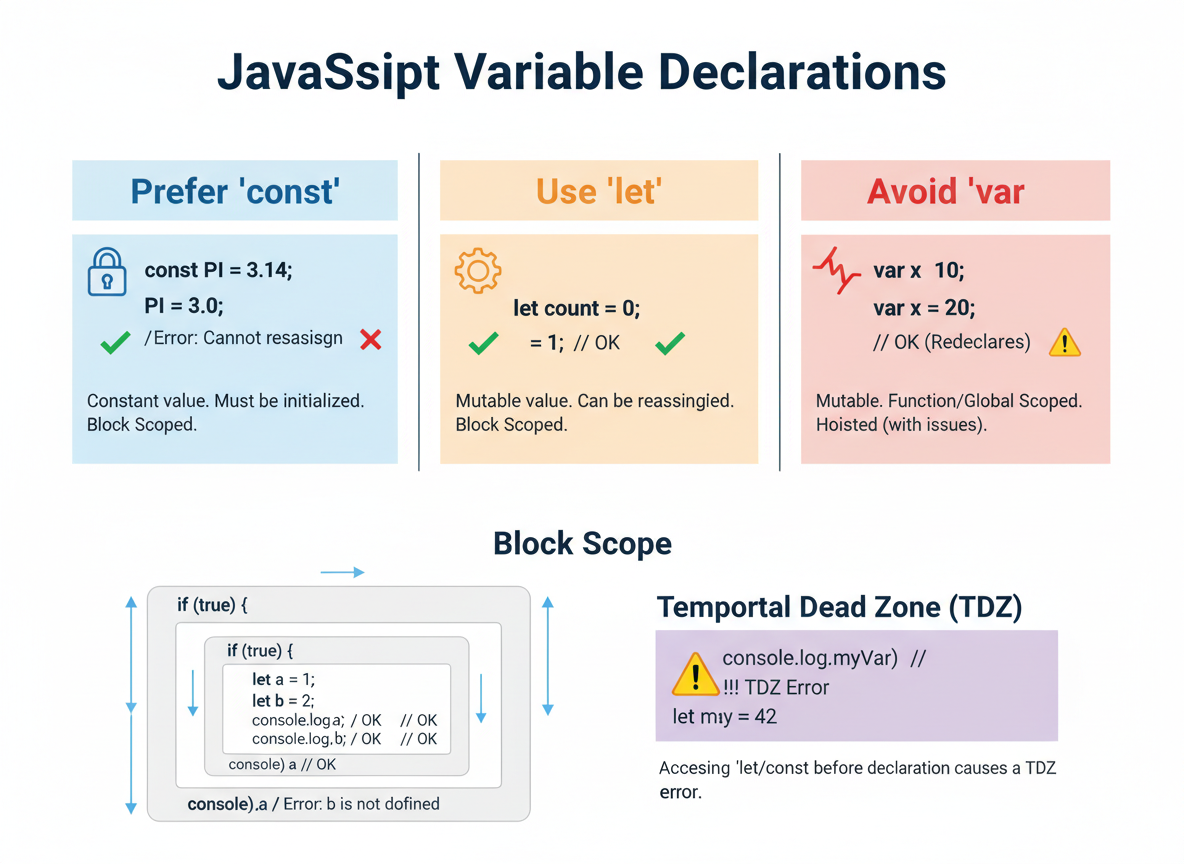
Recap: Prefer const, use let when you must reassign, avoid var. Block scope keeps variables local, and TDZ guards against early access bugs.

Learn JavaScript with an AI tutor — free
Write and run real code in your browser, get instant help from a 24/7 AI tutor, and pick up where you left off on the web or in the app.
- Courses
- 59
- Lessons
- 200
Frequently Asked Questions
Is the “let, const, and avoiding var” lesson free?
Yes — any 3 lessons of the JavaScript Academy learning path, including “let, const, and avoiding var”, are free to read in full here on the web. After that, CoddyKit PRO unlocks every lesson, plus interactive practice with a built-in code editor and a 24/7 AI tutor. The JavaScript Academy course includes 3 lessons in total.
What will I learn in “let, const, and avoiding var”?
let and const basics, why to avoid var, block scope, and a gentle intro to the temporal dead zone (TDZ). You practise JavaScript Academy with hands-on code you run directly in the browser, and a 24/7 AI tutor answers your questions as you work through the lesson.
Do I need any experience to start JavaScript Academy?
No prior experience is required. JavaScript Academy on CoddyKit is structured for beginners through advanced learners, so you can start here or from the beginning and move at your own pace. This is lesson 1 of 3.
How long does the “let, const, and avoiding var” lesson take?
Most CoddyKit lessons take about 5–10 minutes. Each one is bite-sized and interactive, so you make steady progress and pick up exactly where you left off across the web and the app.
Can I write and run code in this JavaScript Academy lesson?
Yes. Every JavaScript Academy lesson includes a built-in code editor, so you write and run real code right in your browser and get instant AI feedback — no local setup required.
All lessons in this course
- let, const, and avoiding var
- Block/Function/Module Scope and the TDZ
- Naming, Readability, and Common Pitfalls