
Naming, Readability, and Common Pitfalls
Naming and readability guidelines; avoid shadowing, magic numbers, and mixed declarations.
Naming, Readability, and Common Pitfalls is a free JavaScript Academy lesson on CoddyKit. This is lesson 3 of 3. Any 3 lessons of this learning path are free to read in full — after that, CoddyKit PRO unlocks every lesson, plus hands-on practice with a built-in code editor and a 24/7 AI tutor. It is part of the JavaScript Academy learning path, and your progress syncs across the web and the CoddyKit app. The JavaScript Academy course includes 3 lessons in total.
Intro
Goal: Write readable code. Use clear names, avoid magic numbers, and be careful with shadowing.
- Descriptive names
- Constants for fixed values
- No accidental shadowing

Clear naming demo
Name variables for what they hold, not how they are used. Short but clear wins.
// Use descriptive names
// Avoid single letters or vague words
const itemCount = 3;
const unitPrice = 5;

const totalPrice = itemCount * unitPrice;

console.log("Items:", itemCount);
console.log("Unit price:", unitPrice);
console.log("Total price:", totalPrice);

Naming guidelines
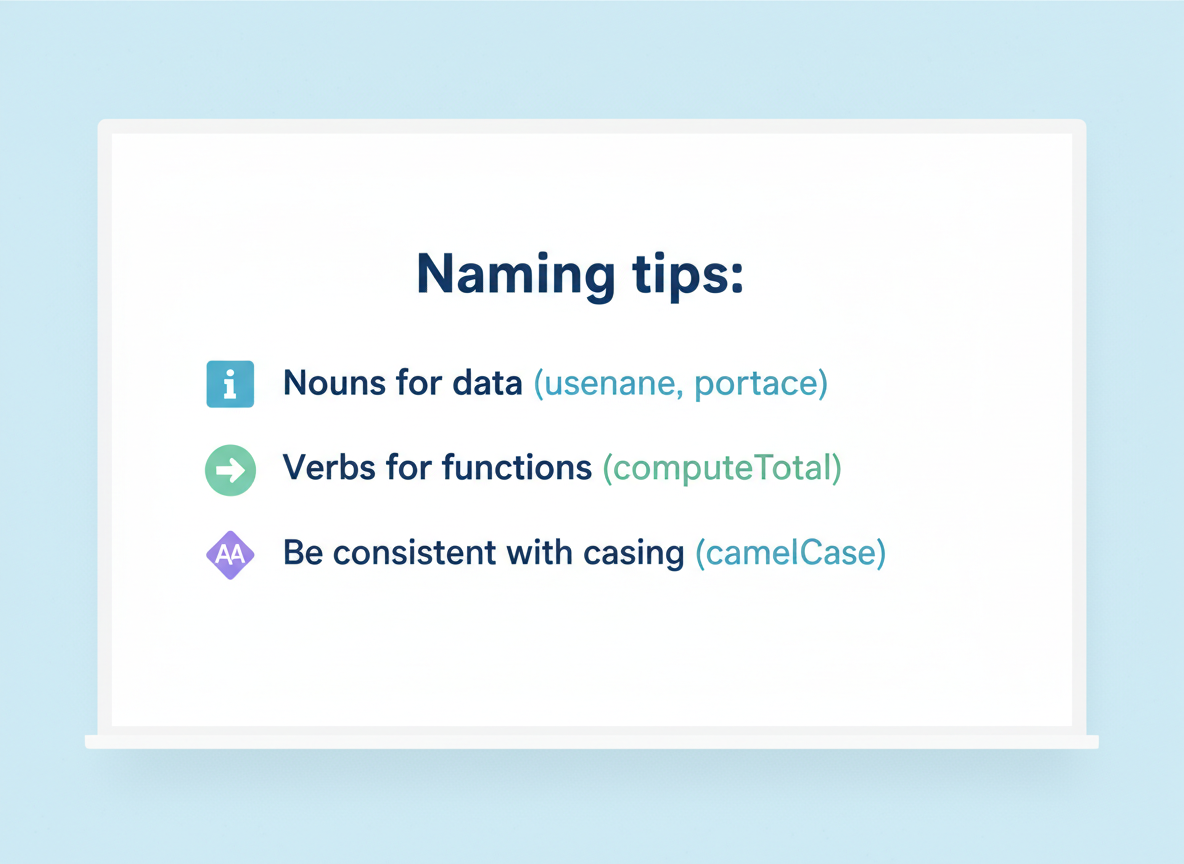
Naming tips:
- Nouns for data (userName, totalPrice)
- Verbs for functions (computeTotal)
- Be consistent with casing (camelCase)
No magic numbers
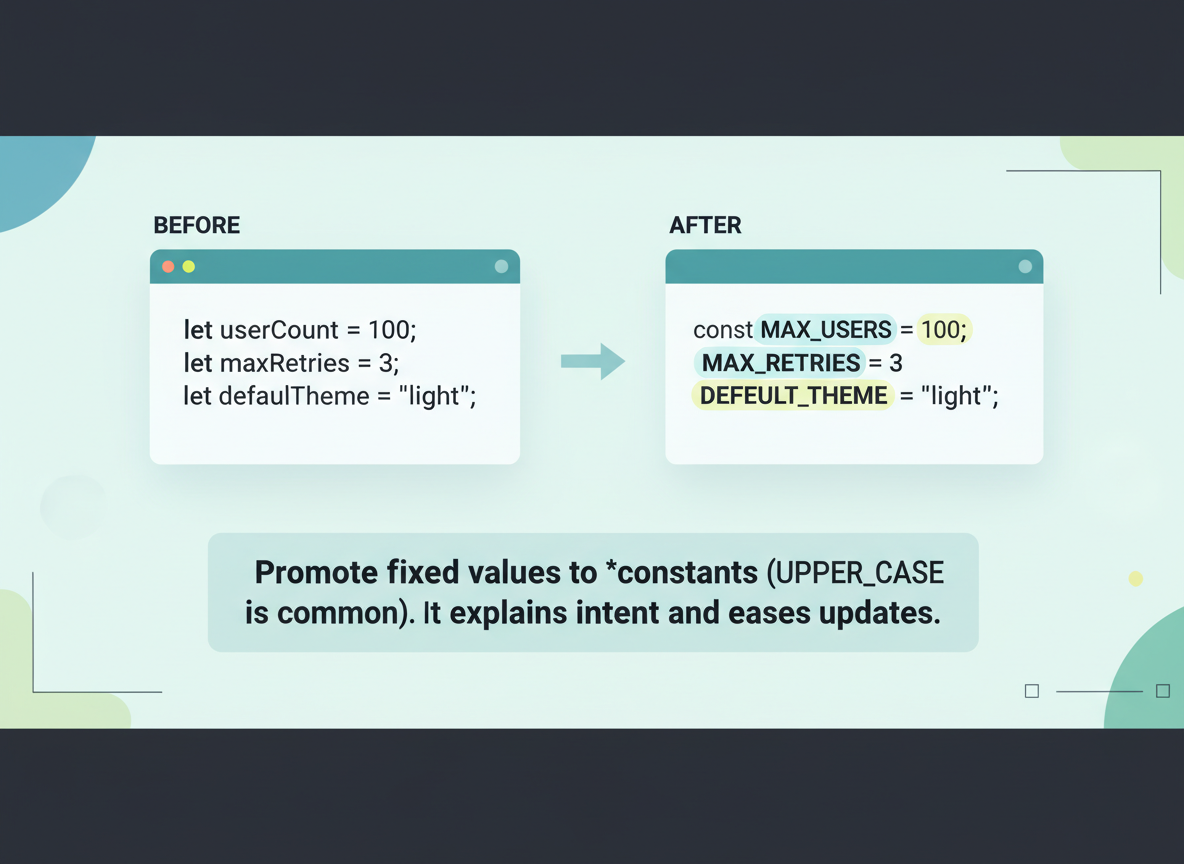
Promote fixed values to constants (UPPER_CASE is common). It explains intent and eases updates.
// Replace magic numbers with named constants
const TAX_RATE = 0.08;
const SUBTOTAL = 20;

const tax = SUBTOTAL * TAX_RATE;
const finalTotal = SUBTOTAL + tax;

console.log("Tax:", tax);
console.log("Final total:", finalTotal);
Shadowing demo
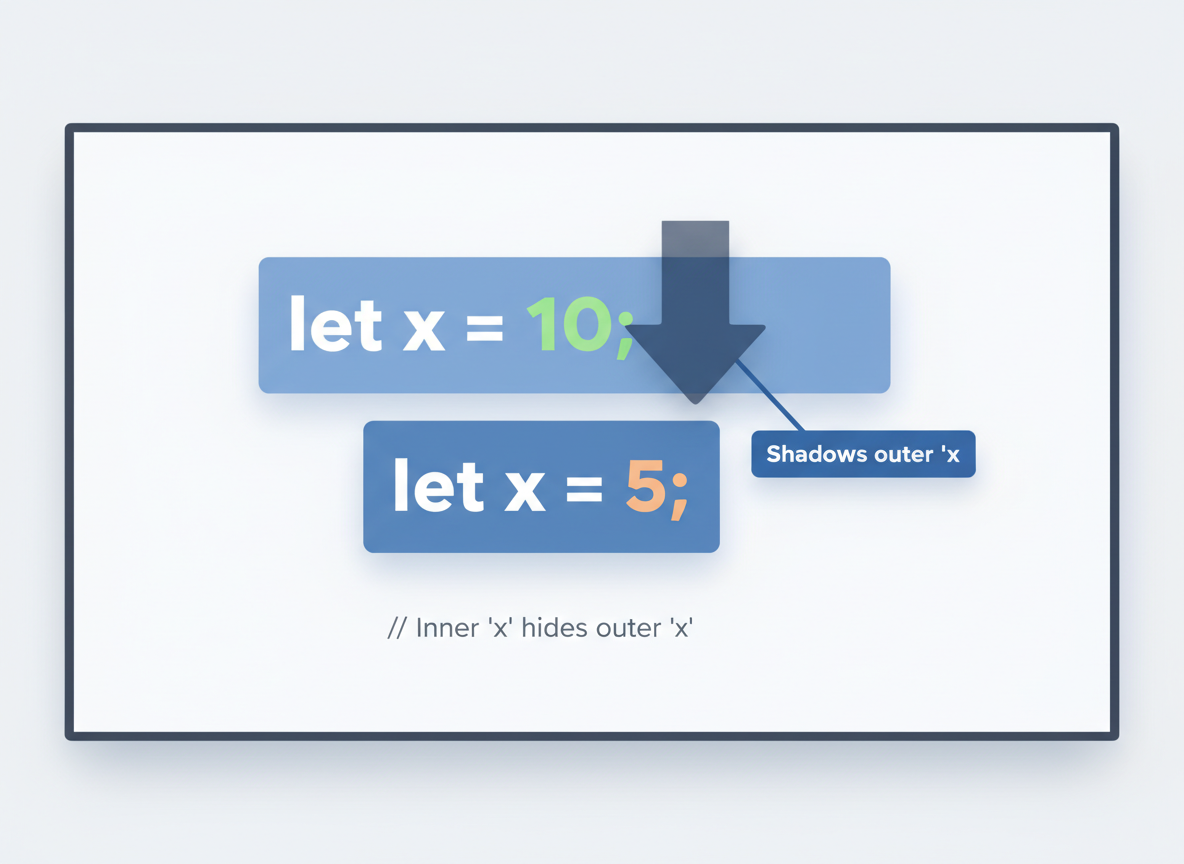
Shadowing: An inner variable uses the same name and hides the outer one. Prefer unique names when scopes nest.
// Shadowing: inner variable hides an outer one
let score = 10;

function addBonus() {
  // The next line creates a new "score" only inside this function
  let score = 5;
  console.log("Inner score:", score);
}

addBonus();
console.log("Outer score:", score);
Readability checklist
Checklist:
- One idea per line
- Short functions
- Use constants for fixed values
- Avoid reused names across scopes

Naming best practice quiz
Quick check: Clear naming.

Recap
Recap: Use descriptive names, promote fixed values to constants, and avoid shadowing to keep code easy to read and maintain.


Learn JavaScript with an AI tutor — free
Write and run real code in your browser, get instant help from a 24/7 AI tutor, and pick up where you left off on the web or in the app.
- Courses
- 59
- Lessons
- 200
Frequently Asked Questions
Is the “Naming, Readability, and Common Pitfalls” lesson free?
Yes — any 3 lessons of the JavaScript Academy learning path, including “Naming, Readability, and Common Pitfalls”, are free to read in full here on the web. After that, CoddyKit PRO unlocks every lesson, plus interactive practice with a built-in code editor and a 24/7 AI tutor. The JavaScript Academy course includes 3 lessons in total.
What will I learn in “Naming, Readability, and Common Pitfalls”?
Naming and readability guidelines; avoid shadowing, magic numbers, and mixed declarations. You practise JavaScript Academy with hands-on code you run directly in the browser, and a 24/7 AI tutor answers your questions as you work through the lesson.
Do I need any experience to start JavaScript Academy?
No prior experience is required. JavaScript Academy on CoddyKit is structured for beginners through advanced learners, so you can start here or from the beginning and move at your own pace. This is lesson 3 of 3.
How long does the “Naming, Readability, and Common Pitfalls” lesson take?
Most CoddyKit lessons take about 5–10 minutes. Each one is bite-sized and interactive, so you make steady progress and pick up exactly where you left off across the web and the app.
Can I write and run code in this JavaScript Academy lesson?
Yes. Every JavaScript Academy lesson includes a built-in code editor, so you write and run real code right in your browser and get instant AI feedback — no local setup required.
All lessons in this course
- let, const, and avoiding var
- Block/Function/Module Scope and the TDZ
- Naming, Readability, and Common Pitfalls