
E1 — Expression Evaluator (part 1: + and - LTR)
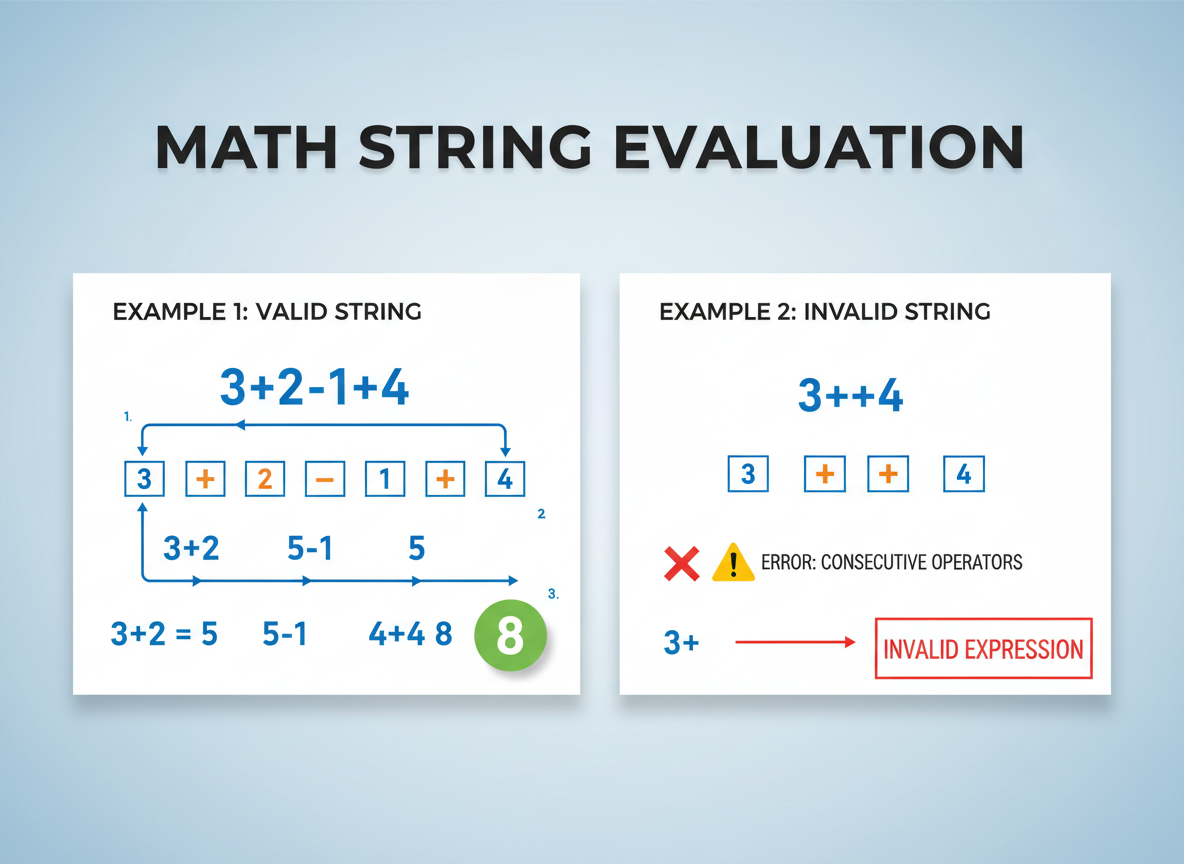
Implement a tiny evaluator that handles + and - left-to-right. Tokenize digits and operators, ignore spaces, and add simple guards.
E1 — Expression Evaluator (part 1: + and - LTR) is a free JavaScript Academy lesson on CoddyKit. This is lesson 1 of 3. Any 3 lessons of this learning path are free to read in full — after that, CoddyKit PRO unlocks every lesson, plus hands-on practice with a built-in code editor and a 24/7 AI tutor. It is part of the JavaScript Academy learning path, and your progress syncs across the web and the CoddyKit app. The JavaScript Academy course includes 3 lessons in total.
What we will build
Goal: Evaluate tiny math strings with + and - only.
- Tokenize numbers and operators
- Ignore spaces
- Compute left-to-right
- Add simple error guards
Tokenizer: numbers and ops
The tokenizer builds numbers from digits and returns an array like [12, "+", 3, "-", 4].
// Tokenize: split into numbers and operators; ignore spaces
function tokenize(expr) {
  if (typeof expr !== "string") return null;

  const tokens = [];
  let num = "";

  for (let i = 0; i < expr.length; i = i + 1) {
    const ch = expr[i];

    if (ch === " ") {
      // skip spaces
      continue;
    }

    if (ch >= "0" && ch <= "9") {
      // build number
      num = num + ch;
    } else if (ch === "+" || ch === "-") {
      // flush pending number
      if (num.length > 0) {
        tokens.push(Number(num));
        num = "";
      }
      tokens.push(ch);
    } else {
      // unsupported character
      return null;
    }
  }

  if (num.length > 0) tokens.push(Number(num));
  return tokens;
}

console.log("tokens:", tokenize("12 + 3 - 4"));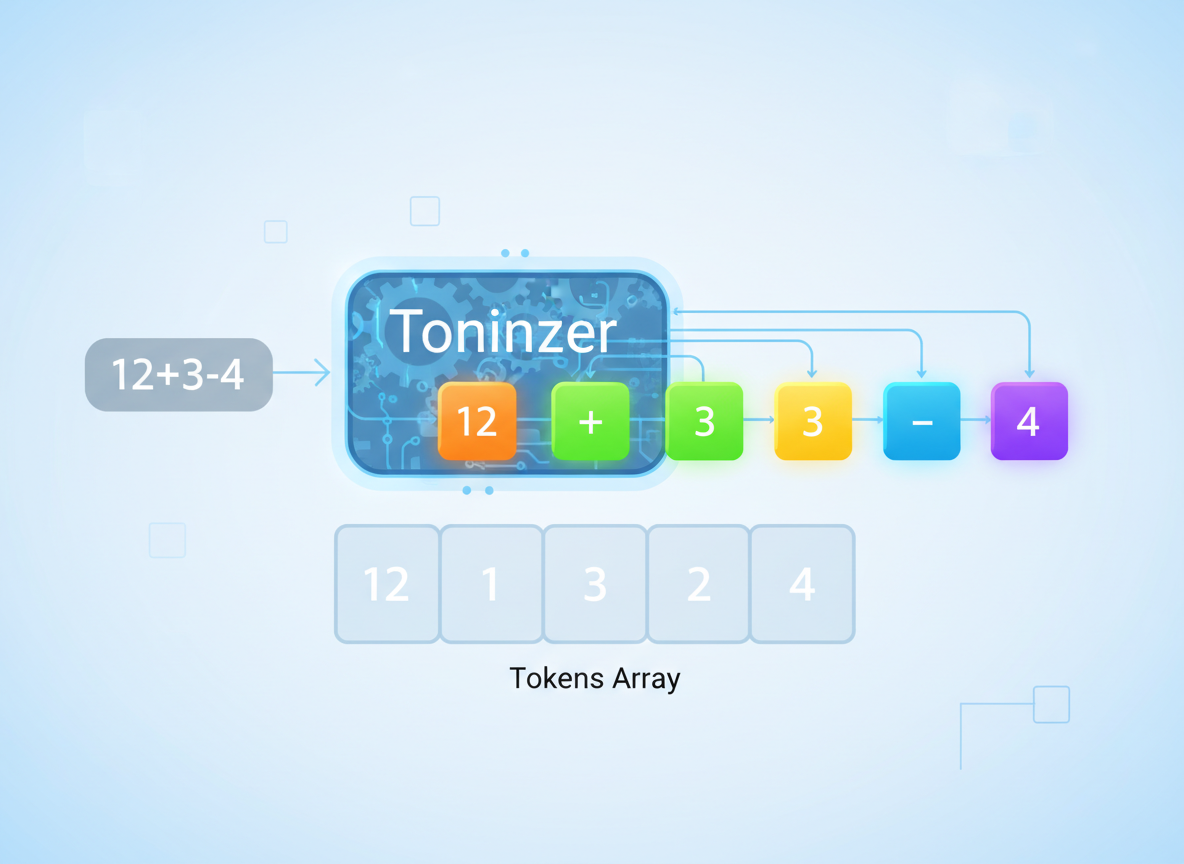
Evaluate LTR (+/-)
Compute left-to-right. We do not handle precedence or parentheses yet.
// Evaluate tokens left-to-right for + and - only
function evalPlusMinus(tokens) {
  if (!Array.isArray(tokens) || tokens.length === 0) return null;

  // result starts with first number
  let acc = tokens[0];
  if (typeof acc !== "number") return null;

  // step through [op, num] pairs
  for (let i = 1; i < tokens.length; i = i + 2) {
    const op = tokens[i];
    const val = tokens[i + 1];

    if ((op !== "+" && op !== "-") || typeof val !== "number") {
      return null;
    }

    if (op === "+") acc = acc + val;
    else acc = acc - val;
  }

  return acc;
}

console.log("eval 10-3-2:", evalPlusMinus([10, "-", 3, "-", 2]));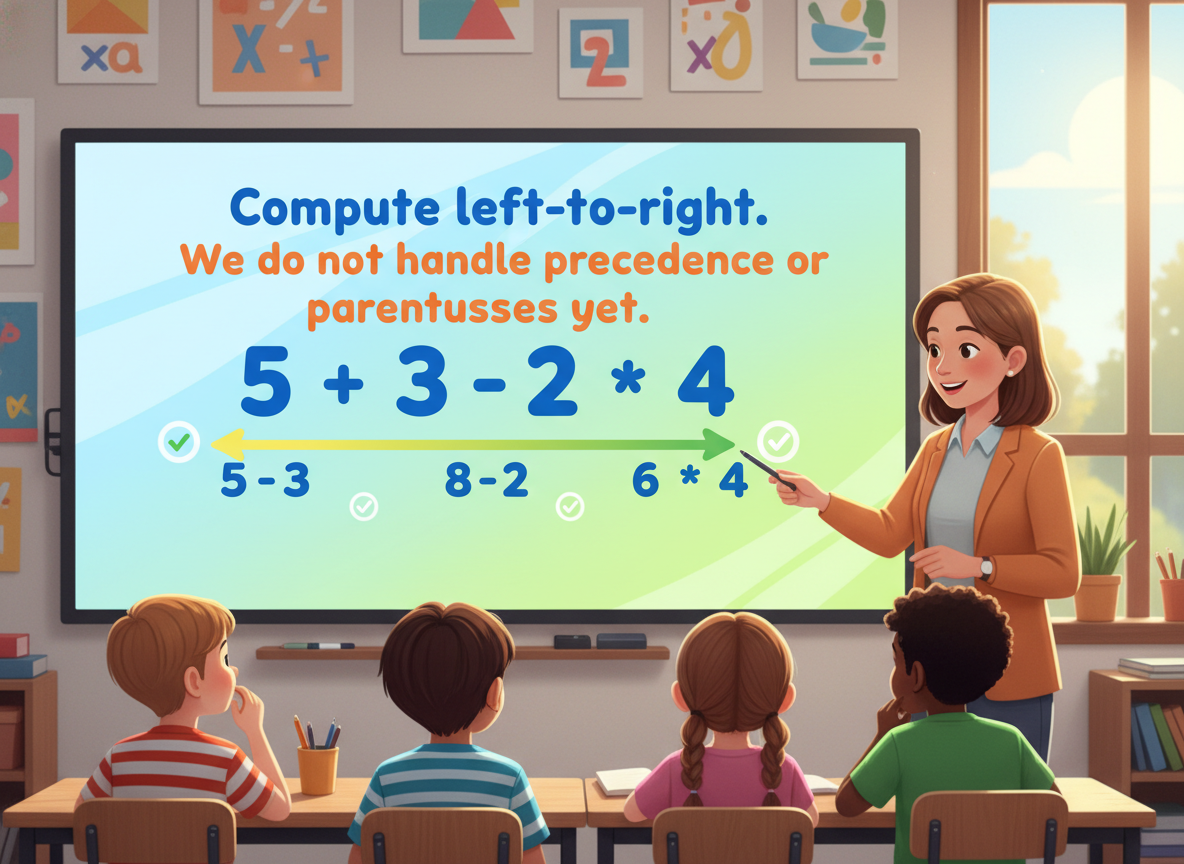
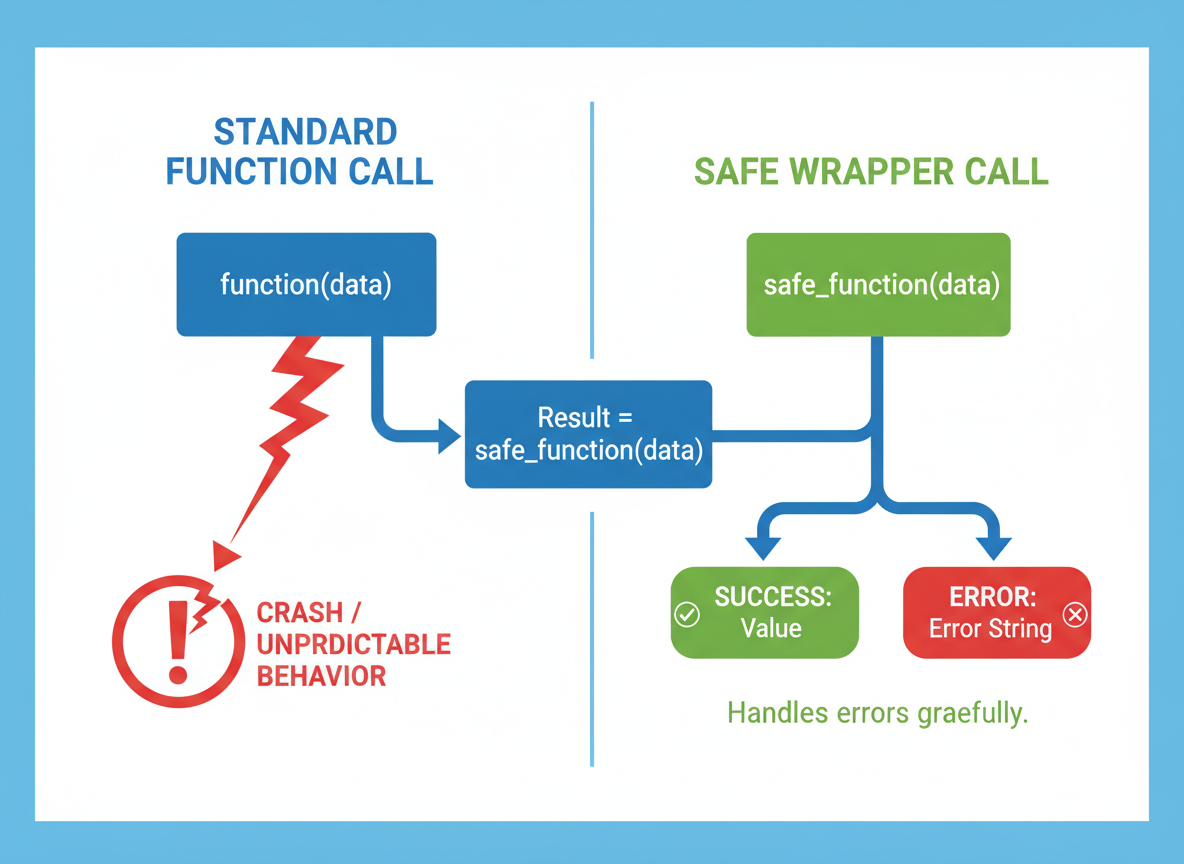
Safe wrapper
Create a safe wrapper that returns either a value or a small error string for beginners.
// Glue the pieces: from string to result
function evalExprSimple(expr) {
  const tokens = tokenize(expr);
  if (tokens === null) {
    return { ok: false, error: "Invalid character" };
  }
  const result = evalPlusMinus(tokens);
  if (typeof result !== "number") {
    return { ok: false, error: "Invalid sequence" };
  }
  return { ok: true, value: result };
}

console.log("12 + 3 - 4 =", evalExprSimple("12 + 3 - 4"));
console.log("bad char   =", evalExprSimple("2 + a"));
Run small cases
Keep examples small. We will add precedence, parentheses, and unary minus in later parts.
// A few quick checks
const cases = [
  "0-3",
  "7+5",
  "10-3-2",
  "2 + 2 + 2",
  "9 - 1 + 1"
];

for (const c of cases) {
  const r = evalExprSimple(c);
  console.log(c, "=>", r.ok ? r.value : r.error);
}

// Note: unary minus (like "-3+2") not handled yet
// This simple version expects a number first

Beginner guidance
Tips:
- Start with a tiny scope (+ and - only).
- Return small errors instead of throwing.
- Write tiny helpers (tokenize, eval).
- Add features step by step.

LTR behavior quiz
Quick check: Left-to-right result.

Recap
Recap: Tokenize numbers and +/-, ignore spaces, and evaluate left-to-right. Return small errors. Next: precedence and parentheses.

Learn JavaScript with an AI tutor — free
Write and run real code in your browser, get instant help from a 24/7 AI tutor, and pick up where you left off on the web or in the app.
- Courses
- 59
- Lessons
- 200
Frequently Asked Questions
Is the “E1 — Expression Evaluator (part 1: + and - LTR)” lesson free?
Yes — any 3 lessons of the JavaScript Academy learning path, including “E1 — Expression Evaluator (part 1: + and - LTR)”, are free to read in full here on the web. After that, CoddyKit PRO unlocks every lesson, plus interactive practice with a built-in code editor and a 24/7 AI tutor. The JavaScript Academy course includes 3 lessons in total.
What will I learn in “E1 — Expression Evaluator (part 1: + and - LTR)”?
Implement a tiny evaluator that handles + and - left-to-right. Tokenize digits and operators, ignore spaces, and add simple guards. You practise JavaScript Academy with hands-on code you run directly in the browser, and a 24/7 AI tutor answers your questions as you work through the lesson.
Do I need any experience to start JavaScript Academy?
No prior experience is required. JavaScript Academy on CoddyKit is structured for beginners through advanced learners, so you can start here or from the beginning and move at your own pace. This is lesson 1 of 3.
How long does the “E1 — Expression Evaluator (part 1: + and - LTR)” lesson take?
Most CoddyKit lessons take about 5–10 minutes. Each one is bite-sized and interactive, so you make steady progress and pick up exactly where you left off across the web and the app.
Can I write and run code in this JavaScript Academy lesson?
Yes. Every JavaScript Academy lesson includes a built-in code editor, so you write and run real code right in your browser and get instant AI feedback — no local setup required.
All lessons in this course
- E1 — Expression Evaluator (part 1: + and - LTR)
- E2 — Log Analyzer (simple filters & counters)
- E3 — Promise Pool/Queue (async concurrency)