
E2 — Log Analyzer (simple filters & counters)
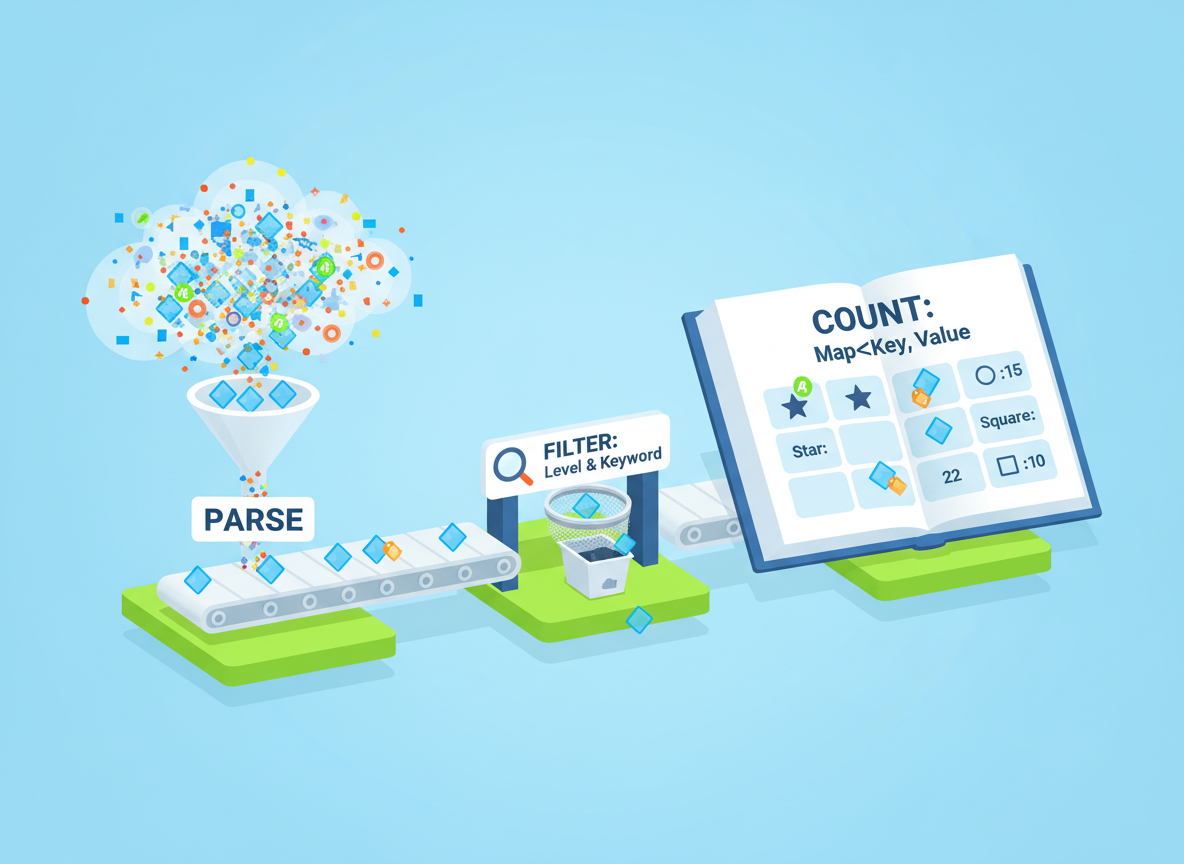
Parse an in-memory array of log lines, filter by level/keyword, and count events with Map. Keep it tiny and readable.
E2 — Log Analyzer (simple filters & counters) is a free JavaScript Academy lesson on CoddyKit. This is lesson 2 of 3. Any 3 lessons of this learning path are free to read in full — after that, CoddyKit PRO unlocks every lesson, plus hands-on practice with a built-in code editor and a 24/7 AI tutor. It is part of the JavaScript Academy learning path, and your progress syncs across the web and the CoddyKit app. The JavaScript Academy course includes 3 lessons in total.
What we will build
Goal: Analyze logs in memory.
- Represent lines as tiny strings
- Filter by level or keyword
- Count with a Map
- Keep functions short and clear

Data + parser
Create a simple shape per line: time, level, text. It is enough for filters and counters.
// Simulated log lines (time level message)
const LINES = [
  "10:00 INFO  Start app",
  "10:01 WARN  Low memory",
  "10:02 INFO  User login /home",
  "10:03 ERROR DB timeout",
  "10:04 INFO  User login /products",
  "10:05 ERROR Network fail",
  "10:06 WARN  Retry request"
];

// Tiny parser: returns { time, level, text }
function parseLine(line) {
  // split on spaces, compact, then rebuild pieces
  const parts = line.trim().split(/\\s+/);
  if (parts.length < 3) return null;
  const time = parts[0];
  const level = parts[1];
  const text = parts.slice(2).join(" ");
  return { time: time, level: level, text: text };
}

console.log("parsed:", parseLine(LINES[2]));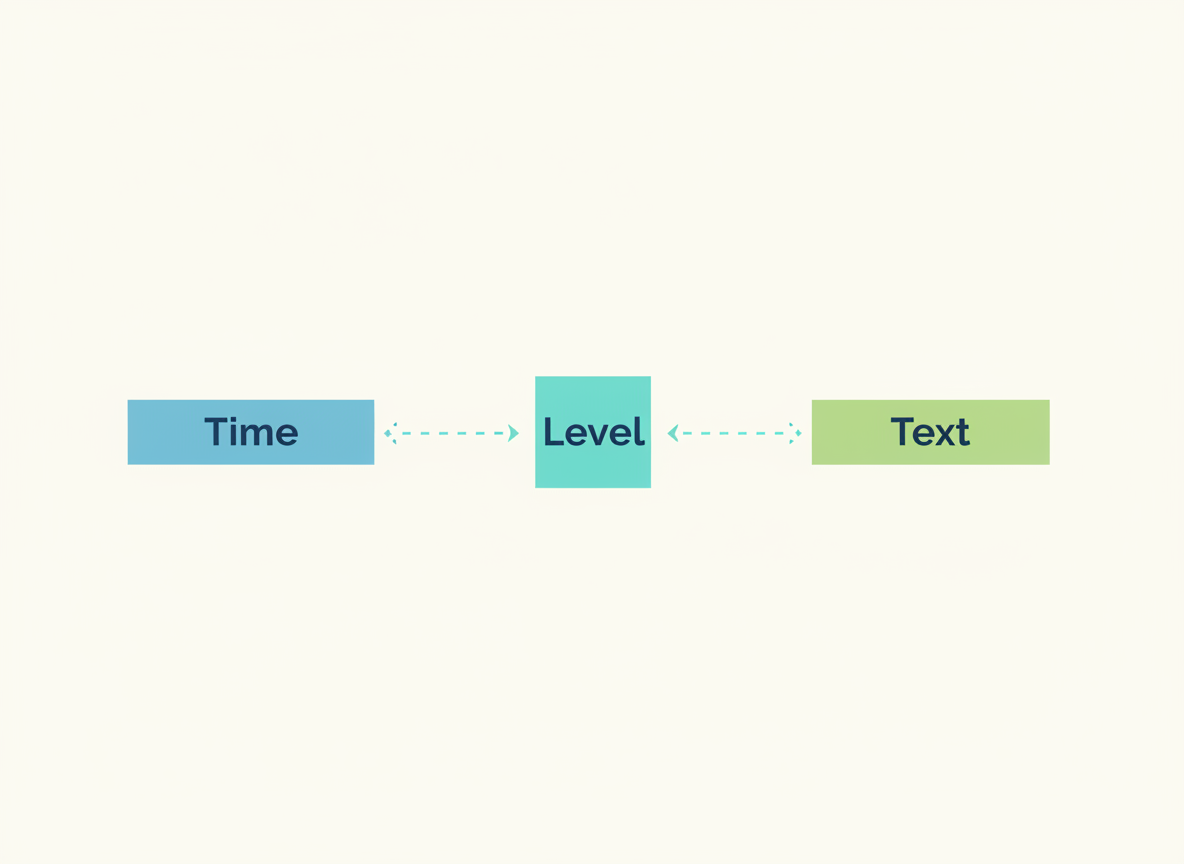
Filtering basics
Write tiny filter functions for each common question. Short and readable beats clever.
// Filter by level or by keyword (case-sensitive for simplicity)
function filterByLevel(lines, want) {
  const out = [];
  for (const line of lines) {
    const p = parseLine(line);
    if (p && p.level === want) out.push(p);
  }
  return out;
}

function filterByKeyword(lines, word) {
  const out = [];
  for (const line of lines) {
    const p = parseLine(line);
    if (p && p.text.indexOf(word) !== -1) out.push(p);
  }
  return out;
}

console.log("ERRORs:", filterByLevel(LINES, "ERROR").length);
console.log("login :", filterByKeyword(LINES, "login").length);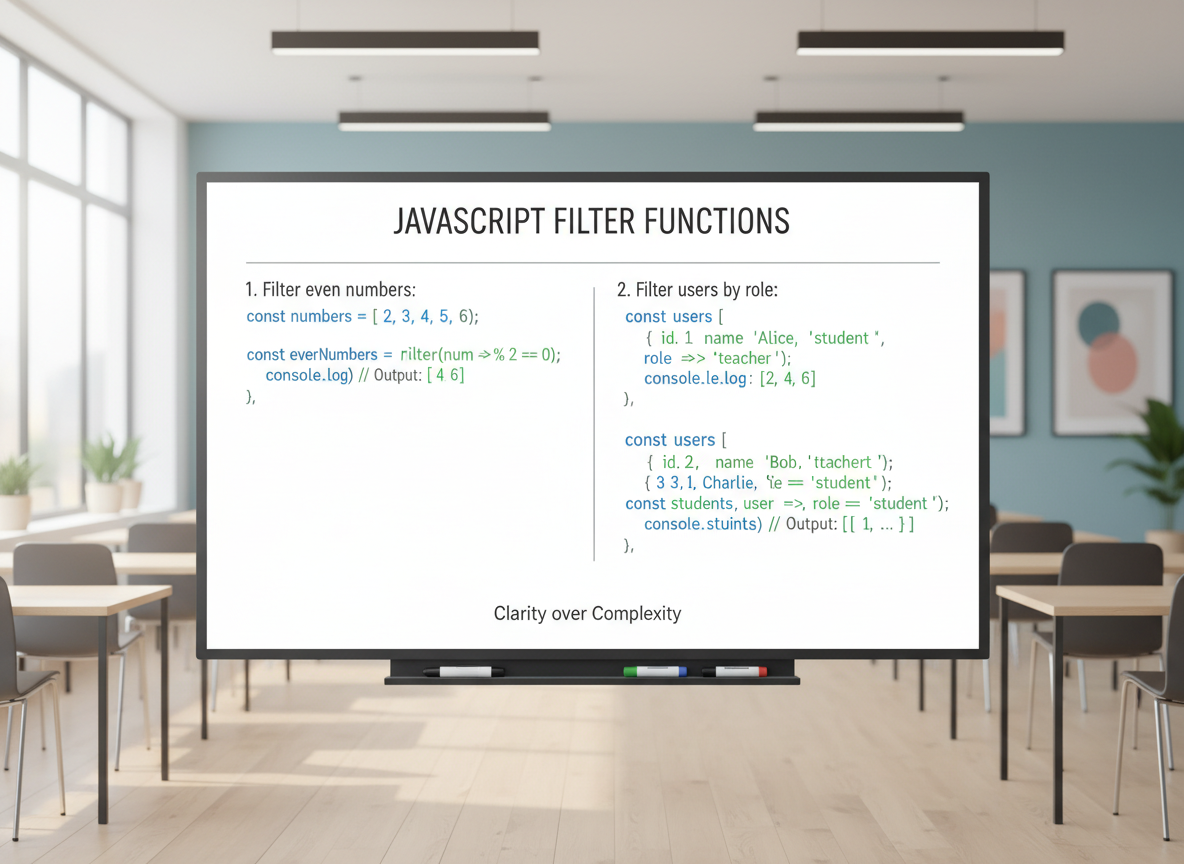
Counters with Map
Use a Map for counters: fast updates and easy reads per key.
// Count how many lines per level
function countByLevel(lines) {
  const counts = new Map();
  for (const line of lines) {
    const p = parseLine(line);
    if (!p) continue;
    const old = counts.get(p.level) || 0;
    counts.set(p.level, old + 1);
  }
  return counts;
}

const c = countByLevel(LINES);
console.log("INFO :", c.get("INFO"));
console.log("WARN :", c.get("WARN"));
console.log("ERROR:", c.get("ERROR"));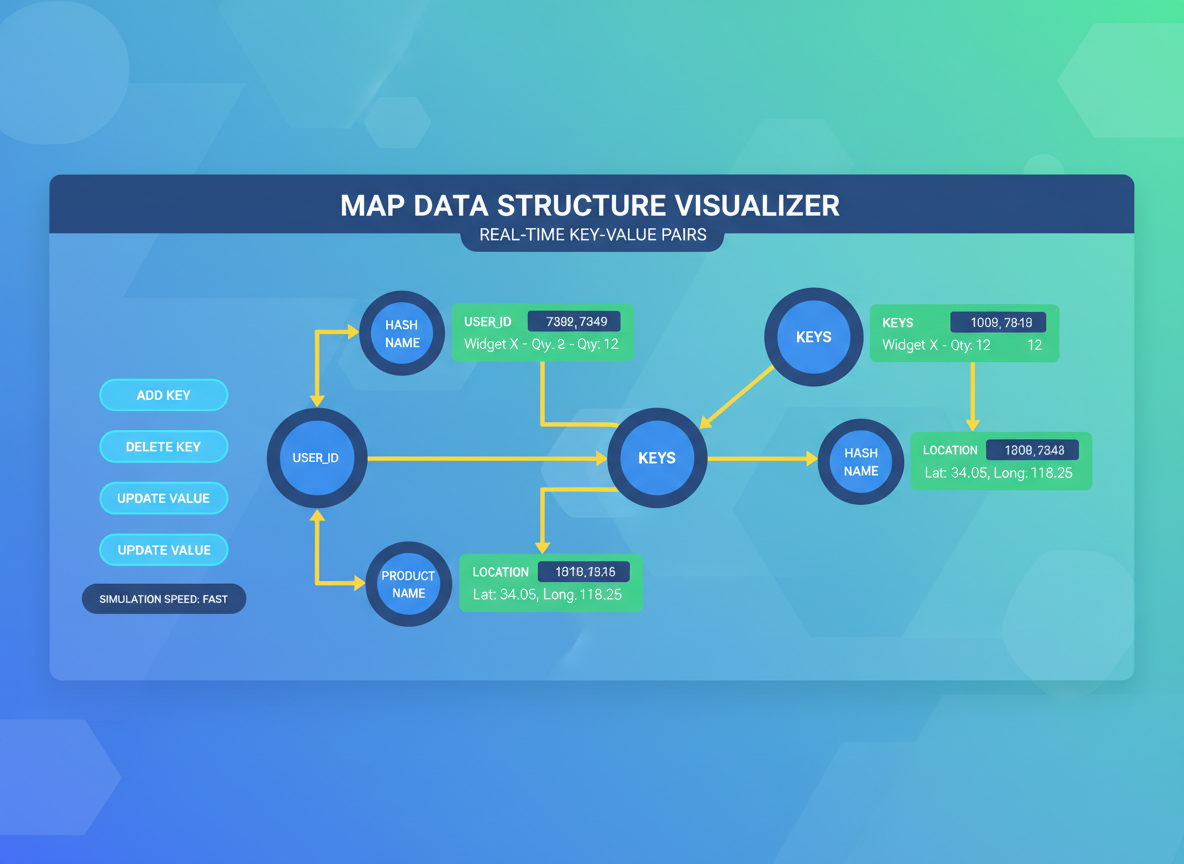
Top-N example
Do small string extraction and rank with a count Map. Keep parsing rules simple.
// Extract a path after "User login " and rank by frequency
function topLoginPaths(lines, k) {
  const freq = new Map();
  for (const line of lines) {
    const p = parseLine(line);
    if (!p) continue;
    const mark = "User login ";
    const idx = p.text.indexOf(mark);
    if (idx !== -1) {
      const path = p.text.slice(idx + mark.length).trim();
      const old = freq.get(path) || 0;
      freq.set(path, old + 1);
    }
  }
  // turn into array and sort descending by count
  const arr = Array.from(freq.entries());
  arr.sort(function (a, b) { return b[1] - a[1]; });
  return arr.slice(0, k);
}

console.log("top paths:", topLoginPaths(LINES, 3));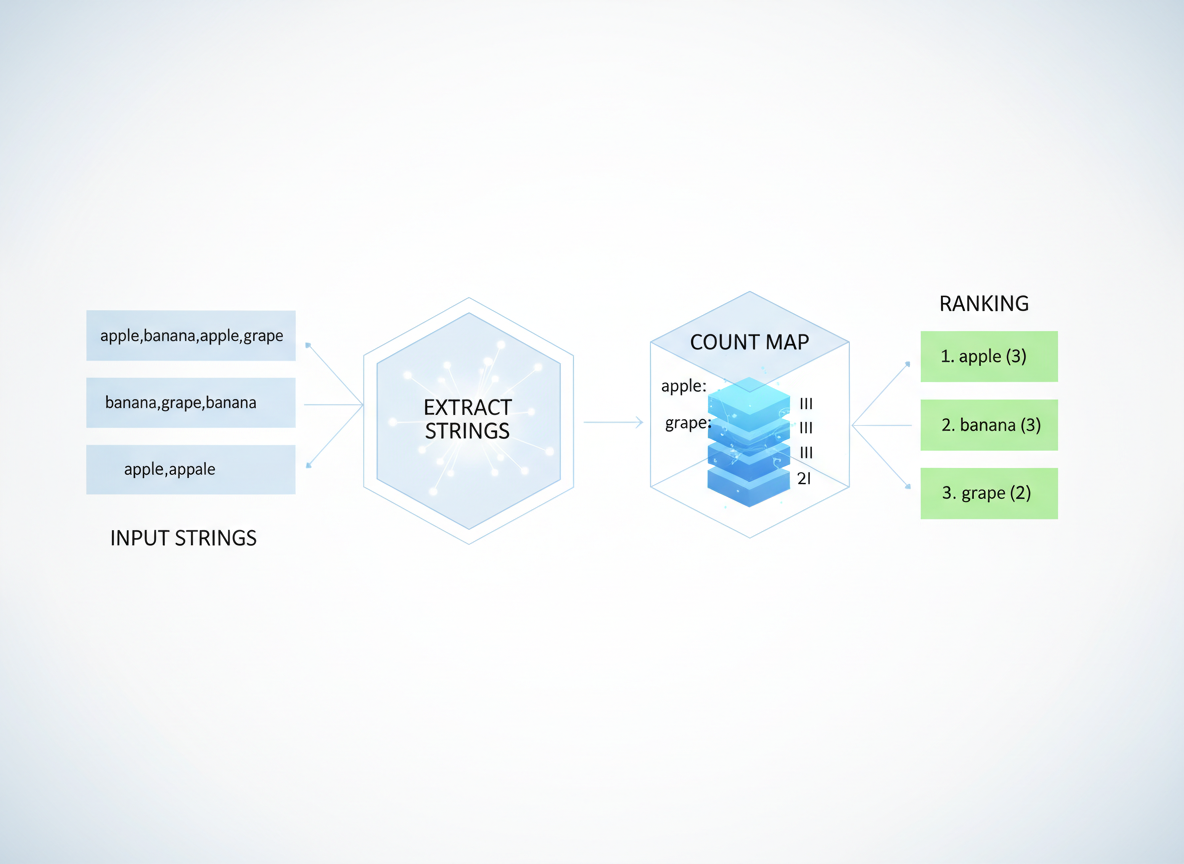
Beginner guidance
Tips:
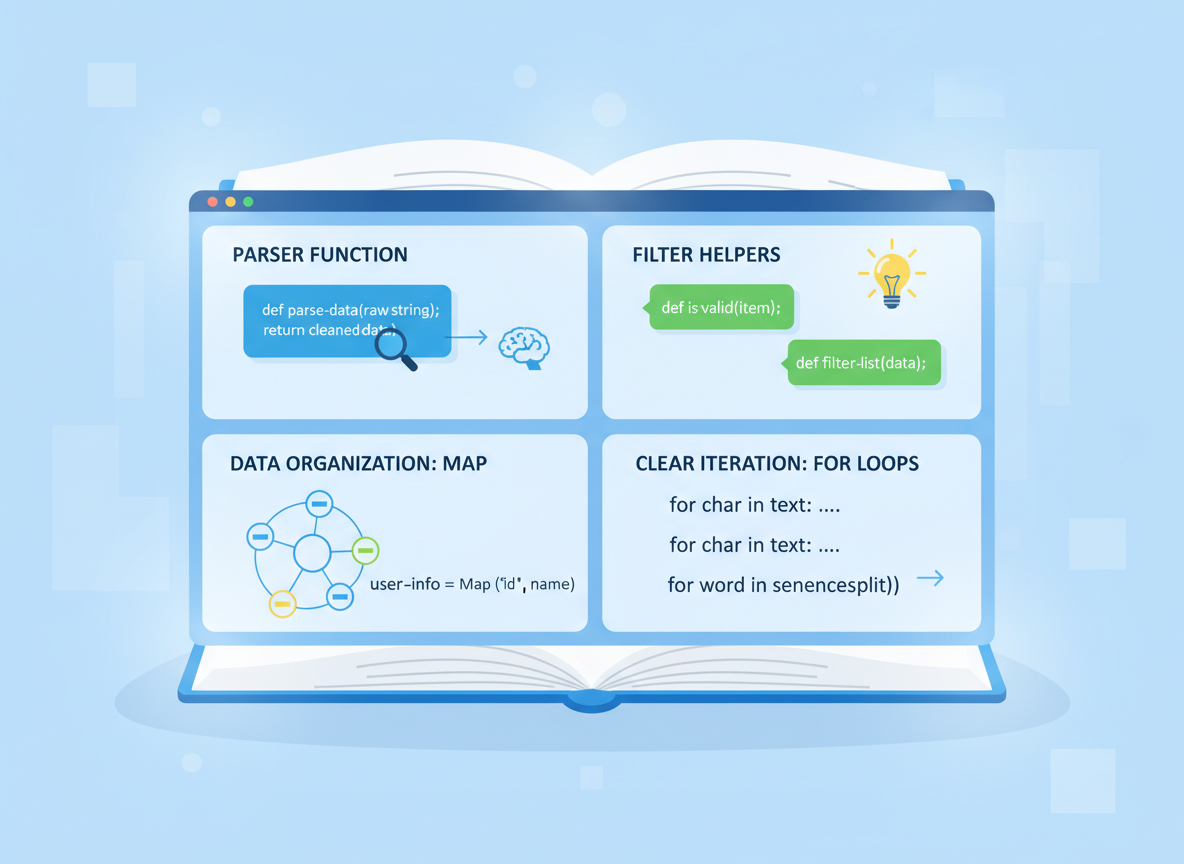
- Make a tiny parser first.
- Write small filter helpers per question.
- Count with a Map.
- Prefer simple strings and clear loops for beginners.
Counting with Map quiz
Quick check: Counting structure.

Recap
Recap: Parse to a tiny shape, filter by level/keyword, and count with a Map. Keep each helper short and obvious.

Learn JavaScript with an AI tutor — free
Write and run real code in your browser, get instant help from a 24/7 AI tutor, and pick up where you left off on the web or in the app.
- Courses
- 59
- Lessons
- 200
Frequently Asked Questions
Is the “E2 — Log Analyzer (simple filters & counters)” lesson free?
Yes — any 3 lessons of the JavaScript Academy learning path, including “E2 — Log Analyzer (simple filters & counters)”, are free to read in full here on the web. After that, CoddyKit PRO unlocks every lesson, plus interactive practice with a built-in code editor and a 24/7 AI tutor. The JavaScript Academy course includes 3 lessons in total.
What will I learn in “E2 — Log Analyzer (simple filters & counters)”?
Parse an in-memory array of log lines, filter by level/keyword, and count events with Map. Keep it tiny and readable. You practise JavaScript Academy with hands-on code you run directly in the browser, and a 24/7 AI tutor answers your questions as you work through the lesson.
Do I need any experience to start JavaScript Academy?
No prior experience is required. JavaScript Academy on CoddyKit is structured for beginners through advanced learners, so you can start here or from the beginning and move at your own pace. This is lesson 2 of 3.
How long does the “E2 — Log Analyzer (simple filters & counters)” lesson take?
Most CoddyKit lessons take about 5–10 minutes. Each one is bite-sized and interactive, so you make steady progress and pick up exactly where you left off across the web and the app.
Can I write and run code in this JavaScript Academy lesson?
Yes. Every JavaScript Academy lesson includes a built-in code editor, so you write and run real code right in your browser and get instant AI feedback — no local setup required.
All lessons in this course
- E1 — Expression Evaluator (part 1: + and - LTR)
- E2 — Log Analyzer (simple filters & counters)
- E3 — Promise Pool/Queue (async concurrency)