
CI basics — run lint/test on every push
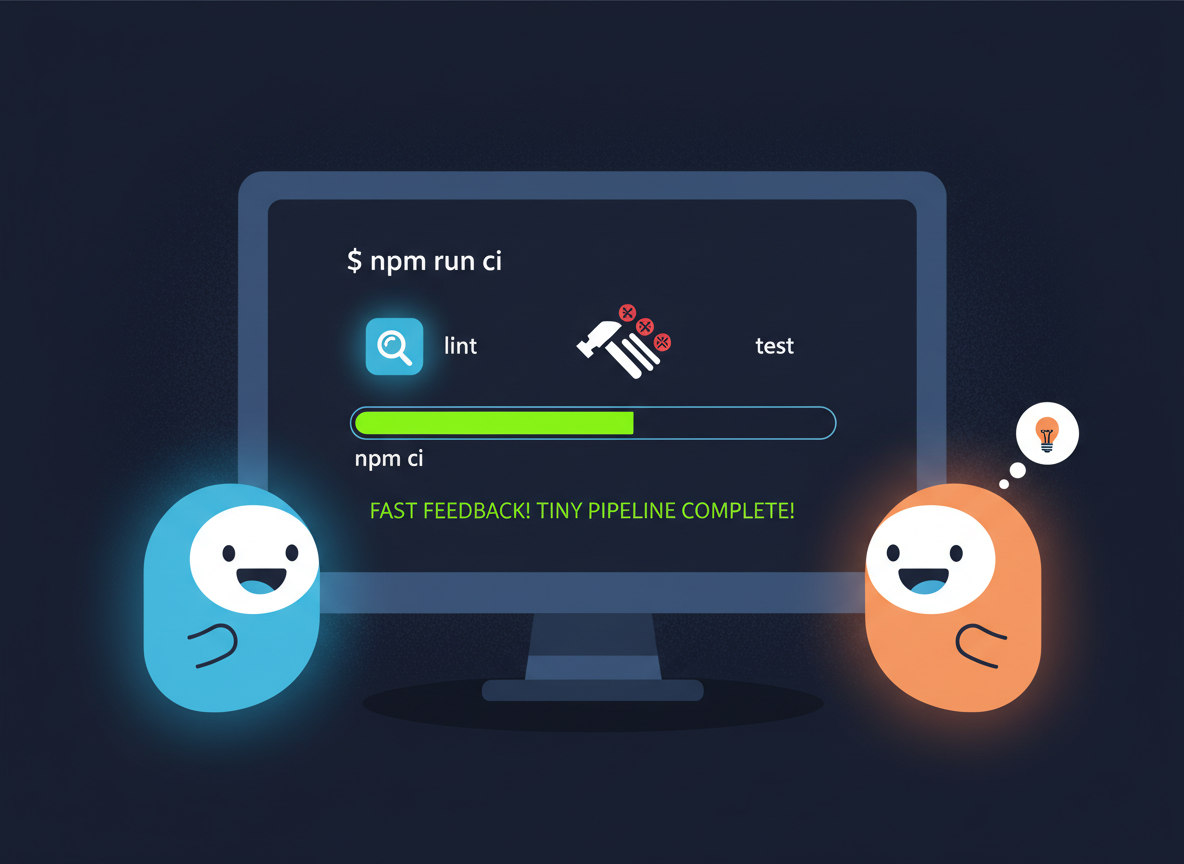
Set up a tiny CI: install with npm ci, run lint and tests, and keep a fast feedback loop.
CI basics — run lint/test on every push is a free JavaScript Academy lesson on CoddyKit. This is lesson 3 of 3. Any 3 lessons of this learning path are free to read in full — after that, CoddyKit PRO unlocks every lesson, plus hands-on practice with a built-in code editor and a 24/7 AI tutor. It is part of the JavaScript Academy learning path, and your progress syncs across the web and the CoddyKit app. The JavaScript Academy course includes 3 lessons in total.
Why CI for beginners?
Goal: Run checks on every push.
- Install with npm ci
- Run lint and test scripts
- Fast feedback, simple logs
- Keep pipeline tiny for beginners
Scripts CI will run
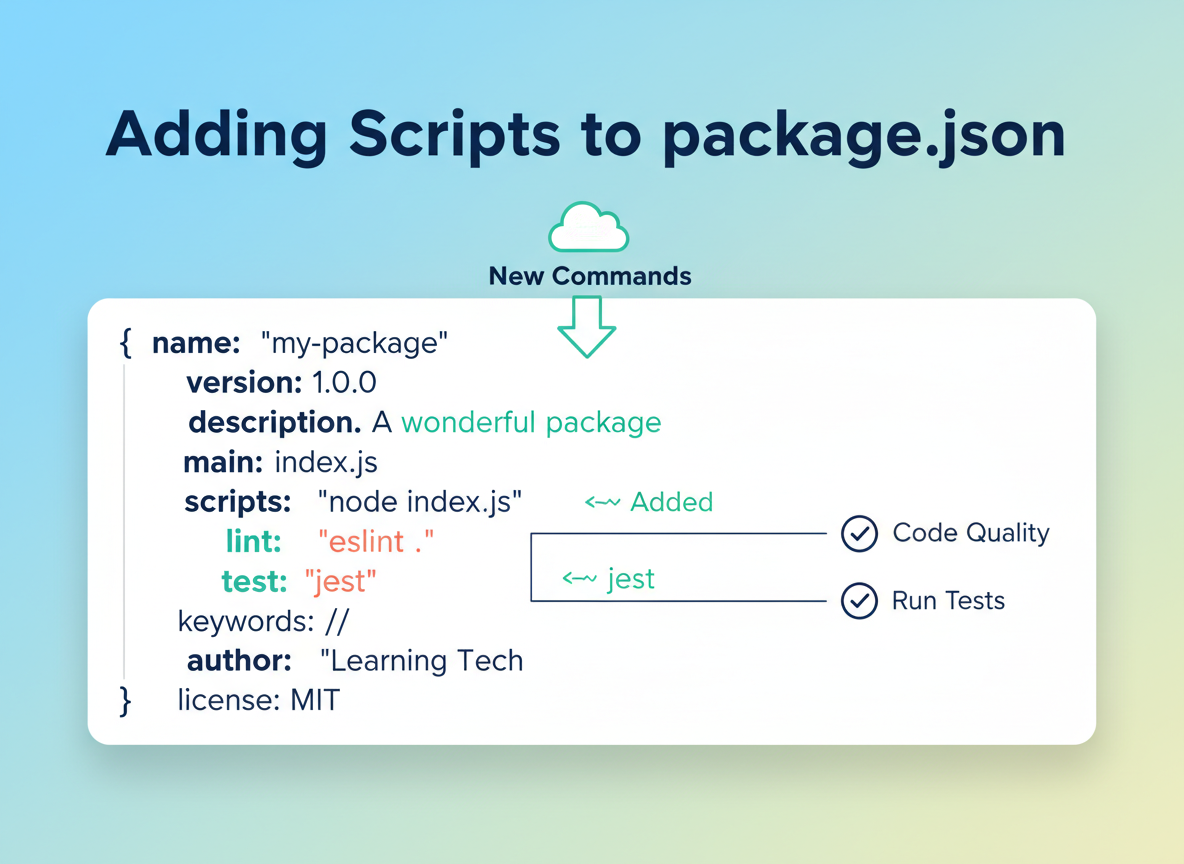
Create tiny lint and test scripts in package.json so CI can run them.
// Minimal scripts your CI will call
const pkgScripts = {
  lint: "eslint .",
  test: "node test-runner.js"
};

console.log("scripts:", Object.keys(pkgScripts));
console.log("lint ->", pkgScripts.lint);
console.log("test ->", pkgScripts.test);
Pipeline steps
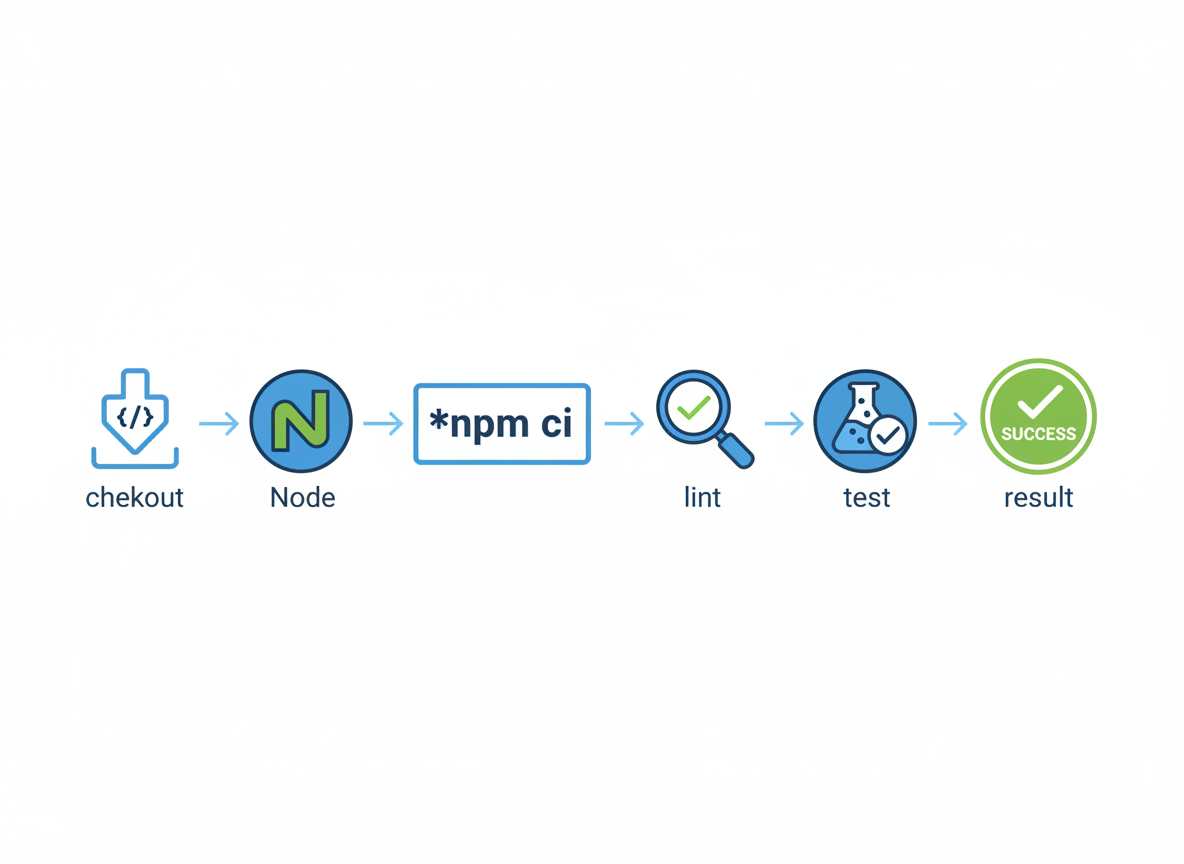
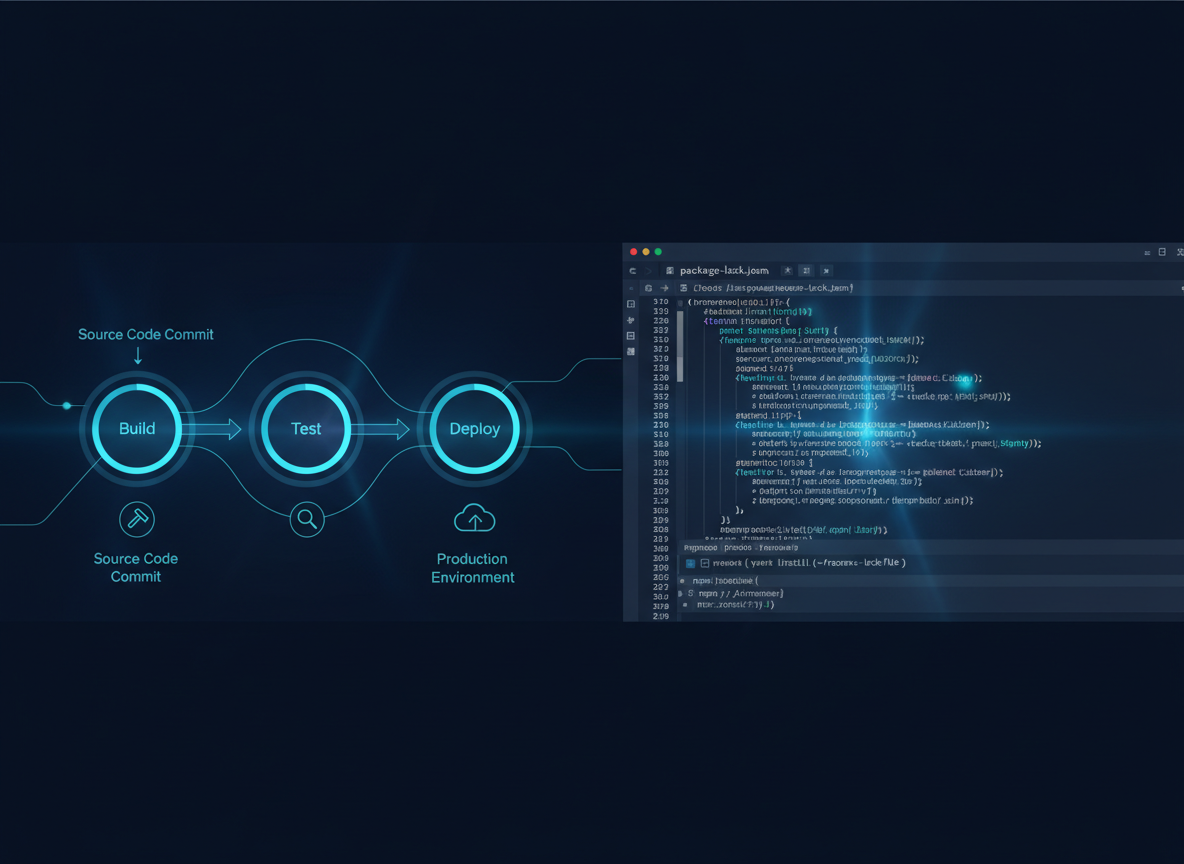
A tiny pipeline: checkout → Node → npm ci → lint → test → result.
// Simulate CI steps with prints
function runCI() {
  console.log("🔹 Checkout code");
  console.log("🔹 Use Node 20");
  console.log("🔹 Install deps with npm ci");
  console.log("🔹 Run: npm run lint");
  console.log("🔹 Run: npm test");
  console.log("✅ If all pass, mark build green");
}

runCI();
GH Actions (minimal)
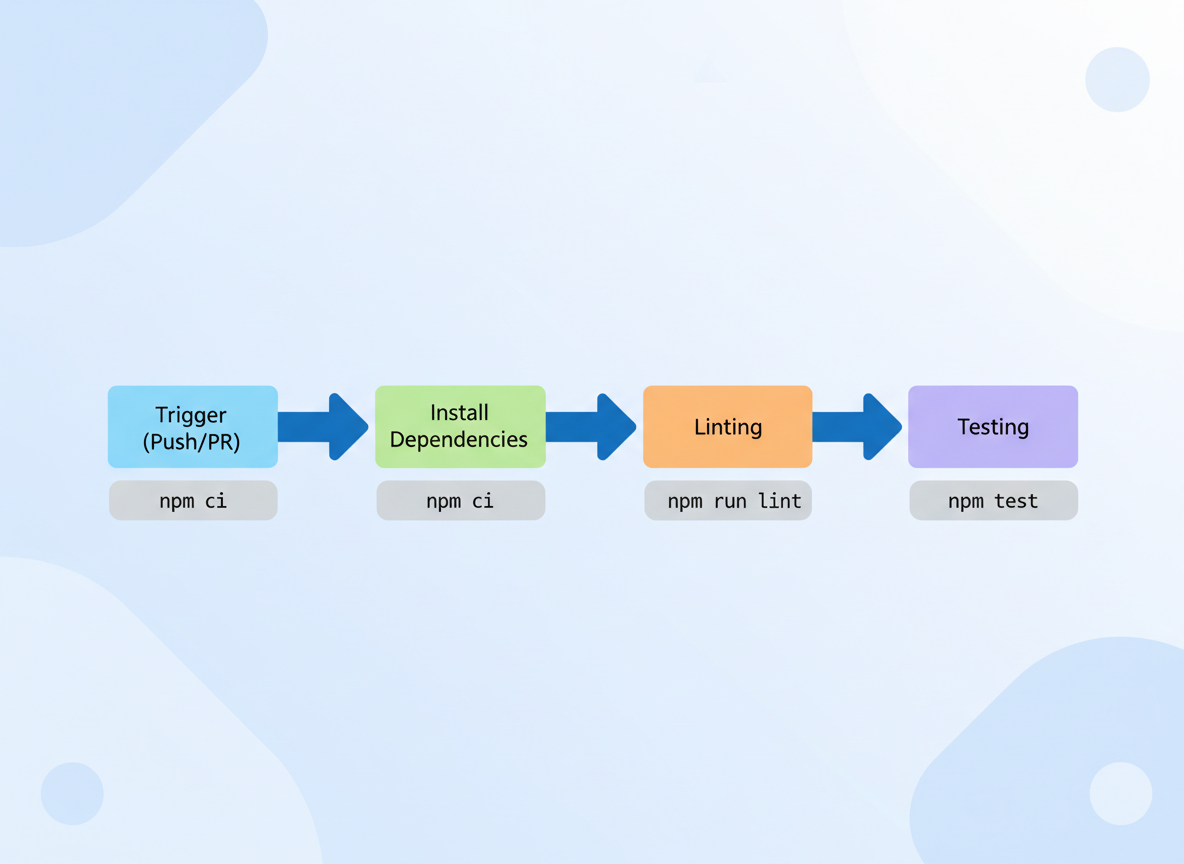
This tiny workflow runs on pushes and PRs, installs with npm ci, then runs lint and test.
// Print a minimal GitHub Actions workflow (as lines)
const gha = [
  "name: ci",
  "on: [push, pull_request]",
  "jobs:",
  "  build:",
  "    runs-on: ubuntu-latest",
  "    steps:",
  "      - uses: actions/checkout@v4",
  "      - uses: actions/setup-node@v4",
  "        with:",
  "          node-version: 20",
  "      - run: npm ci",
  "      - run: npm run lint",
  "      - run: npm test"
];

for (const l of gha) console.log(l);
Speed & clarity
Short tests and clear output keep CI friendly for beginners; add more steps later.
// Keep CI snappy: small tests, small logs
function ciTips() {
  console.log("• Keep tests small and fast");
  console.log("• Fail early; print clear messages");
  console.log("• Cache deps (advanced later)");
  console.log("• Lint + unit tests first; more later");
}
ciTips();
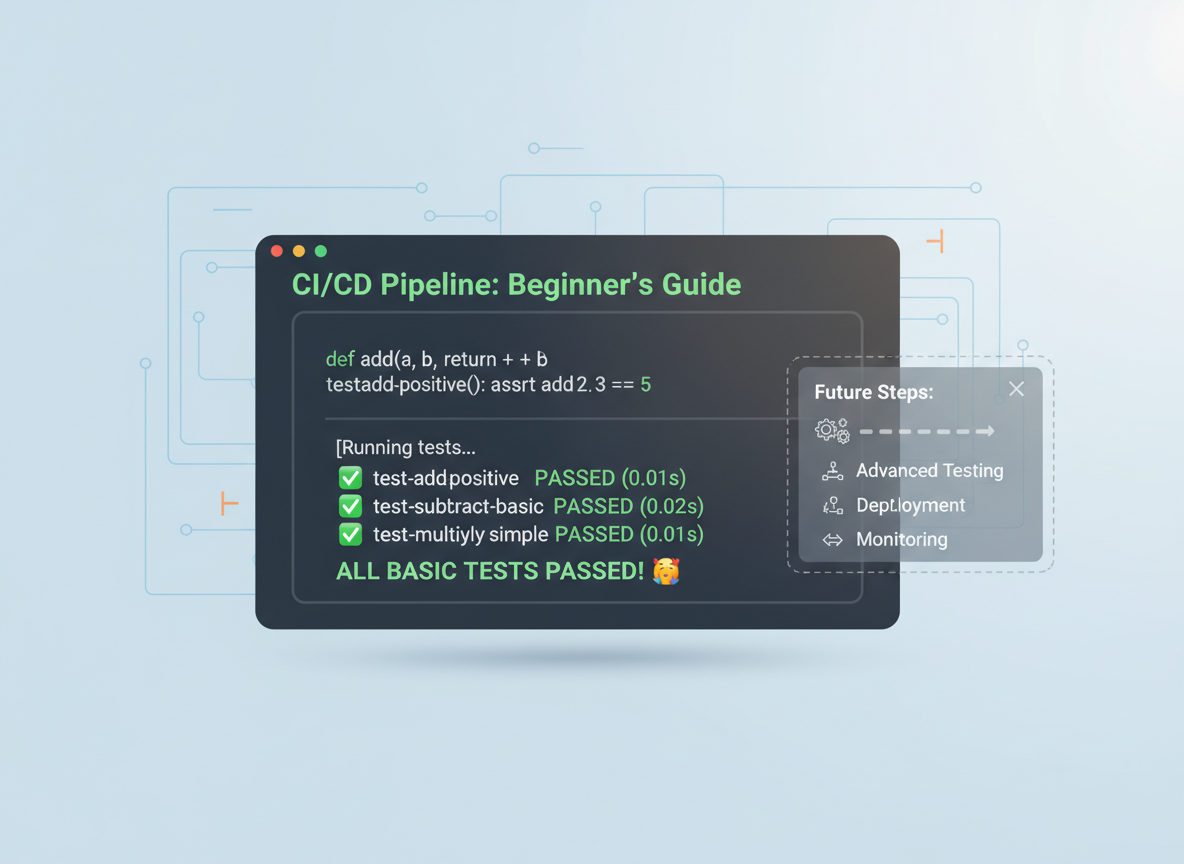
Tests the CI can run
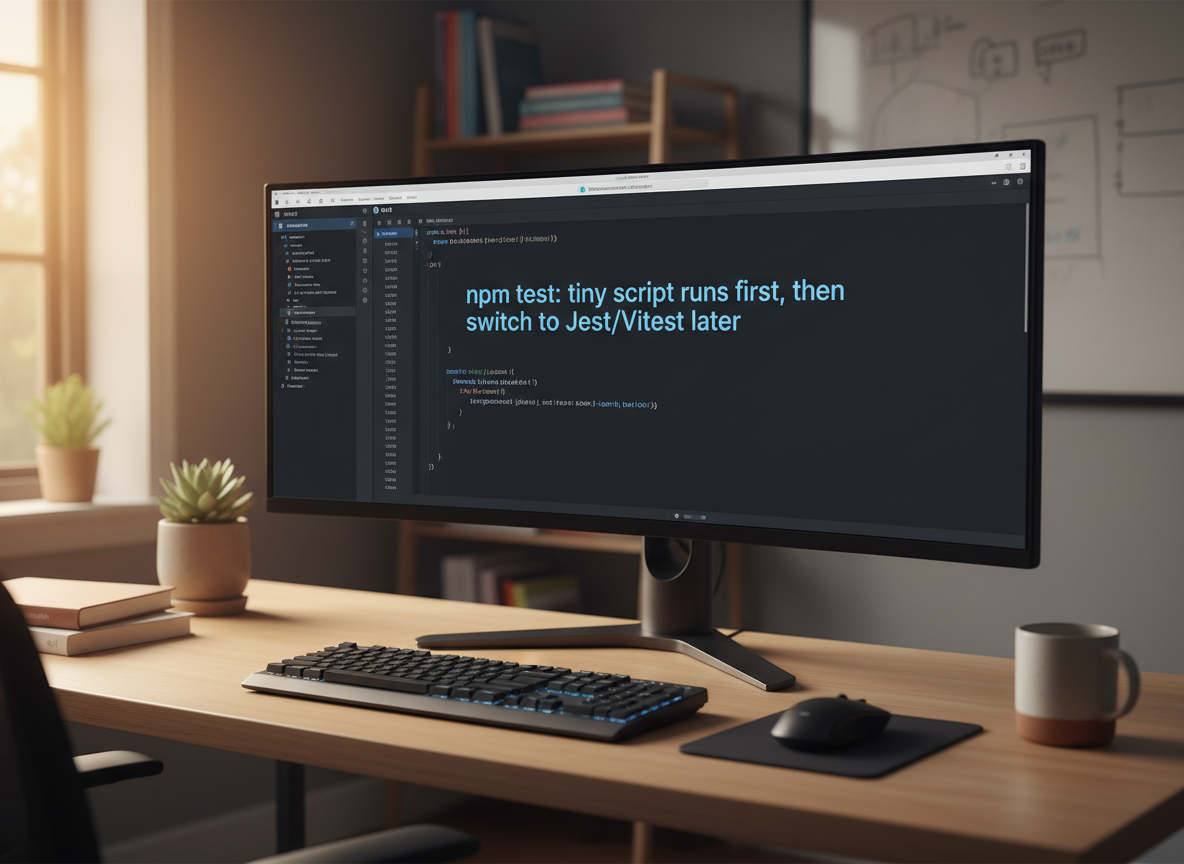
Your npm test can run a tiny script at first; switch to Jest/Vitest later.
// A tiny local test runner you can call in CI
function assertEqual(actual, expected, name) {
  if (actual === expected) console.log("✅", name);
  else console.log("❌", name, "expected:", expected, "got:", actual);
}

function add(a, b) { return a + b; }
assertEqual(add(2, 3), 5, "add adds numbers");

function isAdult(age) { return age >= 18; }
assertEqual(isAdult(18), true, "adult boundary");
CI install command quiz
Quick check: Lockfile-respecting install in CI.
Recap
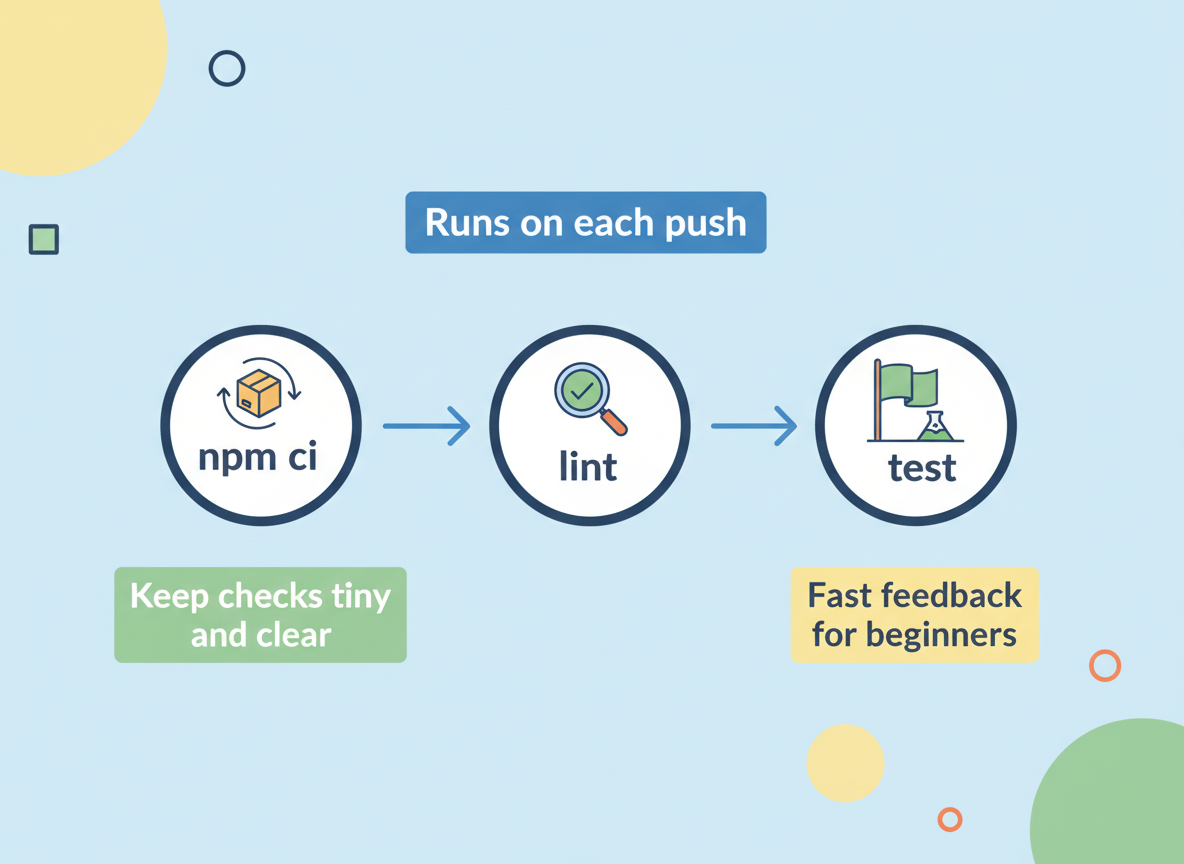
Recap: CI runs on each push: npm ci → lint → test. Keep checks tiny and clear so beginners get fast feedback.

Learn JavaScript with an AI tutor — free
Write and run real code in your browser, get instant help from a 24/7 AI tutor, and pick up where you left off on the web or in the app.
- Courses
- 59
- Lessons
- 200
Frequently Asked Questions
Is the “CI basics — run lint/test on every push” lesson free?
Yes — any 3 lessons of the JavaScript Academy learning path, including “CI basics — run lint/test on every push”, are free to read in full here on the web. After that, CoddyKit PRO unlocks every lesson, plus interactive practice with a built-in code editor and a 24/7 AI tutor. The JavaScript Academy course includes 3 lessons in total.
What will I learn in “CI basics — run lint/test on every push”?
Set up a tiny CI: install with npm ci, run lint and tests, and keep a fast feedback loop. You practise JavaScript Academy with hands-on code you run directly in the browser, and a 24/7 AI tutor answers your questions as you work through the lesson.
Do I need any experience to start JavaScript Academy?
No prior experience is required. JavaScript Academy on CoddyKit is structured for beginners through advanced learners, so you can start here or from the beginning and move at your own pace. This is lesson 3 of 3.
How long does the “CI basics — run lint/test on every push” lesson take?
Most CoddyKit lessons take about 5–10 minutes. Each one is bite-sized and interactive, so you make steady progress and pick up exactly where you left off across the web and the app.
Can I write and run code in this JavaScript Academy lesson?
Yes. Every JavaScript Academy lesson includes a built-in code editor, so you write and run real code right in your browser and get instant AI feedback — no local setup required.
All lessons in this course
- Test mindset — tiny assertions, AAA, red→green→refactor
- Linting with ESLint; Prettier formatting
- CI basics — run lint/test on every push