
Linting with ESLint; Prettier formatting
Catch common issues with ESLint and auto-format with Prettier. Keep configs tiny and run via npm scripts.
Linting with ESLint; Prettier formatting is a free JavaScript Academy lesson on CoddyKit. This is lesson 2 of 3. Any 3 lessons of this learning path are free to read in full — after that, CoddyKit PRO unlocks every lesson, plus hands-on practice with a built-in code editor and a 24/7 AI tutor. It is part of the JavaScript Academy learning path, and your progress syncs across the web and the CoddyKit app. The JavaScript Academy course includes 3 lessons in total.
Why lint & format?
Goal: Keep code clean and consistent.
- ESLint → catches issues
- Prettier → formats code
- Tiny configs; run via npm scripts
- Beginner-friendly defaults
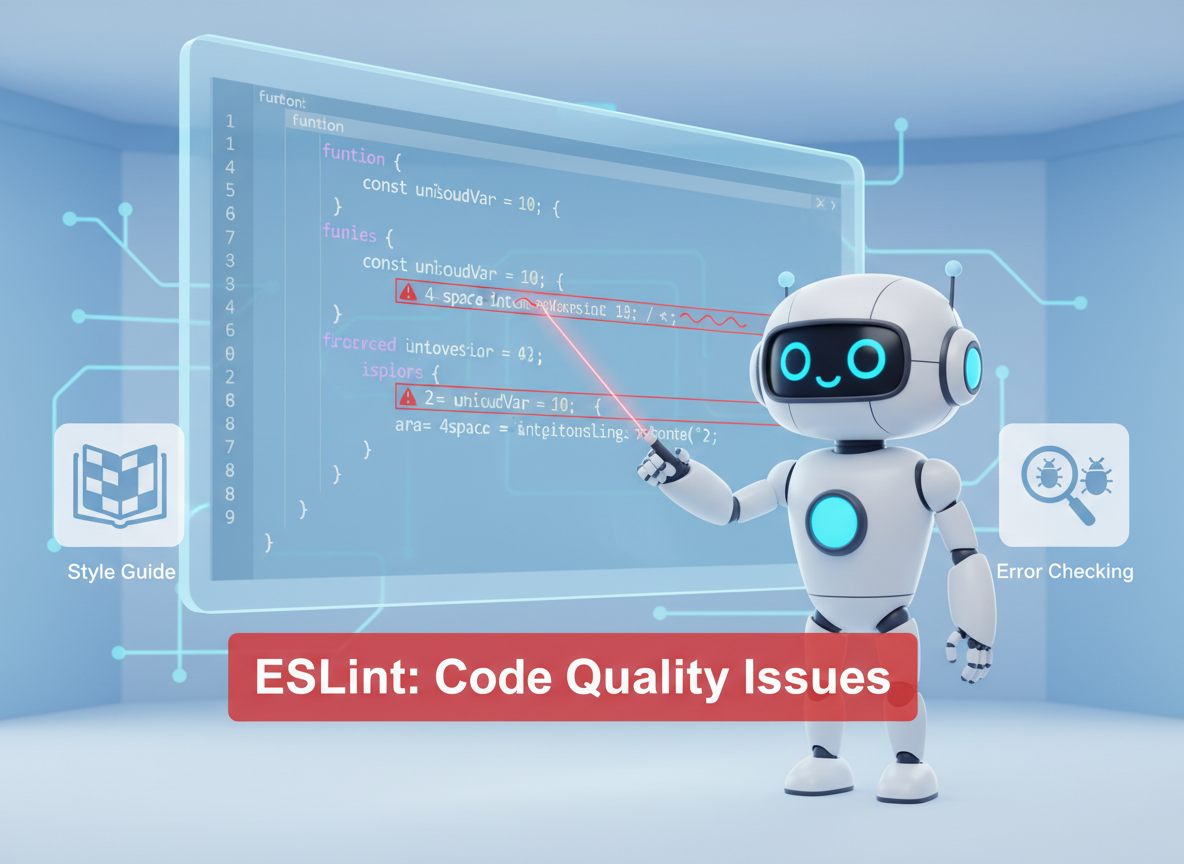
ESLint: catch issues
ESLint enforces rules to catch mistakes and improve style; here we emulate a few simple checks.
// Tiny "lint" demo: simple checks on a string of code
const sample = "const x=1; console.log(x)";

function lint(code) {
  const issues = [];
  if (code.includes("console.log")) {
    issues.push("no-console: avoid console.log in production code");
  }
  if (code.includes("=1;")) {
    issues.push("spacing: add spaces around = for readability");
  }
  if (!code.trim().endsWith(";")) {
    issues.push("semi: missing semicolon");
  }
  return issues;
}

console.log("lint issues:", lint(sample));
Prettier: consistent layout
Prettier focuses on automatic formatting, so everyone shares the same layout without debate.
// Tiny "format" demo: normalize spaces and add semicolon
function format(code) {
  // Very naive formatting just for demo
  const spaced = code.replaceAll("=1;", " = 1;");
  const withSemi = spaced.trim().endsWith(";") ? spaced.trim() : spaced.trim() + ";";
  return withSemi;
}

const ugly = "const x=1\nconsole.log( x )";
console.log("formatted:", format(ugly));

Tiny ESLint config
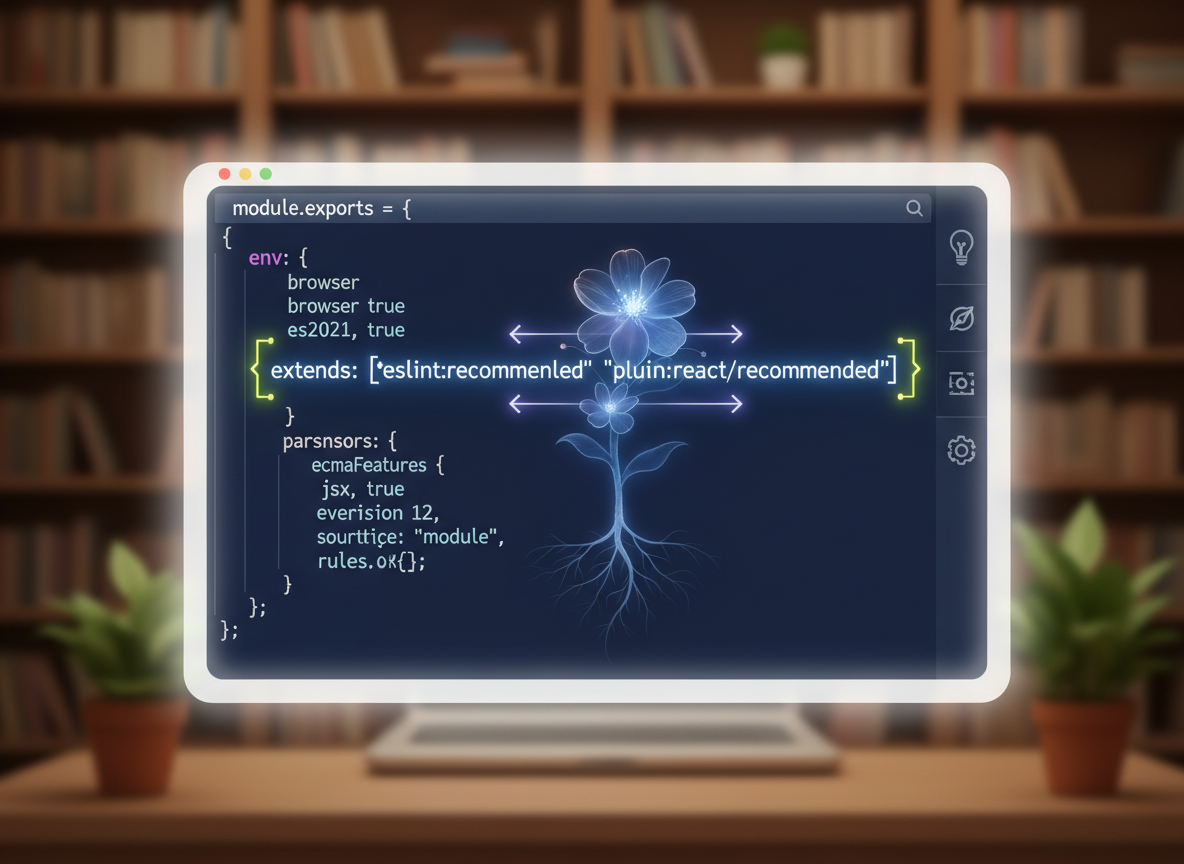
Start with eslint:recommended, then add one or two rules. Keep it small for beginners.
// Example .eslintrc.json (printed lines)
const eslintrc = [
  "{",
  "  \"env\": { \"es2022\": true, \"node\": true },",
  "  \"extends\": [\"eslint:recommended\"],",
  "  \"rules\": {",
  "    \"no-console\": \"warn\",",
  "    \"semi\": [\"error\", \"always\"]",
  "  }",
  "}"
];

for (const l of eslintrc) console.log(l);
Tiny Prettier + scripts
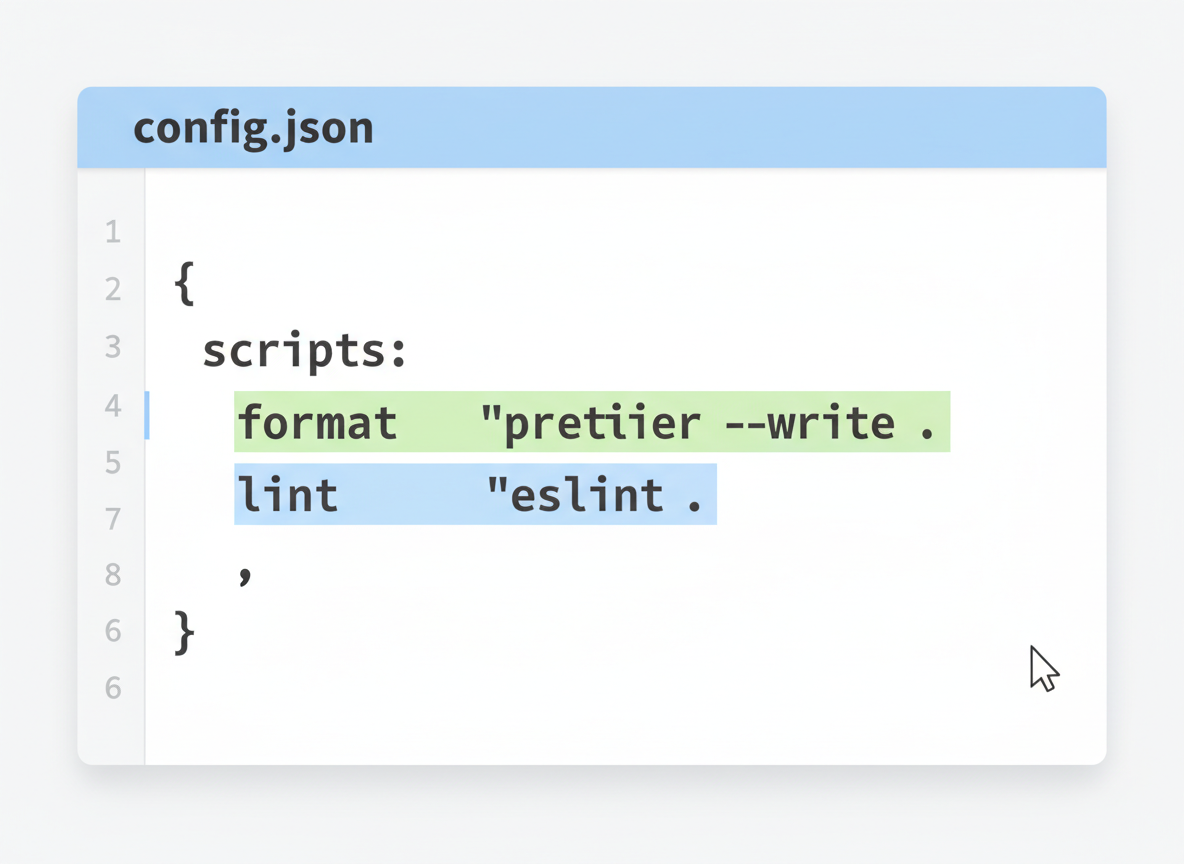
Add simple format and lint scripts so the team can run them easily.
// Example .prettierrc (printed lines)
const prettierrc = [
  "{",
  "  \"semi\": true,",
  "  \"singleQuote\": true,",
  "  \"tabWidth\": 2",
  "}"
];

for (const l of prettierrc) console.log(l);

// Example npm scripts (printed)
const scripts = [
  "\"scripts\": {",
  "  \"lint\": \"eslint .\",",
  "  \"format\": \"prettier --write .\"",
  "}"
];

for (const l of scripts) console.log(l);
Everyday workflow
Tips:
- Run format before commits.
- Keep ESLint rules few and clear.
- Use eslint:recommended and a small .prettierrc.
- Add a shortcut script like npm run fix for autofix.

Prettier vs ESLint quiz
Quick check: Formatting tool.

Recap
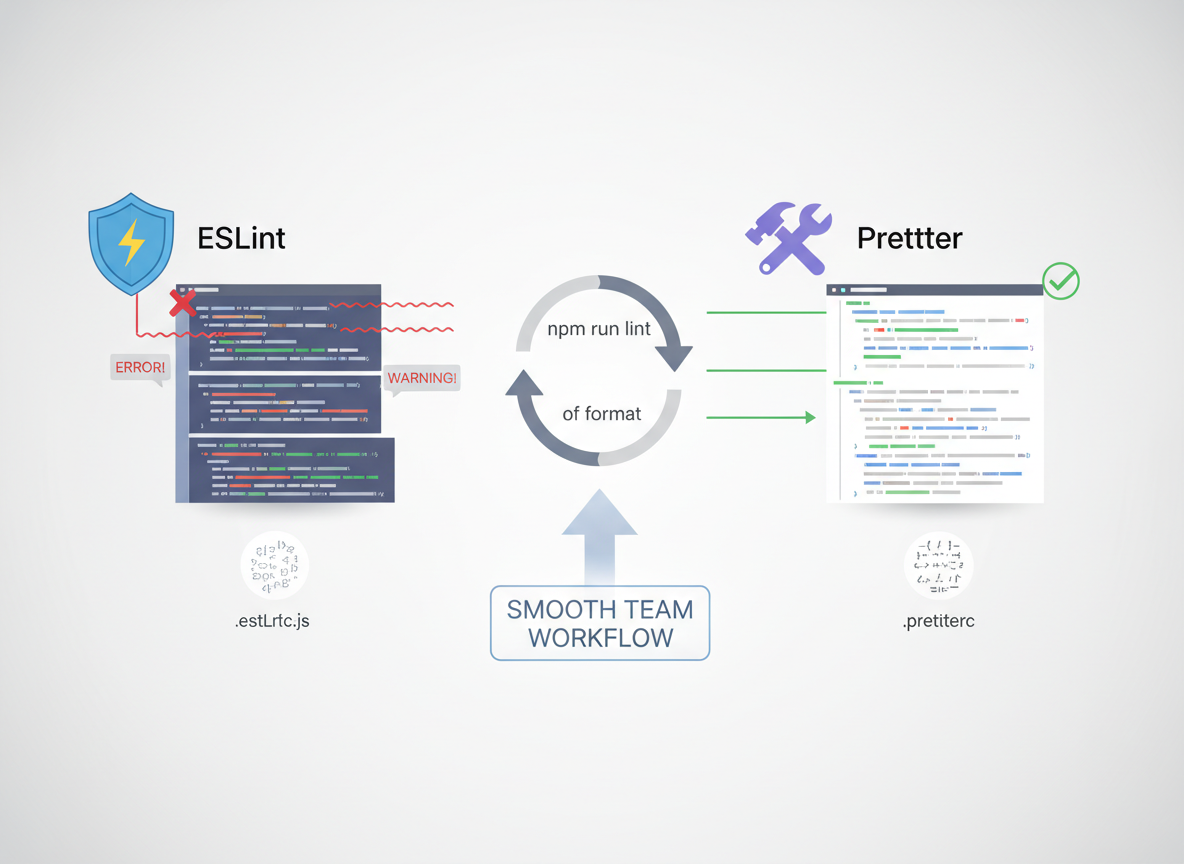
Recap: Use ESLint to catch issues and Prettier to format code. Keep configs tiny and run both via npm scripts for a smooth team workflow.

Learn JavaScript with an AI tutor — free
Write and run real code in your browser, get instant help from a 24/7 AI tutor, and pick up where you left off on the web or in the app.
- Courses
- 59
- Lessons
- 200
Frequently Asked Questions
Is the “Linting with ESLint; Prettier formatting” lesson free?
Yes — any 3 lessons of the JavaScript Academy learning path, including “Linting with ESLint; Prettier formatting”, are free to read in full here on the web. After that, CoddyKit PRO unlocks every lesson, plus interactive practice with a built-in code editor and a 24/7 AI tutor. The JavaScript Academy course includes 3 lessons in total.
What will I learn in “Linting with ESLint; Prettier formatting”?
Catch common issues with ESLint and auto-format with Prettier. Keep configs tiny and run via npm scripts. You practise JavaScript Academy with hands-on code you run directly in the browser, and a 24/7 AI tutor answers your questions as you work through the lesson.
Do I need any experience to start JavaScript Academy?
No prior experience is required. JavaScript Academy on CoddyKit is structured for beginners through advanced learners, so you can start here or from the beginning and move at your own pace. This is lesson 2 of 3.
How long does the “Linting with ESLint; Prettier formatting” lesson take?
Most CoddyKit lessons take about 5–10 minutes. Each one is bite-sized and interactive, so you make steady progress and pick up exactly where you left off across the web and the app.
Can I write and run code in this JavaScript Academy lesson?
Yes. Every JavaScript Academy lesson includes a built-in code editor, so you write and run real code right in your browser and get instant AI feedback — no local setup required.
All lessons in this course
- Test mindset — tiny assertions, AAA, red→green→refactor
- Linting with ESLint; Prettier formatting
- CI basics — run lint/test on every push