

Learn Android: Kotlin Tutorial
Learn Android: Kotlin Tutorial — Android development with Kotlin and Jetpack Compose, one short lesson at a time
Learn Android: Kotlin Tutorial is a free Android development course for your phone: 36 courses and 152 short lessons that take you from your first line of Kotlin through Jetpack Compose screens, Room, Hilt, coroutines and Firebase to publishing on Google Play. Write and run Kotlin in the built-in editor and ask an AI mentor when you are stuck.

- Price
- Free, Pro upgrade
- Platforms
- Android, on Google Play
- Languages
- 22
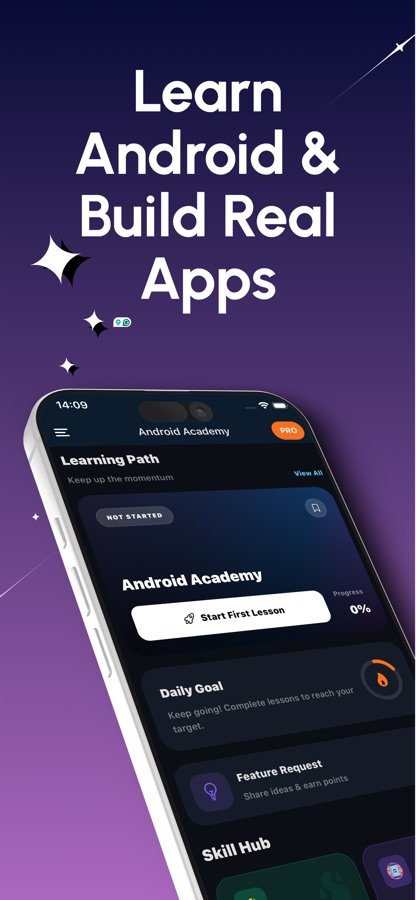
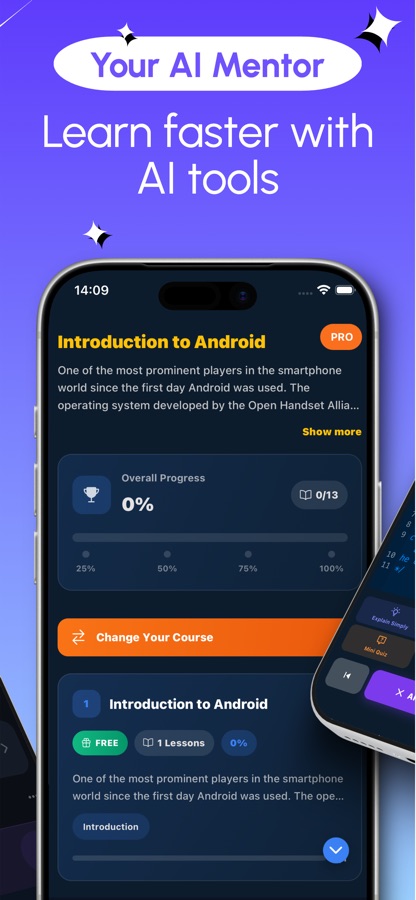
From your first line of Kotlin to the Google Play listing.
The path is ordered the way a real first app is built: the language first, then screens, then state and navigation, then data, device features and architecture, and finally testing, profiling and publishing. You always know what comes next and why.
What it is
Learn Android: Kotlin Tutorial is a free Android app that teaches Android app development with Kotlin and Jetpack Compose. It has 36 courses and 152 lessons ordered from beginner to advanced, covering Kotlin fundamentals, Compose screens, state, navigation, ViewModel and lifecycle, Room, DataStore, coroutines and Flow, Hilt, CameraX, Maps, Firebase, testing and publishing to Google Play. Each lesson pairs a short explanation with practice, a built-in editor runs Kotlin code, and an AI mentor explains errors in plain language.
Inside the app
What it looks like
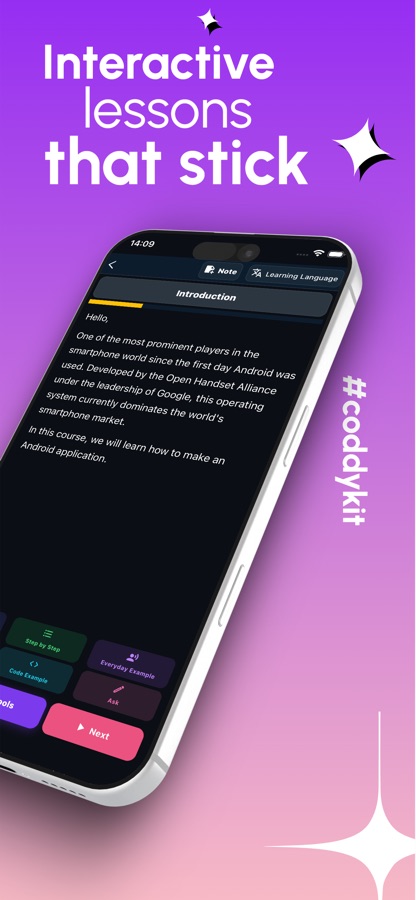
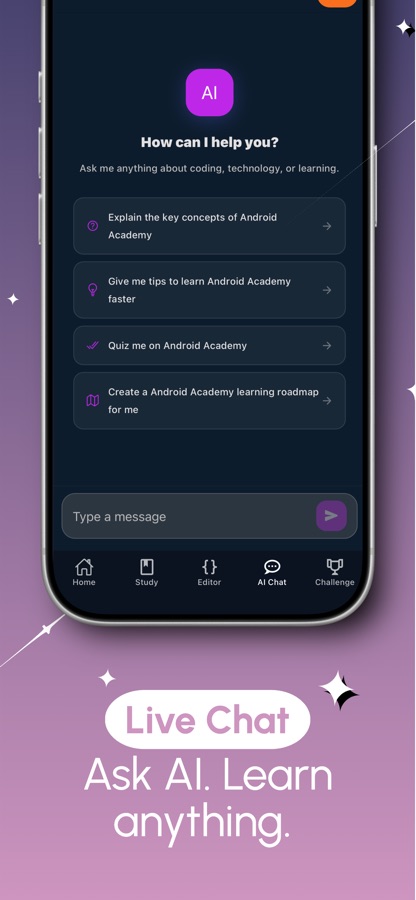
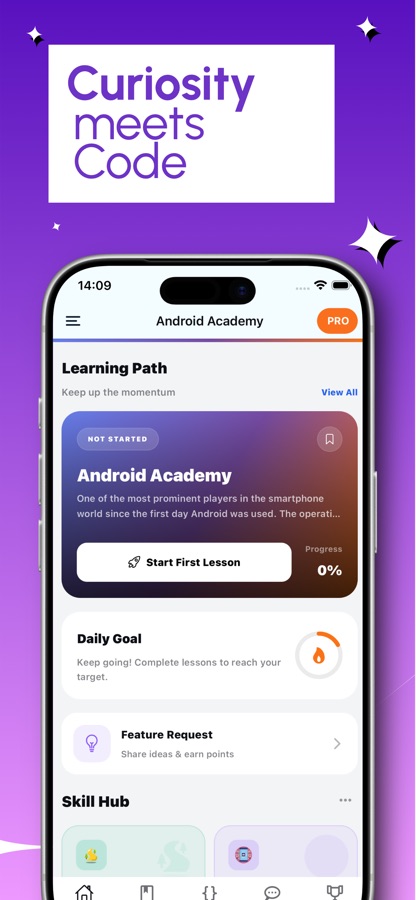
The course
What the Android course covers
36 courses in the app's own course list, graded A1 to C1. These are the main stretches, using the real course names.
Start here: Android and Kotlin fundamentals
Welcome to Android Development, Kotlin Fundamentals in two parts, and Functions and Classes in Kotlin.
Your first Compose screens
Your First Composable Screen, Android App Basics, Jetpack Compose Fundamentals, Handling User Input and Forms, Lists and Data, and Styling Text and Buttons.
Kotlin collections, null safety and lambdas
Kotlin Collections and Lambdas and Kotlin Null Safety Essentials, the language features nearly every Android screen leans on.
State, layout and navigation
Compose State and Recomposition, Compose Layouts and Modifiers, Animations in Jetpack Compose, Navigation in Compose and UI and Material Design.
Architecture and data
ViewModel and Lifecycle Awareness, App Architecture, Dependency Injection with Hilt, Room Database and Persistence, DataStore and Preferences, and Paging Large Data Sets with Paging 3.
Device features and background work
Permissions, Notifications and Channels, Maps and Location Services, CameraX, Images and Media Loading with Coil, Coroutines and Flow, WorkManager and Networking.
Firebase and shipping
Firebase: Auth, Firestore and Messaging, Testing and Debugging, Multi-Module App Architecture, Performance Optimization and Profiling, and Publishing to Google Play.
How it works
How the course runs on your phone
The editor on your phone runs Kotlin code. Building a full app project is done later in Android Studio on a computer, and the course prepares you for it.
Follow the path
Start with Welcome to Android Development and Kotlin Fundamentals, then move on to Compose and the rest of the path. Every lesson mixes a short explanation with practice.
Write, run, break, fix
Type Kotlin in the built-in code editor, run it and see the output in seconds. Change an example, break it and fix it, so every concept is something you tried yourself.
Review and ask
Quizzes in the lessons check what you just learned, and questions you miss return later as short review cards. Stuck on a Compose error or a coroutine that will not behave? The AI mentor explains the idea and points to the bug.
What's inside
What comes with the app
36
Courses, beginner to advanced
152 lessons ordered from Welcome to Android Development to Publishing to Google Play, with Kotlin, Compose, architecture, data, device features and Firebase in between.
Kotlin
Built-in code editor
Type code, run it and see the output in seconds, like a small Kotlin compiler in your pocket.
AI
AI mentor
Explains a Compose error or a coroutine problem in plain language, points to the bug and helps you write the fix, with a daily allowance for free users.
2 min
Review cards
Questions you miss come back as short review cards, about two minutes a day.
Streak
Streaks and a weekly league
Daily streaks, streak freezes and reminders, plus a weekly league and the World Coding Challenge for friendly competition.
Cert
Certificate exam
Finish the path and pass the exam to get a certificate with your name on it, verified by CoddyKit, that you can share on LinkedIn or add to your resume.
Background
What do you need to learn to start Android development today?
Modern Android development rests on two things: the Kotlin language, which Google prefers for Android, and Jetpack Compose, the modern way to build app screens in code. Around them sit the pieces every real app needs: state that survives rotation, navigation between screens, a local database, background work, networking and a way to ship it. A good beginner path teaches them in that order, so each new idea has something to attach to.
Kotlinthe language first
Kotlin is the language most Android code is written in. Null safety, lambdas and collections come up in nearly every screen you build, so it is worth learning them before touching a UI.
Jetpack Composescreens as functions
In Compose a screen is built from composable functions that describe what the UI looks like for the current state. When the state changes, the affected parts are drawn again, which is called recomposition and is the idea most beginners need explained twice.
ViewModel and lifecyclewhere state lives
Android can destroy and recreate your screen at any time, for example on rotation. A ViewModel holds the state outside the screen, so understanding the lifecycle is what stops an app from losing what the user typed.
Coroutines and Flowwork off the main thread
Network calls and database reads must not block the interface. Coroutines make that code read in order, and Flow streams changing data such as a Room query to the screen.
Publishingthe part tutorials skip
Testing, profiling and a store listing are separate skills from writing the code. A course path that ends at publishing to Google Play covers the steps between a working app and one other people can install.
Fit
Who it's for — and who it isn't
A good fit if you
- Want a Kotlin tutorial that starts from zero and builds toward real Android apps
- Are a web or backend developer moving to mobile app development
- Have opened Android Studio and did not know where to begin
- Are a student who wants extra practice next to a class or a bootcamp
- Are a junior developer preparing for a first Android developer job
Not the right tool if you
- Use an iPhone, because the app is available on Android through Google Play
- Want to build and install a full app project from the phone, since that is done in Android Studio
- Expect everything free, because the first course is free and Pro unlocks all 36 courses
Questions
Frequently asked questions
How do I start Android development as a complete beginner?
Learn Kotlin first, then Jetpack Compose, then the pieces around them. Learn Android: Kotlin Tutorial follows that order with 36 courses and 152 lessons, starting with Welcome to Android Development and Kotlin Fundamentals and ending with Publishing to Google Play. It assumes no experience and is free to start.
Should I learn Kotlin or Java for Android?
Kotlin is Google's preferred language for Android and the one this course teaches, together with Jetpack Compose. Java still exists in older Android code, but starting with Kotlin means you learn the tools used in today's apps. If you are curious about Java itself, CoddyKit has a separate Java course.
What is Jetpack Compose?
Jetpack Compose is Android's modern toolkit for building screens in Kotlin code, where each piece of the interface is a composable function that describes the UI for the current state. In Learn Android: Kotlin Tutorial the Compose lessons cover your first composable screen, state and recomposition, layouts and modifiers, styling, user input, lists, animations and navigation.
Can I build Android apps on my phone with this app?
You write and run Kotlin code in the built-in editor on your phone, which is good for learning the language and concepts. Building and installing a full app project is normally done in Android Studio on a computer, and the course path, which ends with testing, profiling and publishing to Google Play, prepares you for that.
Does the course cover databases and Firebase?
Yes. The data courses cover the Room database, DataStore and preferences, Paging 3 and networking, and a separate course covers Firebase Auth, Firestore and Cloud Messaging. Device features such as permissions, notifications, Maps and location and CameraX each have their own course.
Is Learn Android: Kotlin Tutorial free?
It is free to download. Your first course is free, with a daily AI mentor allowance. Pro unlocks all 36 courses, removes ads and gives you unlimited AI mentor help.
Is there a certificate?
Yes. When you finish the path and pass the certificate exam, you get a certificate with your name on it, verified by CoddyKit, that you can share on LinkedIn or add to your resume. It records your course work and is not a Google certification.
How does the AI mentor help with Android errors?
Ask it when a Compose error or a coroutine does not behave. It explains the idea in plain language, points to the bug and helps you write the fix. Free users get a daily allowance of answers, and Pro removes the limit.
How long does it take to learn Android development?
It depends mostly on how regularly you practise. Short daily lessons, review cards of about two minutes and streaks keep a pace you can sustain. Most people can follow the Kotlin and first Compose courses in a few weeks, and architecture, data and device features take longer.
What languages is the app available in?
The interface is available in 22 languages, including English, Spanish, Portuguese, German, French, Turkish, Arabic, Hindi, Indonesian, Japanese, Korean and Chinese. The app is available for Android on Google Play.
Get started
Open the first lesson and write your first Kotlin
Free to start on Android, in 22 languages.
More from CoddyKit
Available on Android.