

JSON Viewer, Editor & Format
JSON Viewer, Editor & Format — A JSON reader that shows where the syntax breaks
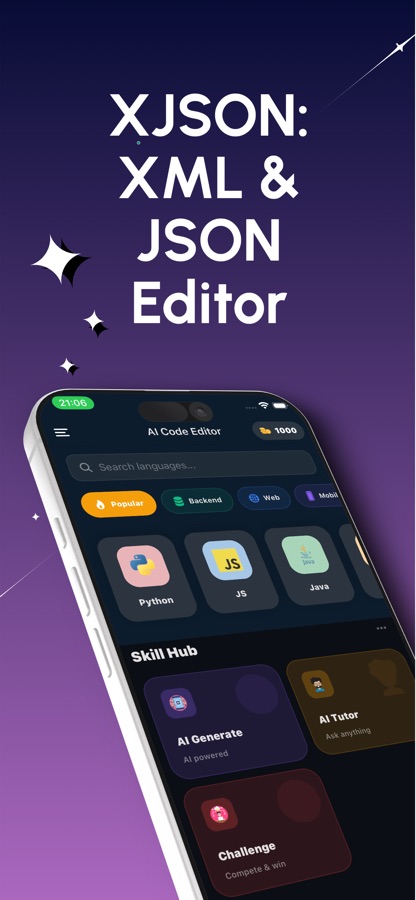
JSON Viewer, Editor & Format is a free iOS and Android JSON reader and editor for the moment an API response, a config file or a data export lands on your phone and you need to read it now. Open or paste it, let the syntax validator mark the broken spot, and ask the AI to pretty print or explain it. XML, YAML, Markdown and SQL open in the same editor.


- Price
- Free, Pro upgrade
- Platforms
- iOS and Android
- Languages
- 22
- Age rating
- 4+
- Requires
- iOS 15.1 or later
Most JSON problems are one character long.
A trailing comma, a single quote, a missing bracket: the file looks almost right and the parser refuses it anyway. The fastest fix is to be told exactly where it breaks, which is what the live check in this editor does as you type.
What it is
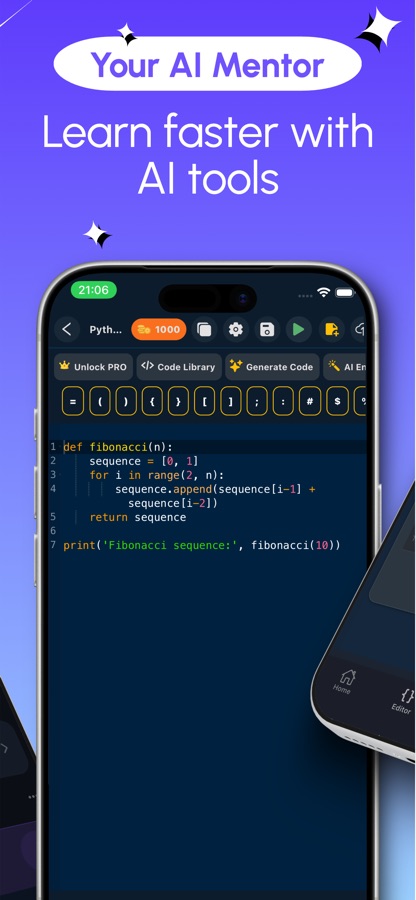
JSON Viewer, Editor & Format is an iOS and Android app that opens, reads and edits JSON files on a phone. It highlights syntax, numbers lines, folds objects and arrays, and checks JSON as you type, marking the spot of errors such as a trailing comma, a missing quote or an unclosed bracket. An online AI can pretty print, explain, fix and generate sample data. XML, YAML, Markdown and SQL files open in the same editor, though the live check covers JSON only.
Inside the app
What it looks like
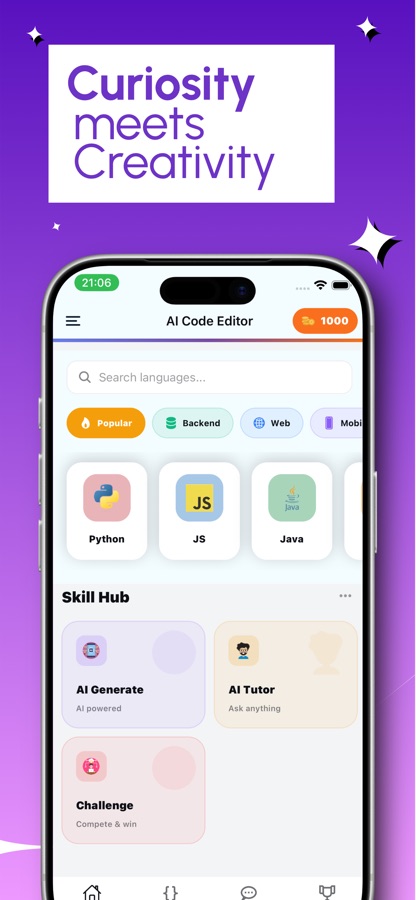
Background
Why does a JSON file fail to parse, and how do you find the cause?
JSON is a strict text format: keys must be double-quoted strings, there are no comments, and the last item in an object or array cannot be followed by a comma. Many files that fail are copies of JavaScript or Python data that look similar but break those rules. The practical way to find the cause is to read the parser's complaint, jump to that line, and check the characters just before it, because the real mistake is usually a few characters earlier than the place the parser gives up.
Trailing commas and quotesthe usual suspects
A comma after the final item, single quotes around a string, or a key written without quotes are all rejected by a standard JSON parser. They are accepted in some programming languages, which is why a config that works in code can fail as data.
Large numbersabove 2^53
JSON itself has no size limit for numbers, but many readers store them as floating-point values that stay exact only up to 2^53. An order ID larger than that can silently change in the process, so identifiers that must stay exact are safer written as strings.
Strings that look like booleans"false" is not false
The text "false" in quotes is a non-empty string, and in most languages a non-empty string counts as true. A feature flag stored that way can be switched on when everyone believes it is off.
JSON Linesone object per line
Log files often use JSON Lines, where every line is a complete JSON value rather than the whole file being one. A strict JSON parser reads the second line as an error, so such files need a line-by-line approach.
Pretty printing and minifyingsame data, different layout
Pretty printing adds indentation and line breaks so a person can read nested data. Minifying removes them to shrink the text. Neither changes the values, so you can switch back and forth freely.
How it works
How a file goes from unreadable to fixed
The editor is built around one loop: open the data, see what is wrong, change it, and check it again.
Open or paste the data
Open a file from your phone with the file picker or paste a payload. Syntax highlighting, line numbers and word wrap keep long documents readable, and you can fold objects and arrays to hide what you are not reading.
Let the validator mark the break
The check runs as you type and flags the broken spot. A smart keyboard bar keeps brackets, braces, quotes and colons one tap away, and undo, redo and a history of earlier versions let you try a fix safely.
Hand the rest to the AI
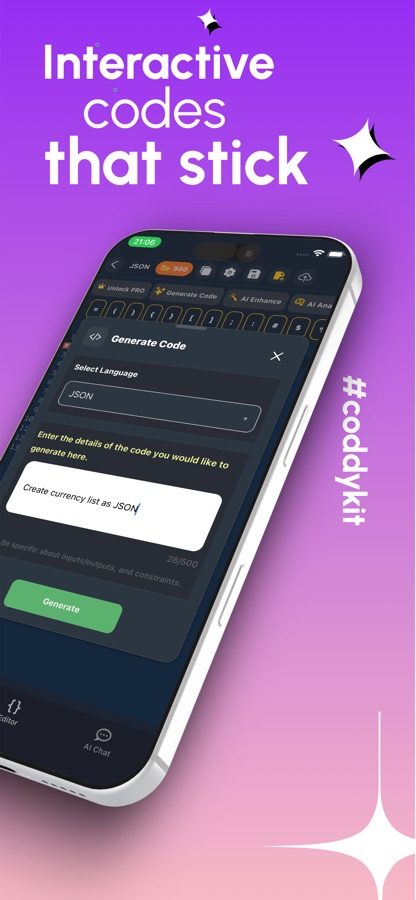
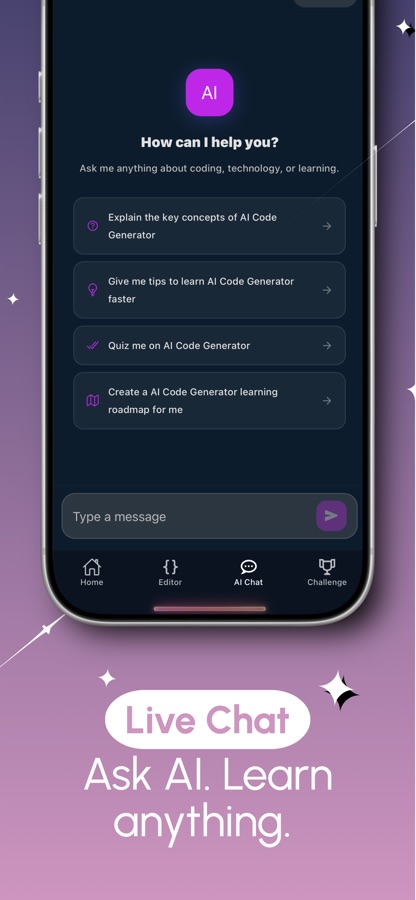
Ask the online AI to format messy or minified data, explain what a block means, repair a bug or generate a sample document from a description. Rewritten code arrives as a diff you review before applying.
What's inside
What the app does
Live
Syntax check
The validator checks JSON while you type and points to the spot of a trailing comma, a missing quote or an unclosed bracket.
Fold
Readable large files
Folding, line numbers, word wrap, find and replace across the document, adjustable font size and tab size, and a light or dark theme.
AI
Format, explain, fix, generate
Pretty print minified data, ask what a structure means, repair a bug, or describe the data you need and get a sample. The AI tools need an internet connection.
4
Other formats
XML, YAML, Markdown and SQL open with highlighting, folding, search and the AI tools. The live check covers JSON only, so ask the AI to review the others.
20
Bug hunts
Missions that put you in front of a failure in a simulated terminal: a config failing on line 12, a payload rejected for bare keys, IDs that collide above 2^53, or an XML conversion that drops attributes.
20
Guided projects
Build a nested product catalogue, an API response envelope, a JSON Lines log, JSON Pointer and JSON Patch, and schemas from the basics to $defs, $ref, oneOf and if/then/else.
Fit
Who it's for — and who it isn't
A good fit if you
- Check an API response or a config file away from your desk
- Need a quick file opener for .json files and data exports on your phone
- Are a tester or analyst who reads payloads and wants the broken line marked
- Are learning how JSON, schemas and XML behave and like practising on real failures
- Want pretty print and explain tools without leaving the editor
Not the right tool if you
- Need the AI tools offline, since they run online and need an internet connection
- Want live error checking for XML or YAML, because the live check covers JSON only
- Expect unlimited AI for free: the free plan has 3 AI requests a day, plus one more for watching a short ad
Privacy
What the AI tools send
The editor, the syntax check, opening documents and search work on the device. The AI tools run online, so the text you ask them to format, explain or fix is sent to an AI service for that request. Details are in the CoddyKit privacy policy.
Full details are in the CoddyKit privacy policy.
Questions
Frequently asked questions
How do I open and read a JSON file on my phone?
In JSON Viewer, Editor & Format you open the file with the file picker or paste the contents into the editor. The data appears with syntax highlighting and line numbers, and you can fold objects and arrays to hide the parts you are not reading. The same works for an API response copied from another app.
How does JSON Viewer find syntax errors?
A validator checks the JSON as you type and marks the broken spot. It flags typical mistakes such as a trailing comma, a missing quote or an unclosed bracket, so you can fix the exact character instead of scanning the whole file. The live check works for JSON only.
Can I pretty print or minify JSON?
Yes. The AI formatter turns messy or minified data into clean, indented text. Because it is an online AI tool, it needs a connection, and any rewrite arrives as a diff that you can review before you apply it.
Does JSON Viewer open XML, YAML or SQL files?
It opens XML, YAML, Markdown and SQL in the same editor, with syntax highlighting, folding, search and the AI tools. Only JSON gets the live syntax check. For the other formats, you can ask the AI to review the document for problems.
What is the difference between JSON and JSON Lines?
A JSON file is one value, usually an object or an array. A JSON Lines file puts a complete JSON value on every line, which suits logs that grow one record at a time. JSON Viewer includes a guided project on JSON Lines for a log file, so you can see how the two differ.
Is JSON Viewer, Editor & Format free?
It is free to download. The editor, the syntax check, opening documents and search are free. Free use includes 3 AI requests a day, plus one more for watching a short ad, the first guided project and two missions, and it shows ads. Pro removes ads and unlocks unlimited AI requests and all projects and missions.
Can I learn JSON with this app, not just view it?
Yes. There are 20 bug hunts and 20 guided projects. The hunts ask you to find the cause of failures such as a trailing comma in a config, an API payload with single quotes, or a feature flag stored as the string false. The projects walk through nested catalogues, escaping, JSON Pointer, JSON Patch and schemas.
Can I keep or share what I edited?
You can copy the result, share it as a link, and save snippets to come back to later. Earlier versions of a document are kept in a history, so a change you regret can be undone.
Does the AI see my whole file?
The AI works on what you send it: a selected block to explain, or a document you ask it to format or fix. Those requests go to an online service, so remove secrets such as tokens and passwords first. The reading, folding, searching and syntax check do not need the AI.
Get started
Find the broken character faster
A JSON reader and editor for iOS and Android, free to start, in 22 languages.
More from CoddyKit
Available on iOS and Android.