
Safe JSON parsing strategies
Parse untrusted JSON safely with try/catch, small shape checks, defaults, and tiny helper utilities.
Safe JSON parsing strategies is a free JavaScript Academy lesson on CoddyKit. This is lesson 3 of 3. Any 3 lessons of this learning path are free to read in full — after that, CoddyKit PRO unlocks every lesson, plus hands-on practice with a built-in code editor and a 24/7 AI tutor. It is part of the JavaScript Academy learning path, and your progress syncs across the web and the CoddyKit app. The JavaScript Academy course includes 3 lessons in total.
Why safe parsing?
Goal: Read JSON without surprises.
- try/catch around parse
- Small safeParse helper
- Shape checks for required fields
- Defaults for optional values
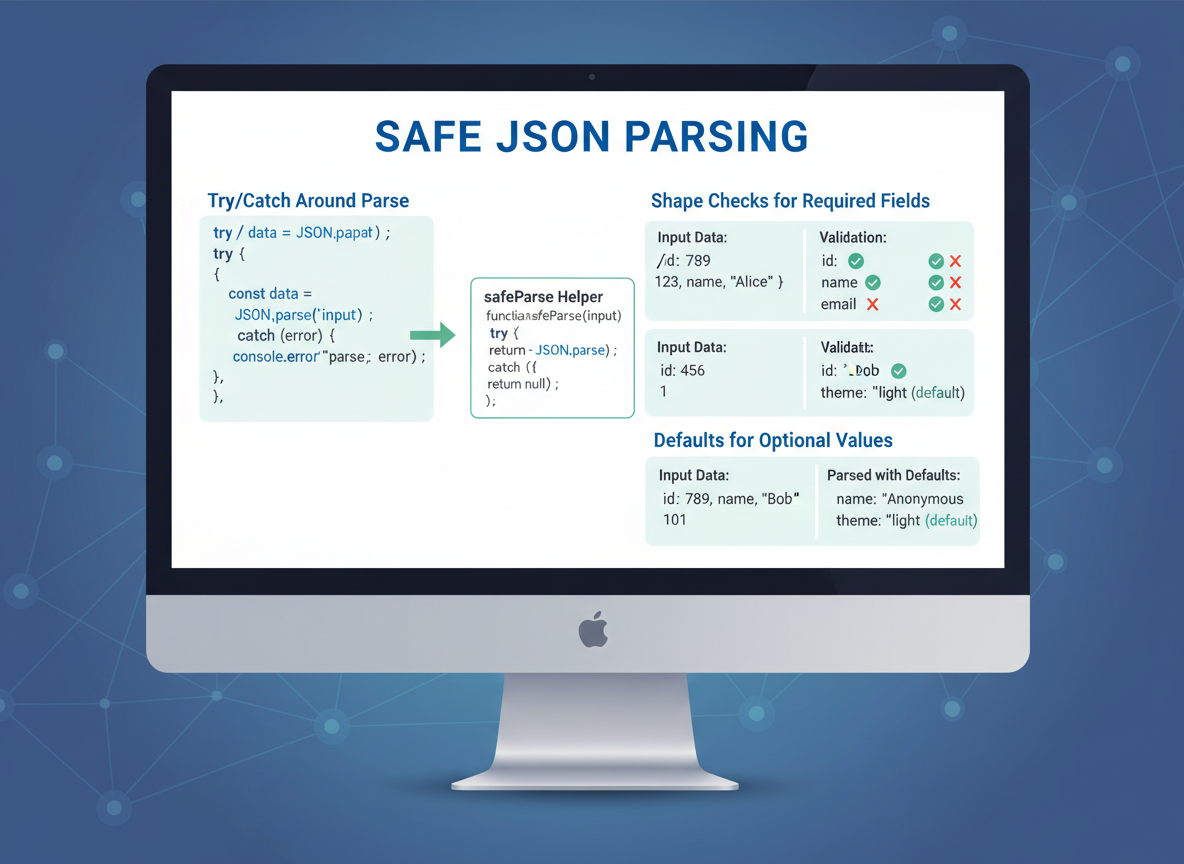
safeParse helper
Use a tiny safeParse to avoid crashes and to surface errors clearly.
// safeParse: never throws, returns { ok, value, error }
function safeParse(text) {
  try {
    const value = JSON.parse(text);
    return { ok: true, value: value, error: null };
  } catch (e) {
    return { ok: false, value: null, error: String(e.message) };
  }
}

// Demo
const good = safeParse("{\"name\":\"Ayla\",\"age\":20}");
const bad  = safeParse("{broken}");

console.log("good.ok:", good.ok, "name:", good.value && good.value.name);
console.log("bad.ok:", bad.ok, "error:", bad.error);
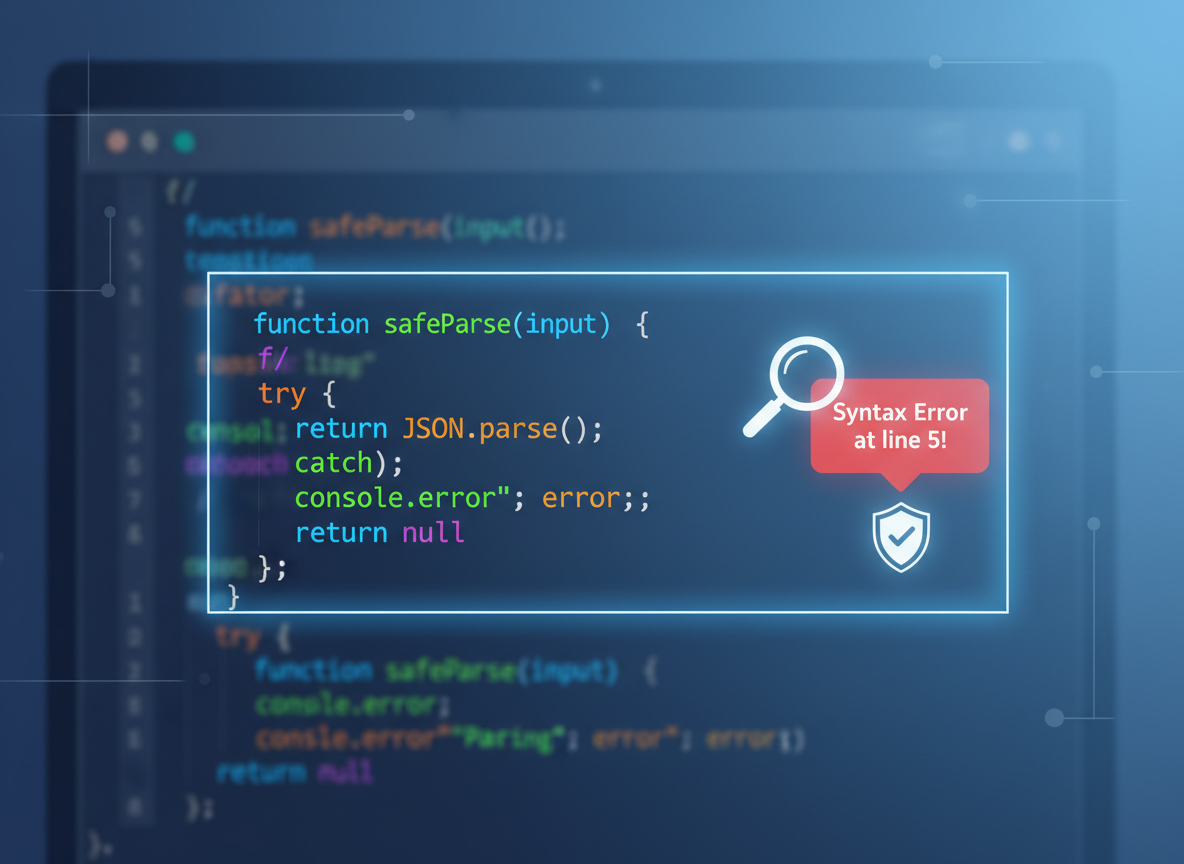
Shape checks
Add tiny validators for required fields (name, age) and simple ranges.
// Validate required fields and simple types
function isNonEmptyString(x) {
  return typeof x === "string" && x.trim().length > 0;
}

function isNonNegativeInt(x) {
  return Number.isInteger(x) && x >= 0;
}

function validateUser(u) {
  if (u == null || typeof u !== "object") {
    return { ok: false, reason: "not an object" };
  }
  if (!isNonEmptyString(u.name)) {
    return { ok: false, reason: "name required" };
  }
  if (!isNonNegativeInt(u.age)) {
    return { ok: false, reason: "age must be a non-negative integer" };
  }
  return { ok: true };
}

// Demo
const rawUser = "{\"name\":\"Mina\",\"age\":22}";
const parsed = safeParse(rawUser);

if (parsed.ok) {
  console.log("valid?", validateUser(parsed.value));
}

Defaults for optional values
Use ?? and simple checks to set safe defaults for optional fields.
// Apply defaults using nullish coalescing and spread
function normalizeUser(u) {
  const theme = (u.theme ?? "light");        // default theme
  const tags  = Array.isArray(u.tags) ? u.tags : [];
  return { ...u, theme: theme, tags: tags };
}

// Demo
const raw = "{\"name\":\"Lena\",\"age\":19}";
const p = safeParse(raw);
if (p.ok) {
  const v = normalizeUser(p.value);
  console.log("theme:", v.theme, "tags:", v.tags);
}

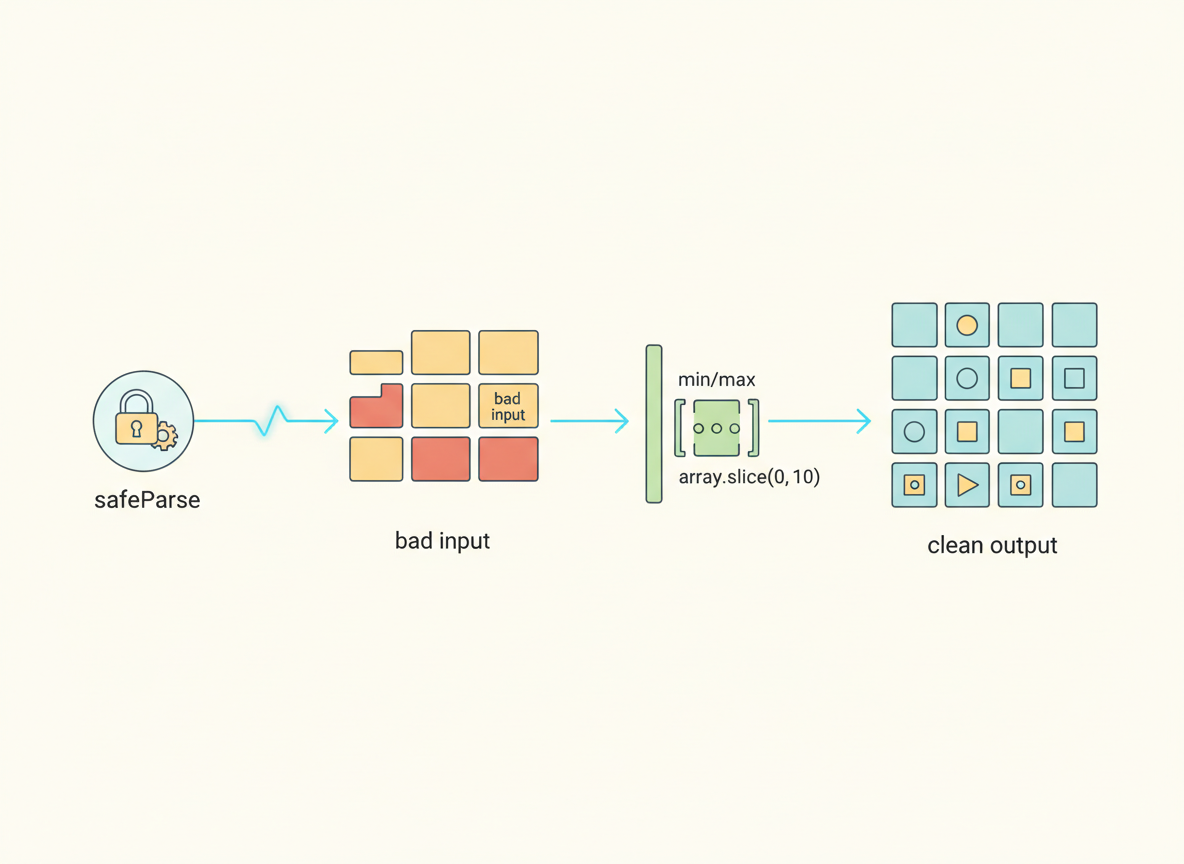
Ranges and caps
Clamp numeric ranges and cap array sizes to keep data safe and predictable.
// Guard numbers and arrays with tiny limits
function clampNumber(x, min, max) {
  if (typeof x !== "number" || !Number.isFinite(x)) return min;
  return Math.min(max, Math.max(min, x));
}

function toStringArray(a) {
  if (!Array.isArray(a)) return [];
  return a.map(function (x) { return String(x); }).slice(0, 5); // cap length
}

// Demo
const cfgText = "{\"limit\":200,\"labels\":[\"a\",\"b\",\"c\",\"d\",\"e\",\"f\"]}";
const cfg = safeParse(cfgText);
if (cfg.ok) {
  const limit = clampNumber(cfg.value.limit, 1, 100);
  const labels = toStringArray(cfg.value.labels);
  console.log("limit:", limit, "labels:", labels);
}

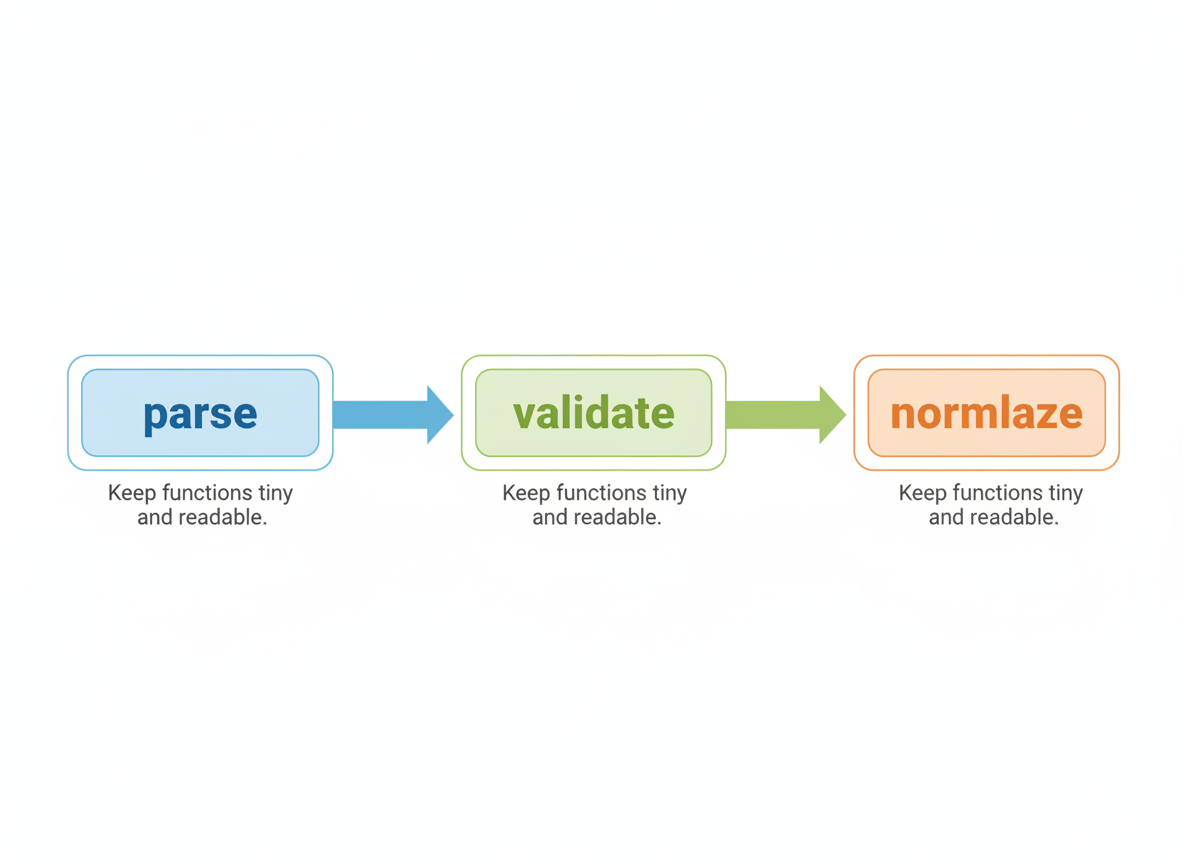
Parse → validate → normalize
Pipeline: parse → validate → normalize. Keep functions tiny and readable.
// Putting it together: parse → validate → normalize
function readUser(jsonText) {
  const p = safeParse(jsonText);
  if (!p.ok) return { ok: false, reason: "parse: " + p.error };

  const check = validateUser(p.value);
  if (!check.ok) return { ok: false, reason: "shape: " + check.reason };

  const normalized = normalizeUser(p.value);
  return { ok: true, value: normalized };
}

// Demo
const text = "{\"name\":\"Ayla\",\"age\":21,\"tags\":[\"new\"],\"theme\":\"dark\"}";
console.log(readUser(text));
Safe parsing quiz
Quick check: Safe pattern.

Recap
Recap: Build a tiny safeParse, check required fields and types, clamp numbers, cap arrays, and apply defaults so your app handles bad input calmly.

Learn JavaScript with an AI tutor — free
Write and run real code in your browser, get instant help from a 24/7 AI tutor, and pick up where you left off on the web or in the app.
- Courses
- 59
- Lessons
- 200
Frequently Asked Questions
Is the “Safe JSON parsing strategies” lesson free?
Yes — any 3 lessons of the JavaScript Academy learning path, including “Safe JSON parsing strategies”, are free to read in full here on the web. After that, CoddyKit PRO unlocks every lesson, plus interactive practice with a built-in code editor and a 24/7 AI tutor. The JavaScript Academy course includes 3 lessons in total.
What will I learn in “Safe JSON parsing strategies”?
Parse untrusted JSON safely with try/catch, small shape checks, defaults, and tiny helper utilities. You practise JavaScript Academy with hands-on code you run directly in the browser, and a 24/7 AI tutor answers your questions as you work through the lesson.
Do I need any experience to start JavaScript Academy?
No prior experience is required. JavaScript Academy on CoddyKit is structured for beginners through advanced learners, so you can start here or from the beginning and move at your own pace. This is lesson 3 of 3.
How long does the “Safe JSON parsing strategies” lesson take?
Most CoddyKit lessons take about 5–10 minutes. Each one is bite-sized and interactive, so you make steady progress and pick up exactly where you left off across the web and the app.
Can I write and run code in this JavaScript Academy lesson?
Yes. Every JavaScript Academy lesson includes a built-in code editor, so you write and run real code right in your browser and get instant AI feedback — no local setup required.
All lessons in this course
- JSON.parse / JSON.stringify basics
- Structured cloning & URLSearchParams
- Safe JSON parsing strategies