
Structured cloning & URLSearchParams
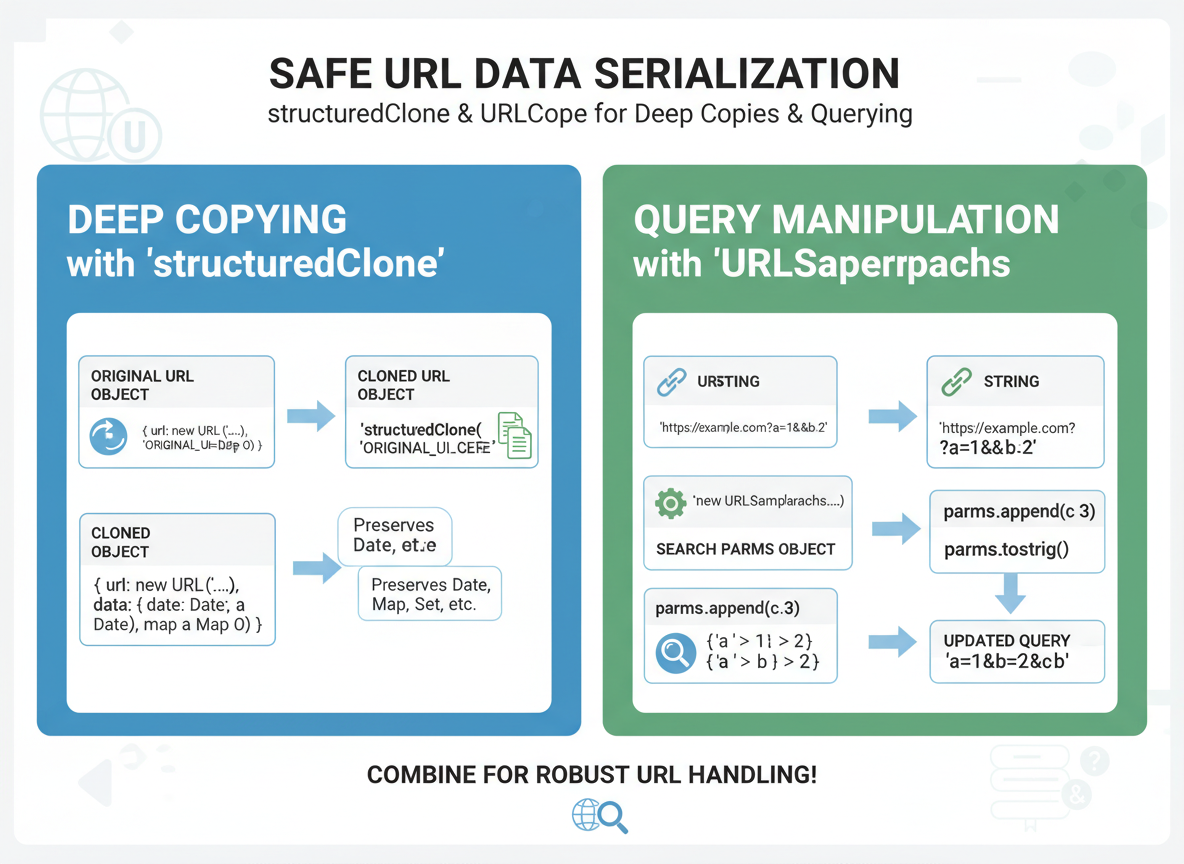
Deep copy data with structuredClone (keeps Dates/Maps/Sets), and parse/build query strings with URLSearchParams.
Structured cloning & URLSearchParams is a free JavaScript Academy lesson on CoddyKit. This is lesson 2 of 3. Any 3 lessons of this learning path are free to read in full — after that, CoddyKit PRO unlocks every lesson, plus hands-on practice with a built-in code editor and a 24/7 AI tutor. It is part of the JavaScript Academy learning path, and your progress syncs across the web and the CoddyKit app. The JavaScript Academy course includes 3 lessons in total.
Why these tools?
Goal: Copy and serialize URL data safely.
- structuredClone deep-copies data
- Preserves Date/Map/Set
- URLSearchParams parses/builds queries
- Beginner-friendly patterns
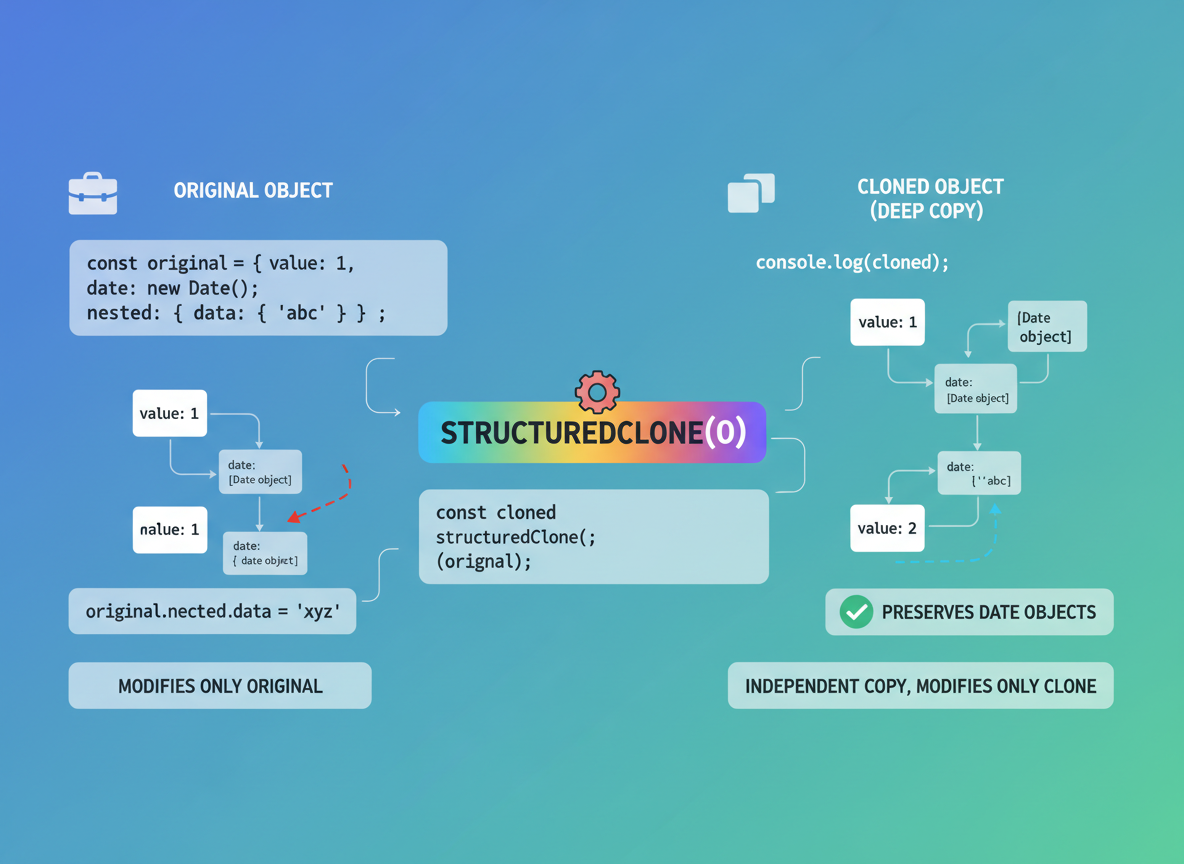
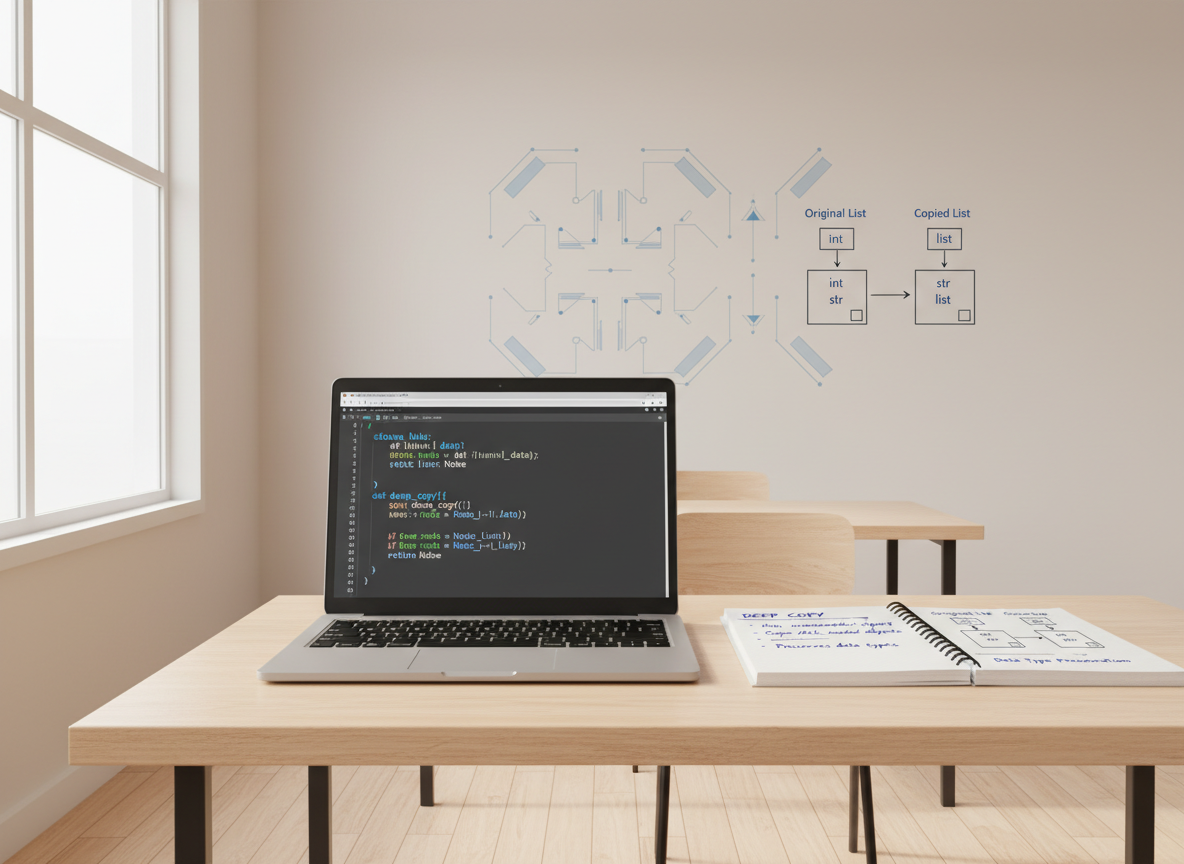
Deep copy that keeps types
structuredClone makes a deep copy and keeps Date objects intact.
// Deep copy with structuredClone (Node 17+/modern browsers)
const original = { n: 1, list: [1, 2], when: new Date("2024-01-01") };
const copy = structuredClone(original);

copy.n = 2;
copy.list.push(3);

console.log("original.n:", original.n);
console.log("copy.n:", copy.n);
console.log("dates equal type?", copy.when instanceof Date);
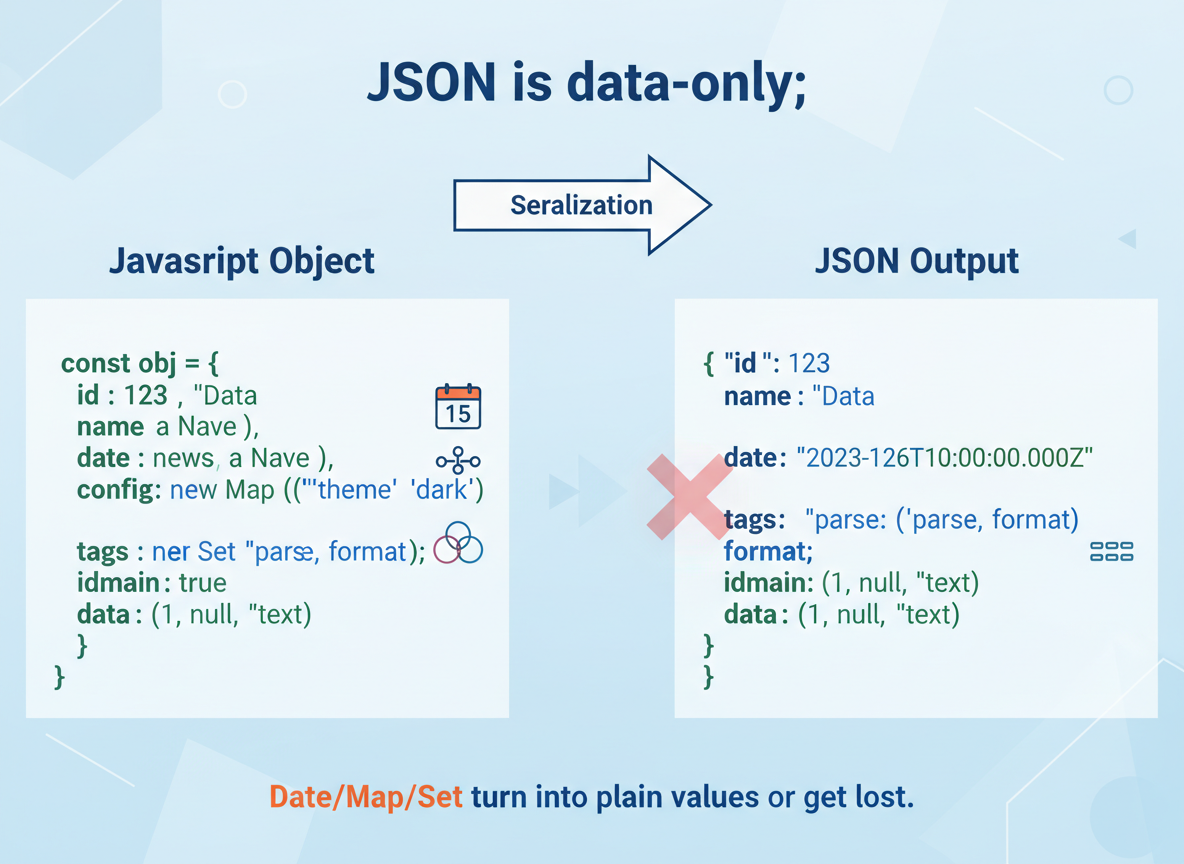
JSON loses types
JSON is data-only; Date/Map/Set turn into plain values or get lost.
// JSON round-trip loses special types (e.g., Date becomes string)
const obj = { when: new Date("2024-01-01"), ok: true };
const round = JSON.parse(JSON.stringify(obj));

console.log("after JSON:", typeof round.when, round.when);
console.log("is Date?", round.when instanceof Date);
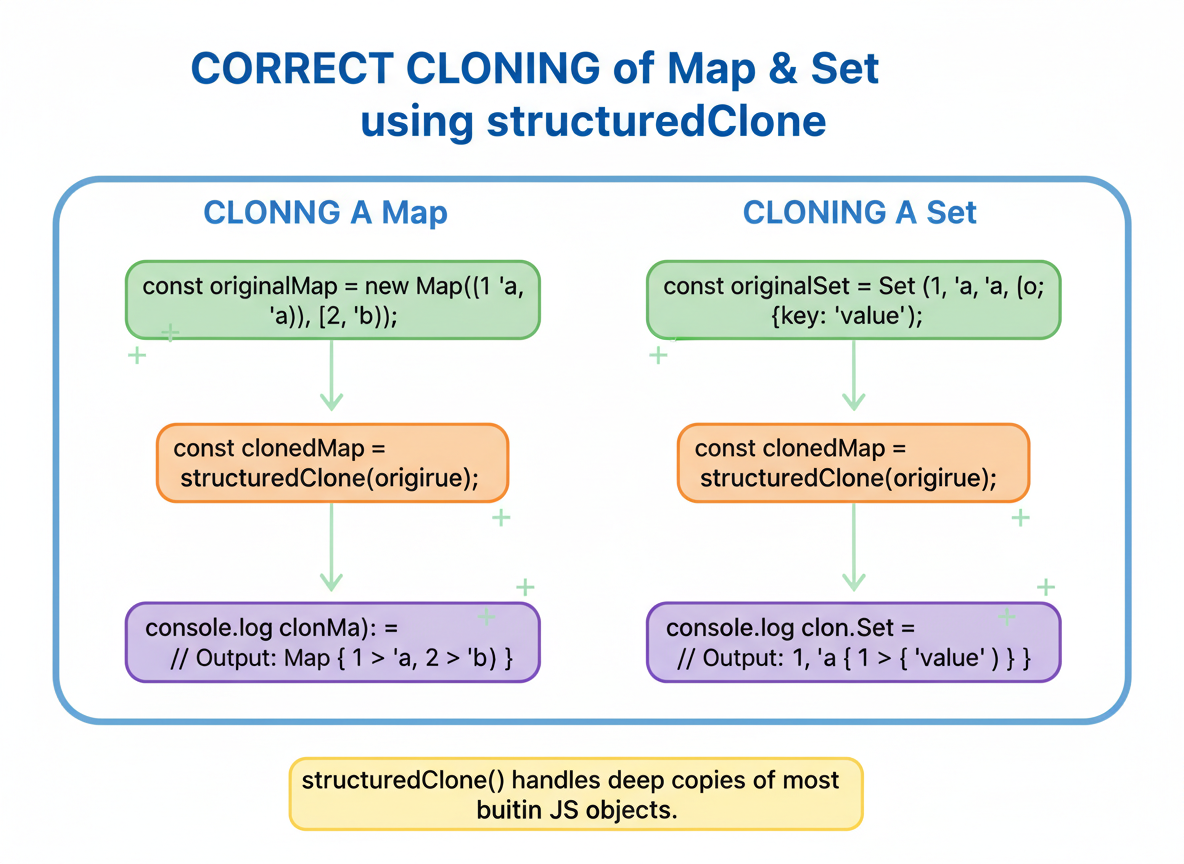
Maps/Sets survive
Map and Set survive cloning correctly with structuredClone.
// structuredClone preserves Map and Set
const m1 = new Map([["a", 1]]);
const s1 = new Set([1, 2]);

const cloned = structuredClone({ m1, s1 });

console.log("map has a?", cloned.m1.has("a"));
console.log("set has 2?", cloned.s1.has(2));
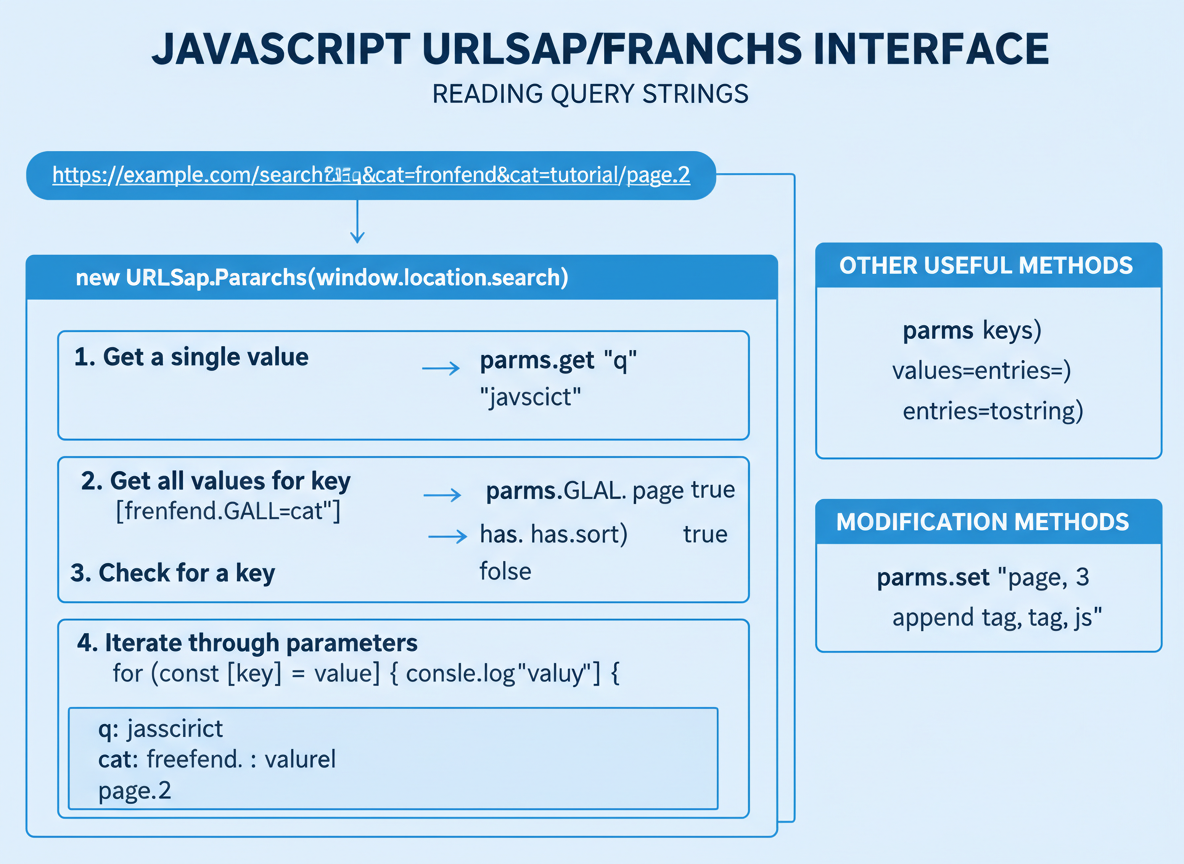
Parse query strings
URLSearchParams reads query strings; use get, getAll, has, and iterate if needed.
// Parse a query string with URLSearchParams
const qs = "q=shoes&color=red&color=blue&page=2";
const params = new URLSearchParams(qs);

console.log("q:", params.get("q"));
console.log("first color:", params.get("color"));
console.log("all colors:", params.getAll("color"));
console.log("page:", params.get("page"));
Build query strings
Use set/append then toString() to create safe query strings.
// Build a query string from key/value pairs
const build = new URLSearchParams();
build.set("q", "shoes");
build.append("color", "red");
build.append("color", "blue");
build.set("page", String(2));

console.log("query:", build.toString());
// Example full URL
const url = "https://example.com/search?" + build.toString();
console.log("url:", url);

structuredClone vs JSON quiz
Quick check: Deep copy that preserves types.
Recap
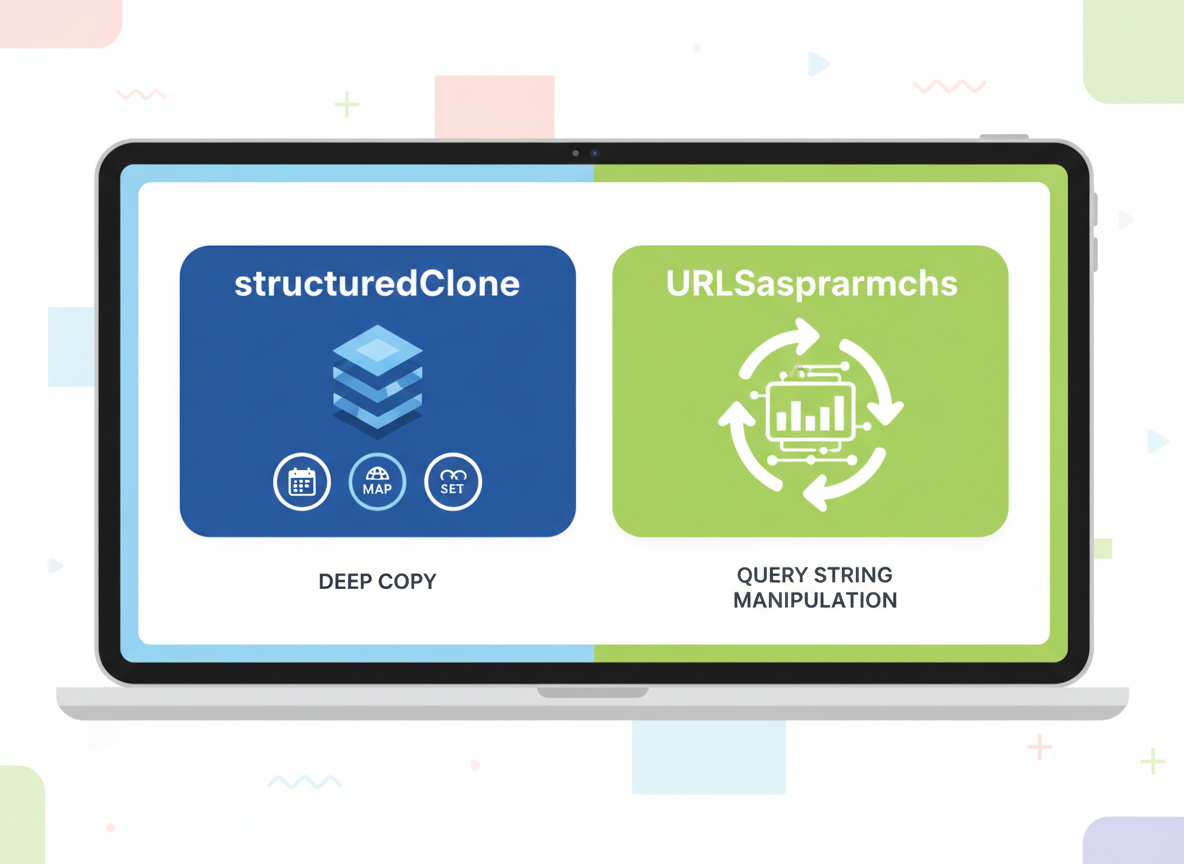
Recap: Use structuredClone for deep copies that keep types like Date/Map/Set. Use URLSearchParams to parse and build query strings safely.

Learn JavaScript with an AI tutor — free
Write and run real code in your browser, get instant help from a 24/7 AI tutor, and pick up where you left off on the web or in the app.
- Courses
- 59
- Lessons
- 200
Frequently Asked Questions
Is the “Structured cloning & URLSearchParams” lesson free?
Yes — any 3 lessons of the JavaScript Academy learning path, including “Structured cloning & URLSearchParams”, are free to read in full here on the web. After that, CoddyKit PRO unlocks every lesson, plus interactive practice with a built-in code editor and a 24/7 AI tutor. The JavaScript Academy course includes 3 lessons in total.
What will I learn in “Structured cloning & URLSearchParams”?
Deep copy data with structuredClone (keeps Dates/Maps/Sets), and parse/build query strings with URLSearchParams. You practise JavaScript Academy with hands-on code you run directly in the browser, and a 24/7 AI tutor answers your questions as you work through the lesson.
Do I need any experience to start JavaScript Academy?
No prior experience is required. JavaScript Academy on CoddyKit is structured for beginners through advanced learners, so you can start here or from the beginning and move at your own pace. This is lesson 2 of 3.
How long does the “Structured cloning & URLSearchParams” lesson take?
Most CoddyKit lessons take about 5–10 minutes. Each one is bite-sized and interactive, so you make steady progress and pick up exactly where you left off across the web and the app.
Can I write and run code in this JavaScript Academy lesson?
Yes. Every JavaScript Academy lesson includes a built-in code editor, so you write and run real code right in your browser and get instant AI feedback — no local setup required.
All lessons in this course
- JSON.parse / JSON.stringify basics
- Structured cloning & URLSearchParams
- Safe JSON parsing strategies