
Rest & Spread — Idiomatic Arrays and Objects
Collect the rest of values/props, clone and merge with spread, and avoid hidden mutations with simple patterns.
Rest & Spread — Idiomatic Arrays and Objects is a free JavaScript Academy lesson on CoddyKit. This is lesson 2 of 2. Any 3 lessons of this learning path are free to read in full — after that, CoddyKit PRO unlocks every lesson, plus hands-on practice with a built-in code editor and a 24/7 AI tutor. It is part of the JavaScript Academy learning path, and your progress syncs across the web and the CoddyKit app. The JavaScript Academy course includes 2 lessons in total.
Intro
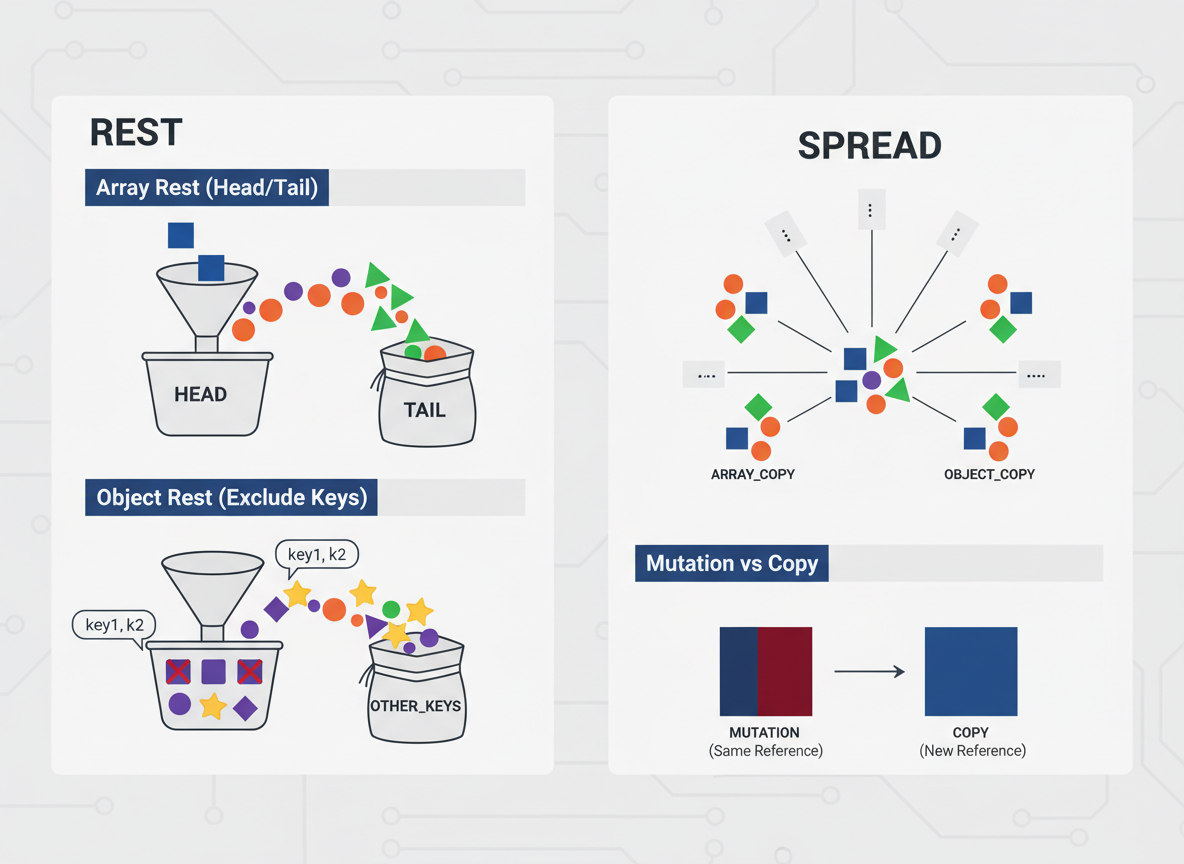
Goal: Use rest to collect extras and spread to copy or merge.
- Array/object spread
- Array rest (head/tail)
- Object rest (exclude some keys)
- Mutation vs copy
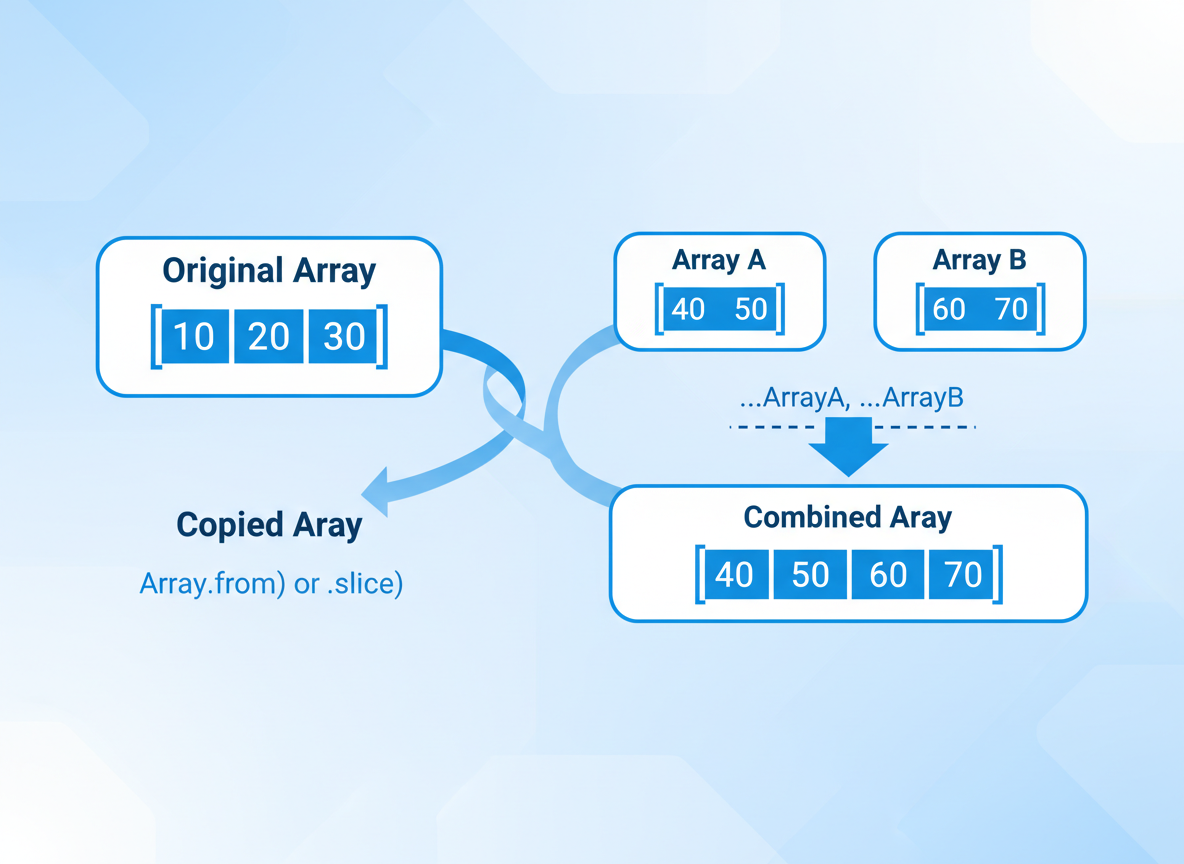
Array spread basics
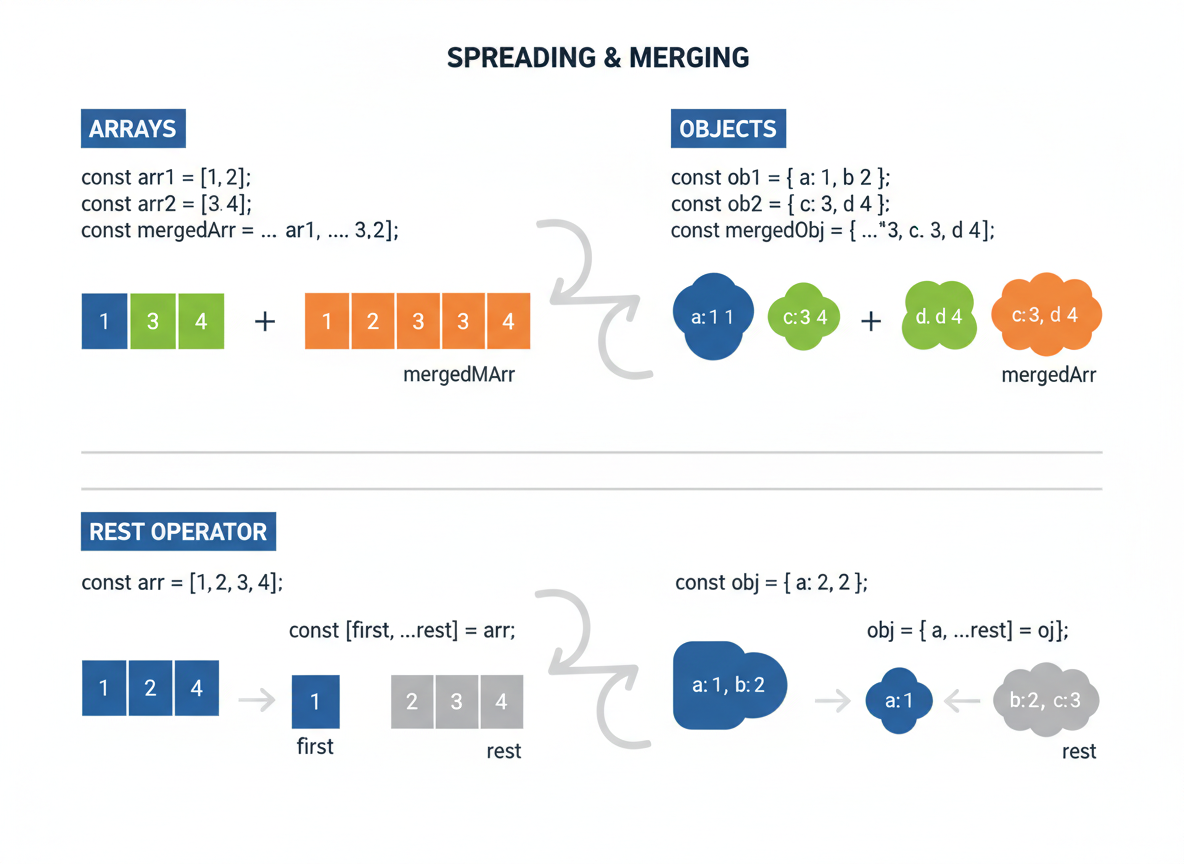
[...arr] copies an array; combine arrays by spreading them in a new array.
// Array spread creates a shallow copy and merges arrays
const a = [1, 2];
const b = [3, 4];

const clone = [...a];
const merged = [...a, ...b];

console.log("a:", a);
console.log("clone:", clone);
console.log("merged:", merged);
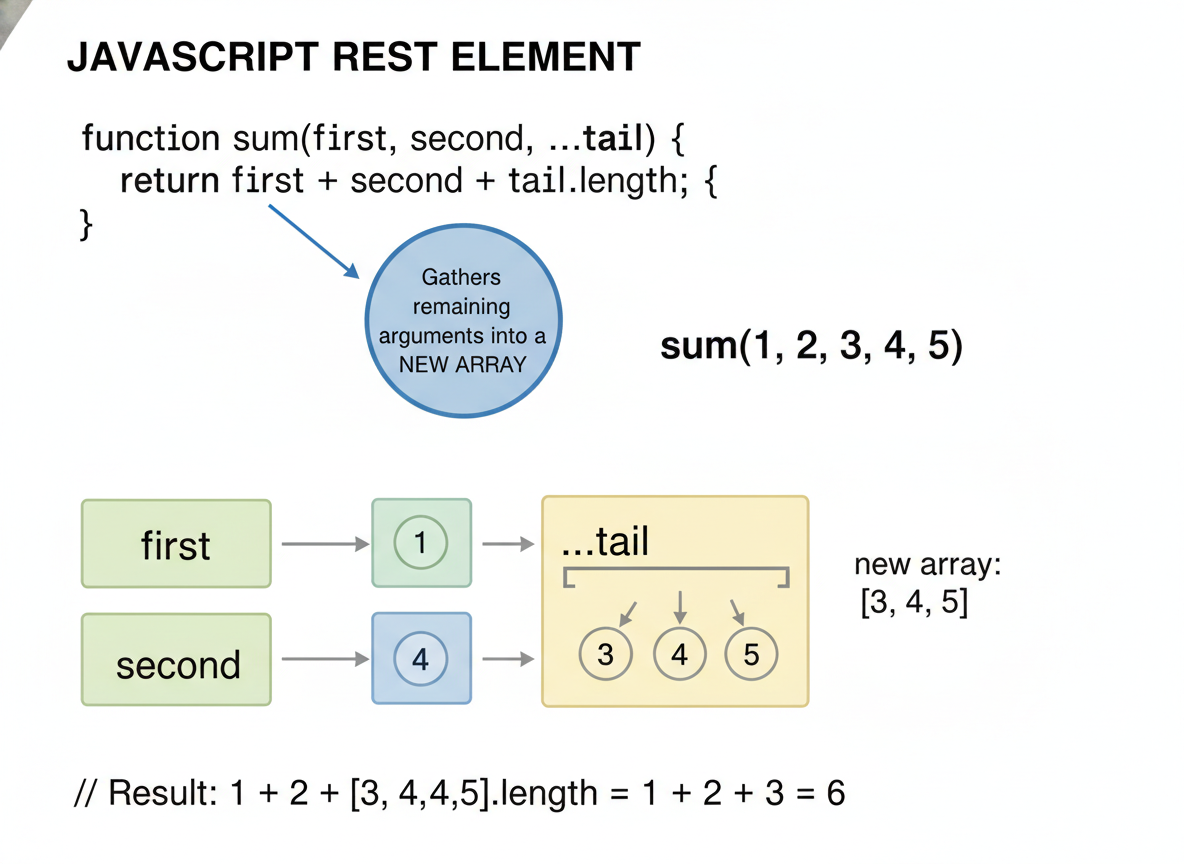
Array rest pattern
The rest element (…tail) gathers the leftovers into a new array.
// Array rest collects the remaining items
const nums = [10, 20, 30, 40];

const [head, ...tail] = nums;

console.log("head:", head);
console.log("tail:", tail);
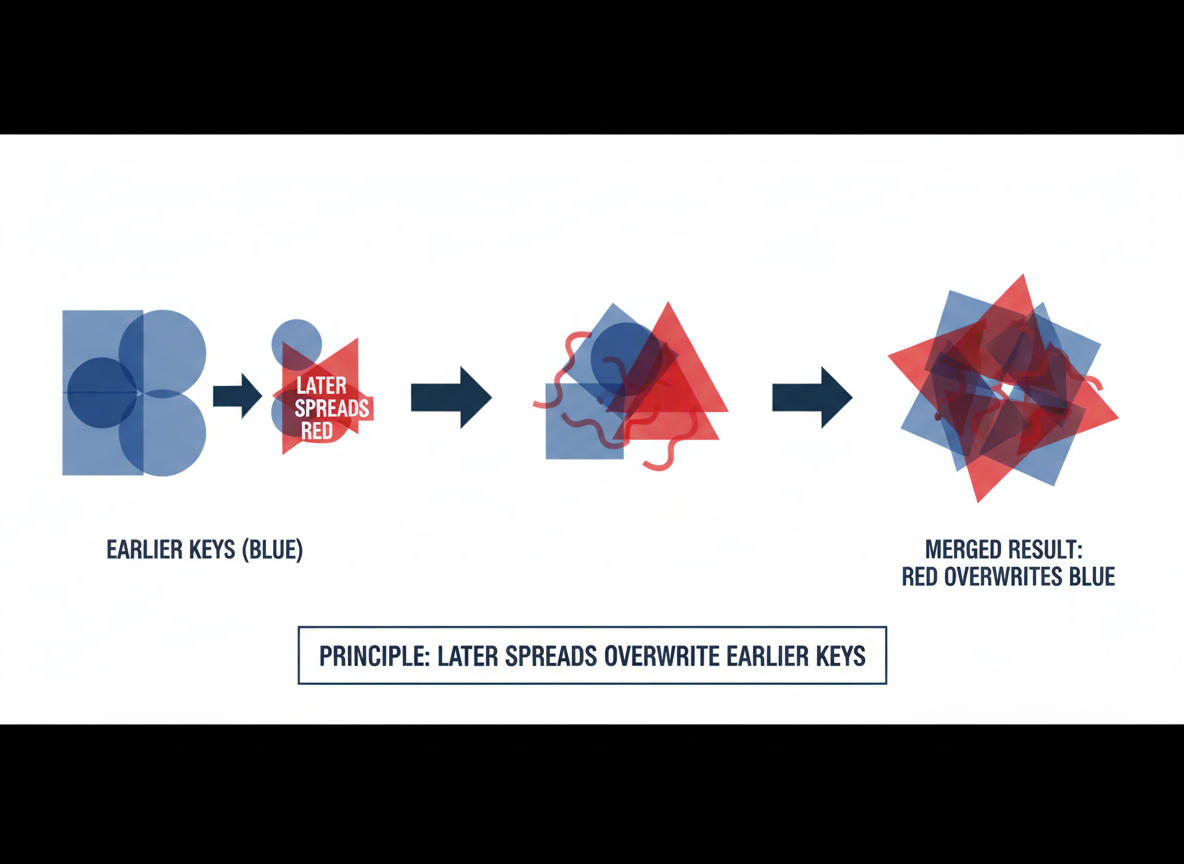
Object spread basics
Merging objects is order-sensitive: later spreads overwrite earlier keys.
// Object spread copies and merges; later keys win
const base = { theme: "light", compact: false };
const override = { compact: true };

const copy = { ...base };
const merged = { ...base, ...override };

console.log("copy:", copy);
console.log("merged:", merged);
Object rest pattern
Use { a, ...rest } to take a few properties and keep the rest together.
// Object rest collects remaining properties
const user = { id: 7, name: "Ayla", role: "admin" };

const { id, ...publicInfo } = user;

console.log("id:", id);
console.log("publicInfo:", publicInfo);

Avoid mutation via copy
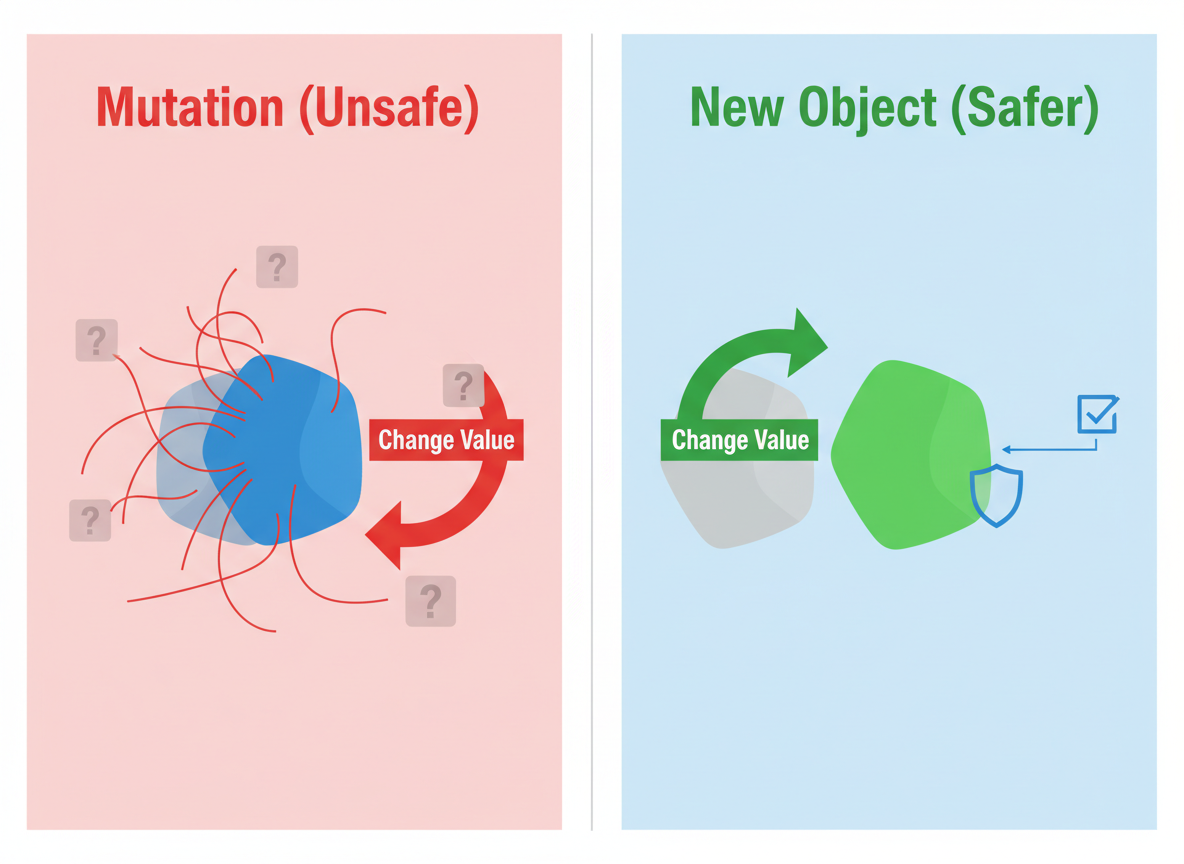
Create a new object when changing values; it is clearer and safer than mutating shared data.
// Copy instead of mutating original data
const settings = { sound: true, volume: 5 };

// Mutating version (avoid in shared state)
// settings.volume = 6;

// Non-mutating: create an updated copy
const updated = { ...settings, volume: 6 };

console.log("settings:", settings);
console.log("updated:", updated);
Object rest quiz
Quick check: Object rest.

Recap
Recap: Spread copies/merges arrays and objects; rest gathers the leftovers. Prefer copying to mutation to keep changes explicit.

Learn JavaScript with an AI tutor — free
Write and run real code in your browser, get instant help from a 24/7 AI tutor, and pick up where you left off on the web or in the app.
- Courses
- 59
- Lessons
- 200
Frequently Asked Questions
Is the “Rest & Spread — Idiomatic Arrays and Objects” lesson free?
Yes — any 3 lessons of the JavaScript Academy learning path, including “Rest & Spread — Idiomatic Arrays and Objects”, are free to read in full here on the web. After that, CoddyKit PRO unlocks every lesson, plus interactive practice with a built-in code editor and a 24/7 AI tutor. The JavaScript Academy course includes 2 lessons in total.
What will I learn in “Rest & Spread — Idiomatic Arrays and Objects”?
Collect the rest of values/props, clone and merge with spread, and avoid hidden mutations with simple patterns. You practise JavaScript Academy with hands-on code you run directly in the browser, and a 24/7 AI tutor answers your questions as you work through the lesson.
Do I need any experience to start JavaScript Academy?
No prior experience is required. JavaScript Academy on CoddyKit is structured for beginners through advanced learners, so you can start here or from the beginning and move at your own pace. This is lesson 2 of 2.
How long does the “Rest & Spread — Idiomatic Arrays and Objects” lesson take?
Most CoddyKit lessons take about 5–10 minutes. Each one is bite-sized and interactive, so you make steady progress and pick up exactly where you left off across the web and the app.
Can I write and run code in this JavaScript Academy lesson?
Yes. Every JavaScript Academy lesson includes a built-in code editor, so you write and run real code right in your browser and get instant AI feedback — no local setup required.
All lessons in this course
- Array/Object Destructuring Basics
- Rest & Spread — Idiomatic Arrays and Objects