
Array/Object Destructuring Basics
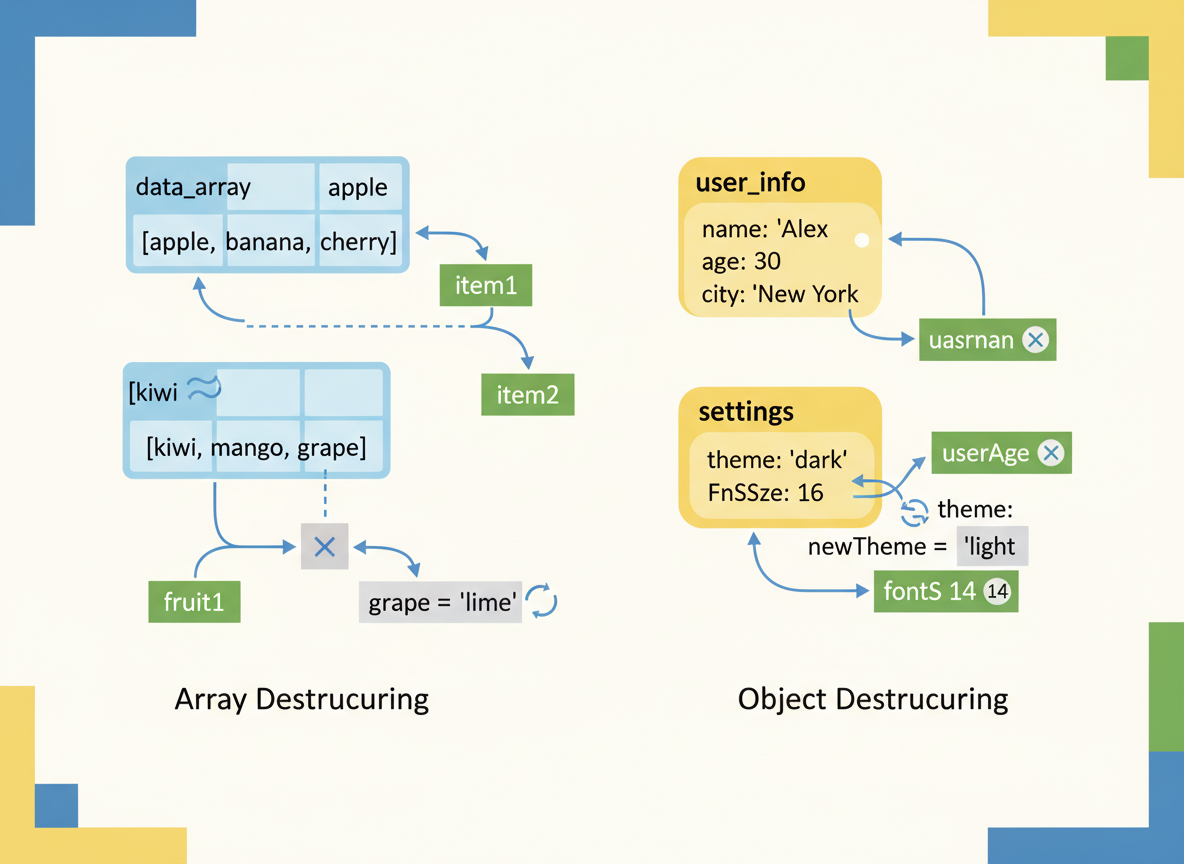
Array and object destructuring: basics, skipping items, defaults, renaming, and a simple swap trick.
Array/Object Destructuring Basics is a free JavaScript Academy lesson on CoddyKit. This is lesson 1 of 2. Any 3 lessons of this learning path are free to read in full — after that, CoddyKit PRO unlocks every lesson, plus hands-on practice with a built-in code editor and a 24/7 AI tutor. It is part of the JavaScript Academy learning path, and your progress syncs across the web and the CoddyKit app. The JavaScript Academy course includes 2 lessons in total.
Intro
Goal: Pull values out of arrays/objects cleanly.
- Array destructuring
- Skipping and defaults
- Object destructuring
- Renaming and swap trick
Array basics
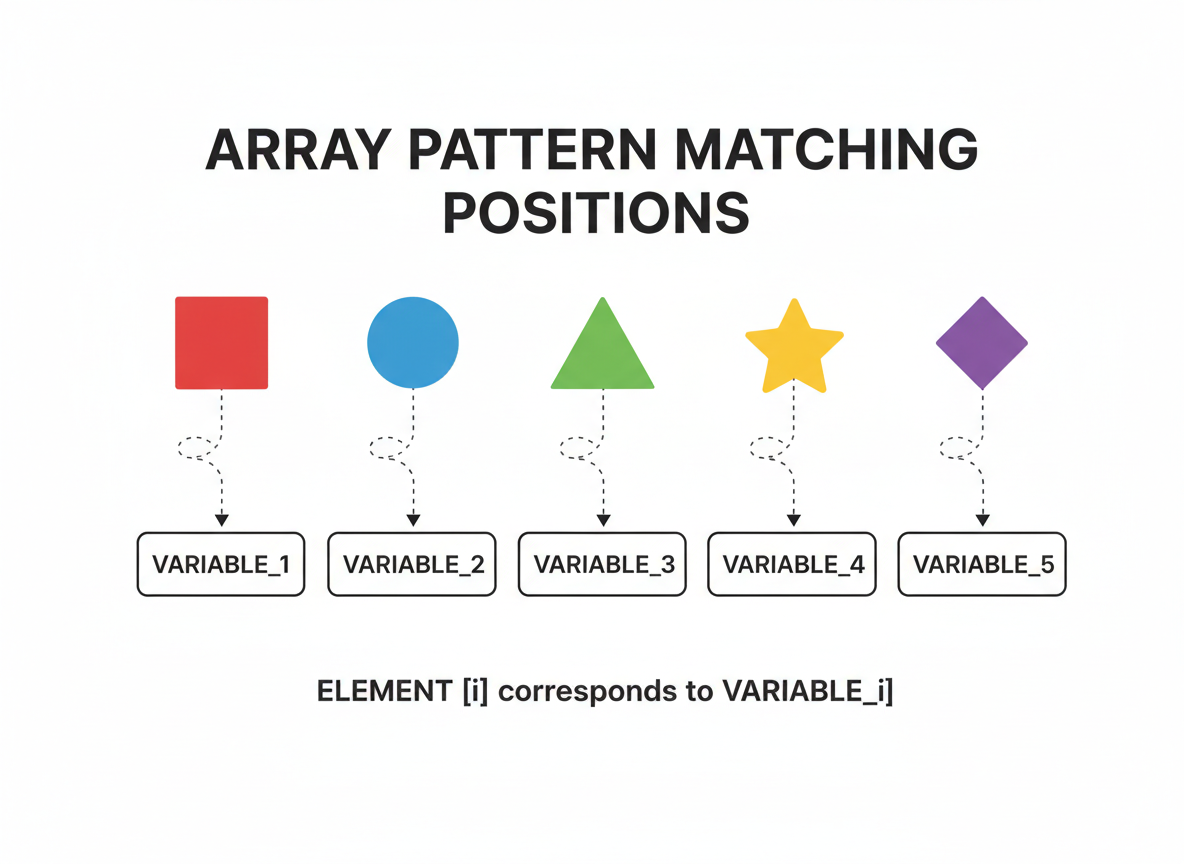
Array patterns match positions. The first element goes to the first variable, and so on.
// Array destructuring: assign by position
const pair = [10, 20];

const [x, y] = pair;

console.log("x:", x);
console.log("y:", y);
Skipping and defaults
Use commas to skip positions. Add = default for undefined or missing items.
// Skip items with commas and provide defaults
const triple = [5, undefined, 9];

// Skip the middle, provide default for missing/undefined
const [first, , third = 0] = triple;

console.log("first:", first);
console.log("third with default:", third);

Swap trick
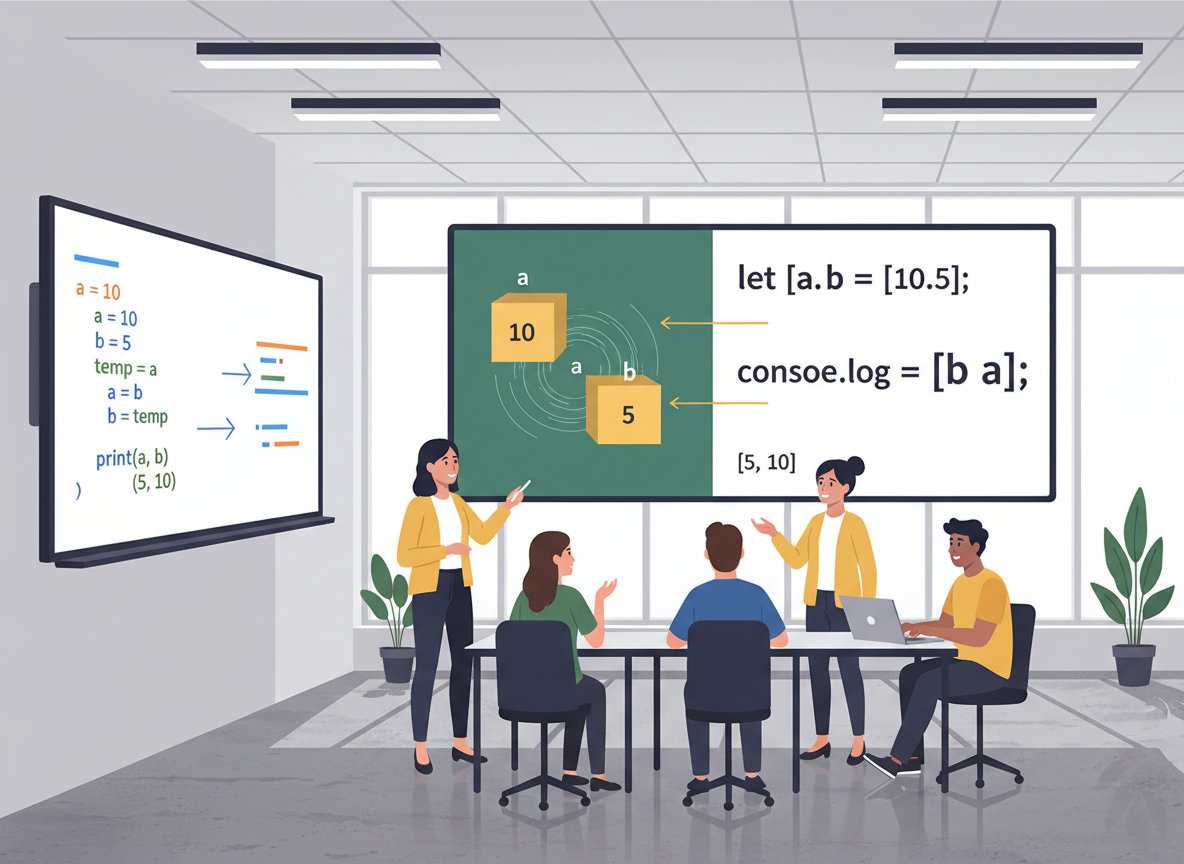
A one-line swap avoids a temporary variable.
// Swap values with destructuring
let a = "left";
let b = "right";

[a, b] = [b, a];

console.log("a:", a);
console.log("b:", b);

Object basics & renaming
Objects match by key. Rename with key: localName and add = default as needed.
// Object destructuring: assign by property name
const user = { name: "Ayla", level: 2, active: true };

// Basic
const { name, active } = user;

// Renaming and default
const { level: userLevel = 0 } = user;

console.log("name:", name);
console.log("active:", active);
console.log("userLevel:", userLevel);

Nested fields (light)
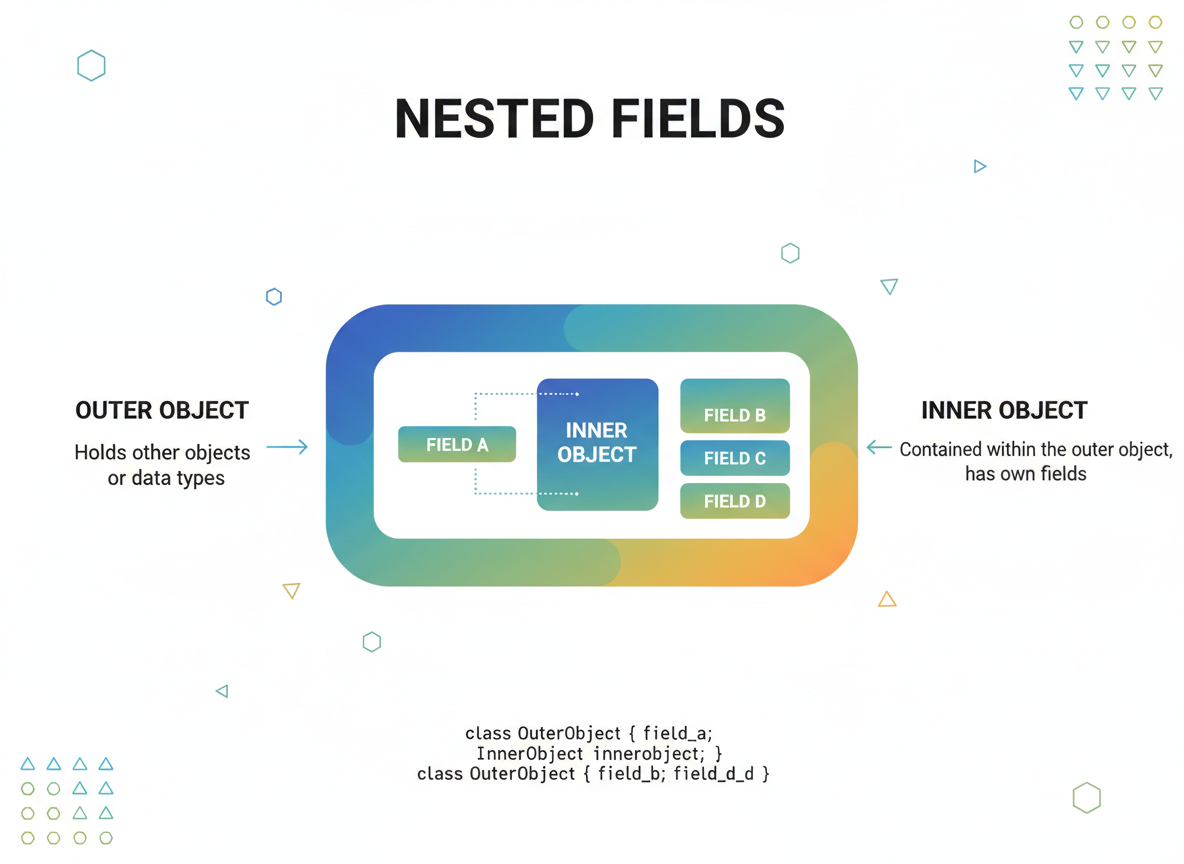
You can read nested fields in one step. Keep patterns small for readability on mobile.
// Nested destructuring (keep it simple)
const config = {
  theme: { primary: "blue", contrast: "white" },
  flags: { compact: true }
};

const { theme: { primary }, flags: { compact } } = config;

console.log("primary:", primary);
console.log("compact:", compact);
Swap syntax quiz
Quick check: Swap with destructuring.
Recap
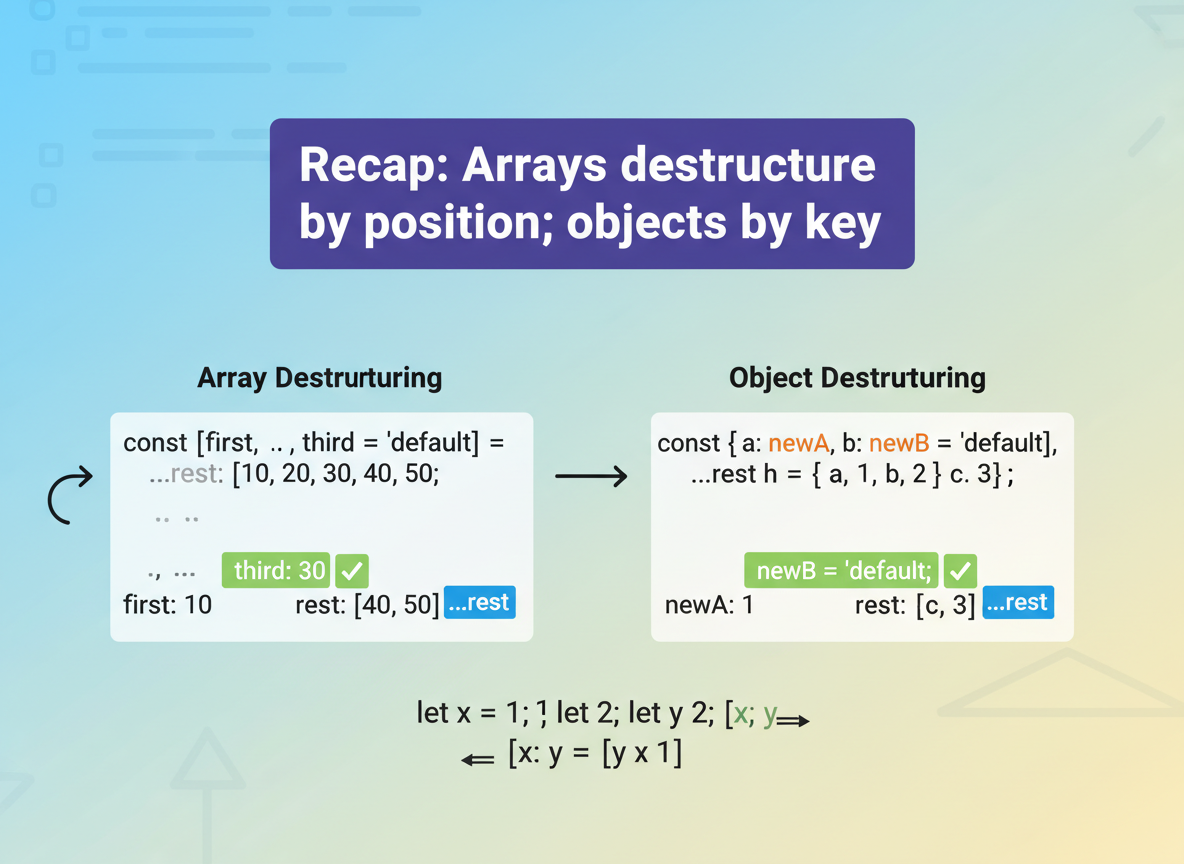
Recap: Arrays destructure by position; objects by key. You skipped items, used defaults, renamed keys, and swapped values in one line.

Learn JavaScript with an AI tutor — free
Write and run real code in your browser, get instant help from a 24/7 AI tutor, and pick up where you left off on the web or in the app.
- Courses
- 59
- Lessons
- 200
Frequently Asked Questions
Is the “Array/Object Destructuring Basics” lesson free?
Yes — any 3 lessons of the JavaScript Academy learning path, including “Array/Object Destructuring Basics”, are free to read in full here on the web. After that, CoddyKit PRO unlocks every lesson, plus interactive practice with a built-in code editor and a 24/7 AI tutor. The JavaScript Academy course includes 2 lessons in total.
What will I learn in “Array/Object Destructuring Basics”?
Array and object destructuring: basics, skipping items, defaults, renaming, and a simple swap trick. You practise JavaScript Academy with hands-on code you run directly in the browser, and a 24/7 AI tutor answers your questions as you work through the lesson.
Do I need any experience to start JavaScript Academy?
No prior experience is required. JavaScript Academy on CoddyKit is structured for beginners through advanced learners, so you can start here or from the beginning and move at your own pace. This is lesson 1 of 2.
How long does the “Array/Object Destructuring Basics” lesson take?
Most CoddyKit lessons take about 5–10 minutes. Each one is bite-sized and interactive, so you make steady progress and pick up exactly where you left off across the web and the app.
Can I write and run code in this JavaScript Academy lesson?
Yes. Every JavaScript Academy lesson includes a built-in code editor, so you write and run real code right in your browser and get instant AI feedback — no local setup required.
All lessons in this course
- Array/Object Destructuring Basics
- Rest & Spread — Idiomatic Arrays and Objects