
npx and semantic versioning ranges
Use npx to run tools without installing globally, and understand semver ranges (^, ~, exact) at a beginner level.
npx and semantic versioning ranges is a free JavaScript Academy lesson on CoddyKit. This is lesson 2 of 3. Any 3 lessons of this learning path are free to read in full — after that, CoddyKit PRO unlocks every lesson, plus hands-on practice with a built-in code editor and a 24/7 AI tutor. It is part of the JavaScript Academy learning path, and your progress syncs across the web and the CoddyKit app. The JavaScript Academy course includes 3 lessons in total.
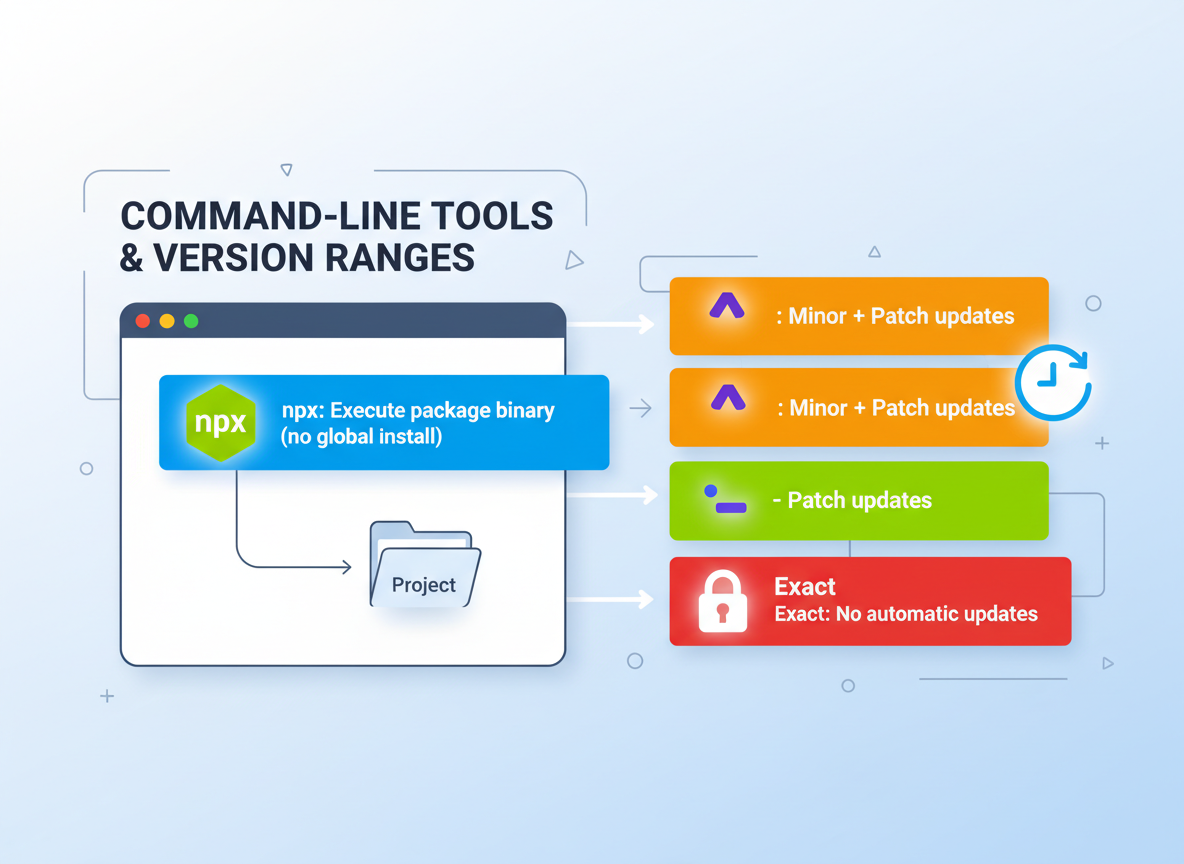
npx + semver at a glance
Goal: Run tools quickly and read version ranges.
- npx: execute a package binary without global install
- ^ caret: minor + patch updates
- ~ tilde: patch updates
- Exact: no automatic updates
npx basics
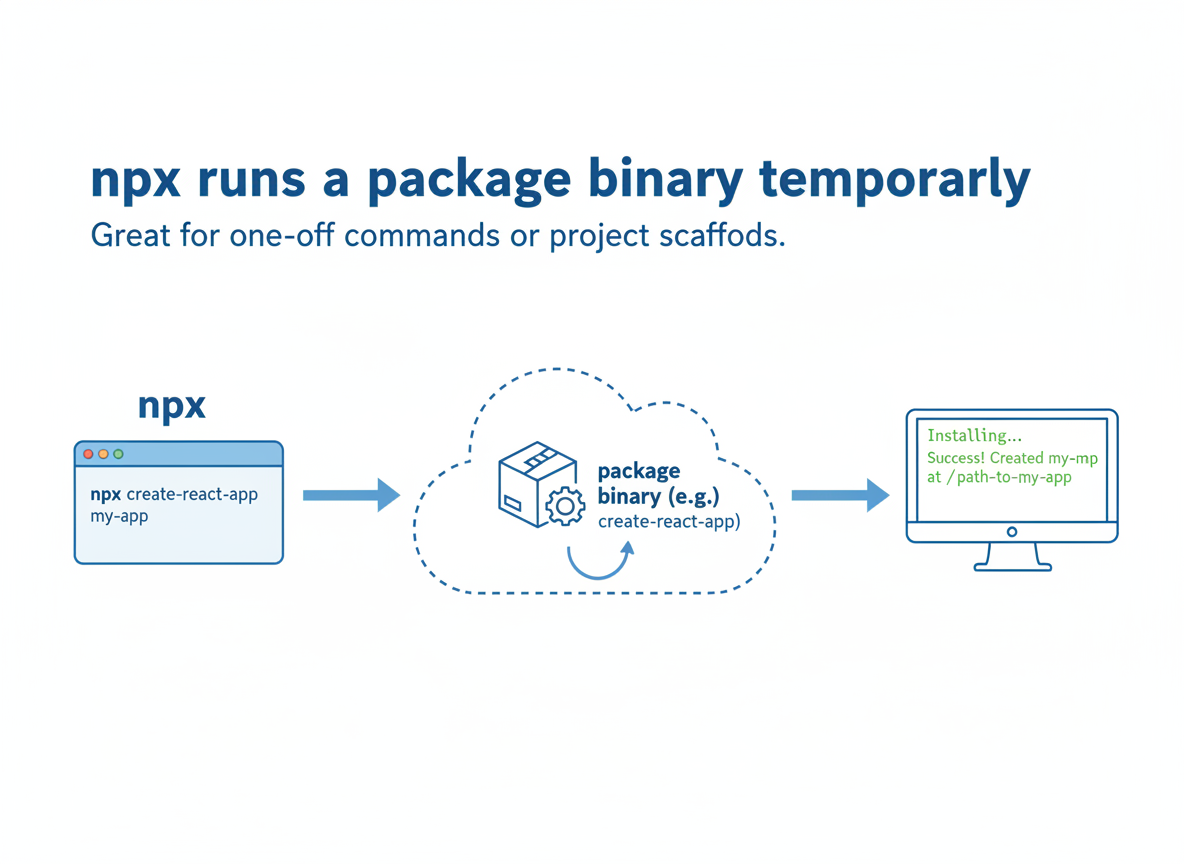
npx runs a package binary temporarily. Great for one-off commands or project scaffolds.
// Emulate what npx does: run a package's CLI on-demand
function demoNpx(cmd) {
  console.log("npx", cmd);
  console.log("→ downloads tool if needed");
  console.log("→ runs its binary once");
  console.log("→ no global install required");
}

demoNpx("eslint --version");
demoNpx("create-vite@latest my-app");
Local beats global (usually)
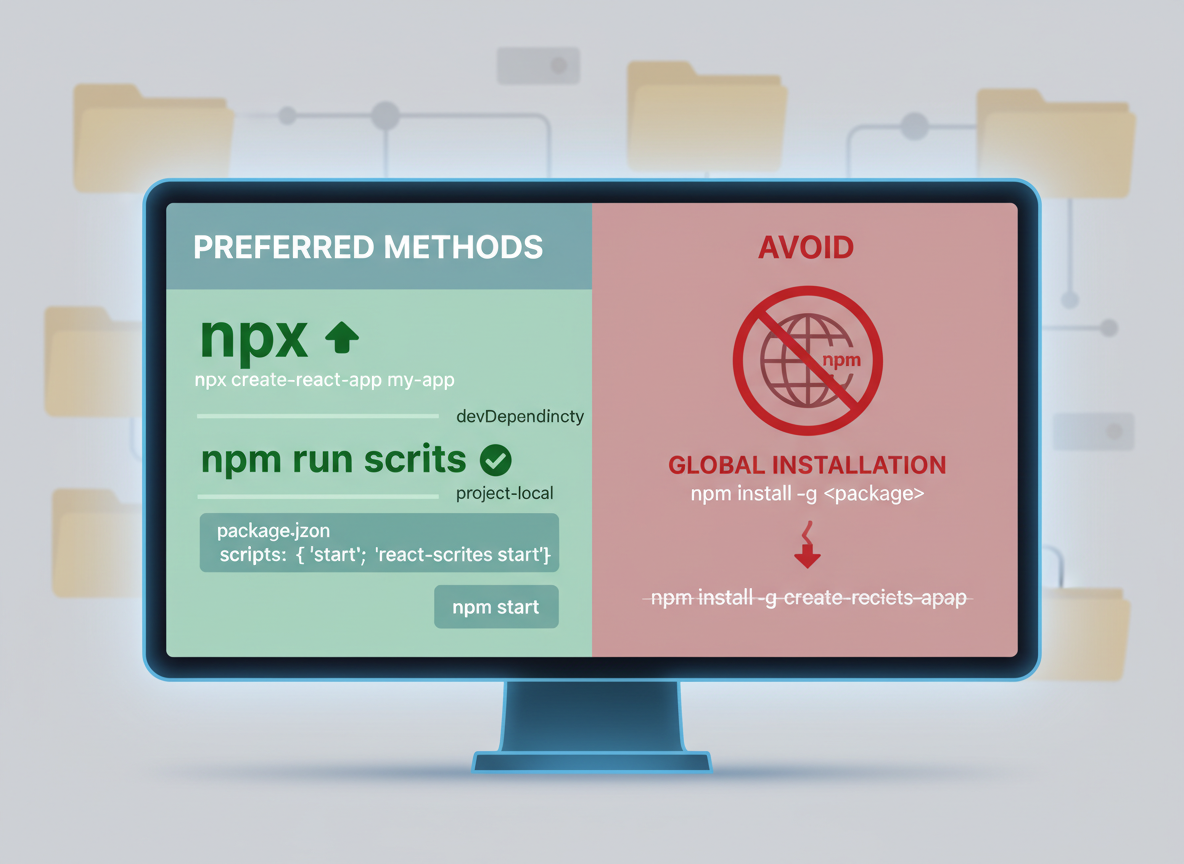
Avoid global installs for most tools:
- Use npx for quick runs (create-* tools, linters).
- Or add as devDependency and run via npm run scripts.
- Globals can go stale; project-local keeps versions consistent.
Semver ranges (simple)
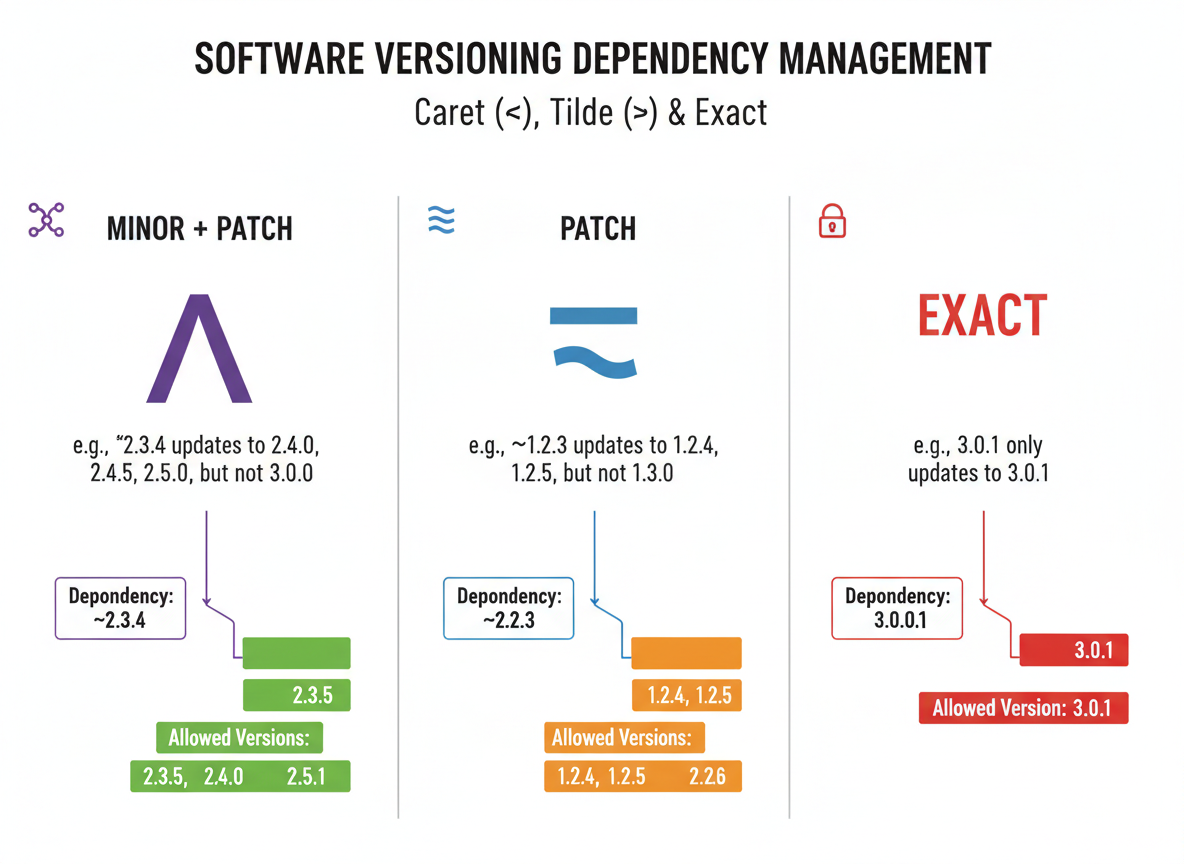
Caret (^) allows minor+patch updates; tilde (~) allows patch updates; exact pins the version.
// Semver range cheat sheet (intent only)
// MAJOR.MINOR.PATCH
const ranges = [
  "^1.2.3  -> allow 1.x (>=1.2.3 <2.0.0)",
  "~1.2.3  -> allow 1.2.x (>=1.2.3 <1.3.0)",
  "1.2.3   -> exact only"
];

for (const line of ranges) console.log(line);
Picking a range
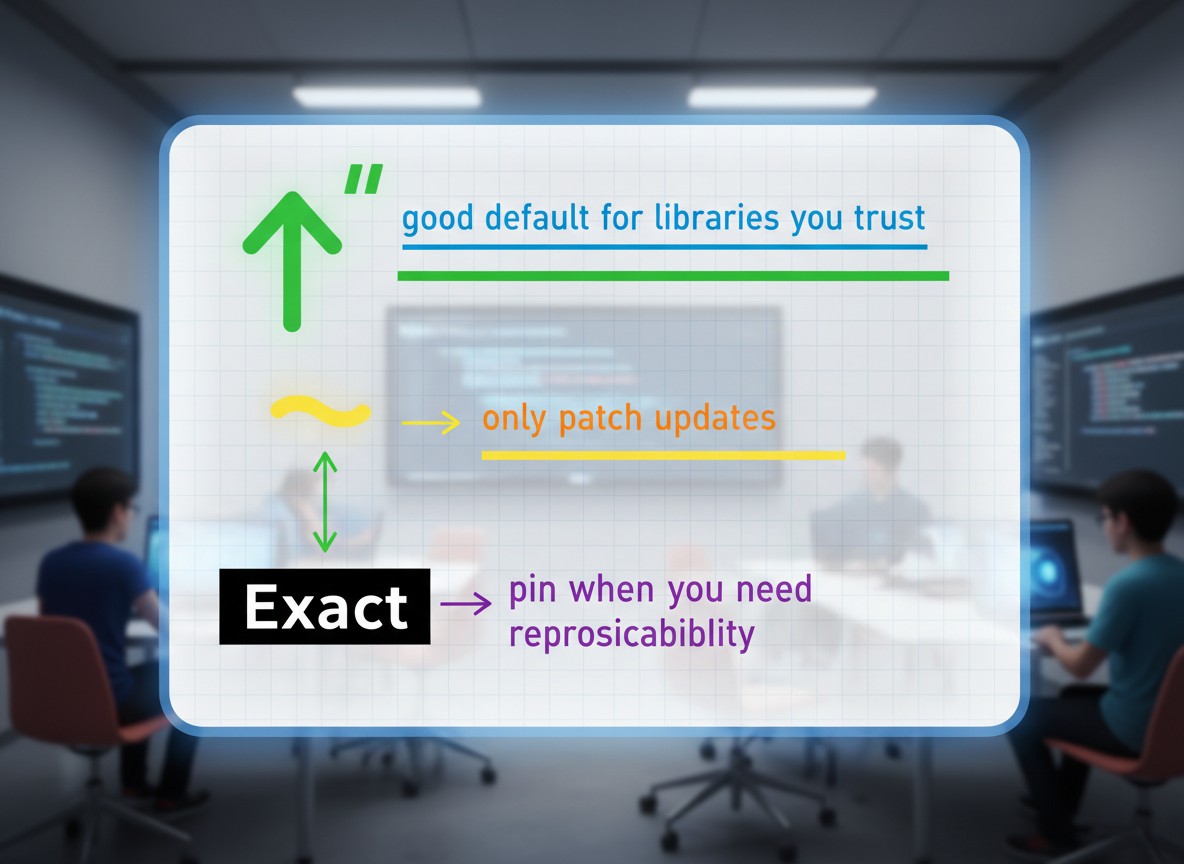
Practical rule:
- ^: good default for libraries you trust
- ~: only patch updates
- Exact: pin when you need reproducibility
// Tiny helper to explain when to use which
function suggestRange(stability) {
  if (stability === "beginner-default") return "^";
  if (stability === "hotfix-only") return "~";
  if (stability === "lock") return "exact";
  return "^";
}

console.log("beginner-default ->", suggestRange("beginner-default"));
console.log("hotfix-only      ->", suggestRange("hotfix-only"));
console.log("lock             ->", suggestRange("lock"));
Lockfiles matter
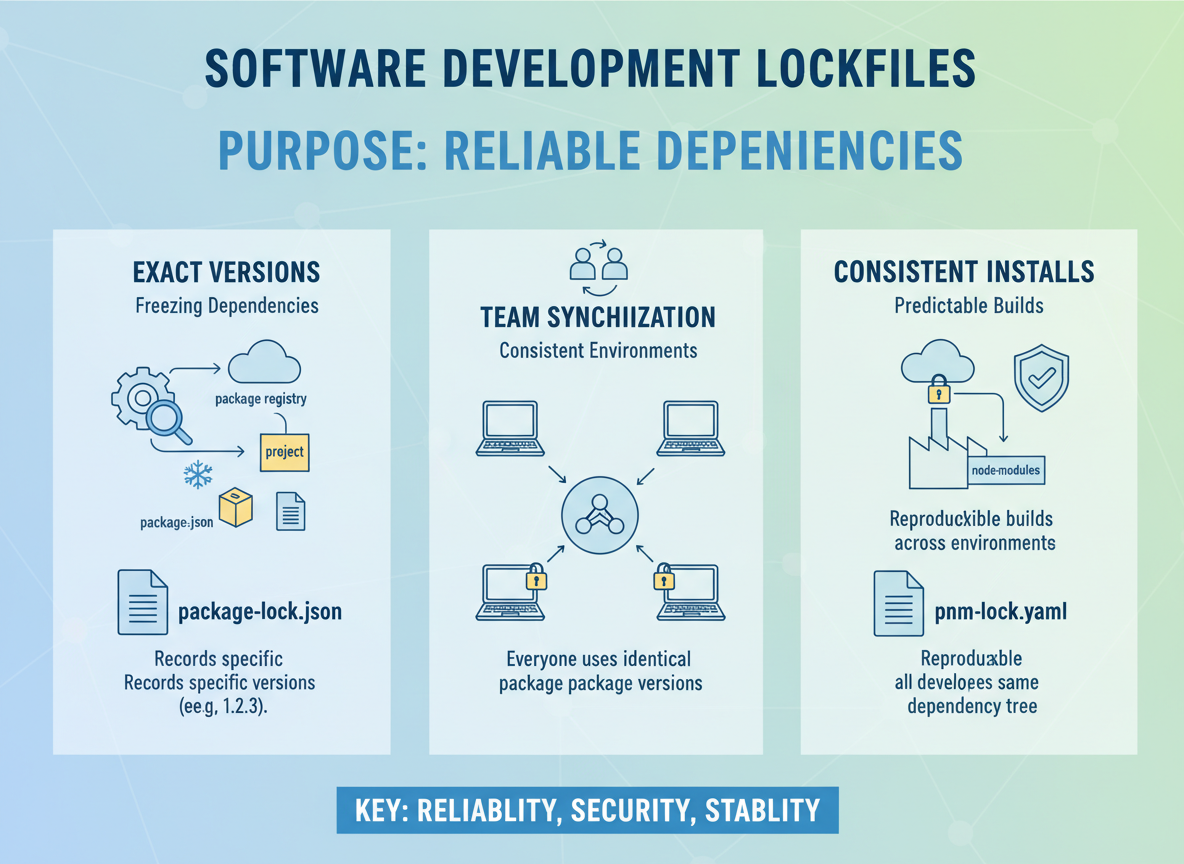
Lockfiles (package-lock.json/pnpm-lock.yaml/yarn.lock):
- Record exact versions actually installed.
- Keep teams in sync even with ranges.
- Commit the lockfile for consistent installs.
Semver tilde vs caret quiz
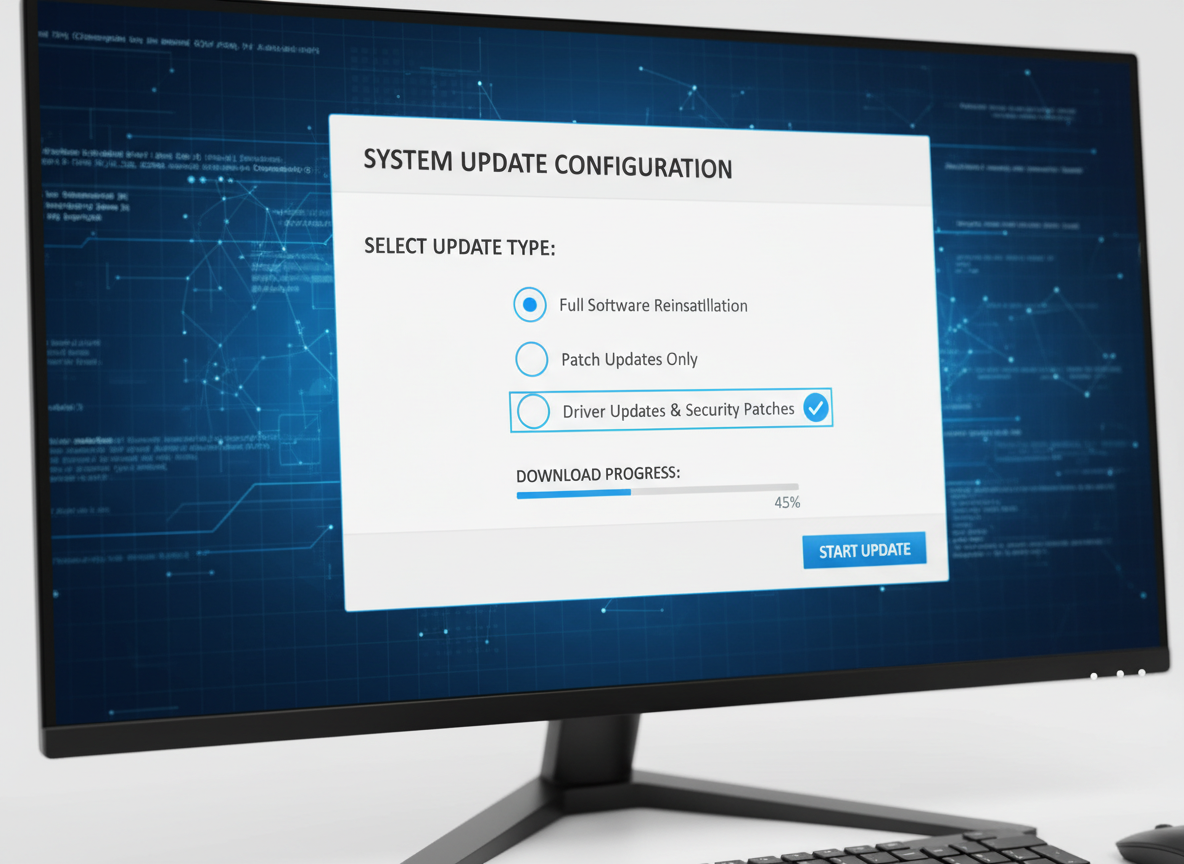
Quick check: Range that allows patch updates only.
Recap
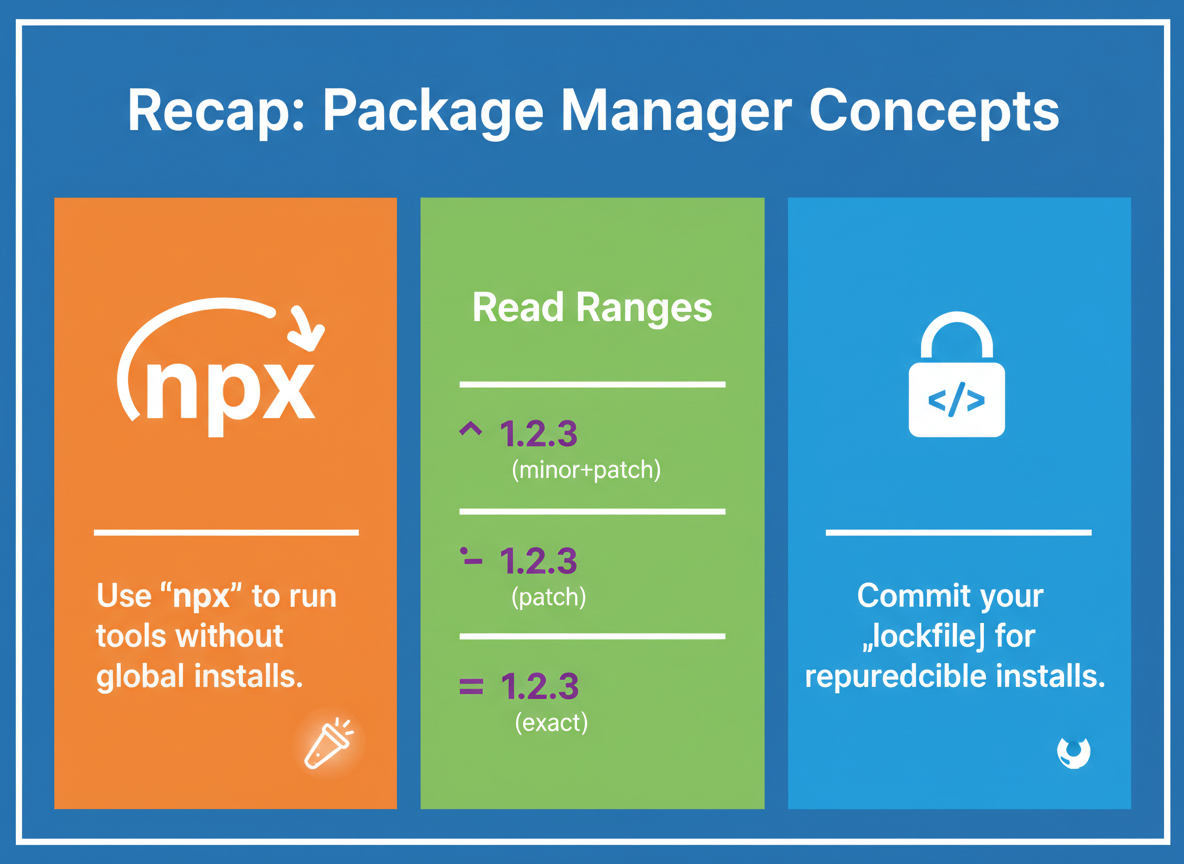
Recap: Use npx to run tools without global installs. Read ranges: ^ (minor+patch), ~ (patch), exact (no updates). Commit your lockfile for reproducible installs.

Learn JavaScript with an AI tutor — free
Write and run real code in your browser, get instant help from a 24/7 AI tutor, and pick up where you left off on the web or in the app.
- Courses
- 59
- Lessons
- 200
Frequently Asked Questions
Is the “npx and semantic versioning ranges” lesson free?
Yes — any 3 lessons of the JavaScript Academy learning path, including “npx and semantic versioning ranges”, are free to read in full here on the web. After that, CoddyKit PRO unlocks every lesson, plus interactive practice with a built-in code editor and a 24/7 AI tutor. The JavaScript Academy course includes 3 lessons in total.
What will I learn in “npx and semantic versioning ranges”?
Use npx to run tools without installing globally, and understand semver ranges (^, ~, exact) at a beginner level. You practise JavaScript Academy with hands-on code you run directly in the browser, and a 24/7 AI tutor answers your questions as you work through the lesson.
Do I need any experience to start JavaScript Academy?
No prior experience is required. JavaScript Academy on CoddyKit is structured for beginners through advanced learners, so you can start here or from the beginning and move at your own pace. This is lesson 2 of 3.
How long does the “npx and semantic versioning ranges” lesson take?
Most CoddyKit lessons take about 5–10 minutes. Each one is bite-sized and interactive, so you make steady progress and pick up exactly where you left off across the web and the app.
Can I write and run code in this JavaScript Academy lesson?
Yes. Every JavaScript Academy lesson includes a built-in code editor, so you write and run real code right in your browser and get instant AI feedback — no local setup required.
All lessons in this course
- package.json, scripts, and deps vs devDeps
- npx and semantic versioning ranges
- Local vs global tools, bins, and team-friendly workflows