
Input validation, escaping basics
Validate and normalize inputs with small allowlists and guards; escape risky characters before showing text.
Input validation, escaping basics is a free JavaScript Academy lesson on CoddyKit. This is lesson 1 of 3. Any 3 lessons of this learning path are free to read in full — after that, CoddyKit PRO unlocks every lesson, plus hands-on practice with a built-in code editor and a 24/7 AI tutor. It is part of the JavaScript Academy learning path, and your progress syncs across the web and the CoddyKit app. The JavaScript Academy course includes 3 lessons in total.
Big picture
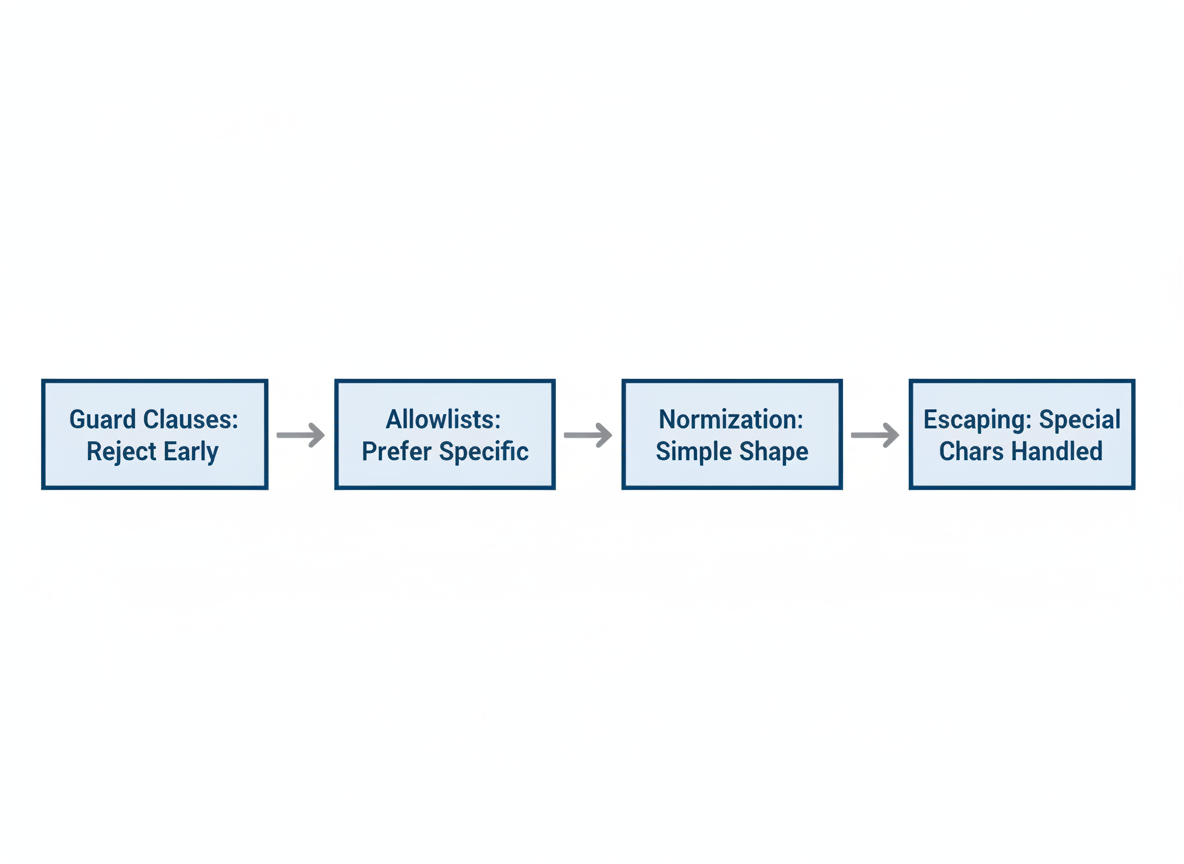
Goal: Make inputs boring and safe.
- Use guard clauses to reject early
- Prefer allowlists over vague rules
- Normalize to a simple shape
- Escape special chars before showing text
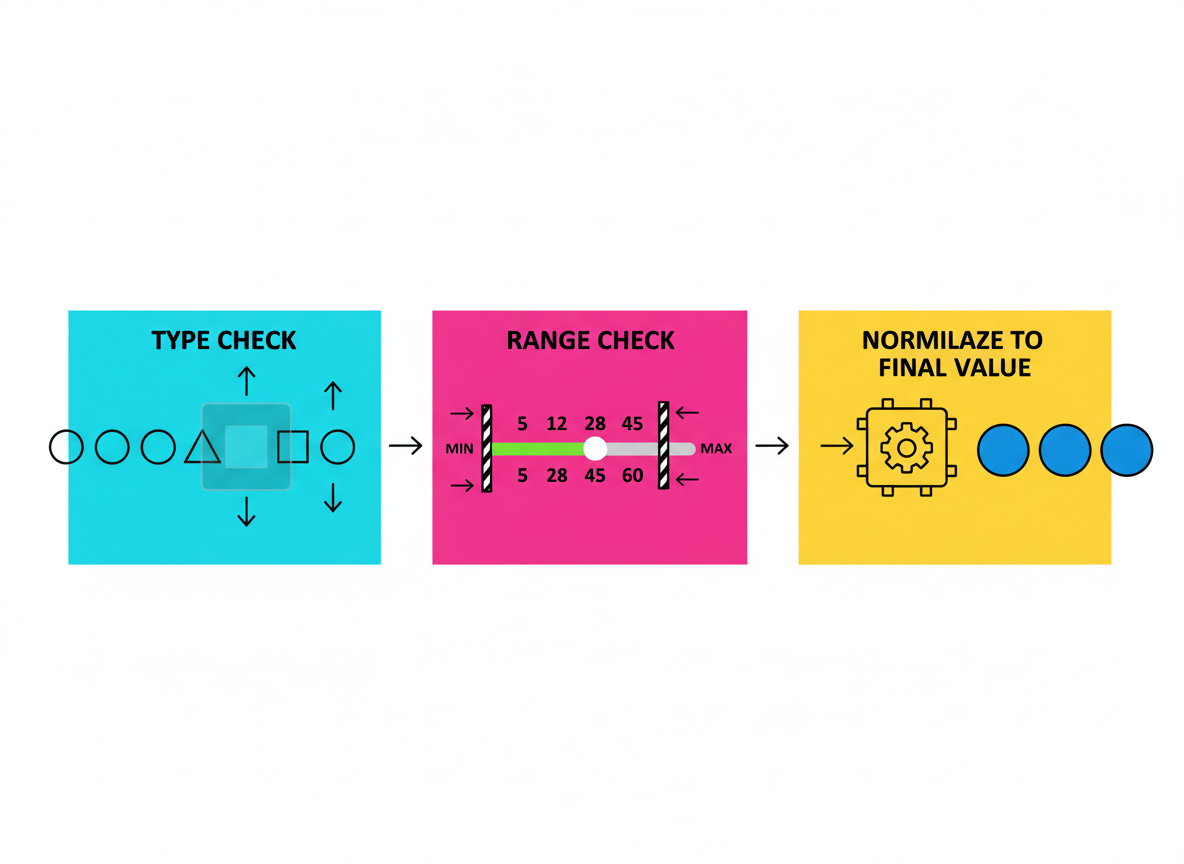
Number guard basics
Add simple guards: type check, range check, and normalize to a final value.
// Validate age: number and range guard
function parseAge(input) {
  // trim and parse
  const n = Number(input);
  if (!Number.isFinite(n)) return null; // reject non-numbers
  if (n < 0 || n > 130) return null;    // reject out-of-range
  return Math.floor(n);                  // normalize to integer
}

console.log("age ok:", parseAge("21"));
console.log("age bad:", parseAge("twenty"));
Escape for safe display
Before showing user text, escape special characters so the UI treats it as plain text.
// Escape a few risky characters before displaying in HTML contexts
function escapeText(s) {
if (typeof s !== "string") return "";
return s
.replaceAll("&", "&")
.replaceAll("<", "<")
.replaceAll(">", ">")
.replaceAll("\"", """)
.replaceAll("'", "'");
}
console.log("escaped:", escapeText("<b>Hello & bye</b>"));

Allowlists in practice
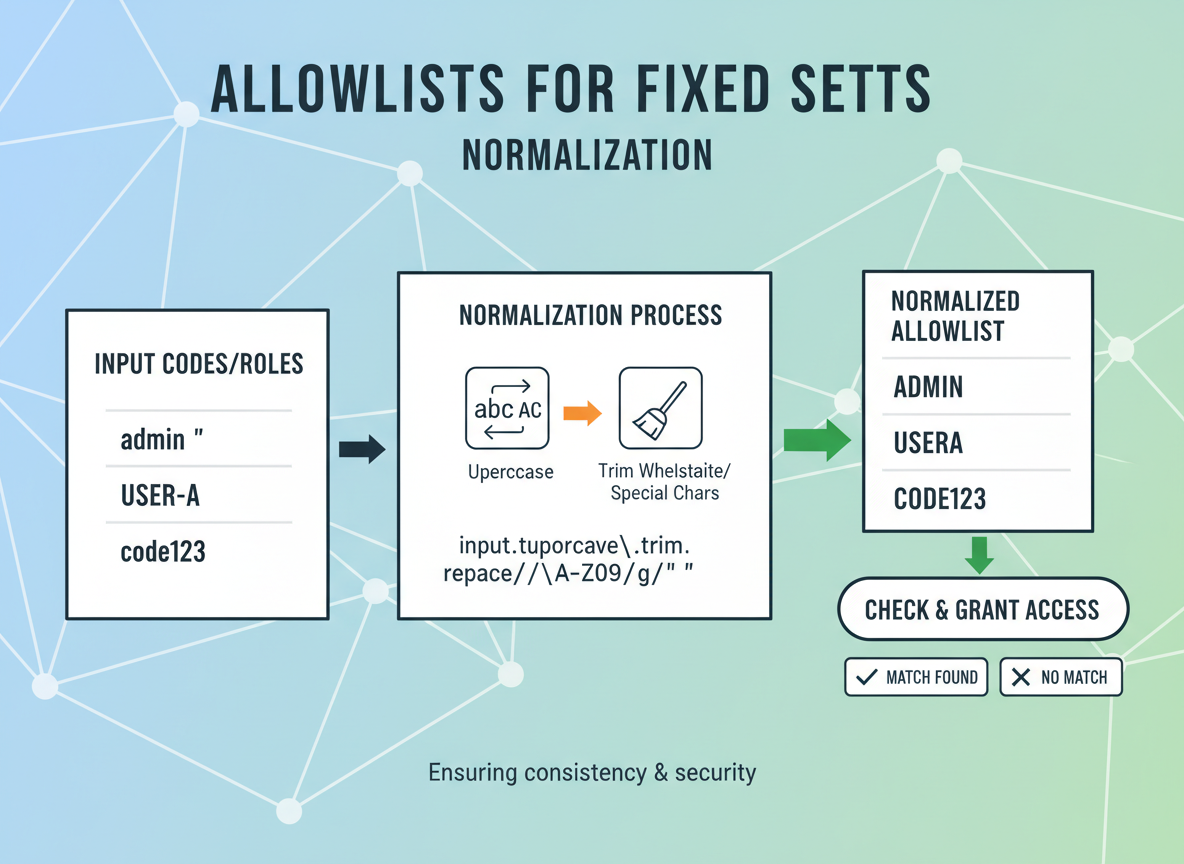
Prefer allowlists for fixed sets (like codes or roles). Normalize case and spacing.
// Allowlist example: only certain country codes
const ALLOWED = new Set(["TR", "US", "DE", "GB"]);

function parseCountry(code) {
  if (typeof code !== "string") return null;
  const up = code.trim().toUpperCase();
  if (!ALLOWED.has(up)) return null; // reject unknown
  return up; // normalized
}

console.log("country ok:", parseCountry("tr"));
console.log("country bad:", parseCountry("xx"));
Tiny object validator
Check type and bounds, then return a normalized shape that the rest of your code can trust.
// Validate a tiny user object and normalize
function validateUser(input) {
  if (typeof input !== "object" || input === null) return null;

  const nameOk = typeof input.name === "string" && input.name.trim().length >= 1 && input.name.trim().length <= 40;
  const ageOk = parseAge(input.age) !== null;

  if (!nameOk || !ageOk) return null;

  return {
    name: input.name.trim(),
    age: parseAge(input.age)
  };
}

console.log("user ok:", validateUser({ name: " Ayla ", age: "22" }));
console.log("user bad:", validateUser({ name: "", age: "old" }));

Good defensive habits
Tips:
- Validate at the edges (user input, network).
- Use allowlists, ranges, and type checks.
- Normalize once; keep the rest simple.
- Escape before showing text to users.

Defensive input basics quiz
Quick check: Safe input pattern.

Recap
Recap: Guard early, use allowlists, normalize to a safe shape, and escape before display. Keep each step tiny and readable.


Learn JavaScript with an AI tutor — free
Write and run real code in your browser, get instant help from a 24/7 AI tutor, and pick up where you left off on the web or in the app.
- Courses
- 59
- Lessons
- 200
Frequently Asked Questions
Is the “Input validation, escaping basics” lesson free?
Yes — any 3 lessons of the JavaScript Academy learning path, including “Input validation, escaping basics”, are free to read in full here on the web. After that, CoddyKit PRO unlocks every lesson, plus interactive practice with a built-in code editor and a 24/7 AI tutor. The JavaScript Academy course includes 3 lessons in total.
What will I learn in “Input validation, escaping basics”?
Validate and normalize inputs with small allowlists and guards; escape risky characters before showing text. You practise JavaScript Academy with hands-on code you run directly in the browser, and a 24/7 AI tutor answers your questions as you work through the lesson.
Do I need any experience to start JavaScript Academy?
No prior experience is required. JavaScript Academy on CoddyKit is structured for beginners through advanced learners, so you can start here or from the beginning and move at your own pace. This is lesson 1 of 3.
How long does the “Input validation, escaping basics” lesson take?
Most CoddyKit lessons take about 5–10 minutes. Each one is bite-sized and interactive, so you make steady progress and pick up exactly where you left off across the web and the app.
Can I write and run code in this JavaScript Academy lesson?
Yes. Every JavaScript Academy lesson includes a built-in code editor, so you write and run real code right in your browser and get instant AI feedback — no local setup required.
All lessons in this course
- Input validation, escaping basics
- Safe object merging; freezing & sealing
- Error boundaries (conceptual) without frameworks