
Safe object merging; freezing & sealing
Merge objects without surprises, avoid prototype pollution, and protect data with Object.freeze and Object.seal.
Safe object merging; freezing & sealing is a free JavaScript Academy lesson on CoddyKit. This is lesson 2 of 3. Any 3 lessons of this learning path are free to read in full — after that, CoddyKit PRO unlocks every lesson, plus hands-on practice with a built-in code editor and a 24/7 AI tutor. It is part of the JavaScript Academy learning path, and your progress syncs across the web and the CoddyKit app. The JavaScript Academy course includes 3 lessons in total.
Why safe merging?
Goal: Merge safely and protect state.
- Shallow merge with spread or Object.assign
- Avoid prototype pollution by filtering keys
- Use Object.create(null) for safe targets
- freeze and seal to lock objects
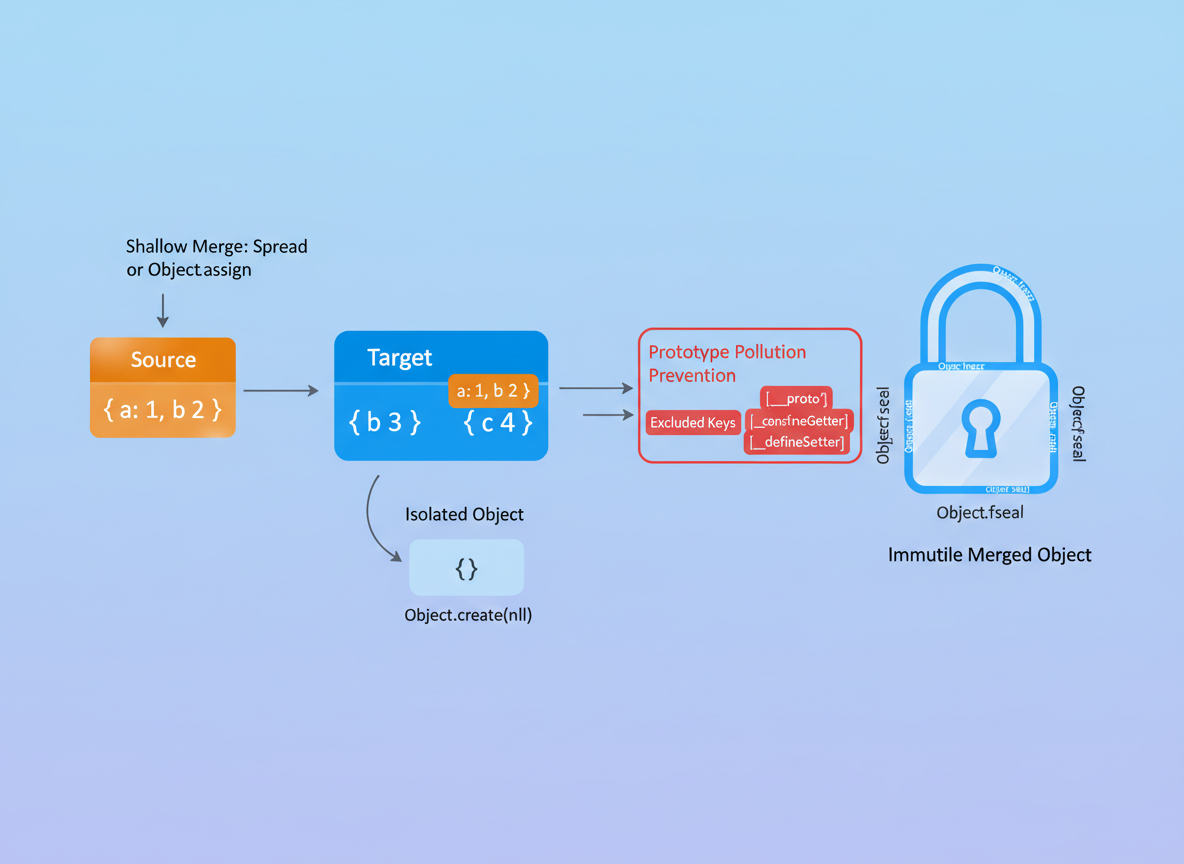
Shallow merge (spread)
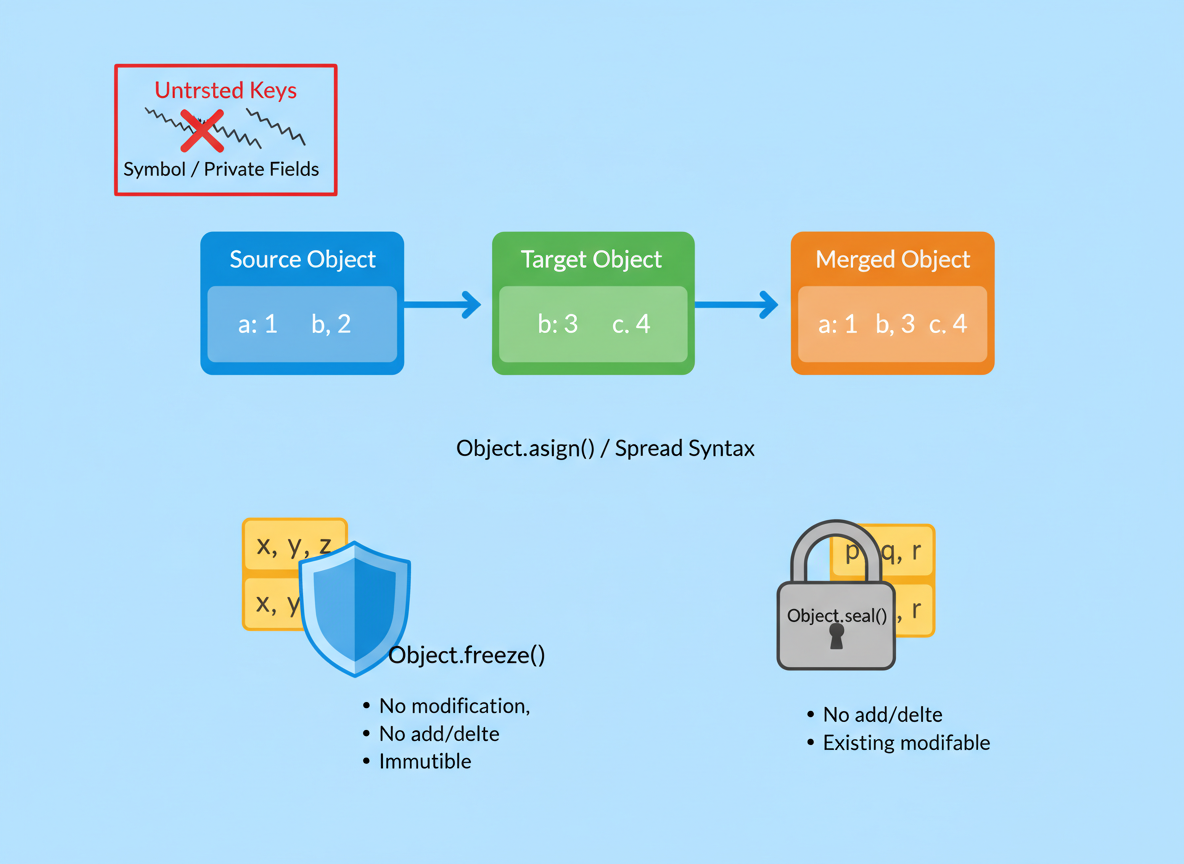
Use spread (or Object.assign({}, a, b)) to make a new object; do not mutate inputs.
// Shallow merge with spread keeps sources unchanged
const a = { x: 1, y: 2 };
const b = { y: 9, z: 3 };

// Later keys win on conflicts
const merged1 = { ...a, ...b };

console.log("a:", a);
console.log("b:", b);
console.log("merged1:", merged1);

Avoid prototype pollution
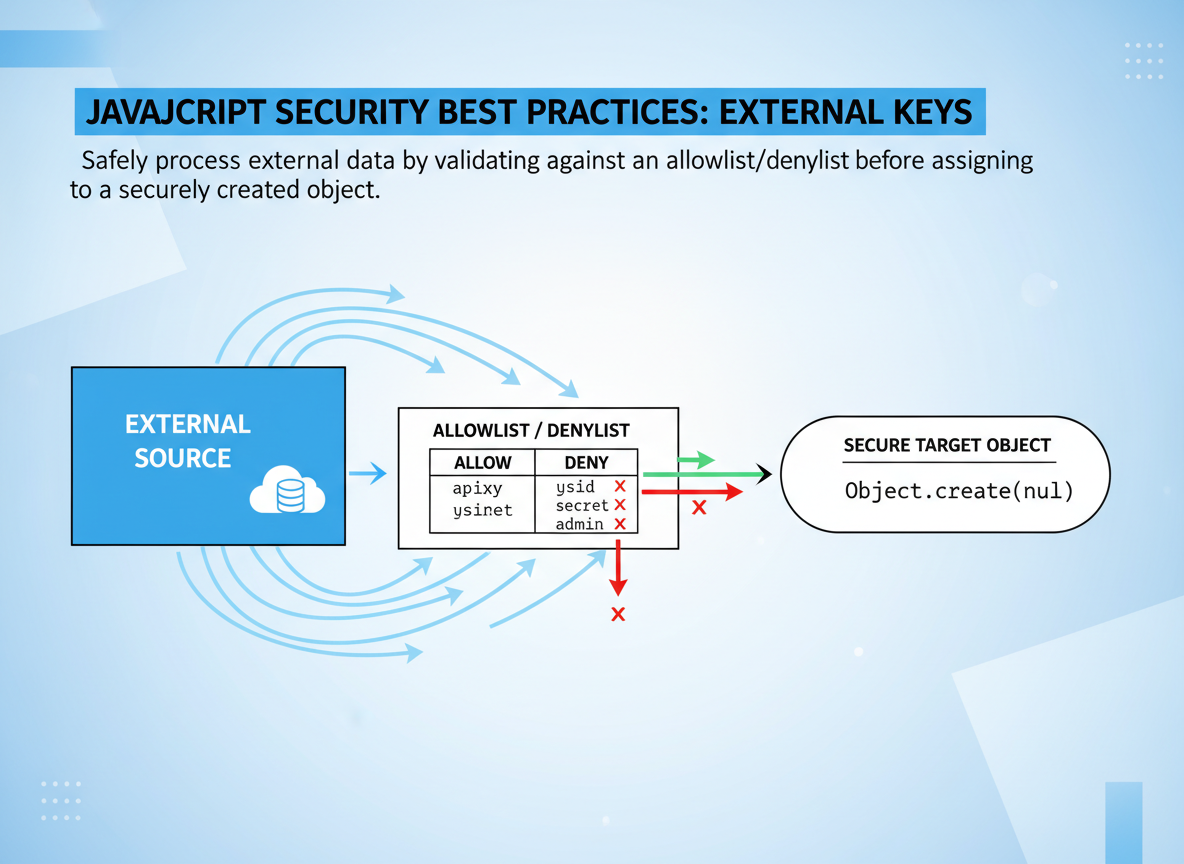
When keys come from outside, write a tiny allowlist/denylist and use Object.create(null) as the target.
// Avoid prototype pollution: use a null-prototype target and skip special keys
function safeMergeUntrusted(pairs) {
  // target has no prototype
  const out = Object.create(null);

  // keys to skip
  const BLOCK = new Set(["__proto__", "prototype", "constructor"]);

  for (const [k, v] of pairs) {
    if (typeof k !== "string") continue;
    if (BLOCK.has(k)) continue;
    out[k] = v;
  }
  return out;
}

const inputPairs = [
  ["name", "Ayla"],
  ["__proto__", { hacked: true }],
  ["role", "user"]
];

const safe = safeMergeUntrusted(inputPairs);

console.log("safe.name:", safe.name);
console.log("safe.role:", safe.role);
console.log("safe.__proto__ is undefined?", safe.__proto__ === undefined);
Clone + assign
Object.assign({}, ...) is a safe pattern beginners can read easily.
// Object.assign can also create a new object
const base = { a: 1, b: 2 };
const patch = { b: 5 };

// New object as first arg → sources untouched
const merged2 = Object.assign({}, base, patch);

console.log("base:", base);
console.log("patch:", patch);
console.log("merged2:", merged2);

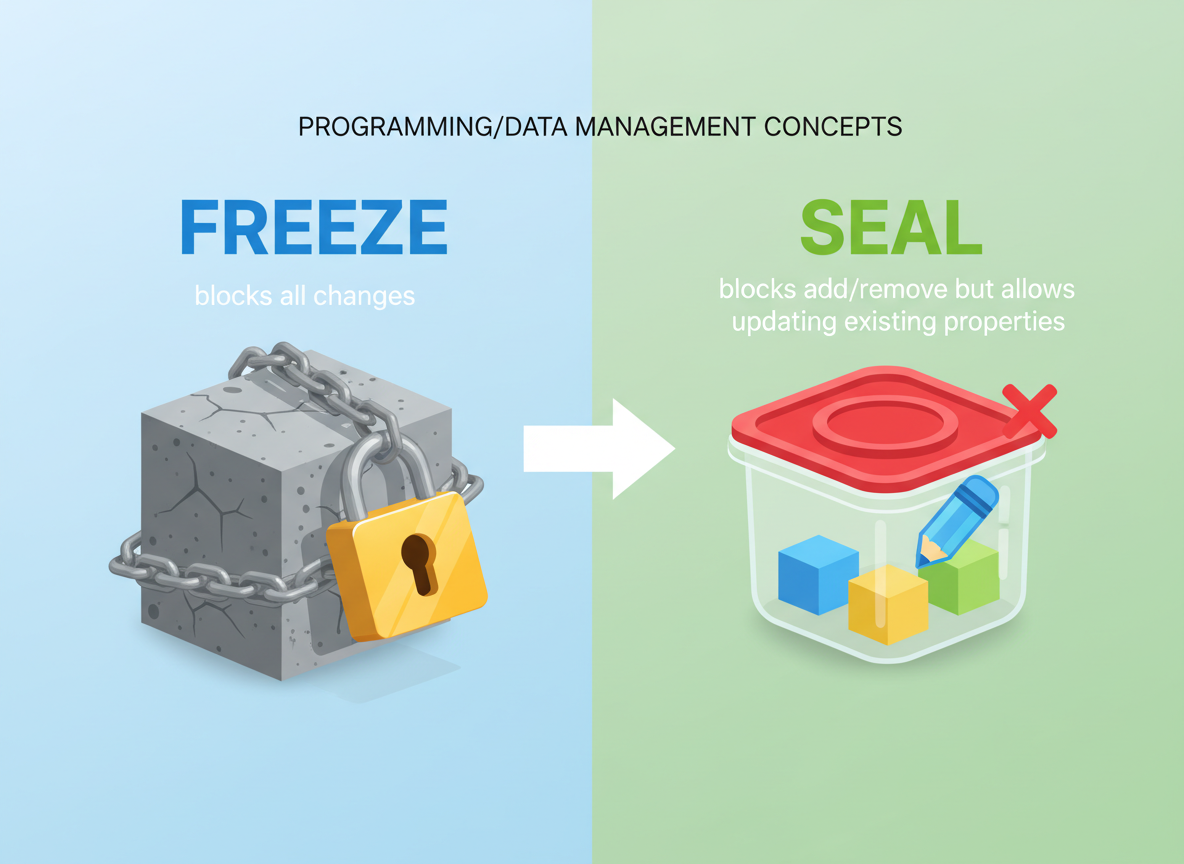
Freeze vs seal
freeze blocks all changes; seal blocks add/remove but allows updating existing properties.
// Freeze: no add/remove/change
const frozen = Object.freeze({ id: 1, tag: "locked" });
// Seal: no add/remove, but you may change existing values
const sealed = Object.seal({ id: 2, tag: "open" });

// Attempts (silently fail in non-strict mode)
frozen.tag = "new";
sealed.tag = "updated";
sealed.newKey = 123;

console.log("frozen:", frozen);
console.log("sealed:", sealed);
Safe merge habits
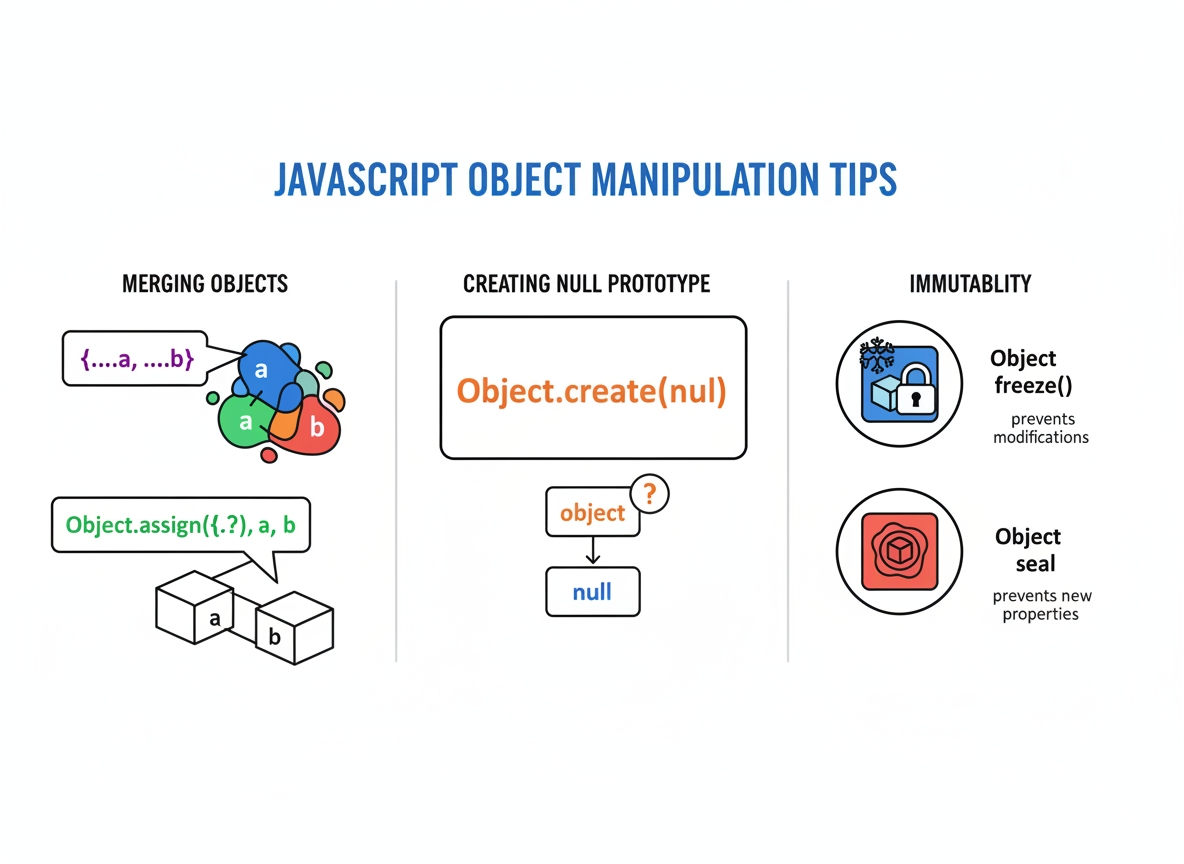
Tips:
- Prefer new objects: {...a, ...b} or Object.assign({}, a, b).
- Untrusted keys: use Object.create(null) and skip __proto__, prototype, constructor.
- Protect configs with Object.freeze; guard models with Object.seal.
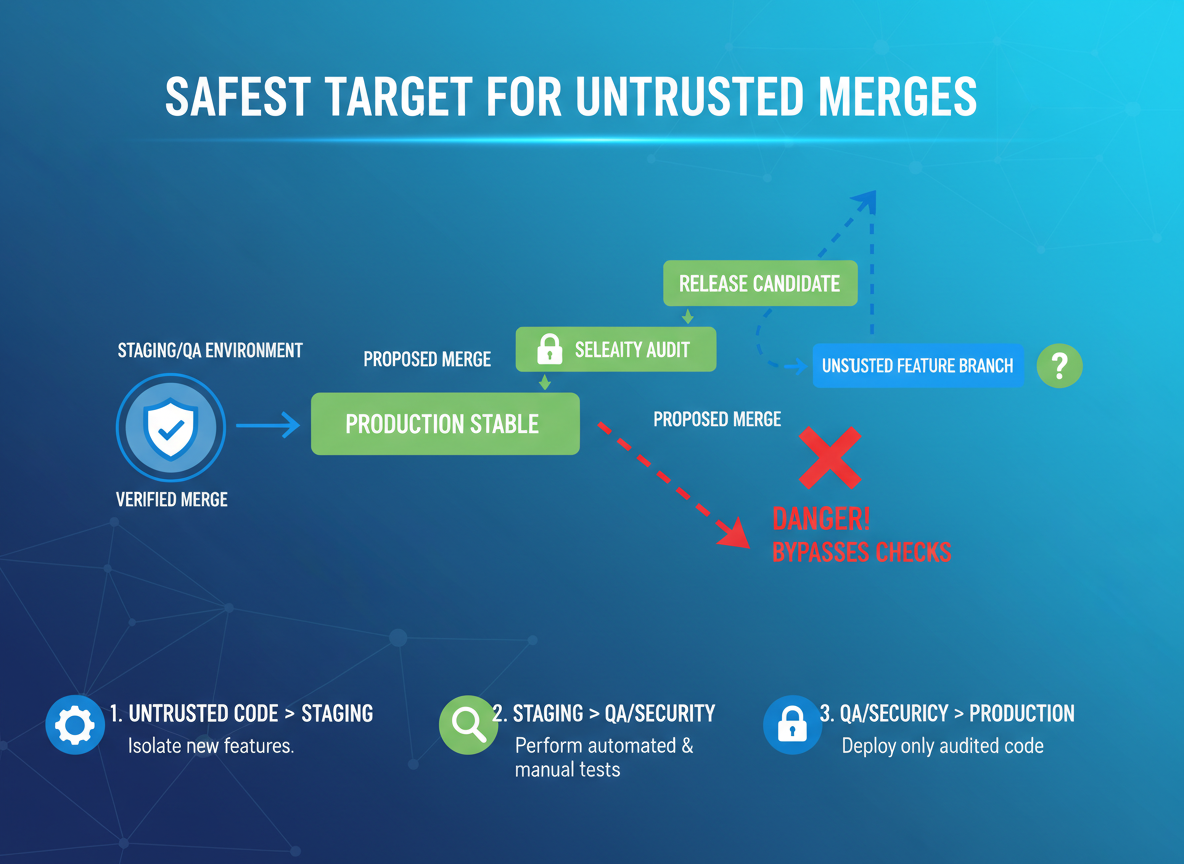
Prototype pollution basics quiz
Quick check: Safest target for untrusted merges.
Recap
Recap: Merge by creating new objects, filter untrusted keys, and use freeze/seal to protect important data structures.

Learn JavaScript with an AI tutor — free
Write and run real code in your browser, get instant help from a 24/7 AI tutor, and pick up where you left off on the web or in the app.
- Courses
- 59
- Lessons
- 200
Frequently Asked Questions
Is the “Safe object merging; freezing & sealing” lesson free?
Yes — any 3 lessons of the JavaScript Academy learning path, including “Safe object merging; freezing & sealing”, are free to read in full here on the web. After that, CoddyKit PRO unlocks every lesson, plus interactive practice with a built-in code editor and a 24/7 AI tutor. The JavaScript Academy course includes 3 lessons in total.
What will I learn in “Safe object merging; freezing & sealing”?
Merge objects without surprises, avoid prototype pollution, and protect data with Object.freeze and Object.seal. You practise JavaScript Academy with hands-on code you run directly in the browser, and a 24/7 AI tutor answers your questions as you work through the lesson.
Do I need any experience to start JavaScript Academy?
No prior experience is required. JavaScript Academy on CoddyKit is structured for beginners through advanced learners, so you can start here or from the beginning and move at your own pace. This is lesson 2 of 3.
How long does the “Safe object merging; freezing & sealing” lesson take?
Most CoddyKit lessons take about 5–10 minutes. Each one is bite-sized and interactive, so you make steady progress and pick up exactly where you left off across the web and the app.
Can I write and run code in this JavaScript Academy lesson?
Yes. Every JavaScript Academy lesson includes a built-in code editor, so you write and run real code right in your browser and get instant AI feedback — no local setup required.
All lessons in this course
- Input validation, escaping basics
- Safe object merging; freezing & sealing
- Error boundaries (conceptual) without frameworks