
Numbers — Integers vs Floats & Math Essentials
Understand integers vs floats, common Math helpers, safe rounding, parsing, and comparing floating numbers.
Numbers — Integers vs Floats & Math Essentials is a free JavaScript Academy lesson on CoddyKit. This is lesson 2 of 3. Any 3 lessons of this learning path are free to read in full — after that, CoddyKit PRO unlocks every lesson, plus hands-on practice with a built-in code editor and a 24/7 AI tutor. It is part of the JavaScript Academy learning path, and your progress syncs across the web and the CoddyKit app. The JavaScript Academy course includes 3 lessons in total.
Intro to numbers
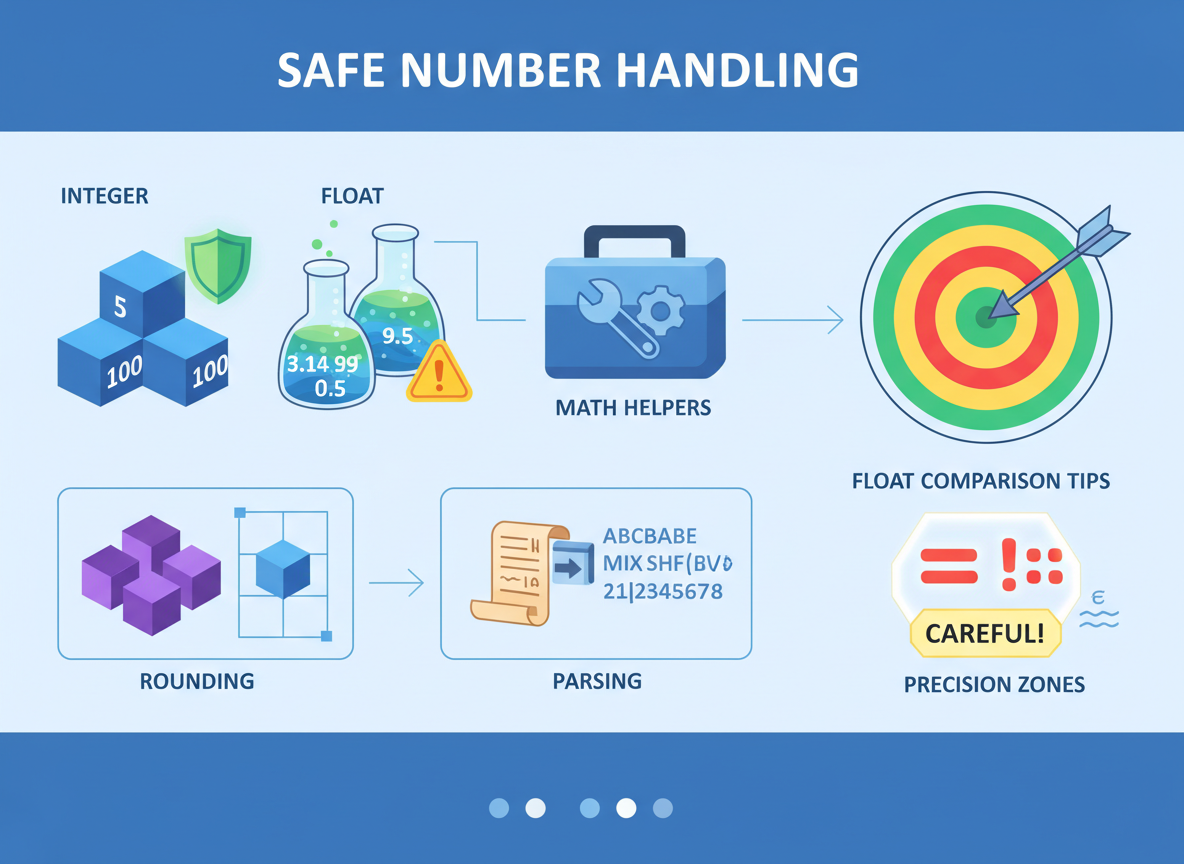
Goal: Handle numbers safely.
- Integers vs floats
- Math helpers
- Rounding and parsing
- Float comparison tips
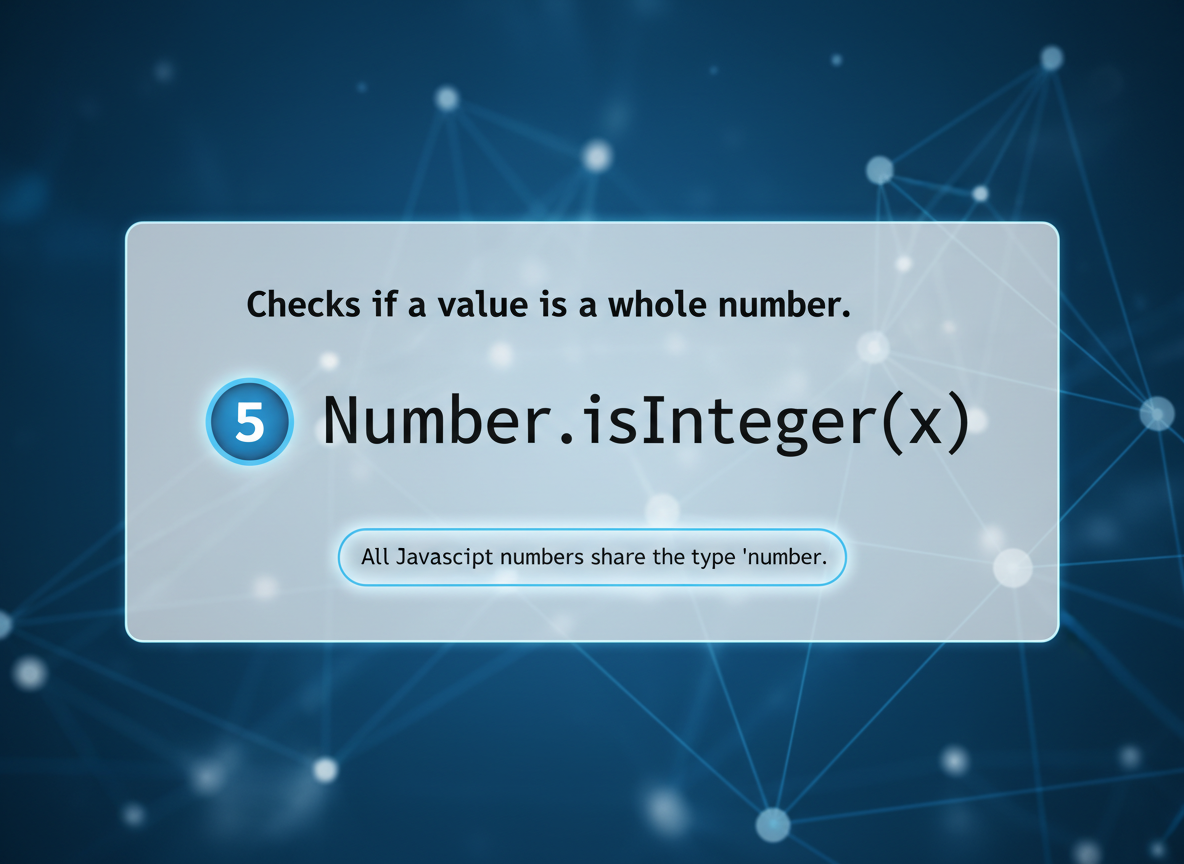
Integer check
Number.isInteger tells whether a numeric value is an integer. All numbers share type "number".
// Integers and floats
const a = 5;
const b = 5.5;

console.log("a integer?", Number.isInteger(a));
console.log("b integer?", Number.isInteger(b));
console.log("type of a:", typeof a);
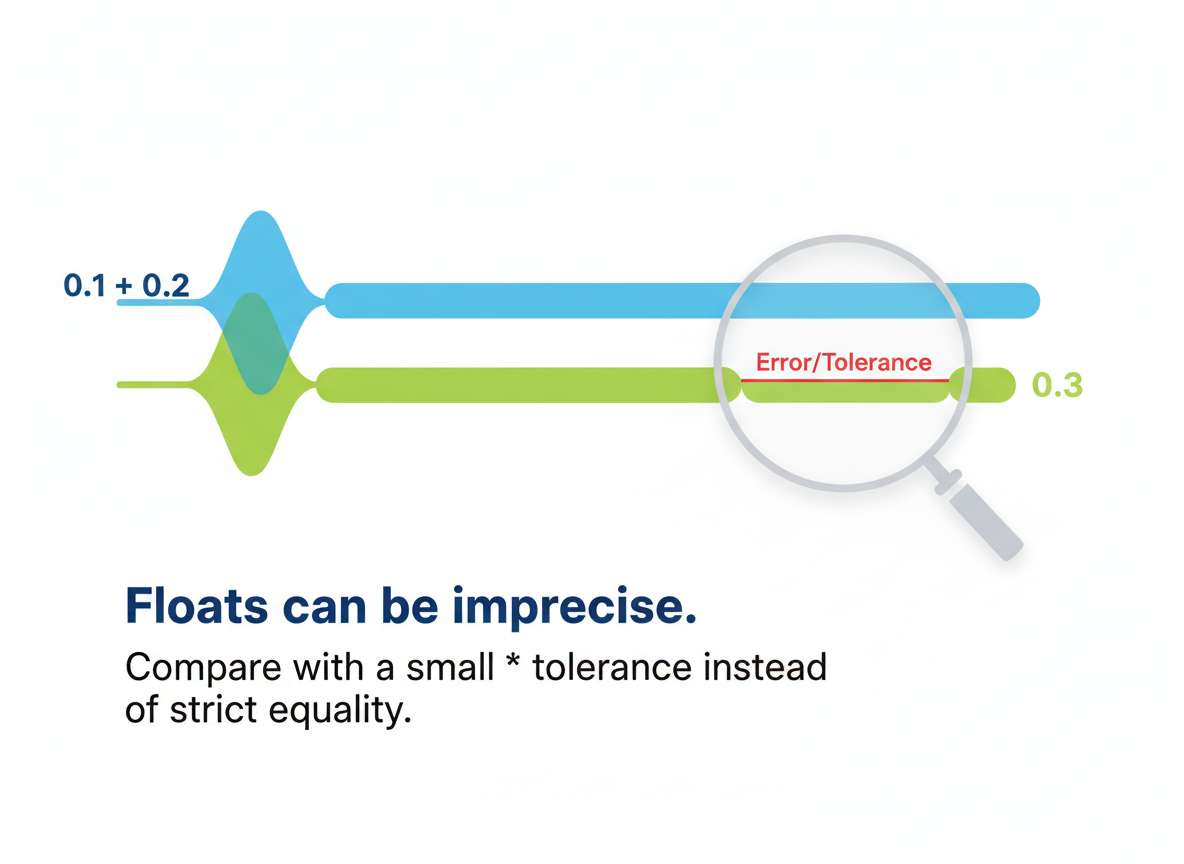
Float precision
Floats can be imprecise. Compare with a small tolerance instead of strict equality.
// Floating point has tiny precision errors
const x = 0.1 + 0.2;

console.log("0.1 + 0.2 =", x);
console.log("Equals 0.3?", x === 0.3);

// Compare with a small tolerance (epsilon)
const isClose = Math.abs(x - 0.3) < Number.EPSILON;
console.log("Close to 0.3?", isClose);
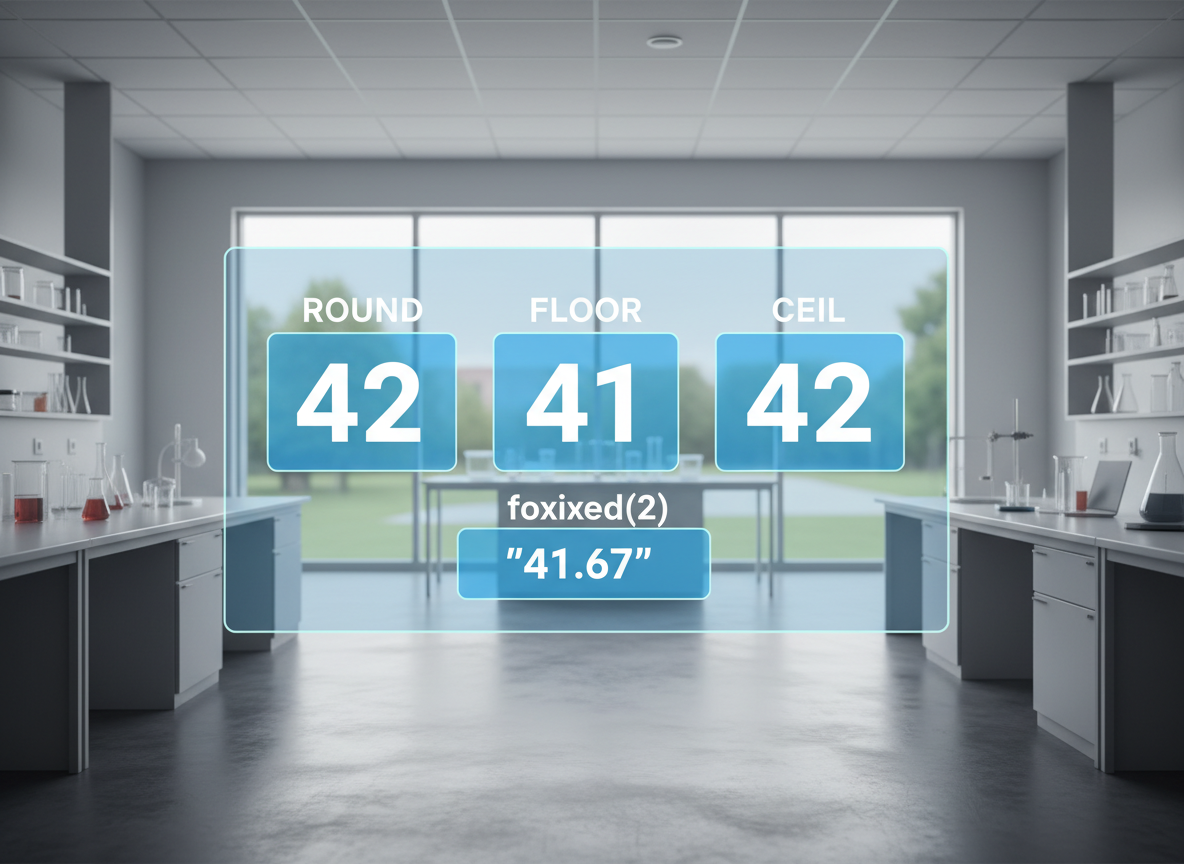
Rounding basics
round, floor, ceil return integers; toFixed returns a string with fixed decimals.
// Rounding helpers
const value = 4.6;

console.log("round:", Math.round(value));
console.log("floor:", Math.floor(value));
console.log("ceil:", Math.ceil(value));

// toFixed returns a string
console.log("toFixed(2):", value.toFixed(2));
Parsing numbers
Use Number(x) for full numeric strings; use parseInt for leading digits and pass a radix.
// Parsing numbers from strings
console.log("Number(42):", Number("42"));
console.log("parseInt 42px:", parseInt("42px", 10));
console.log("Number 42px:", Number("42px"));

// Always pass radix to parseInt for clarity
console.log("parseInt 0xFF:", parseInt("0xFF", 16));

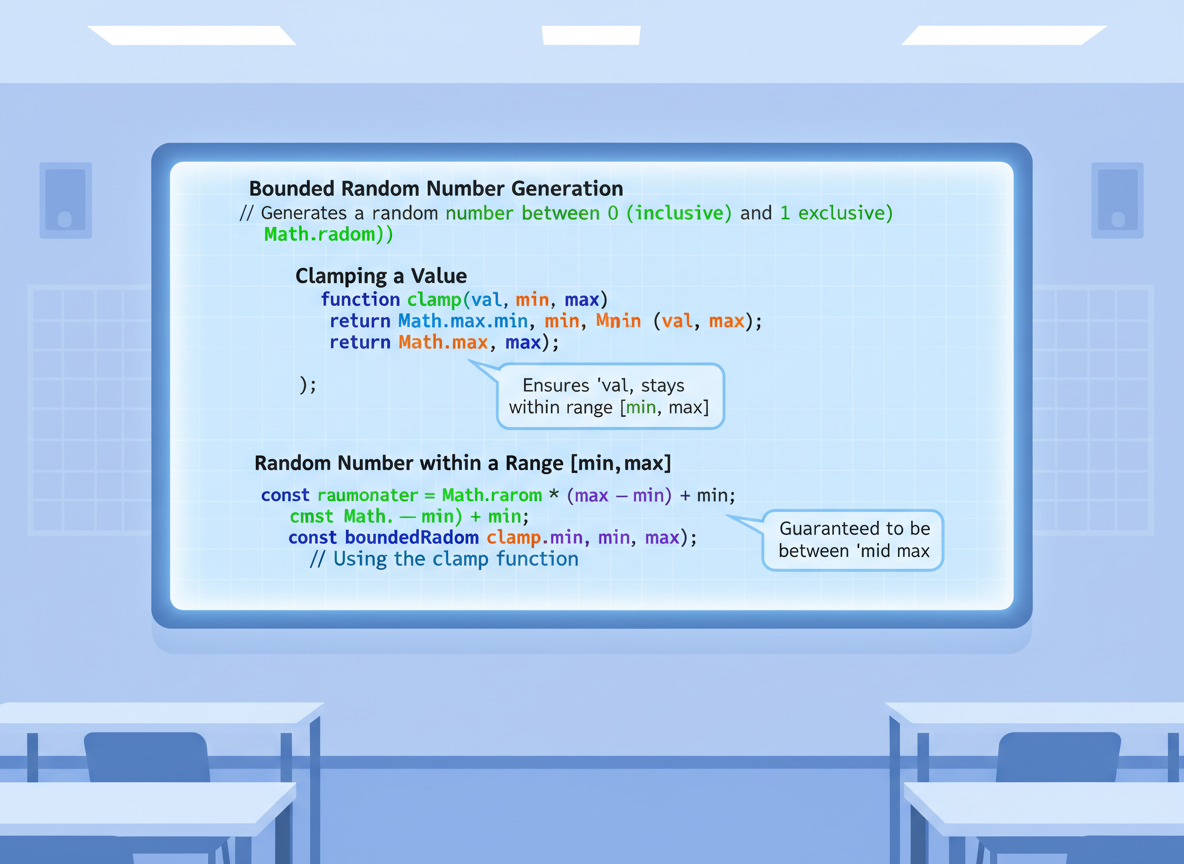
Math helpers
Use min/max, clamp with nested calls, and Math.random for simple random integers.
// Handy Math helpers
const score = 105;

const minScore = Math.min(50, 80, 30);
const maxScore = Math.max(50, 80, 30);

// Clamp score to 0..100
const clamped = Math.min(100, Math.max(0, score));

// Random integer in [0, 9]
const rand = Math.floor(Math.random() * 10);

console.log("min:", minScore);
console.log("max:", maxScore);
console.log("clamped:", clamped);
console.log("rand 0-9:", rand);
Integer check quiz
Quick check: Integer test without coercion.
Recap
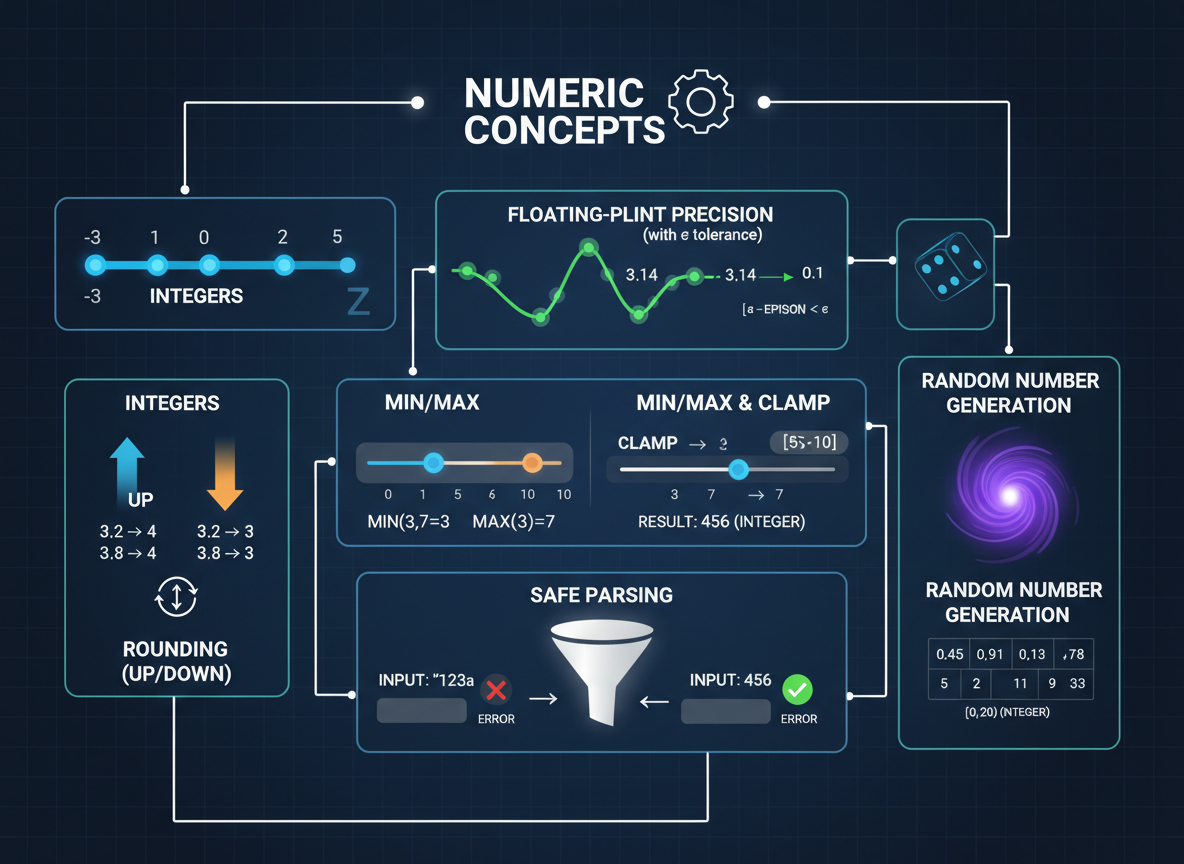
Recap: You checked integers, handled float precision with a tolerance, rounded values, parsed safely, and used min/max, clamp, and random.

Learn JavaScript with an AI tutor — free
Write and run real code in your browser, get instant help from a 24/7 AI tutor, and pick up where you left off on the web or in the app.
- Courses
- 59
- Lessons
- 200
Frequently Asked Questions
Is the “Numbers — Integers vs Floats & Math Essentials” lesson free?
Yes — any 3 lessons of the JavaScript Academy learning path, including “Numbers — Integers vs Floats & Math Essentials”, are free to read in full here on the web. After that, CoddyKit PRO unlocks every lesson, plus interactive practice with a built-in code editor and a 24/7 AI tutor. The JavaScript Academy course includes 3 lessons in total.
What will I learn in “Numbers — Integers vs Floats & Math Essentials”?
Understand integers vs floats, common Math helpers, safe rounding, parsing, and comparing floating numbers. You practise JavaScript Academy with hands-on code you run directly in the browser, and a 24/7 AI tutor answers your questions as you work through the lesson.
Do I need any experience to start JavaScript Academy?
No prior experience is required. JavaScript Academy on CoddyKit is structured for beginners through advanced learners, so you can start here or from the beginning and move at your own pace. This is lesson 2 of 3.
How long does the “Numbers — Integers vs Floats & Math Essentials” lesson take?
Most CoddyKit lessons take about 5–10 minutes. Each one is bite-sized and interactive, so you make steady progress and pick up exactly where you left off across the web and the app.
Can I write and run code in this JavaScript Academy lesson?
Yes. Every JavaScript Academy lesson includes a built-in code editor, so you write and run real code right in your browser and get instant AI feedback — no local setup required.
All lessons in this course
- Template Literals & Common String Operations
- Numbers — Integers vs Floats & Math Essentials
- Dates — Basics, Time Zones, Intl.DateTimeFormat