
Primitives vs Objects & Core Types
Primitives vs objects; the seven primitives; quick typeof checks and common beginner pitfalls.
Primitives vs Objects & Core Types is a free JavaScript Academy lesson on CoddyKit. This is lesson 1 of 3. Any 3 lessons of this learning path are free to read in full — after that, CoddyKit PRO unlocks every lesson, plus hands-on practice with a built-in code editor and a 24/7 AI tutor. It is part of the JavaScript Academy learning path, and your progress syncs across the web and the CoddyKit app. The JavaScript Academy course includes 3 lessons in total.
Intro
Goal: Tell primitives from objects and recognize all seven primitive types with quick checks.
- Seven primitives
- Objects vs wrappers
- typeof tour
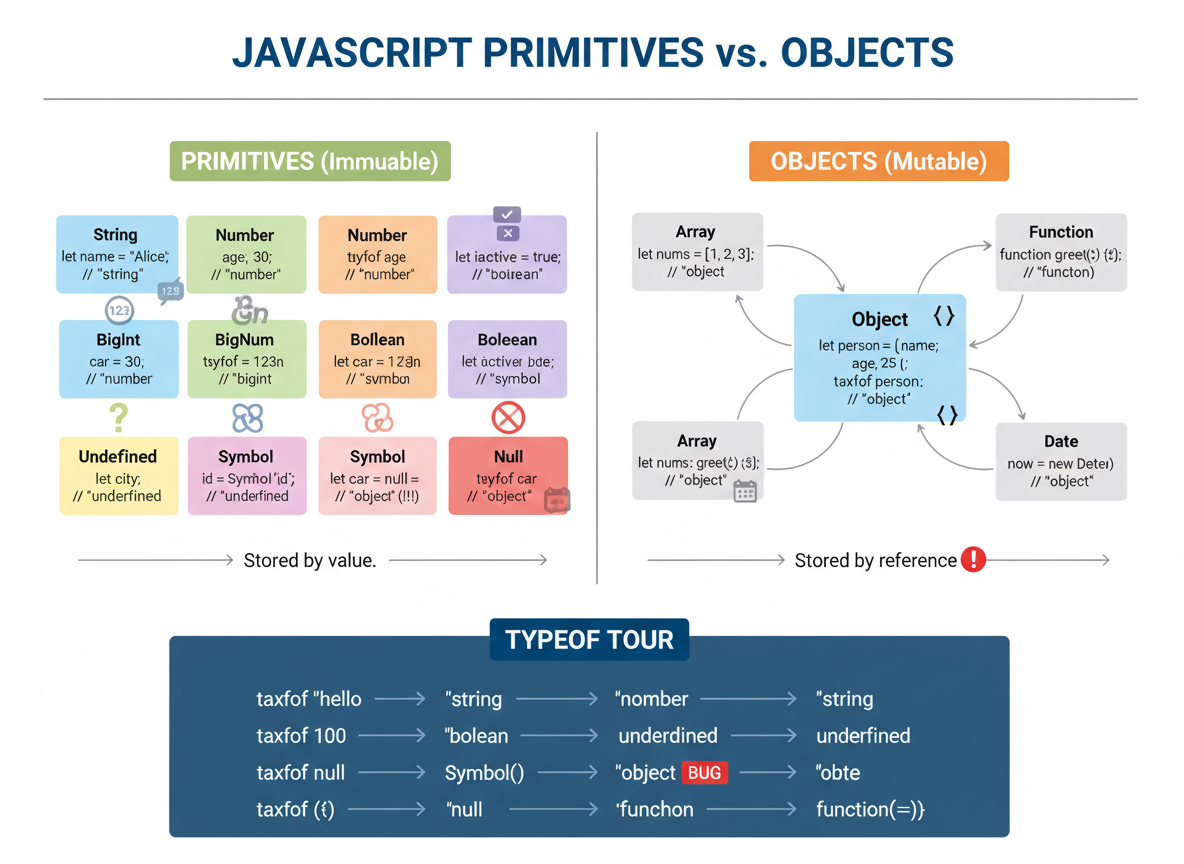
Seven primitives: typeof tour
JavaScript has 7 primitives: number, bigint, string, boolean, null, undefined, symbol.
// Seven primitives and typeof
const n = 42;
// number
const bi = 42n;
// bigint
const s = "hello";
// string
const b = true;
// boolean
const u = undefined;
// undefined
const nl = null;
// null (primitive)
const sy = Symbol("id");
// symbol (unique each time)

console.log(typeof n, typeof bi, typeof s, typeof b);
console.log(typeof u, typeof nl, typeof sy);
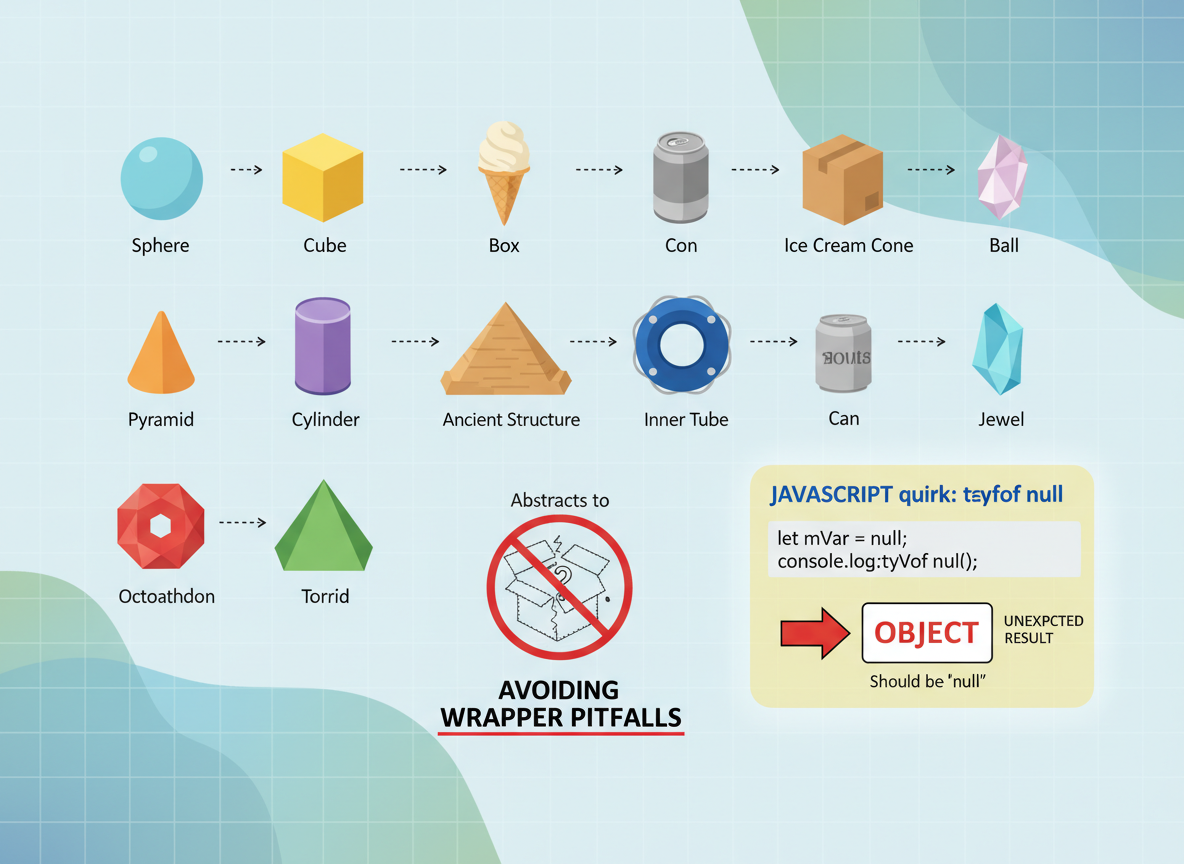
// Note: typeof null is "object" (historical quirk)
Primitives vs objects
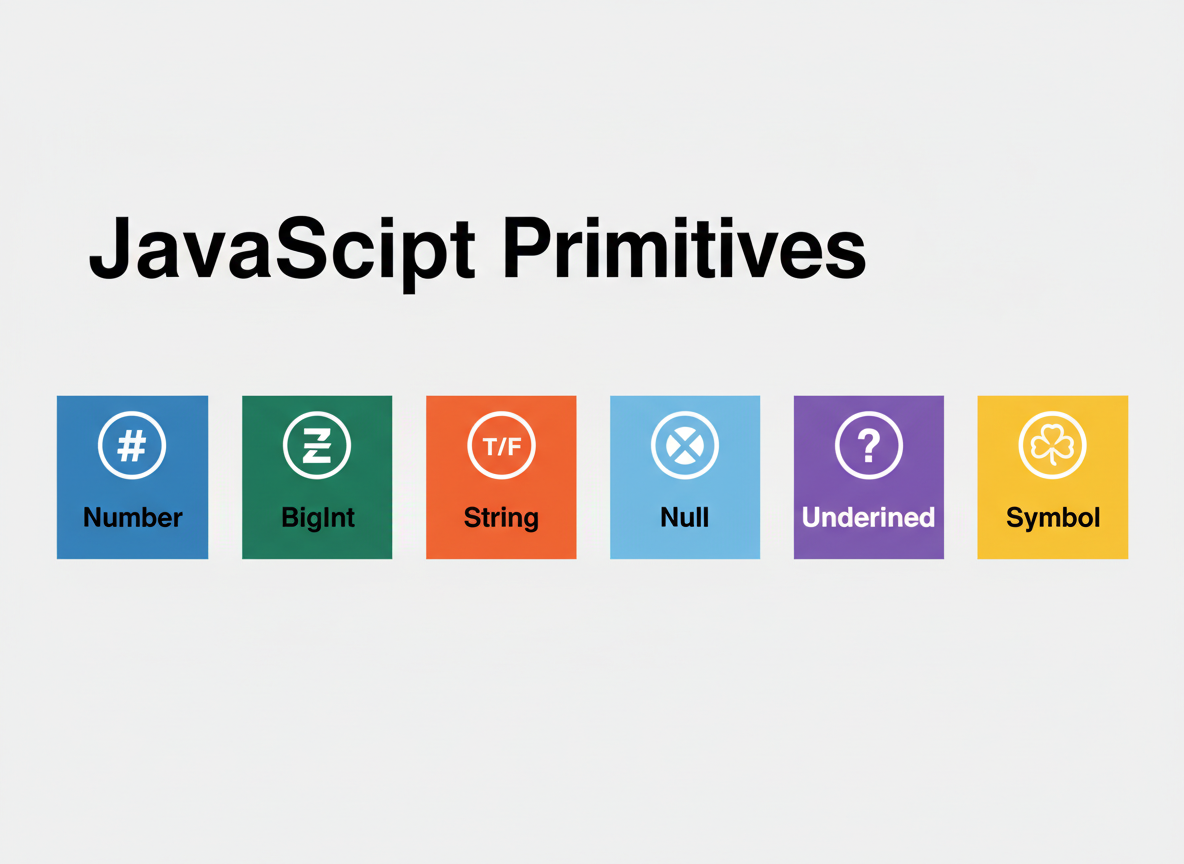
Primitives are single immutable values. Objects hold properties and are compared by reference (arrays, functions, dates are objects).
- Primitives compare by value
- Objects can grow and mutate
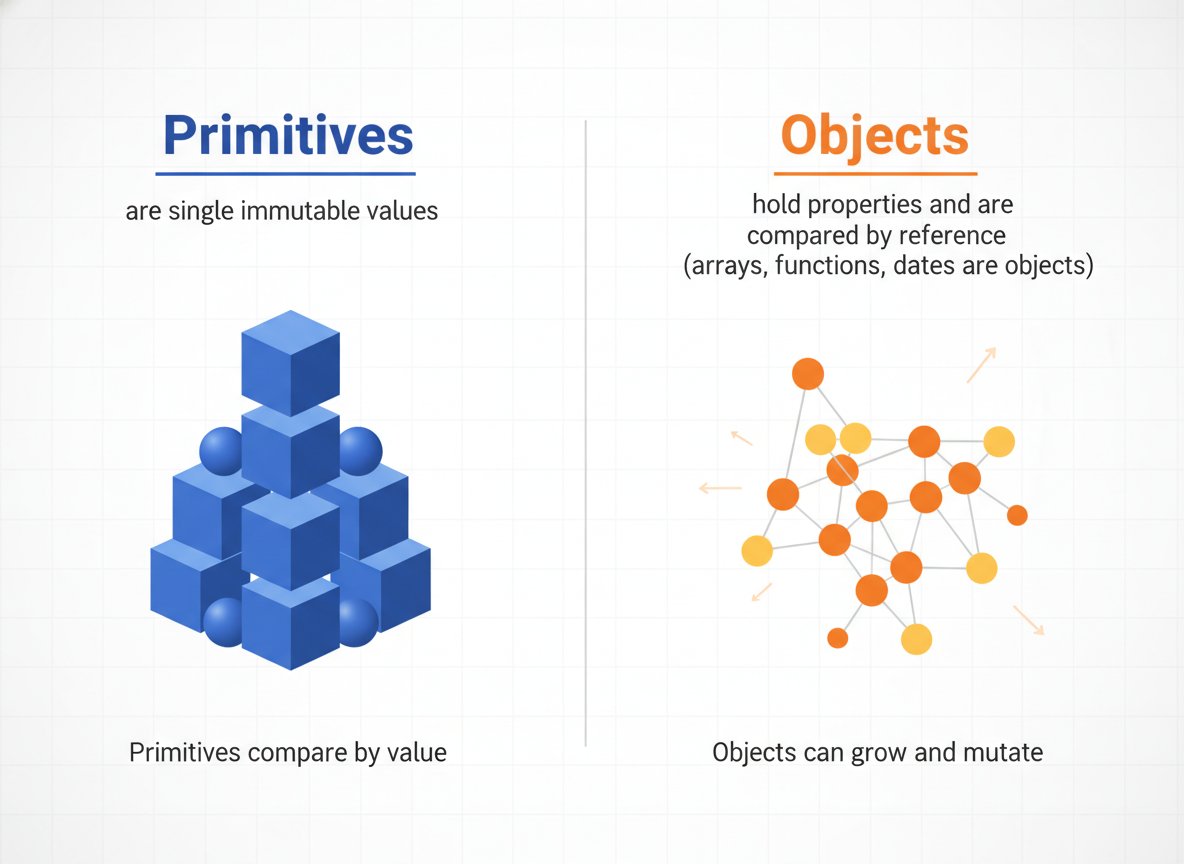
Wrapper objects pitfall
Prefer literals (e.g., "hello") over wrappers (new String, new Number, new Boolean).
// Avoid wrapper constructors for primitives
const s1 = "hi";
// primitive string
const s2 = new String("hi");
// String object (wrapper)

console.log(typeof s1);
// "string"
console.log(typeof s2);
// "object"

console.log(s1 === "hi");
// true (value compare)
console.log(s2 === "hi");
// false (object vs primitive)

BigInt & Symbol basics
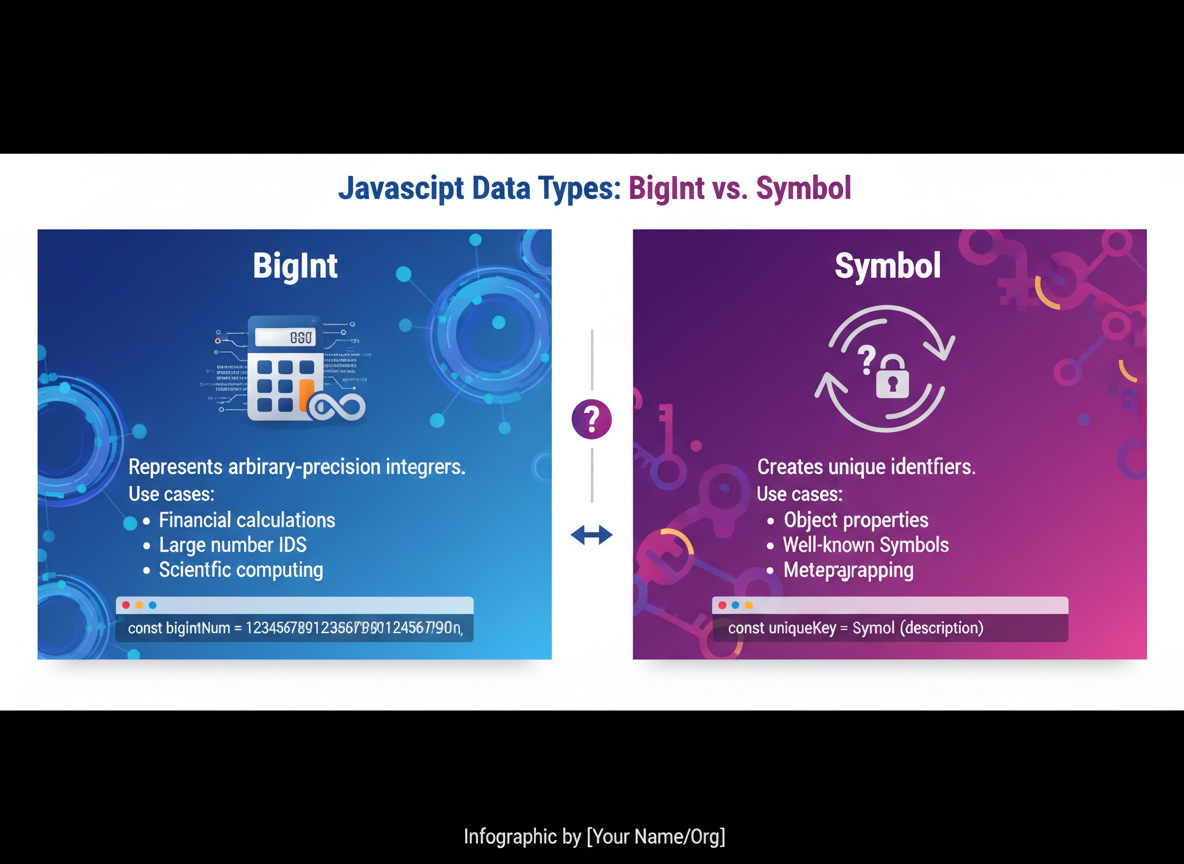
BigInt handles huge integers; Symbol creates unique keys for objects.
// BigInt: integers beyond Number.MAX_SAFE_INTEGER
const big = 9007199254740993n;
// 2^53 + 1
console.log(big + 7n);

// Symbol: unique identifiers
const a = Symbol("token");
const b = Symbol("token");
console.log(a === b);
// false — symbols are always unique
null vs undefined
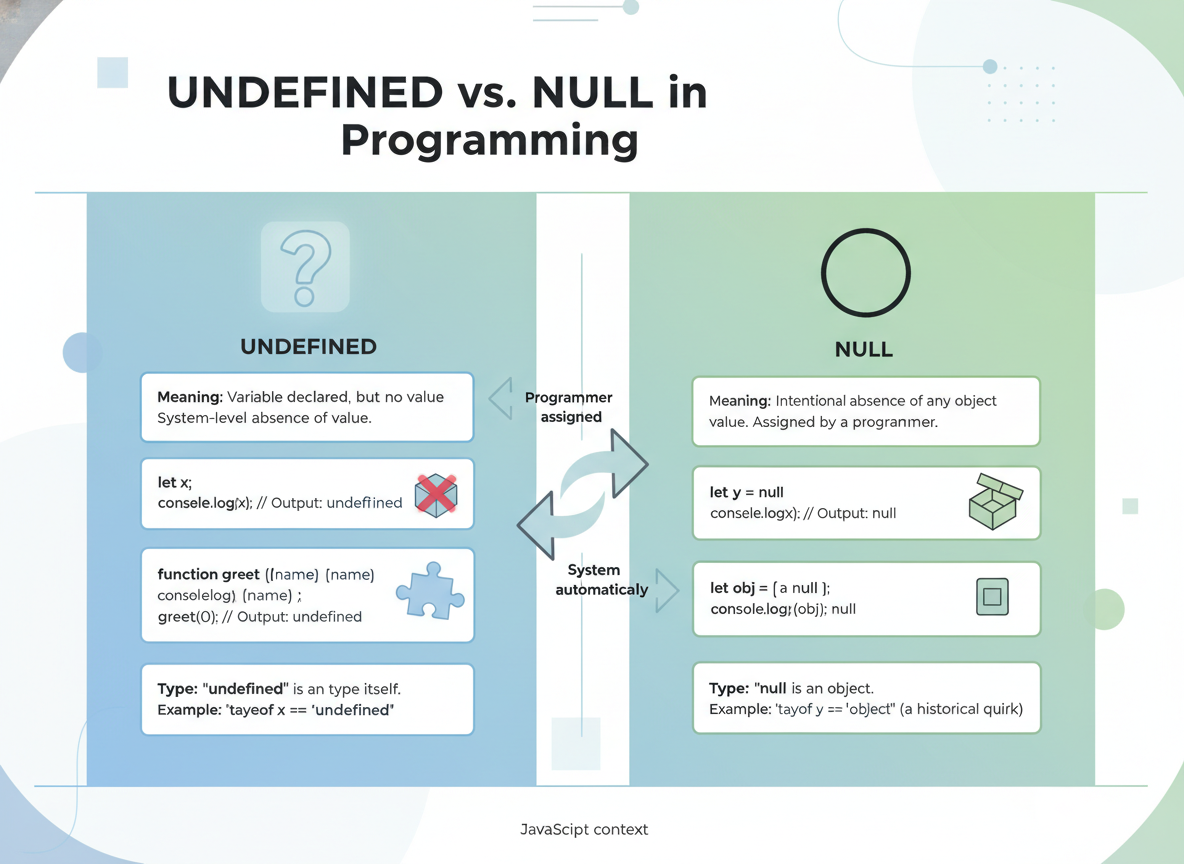
undefined: declared but not assigned. null: an explicit “no value”. Tip: typeof null returns "object" (quirk), but null is still a primitive.
typeof null quiz
Quick check: typeof null?

Recap
Recap: You identified the seven primitives, contrasted them with objects, avoided wrapper pitfalls, and learned the typeof null quirk.

Learn JavaScript with an AI tutor — free
Write and run real code in your browser, get instant help from a 24/7 AI tutor, and pick up where you left off on the web or in the app.
- Courses
- 59
- Lessons
- 200
Frequently Asked Questions
Is the “Primitives vs Objects & Core Types” lesson free?
Yes — any 3 lessons of the JavaScript Academy learning path, including “Primitives vs Objects & Core Types”, are free to read in full here on the web. After that, CoddyKit PRO unlocks every lesson, plus interactive practice with a built-in code editor and a 24/7 AI tutor. The JavaScript Academy course includes 3 lessons in total.
What will I learn in “Primitives vs Objects & Core Types”?
Primitives vs objects; the seven primitives; quick typeof checks and common beginner pitfalls. You practise JavaScript Academy with hands-on code you run directly in the browser, and a 24/7 AI tutor answers your questions as you work through the lesson.
Do I need any experience to start JavaScript Academy?
No prior experience is required. JavaScript Academy on CoddyKit is structured for beginners through advanced learners, so you can start here or from the beginning and move at your own pace. This is lesson 1 of 3.
How long does the “Primitives vs Objects & Core Types” lesson take?
Most CoddyKit lessons take about 5–10 minutes. Each one is bite-sized and interactive, so you make steady progress and pick up exactly where you left off across the web and the app.
Can I write and run code in this JavaScript Academy lesson?
Yes. Every JavaScript Academy lesson includes a built-in code editor, so you write and run real code right in your browser and get instant AI feedback — no local setup required.
All lessons in this course
- Primitives vs Objects & Core Types
- typeof, Truthy/Falsy, and == vs ===
- Type Coercion: Safe Patterns to Avoid Surprises