
ESM loader quirks, path/URL differences
Resolve URLs safely, understand relative vs bare specifiers, and see how file URLs differ from web URLs. Tiny, runnable demos.
ESM loader quirks, path/URL differences is a free JavaScript Academy lesson on CoddyKit. This is lesson 2 of 3. Any 3 lessons of this learning path are free to read in full — after that, CoddyKit PRO unlocks every lesson, plus hands-on practice with a built-in code editor and a 24/7 AI tutor. It is part of the JavaScript Academy learning path, and your progress syncs across the web and the CoddyKit app. The JavaScript Academy course includes 3 lessons in total.
Big picture
Goal: Resolve paths safely across environments.
- Use the URL constructor to resolve relatives
- Know relative vs bare specifiers
- See file: vs https: differences
- Avoid fragile string joins for paths
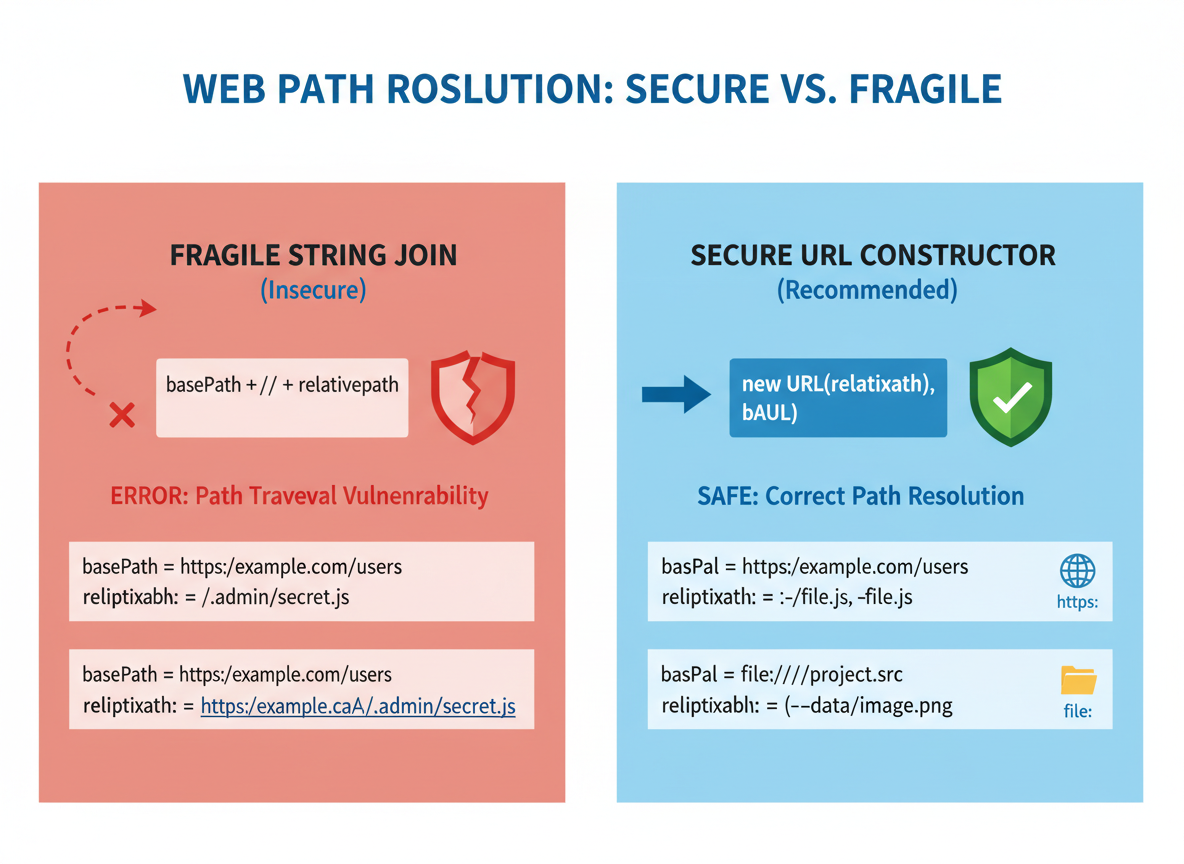
Relative against base
new URL(relative, base) handles path pieces and slashes correctly.
// Use URL to resolve "./" against a base
const base = "https://site.com/app/screens/";
const img = new URL("./images/icon.png", base);
console.log("resolved:", img.href);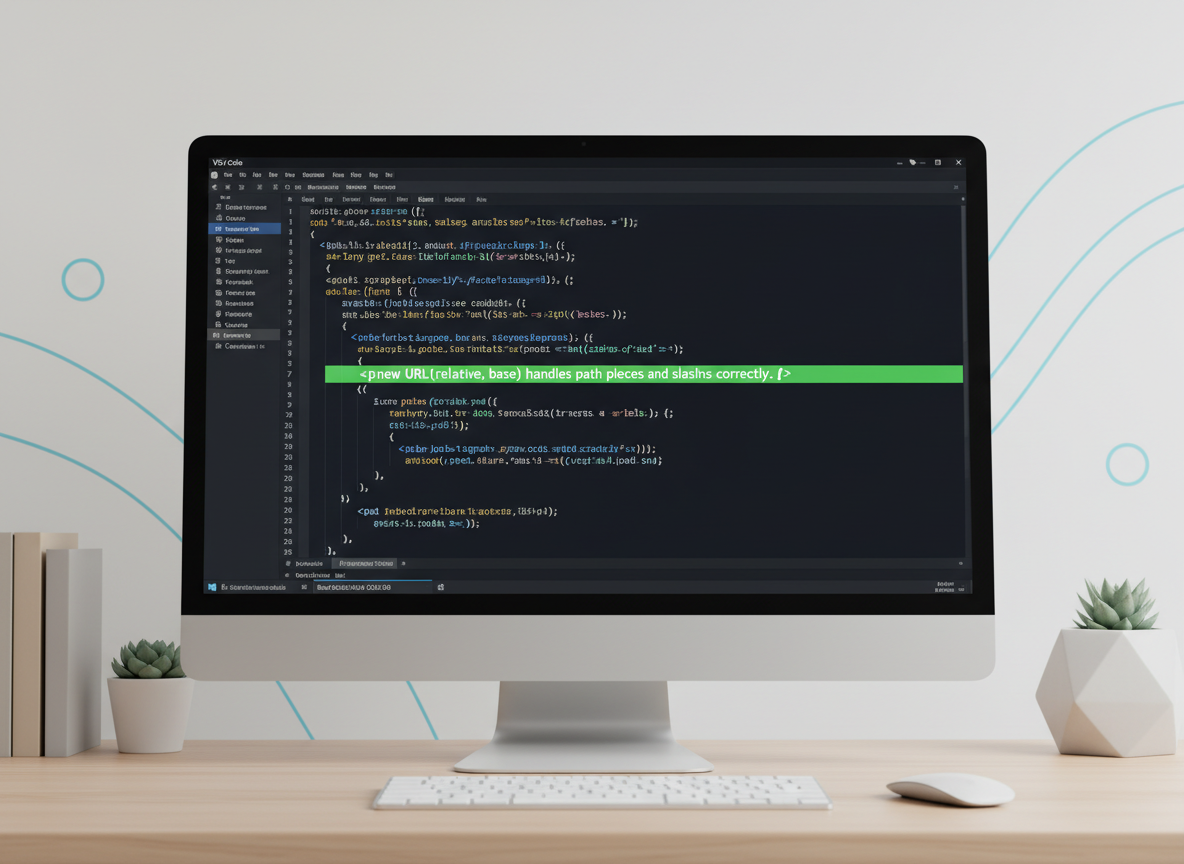
Normalize with ..
The constructor removes ../ properly, so you do not need manual string hacks.
// URL resolves "../" segments
const u = new URL("../assets/a.txt", "https://x.com/app/views/page/");
console.log("normalized:", u.href);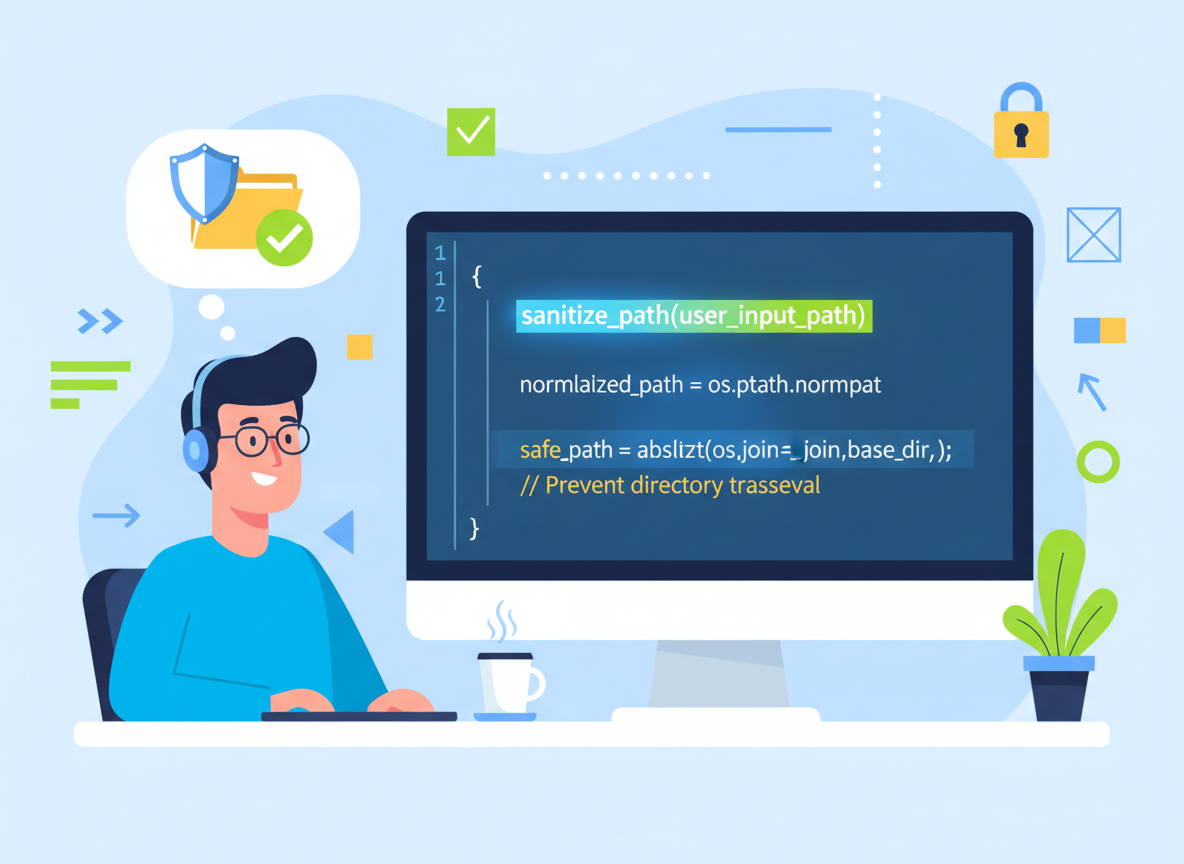
file: URL taste
file: URLs point to local files in Node-like contexts; browsers cannot read them directly without user action.
// You can also work with file: URLs (no actual file I/O here)
const baseFile = "file:///home/user/project/src/";
const file = new URL("./data/sample.txt", baseFile);
console.log("file url:", file.href);
Specifier kinds
ESM loaders treat bare specifiers differently from relative or absolute URLs. Knowing the kind helps.
// Tiny helper: categorize a module specifier
function specKind(s) {
  if (typeof s !== "string") return "unknown";
  if (s.startsWith("./") || s.startsWith("../") || s.startsWith("/")) return "relative-or-absolute";
  if (s.startsWith("http://") || s.startsWith("https://") || s.startsWith("file://")) return "url";
  return "bare"; // like "lodash" or "fs"
}

console.log("kind ./util.js:", specKind("./util.js"));
console.log("kind lodash   :", specKind("lodash"));
console.log("kind https:// :", specKind("https://cdn.site/x.js"));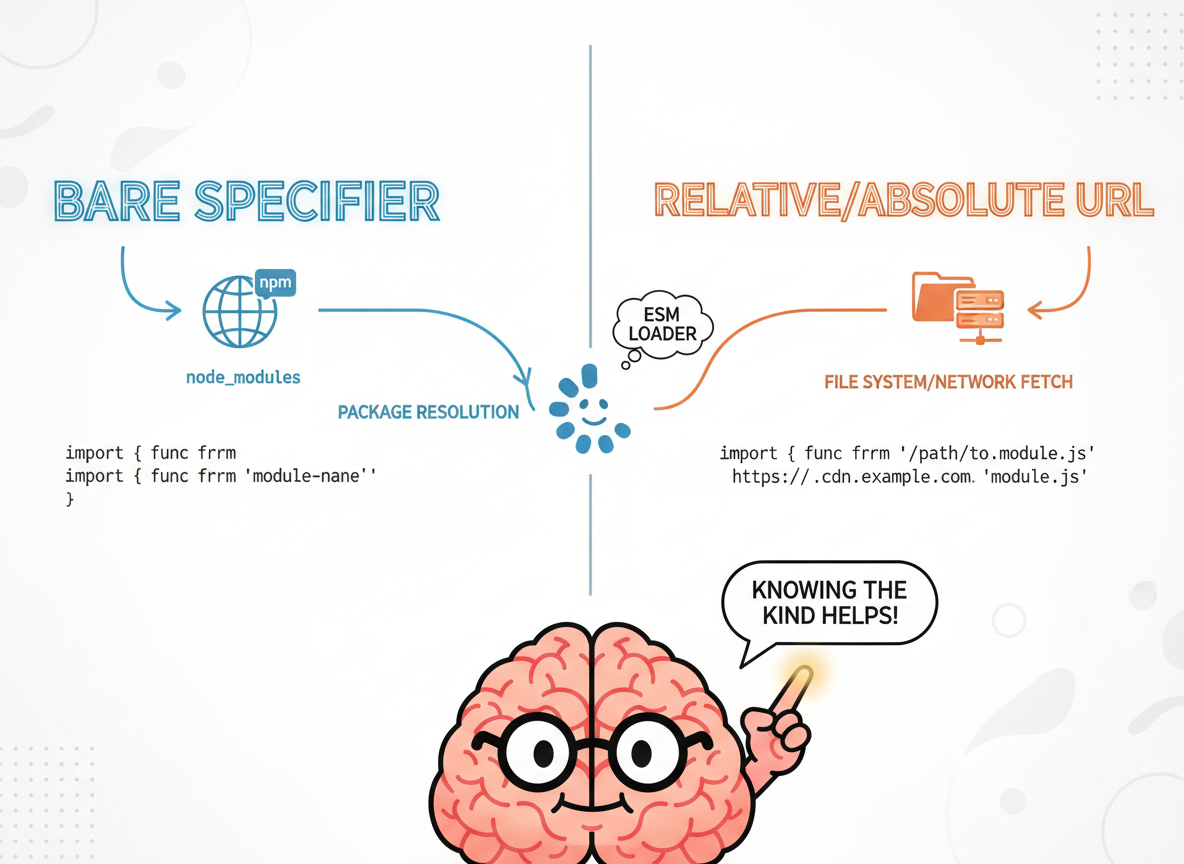
Beginner-friendly habits
Tips:
- Prefer URL(relative, base) over string concatenation.
- Understand bare vs relative specifiers.
- Avoid assuming files exist in the browser.
- Keep paths short and readable for beginners.

URL resolution basics quiz
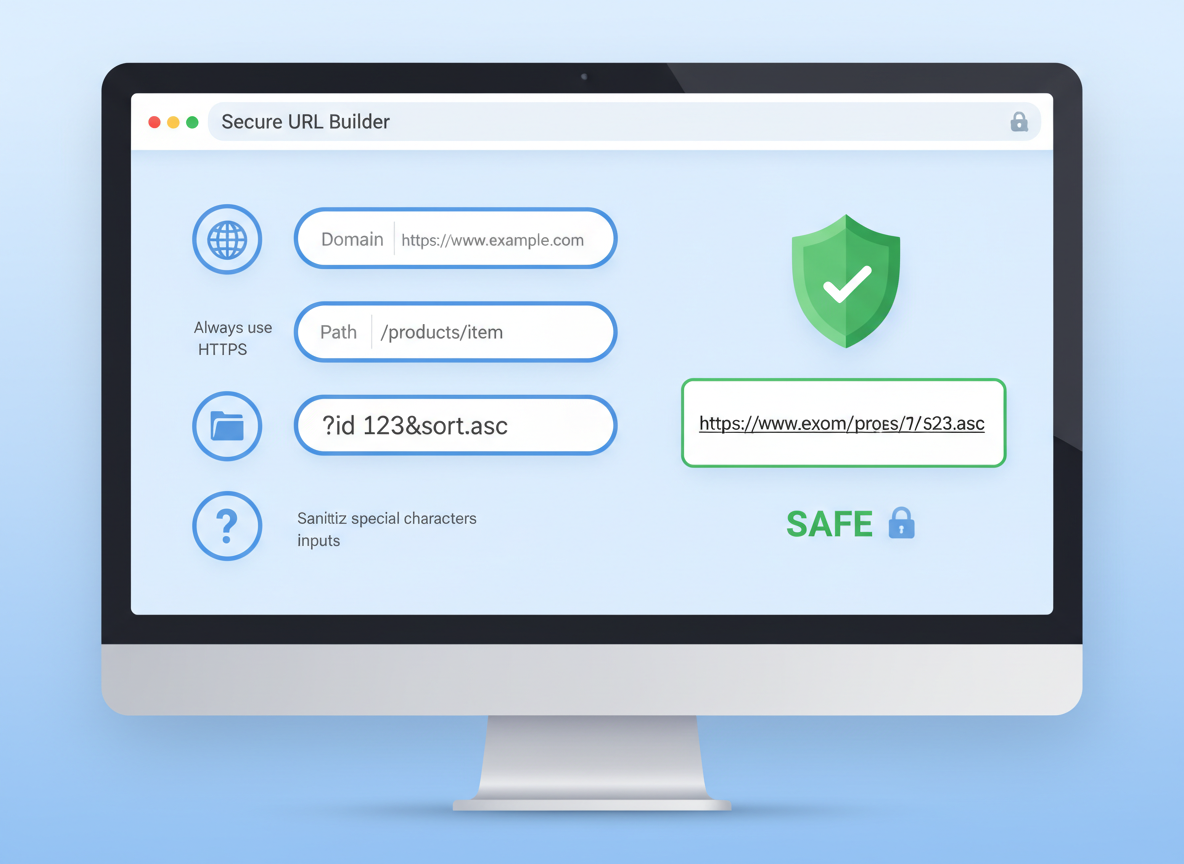
Quick check: Build a URL safely.
Recap
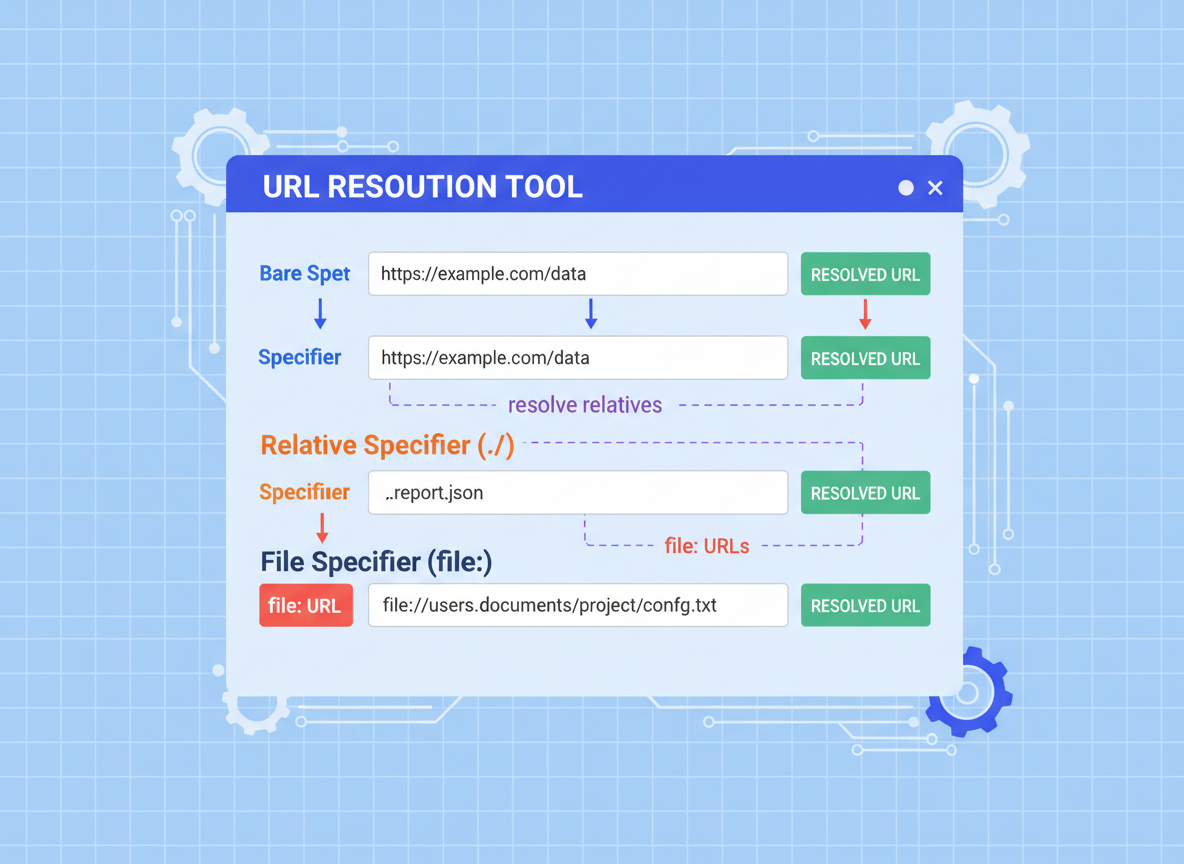
Recap: Use the URL constructor to resolve relatives (./, ../), recognize bare vs relative specifiers, and remember that file: URLs are different from web URLs.

Learn JavaScript with an AI tutor — free
Write and run real code in your browser, get instant help from a 24/7 AI tutor, and pick up where you left off on the web or in the app.
- Courses
- 59
- Lessons
- 200
Frequently Asked Questions
Is the “ESM loader quirks, path/URL differences” lesson free?
Yes — any 3 lessons of the JavaScript Academy learning path, including “ESM loader quirks, path/URL differences”, are free to read in full here on the web. After that, CoddyKit PRO unlocks every lesson, plus interactive practice with a built-in code editor and a 24/7 AI tutor. The JavaScript Academy course includes 3 lessons in total.
What will I learn in “ESM loader quirks, path/URL differences”?
Resolve URLs safely, understand relative vs bare specifiers, and see how file URLs differ from web URLs. Tiny, runnable demos. You practise JavaScript Academy with hands-on code you run directly in the browser, and a 24/7 AI tutor answers your questions as you work through the lesson.
Do I need any experience to start JavaScript Academy?
No prior experience is required. JavaScript Academy on CoddyKit is structured for beginners through advanced learners, so you can start here or from the beginning and move at your own pace. This is lesson 2 of 3.
How long does the “ESM loader quirks, path/URL differences” lesson take?
Most CoddyKit lessons take about 5–10 minutes. Each one is bite-sized and interactive, so you make steady progress and pick up exactly where you left off across the web and the app.
Can I write and run code in this JavaScript Academy lesson?
Yes. Every JavaScript Academy lesson includes a built-in code editor, so you write and run real code right in your browser and get instant AI feedback — no local setup required.
All lessons in this course
- Globals, fetch availability, file/network APIs
- ESM loader quirks, path/URL differences
- Env variables & config patterns