
Env variables & config patterns
Configure apps with small defaults, safe env reads, and explicit objects. Avoid leaking secrets in the browser. Beginner-friendly patterns.
Env variables & config patterns is a free JavaScript Academy lesson on CoddyKit. This is lesson 3 of 3. Any 3 lessons of this learning path are free to read in full — after that, CoddyKit PRO unlocks every lesson, plus hands-on practice with a built-in code editor and a 24/7 AI tutor. It is part of the JavaScript Academy learning path, and your progress syncs across the web and the CoddyKit app. The JavaScript Academy course includes 3 lessons in total.
Big picture
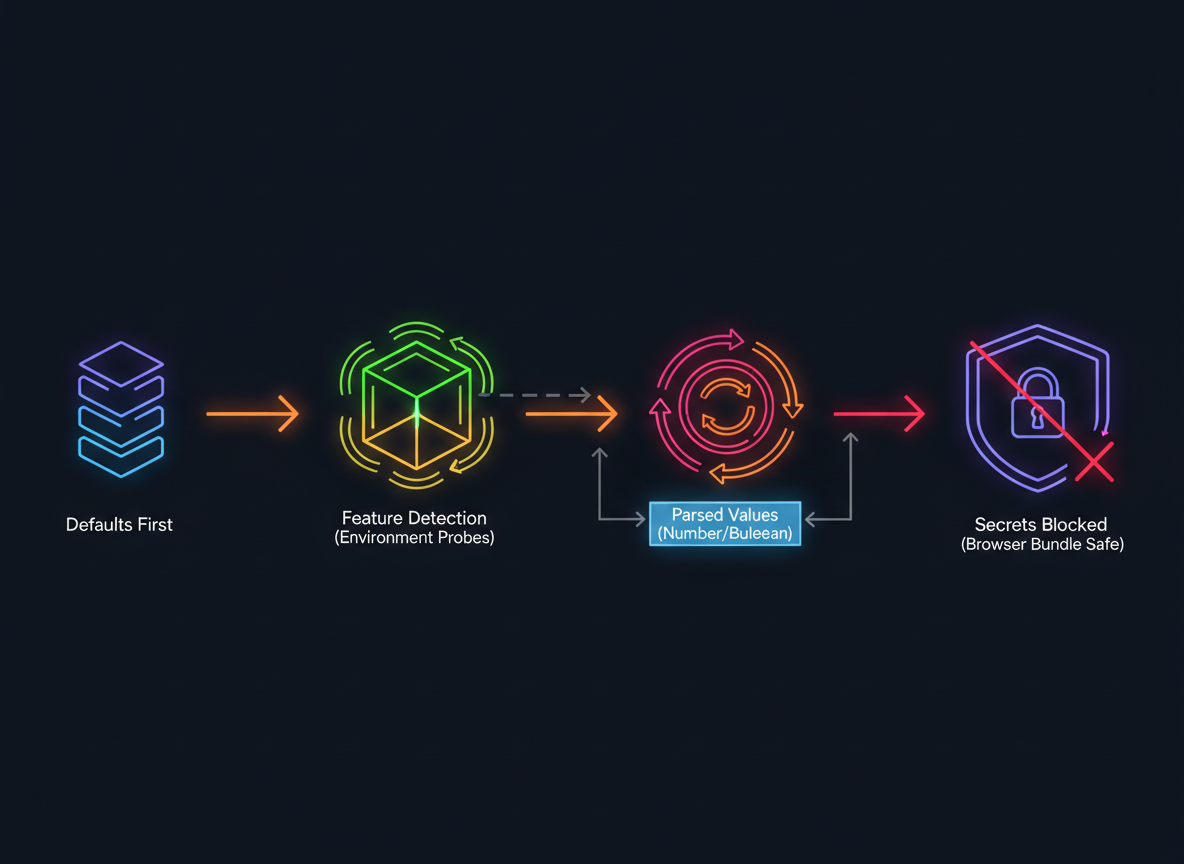
Goal: Read config safely in any runtime.
- Defaults first
- Feature-detect env (do not assume process.env)
- Parse strings to numbers/booleans
- No secrets in browser bundles
Safe env read
Use feature detection to read env only when it exists. Provide a tiny demo store for runnable examples.
// Read an env var if available; otherwise use a fallback
function readEnv(name, fallback) {
  // detect Node-like env
  const hasProcessEnv = typeof process !== "undefined" && process && process.env && typeof process.env === "object";
  if (hasProcessEnv && typeof process.env[name] === "string") {
    return process.env[name];
  }
  // demo fallback store so this snippet runs everywhere
  const DEMO = { API_URL: "https://api.example.com", NODE_ENV: "development" };
  if (typeof DEMO[name] === "string") return DEMO[name];
  return fallback;
}

console.log("API_URL:", readEnv("API_URL", "https://fallback.local"));
Config from defaults+env
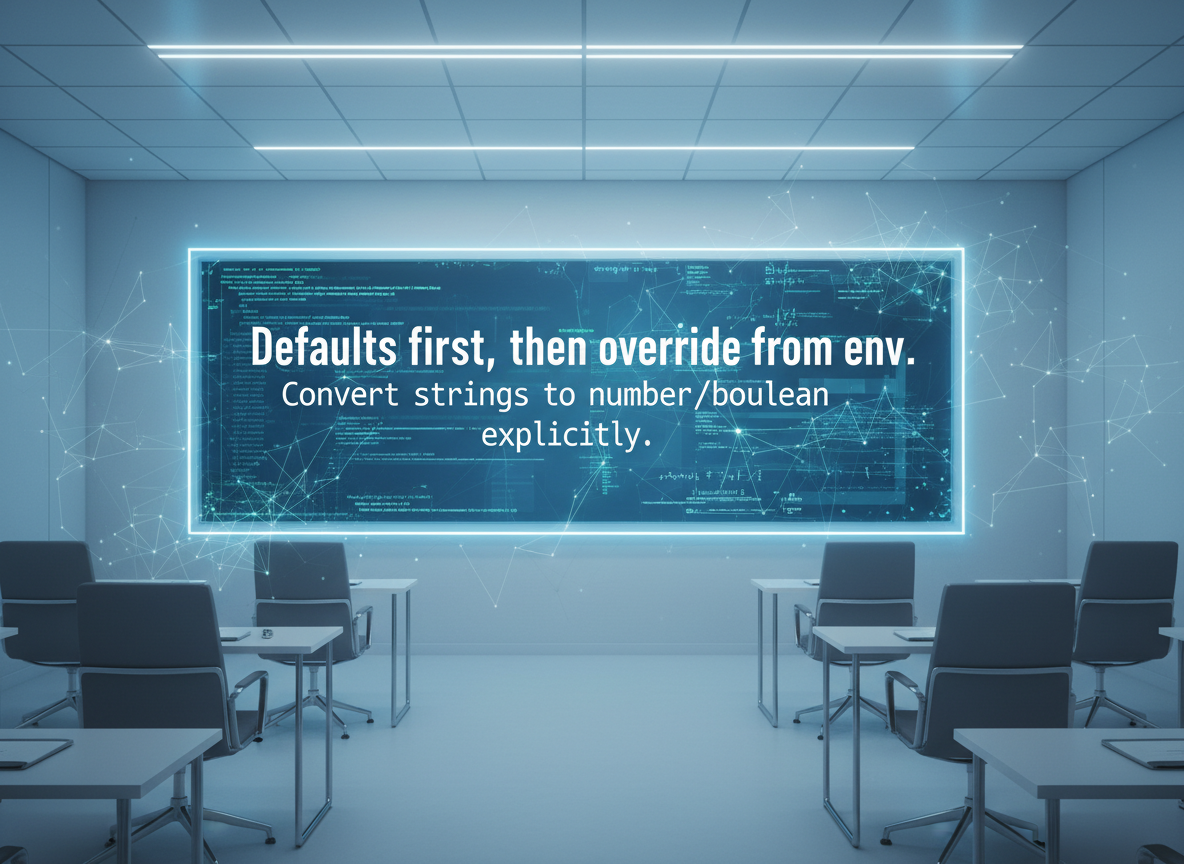
Defaults first, then override from env. Convert strings to number/boolean explicitly.
// Build config from defaults, then override via env when present
function buildConfig() {
  const defaults = {
    apiUrl: "https://api.example.com",
    port: 3000,
    debug: false
  };

  // env values are strings; parse to right types
  const apiUrl = readEnv("API_URL", defaults.apiUrl);
  const portStr = readEnv("PORT", String(defaults.port));
  const debugStr = readEnv("DEBUG", defaults.debug ? "1" : "0");

  return {
    apiUrl: apiUrl,
    port: Number.parseInt(portStr, 10),
    debug: debugStr === "1" || debugStr === "true"
  };
}

const cfg = buildConfig();
console.log("config:", cfg);
Explicit config param
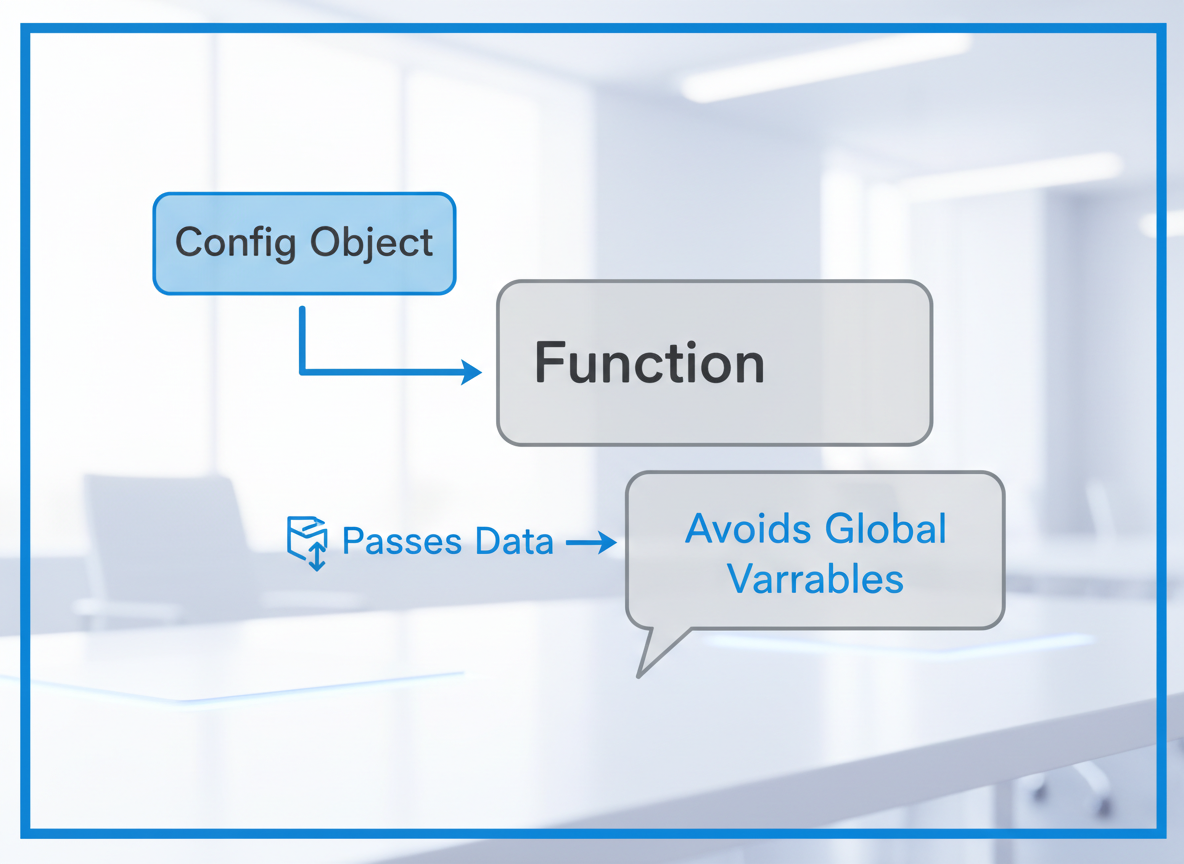
Pass a small config object to functions. It avoids global state and surprises.
// Pass config into functions explicitly (easier to test)
function startApp(config) {
  // use values directly
  const mode = config.debug ? "debug" : "prod";
  return "Starting " + mode + " at " + config.apiUrl + " on :" + config.port;
}

console.log(startApp(cfg));
Parse env safely
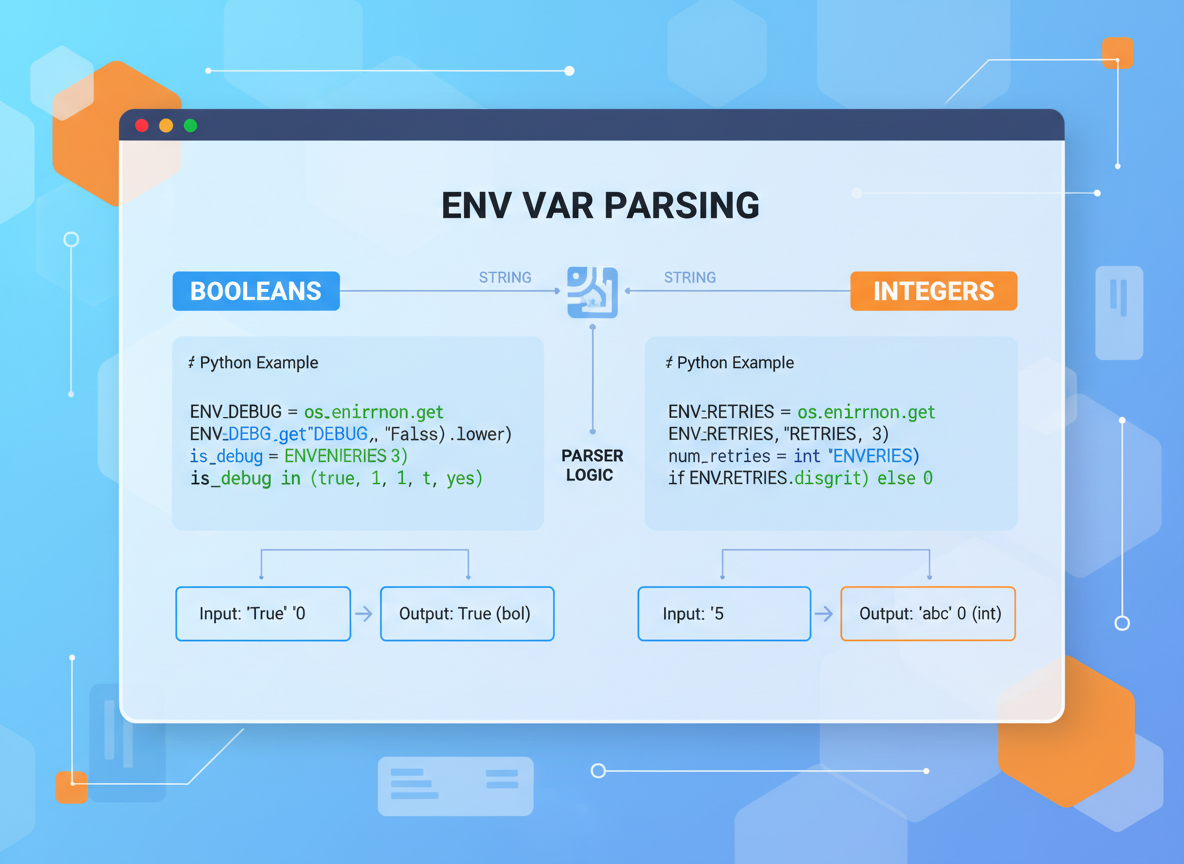
Env values are strings. Write tiny parsers for booleans and integers to avoid bugs.
// Helpers to parse common env shapes safely
function toBool(s, fallback) {
  if (typeof s !== "string") return fallback;
  const v = s.trim().toLowerCase();
  if (v === "1" || v === "true" || v === "yes") return true;
  if (v === "0" || v === "false" || v === "no") return false;
  return fallback;
}

function toInt(s, fallback) {
  const n = Number.parseInt(s, 10);
  return Number.isFinite(n) ? n : fallback;
}

console.log("toBool:", toBool("yes", false), toBool("no", true));
console.log("toInt :", toInt("8080", 3000), toInt("oops", 3000));
Secrets & client code
Important:
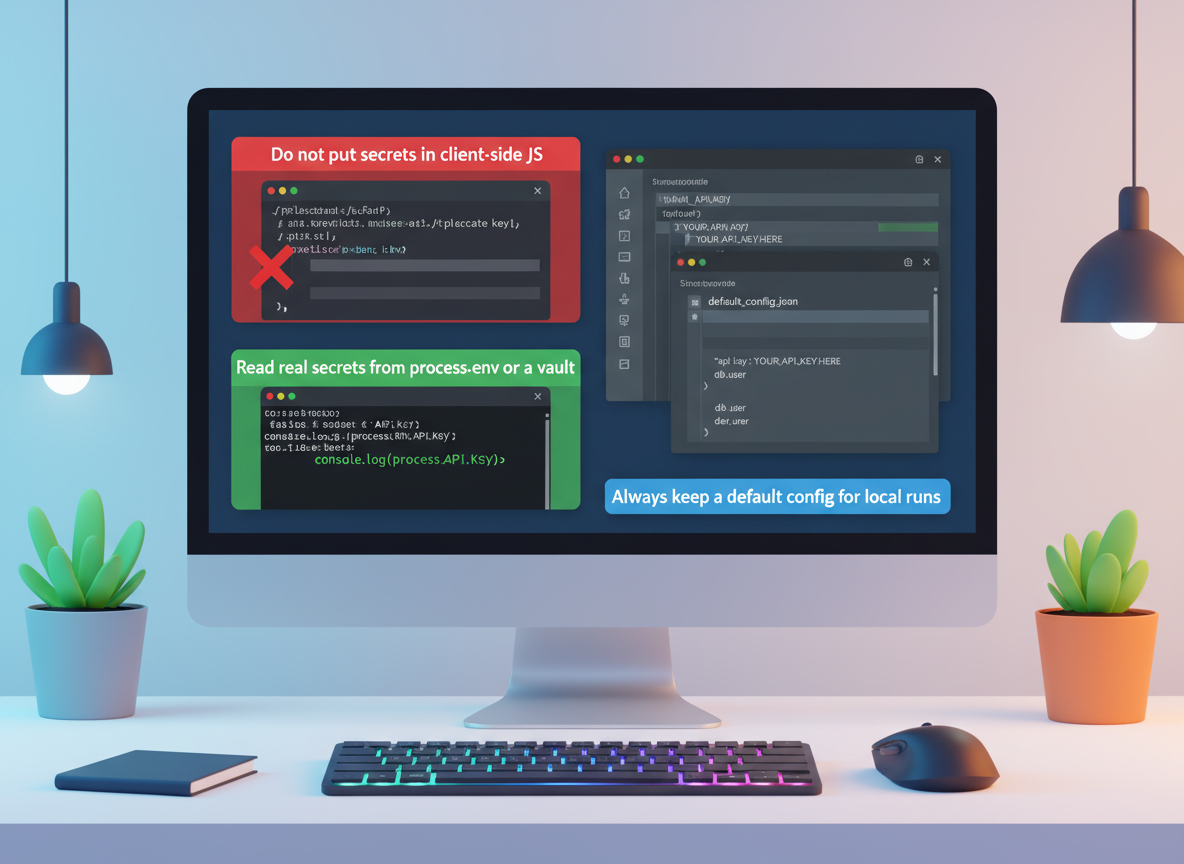
- Do not put secrets in client-side JS; users can read them.
- Keep only harmless flags/URLs in the browser.
- In Node, read real secrets from process.env or a vault.
- Always keep a default config for local runs.
Env/config basics quiz
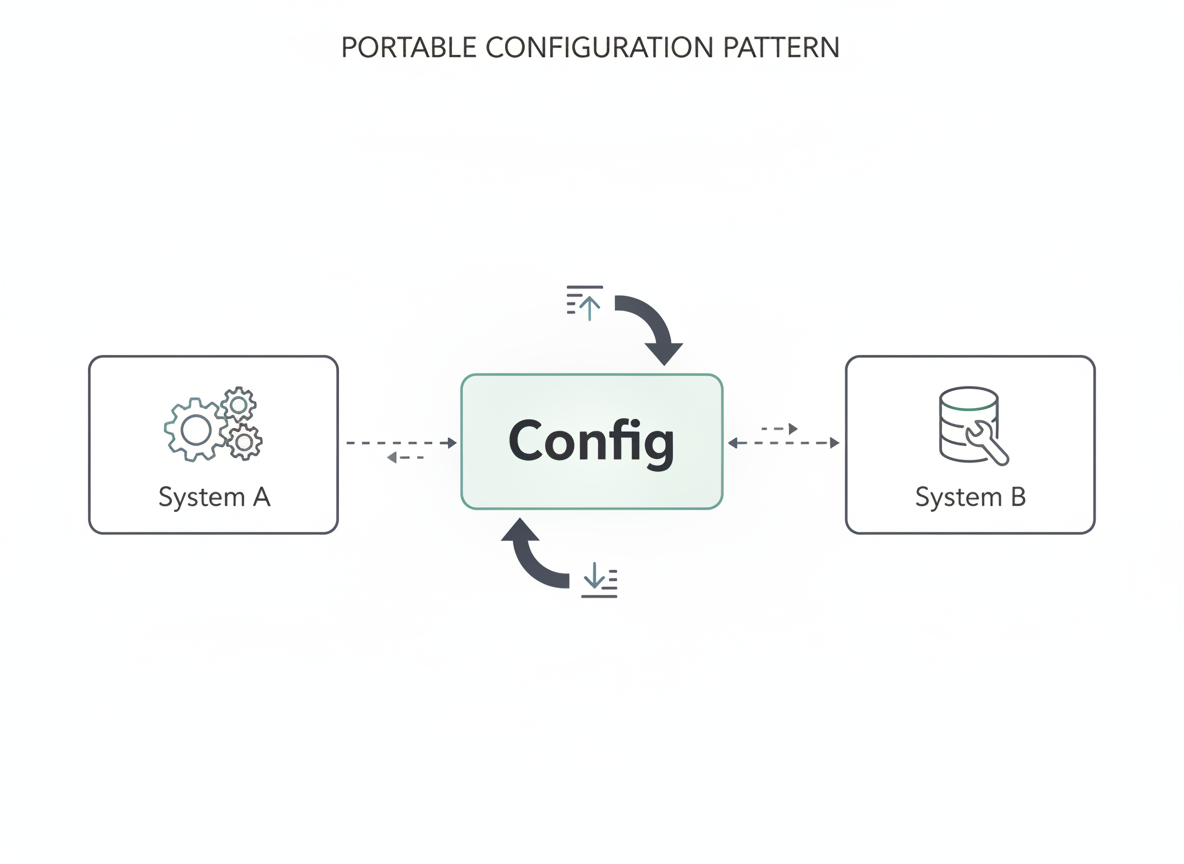
Quick check: Portable config pattern.
Recap
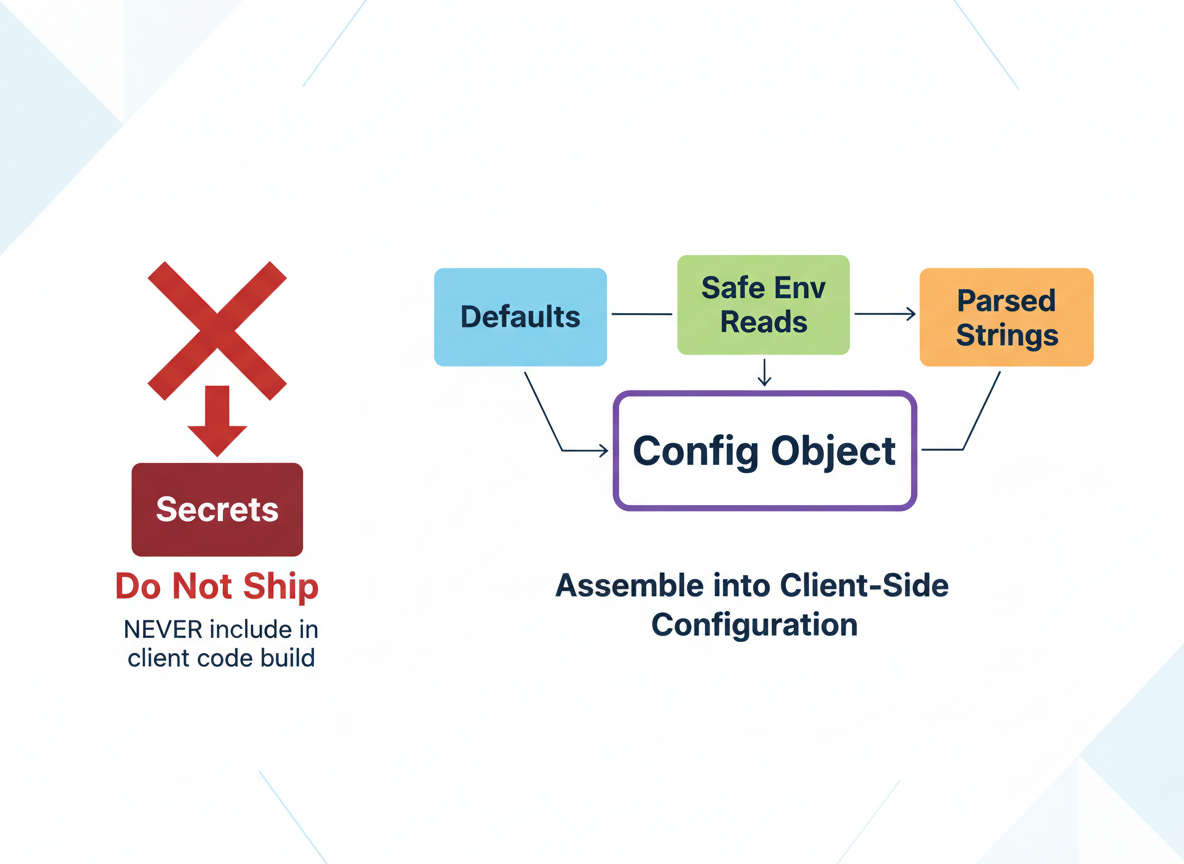
Recap: Build config from defaults + safe env reads, parse strings, and pass an explicit config object. Never ship secrets in client code.

Learn JavaScript with an AI tutor — free
Write and run real code in your browser, get instant help from a 24/7 AI tutor, and pick up where you left off on the web or in the app.
- Courses
- 59
- Lessons
- 200
Frequently Asked Questions
Is the “Env variables & config patterns” lesson free?
Yes — any 3 lessons of the JavaScript Academy learning path, including “Env variables & config patterns”, are free to read in full here on the web. After that, CoddyKit PRO unlocks every lesson, plus interactive practice with a built-in code editor and a 24/7 AI tutor. The JavaScript Academy course includes 3 lessons in total.
What will I learn in “Env variables & config patterns”?
Configure apps with small defaults, safe env reads, and explicit objects. Avoid leaking secrets in the browser. Beginner-friendly patterns. You practise JavaScript Academy with hands-on code you run directly in the browser, and a 24/7 AI tutor answers your questions as you work through the lesson.
Do I need any experience to start JavaScript Academy?
No prior experience is required. JavaScript Academy on CoddyKit is structured for beginners through advanced learners, so you can start here or from the beginning and move at your own pace. This is lesson 3 of 3.
How long does the “Env variables & config patterns” lesson take?
Most CoddyKit lessons take about 5–10 minutes. Each one is bite-sized and interactive, so you make steady progress and pick up exactly where you left off across the web and the app.
Can I write and run code in this JavaScript Academy lesson?
Yes. Every JavaScript Academy lesson includes a built-in code editor, so you write and run real code right in your browser and get instant AI feedback — no local setup required.
All lessons in this course
- Globals, fetch availability, file/network APIs
- ESM loader quirks, path/URL differences
- Env variables & config patterns