
Avoiding leaks — closures, timers, references
Prevent memory leaks by clearing timers, limiting closures, and dropping unused references; use tiny patterns that beginners can apply.
Avoiding leaks — closures, timers, references is a free JavaScript Academy lesson on CoddyKit. This is lesson 2 of 3. Any 3 lessons of this learning path are free to read in full — after that, CoddyKit PRO unlocks every lesson, plus hands-on practice with a built-in code editor and a 24/7 AI tutor. It is part of the JavaScript Academy learning path, and your progress syncs across the web and the CoddyKit app. The JavaScript Academy course includes 3 lessons in total.
What is a leak?
Goal: Avoid simple leaks.
- Always clear timers
- Do not keep unused references
- Keep closures small
- Prefer short-lived data

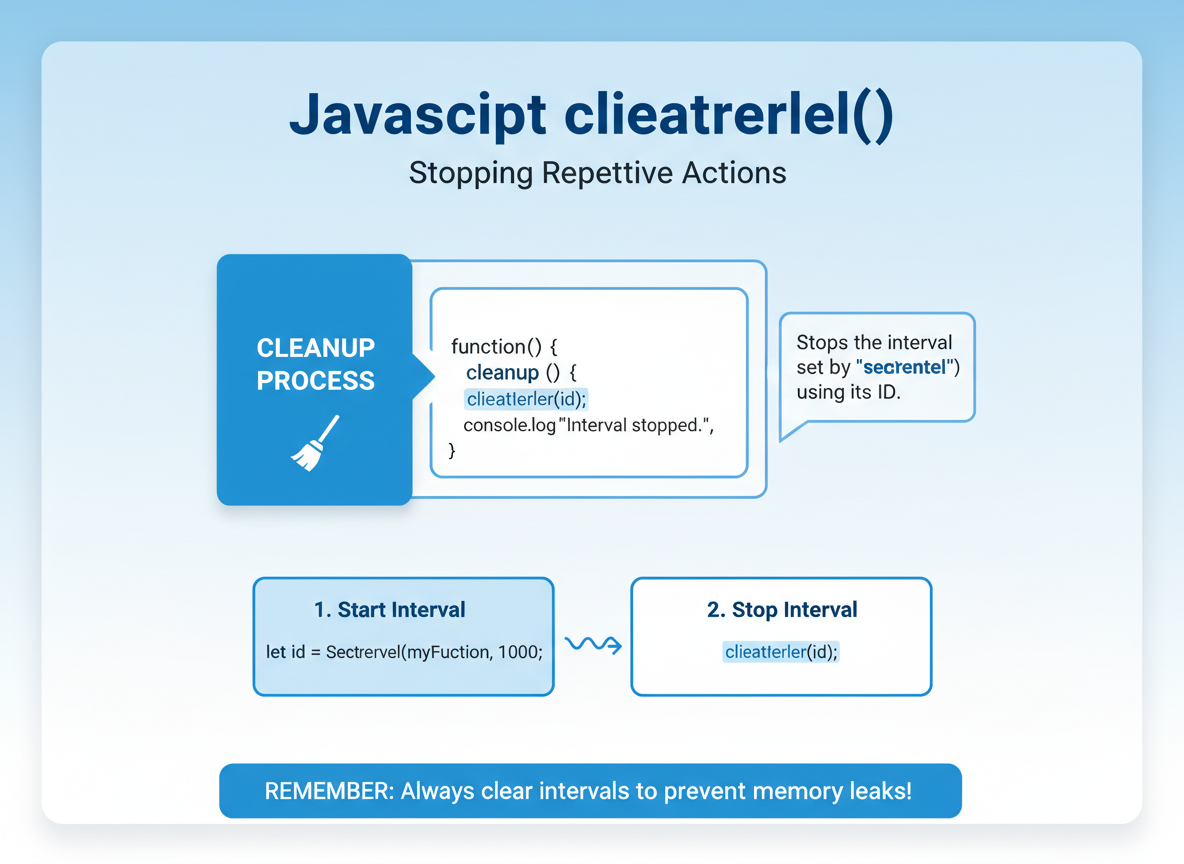
Clear intervals
Keep the interval id; call clearInterval during cleanup so the timer and its captures can be collected.
// Start an interval and then clear it to avoid leaks
function startTicker() {
  // store id so we can clear later
  const id = setInterval(function () {
    // work would run every X ms; omitted for demo
  }, 1000);

  // simulate screen close / cleanup
  clearInterval(id);
  console.log("interval cleared");
}

startTicker();
Smaller closures
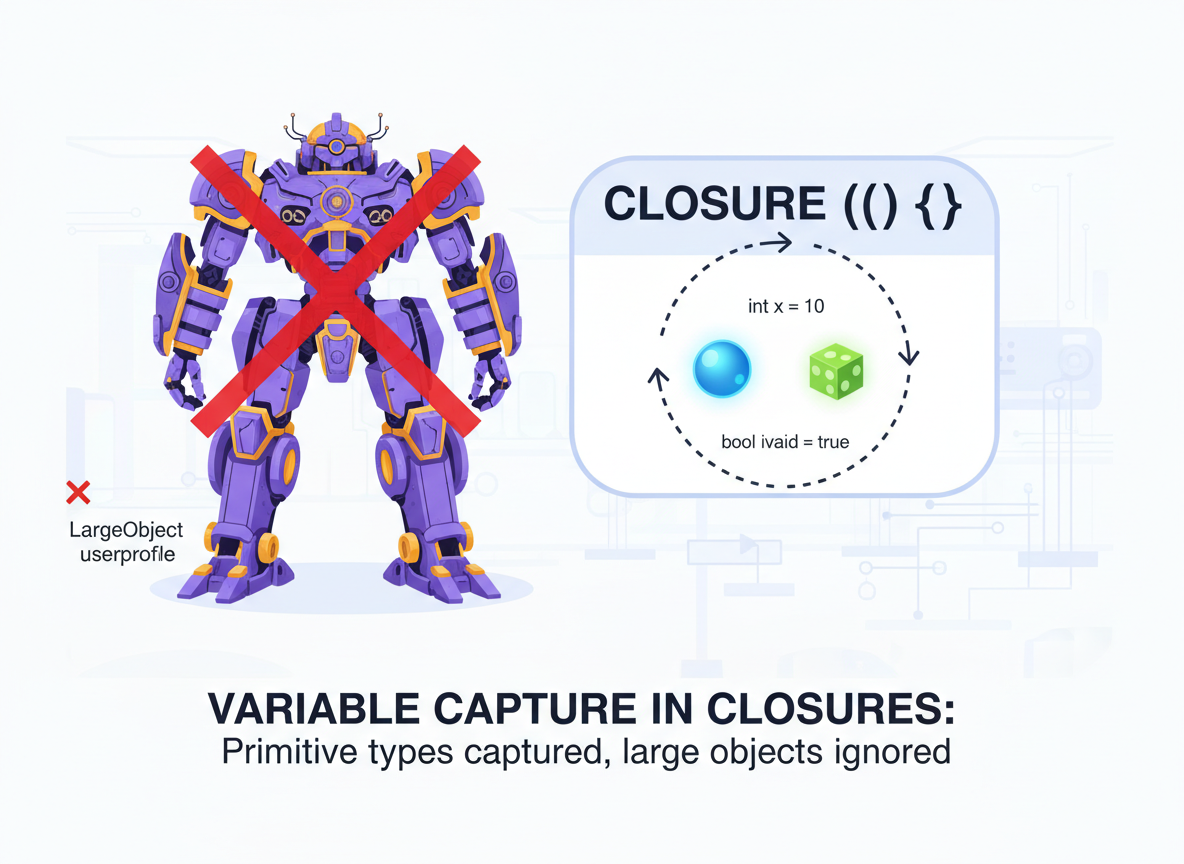
Closures keep what they capture. Capture small values instead of whole objects when possible.
// Avoid capturing large objects when only small data is needed
function makeReporter(bigArray) {
  // BAD: store the whole array inside the closure
  const large = bigArray;

  return function reportLength() {
    // Only the length is used
    return large.length;
  };
}

// BETTER: capture only what you need
function makeReporterBetter(bigArray) {
  const count = bigArray.length; // small number
  return function reportLength() {
    return count;
  };
}

const arr = new Array(1000).fill(0);
const bad = makeReporter(arr);
const good = makeReporterBetter(arr);
console.log("bad:", bad(), "good:", good());
Bound your buffers
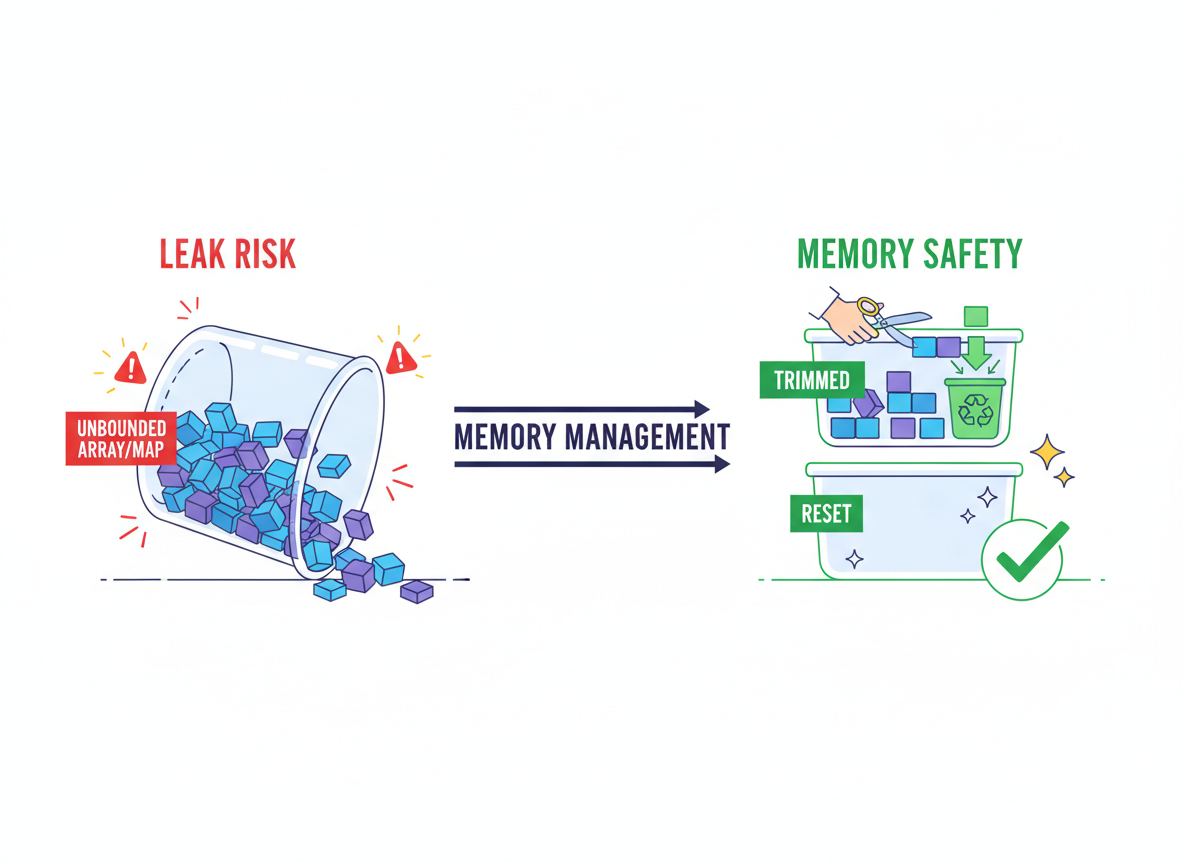
Long-lived arrays/maps can leak memory if they grow without bounds; trim or reset them regularly.
// A growing buffer can leak if never trimmed or reset
const buffer = []; // module-level array

function logItem(x) {
  buffer.push(x); // grows forever if not managed
}

// Simulate usage
logItem("a");
logItem("b");

// FIX: trim or reset when size is over a limit
function trimBuffer(limit) {
  if (buffer.length > limit) {
    buffer.length = limit; // drop old items
  }
}

trimBuffer(1);
console.log("buffer size:", buffer.length);
WeakMap taste
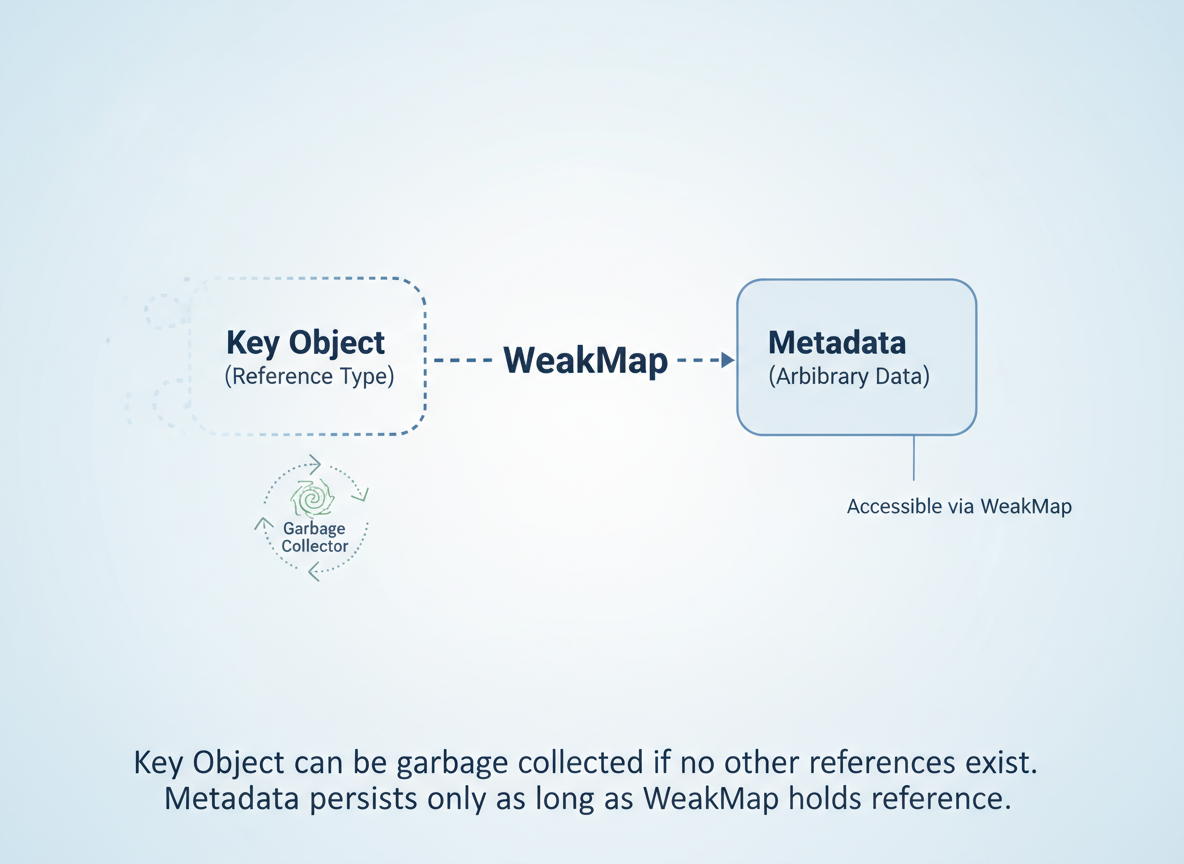
WeakMap is useful for attaching metadata without preventing garbage collection of the key object.
// WeakMap holds keys weakly: when the object is gone, the entry can be collected
const meta = new WeakMap();

function attachMeta(obj, info) {
  meta.set(obj, info);
}

function readMeta(obj) {
  return meta.get(obj); // undefined if not set or collected
}

let user = { name: "Ayla" };
attachMeta(user, { seen: true });
console.log("meta now:", readMeta(user));

// Later: drop the only strong reference
user = null; // after this, the object and its metadata can be GC'd at some point
console.log("object reference dropped (cannot show GC in console)");
Leak-prevention habits
Checklist:
- Store timer ids; clearInterval/clearTimeout on cleanup.
- Capture only needed values in closures.
- Trim/reset long-lived arrays/maps.
- Prefer short-lived data; drop references when done.

Timer cleanup quiz
Quick check: Timers and leaks.

Recap
Recap: Clear timers, avoid capturing huge objects in closures, and trim or drop long-lived references. Small cleanups prevent beginner-friendly apps from leaking memory.


Learn JavaScript with an AI tutor — free
Write and run real code in your browser, get instant help from a 24/7 AI tutor, and pick up where you left off on the web or in the app.
- Courses
- 59
- Lessons
- 200
Frequently Asked Questions
Is the “Avoiding leaks — closures, timers, references” lesson free?
Yes — any 3 lessons of the JavaScript Academy learning path, including “Avoiding leaks — closures, timers, references”, are free to read in full here on the web. After that, CoddyKit PRO unlocks every lesson, plus interactive practice with a built-in code editor and a 24/7 AI tutor. The JavaScript Academy course includes 3 lessons in total.
What will I learn in “Avoiding leaks — closures, timers, references”?
Prevent memory leaks by clearing timers, limiting closures, and dropping unused references; use tiny patterns that beginners can apply. You practise JavaScript Academy with hands-on code you run directly in the browser, and a 24/7 AI tutor answers your questions as you work through the lesson.
Do I need any experience to start JavaScript Academy?
No prior experience is required. JavaScript Academy on CoddyKit is structured for beginners through advanced learners, so you can start here or from the beginning and move at your own pace. This is lesson 2 of 3.
How long does the “Avoiding leaks — closures, timers, references” lesson take?
Most CoddyKit lessons take about 5–10 minutes. Each one is bite-sized and interactive, so you make steady progress and pick up exactly where you left off across the web and the app.
Can I write and run code in this JavaScript Academy lesson?
Yes. Every JavaScript Academy lesson includes a built-in code editor, so you write and run real code right in your browser and get instant AI feedback — no local setup required.
All lessons in this course
- Big-O basics, hot vs cold paths (beginner wins)
- Avoiding leaks — closures, timers, references
- Profiling intro (Node/DevTools) — tiny timing habits