

Learn TypeScript | Code & Run
Learn TypeScript | Code & Run — Learn TypeScript with a type checker in your pocket
Learn TypeScript | Code & Run is a free iOS and Android app where you learn TypeScript by writing it. The compiler runs on the device, so type errors are underlined as you type, and 101 courses move from your first annotation through unions, generics and conditional types to React, Node.js and tRPC. An AI Mentor explains any compiler complaint in plain language.


- Price
- Free, Pro upgrade
- Platforms
- iOS and Android
- Languages
- 22
- Age rating
- 4+
- Requires
- iOS 15.1 or later
- App Store
- 3.0 ★ (1)
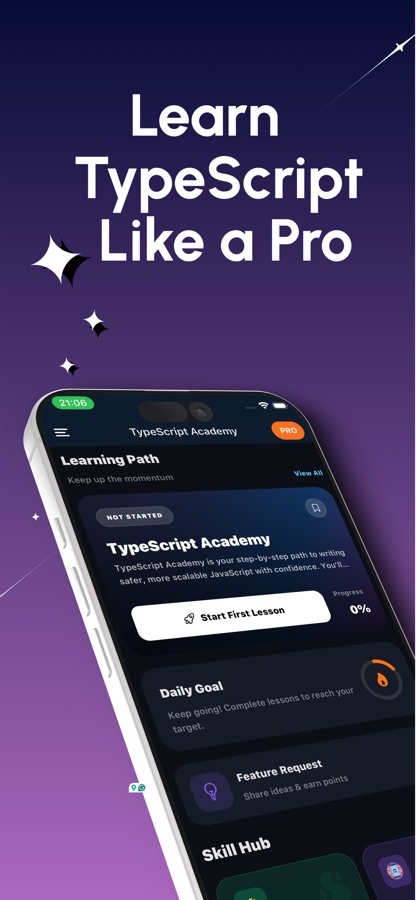
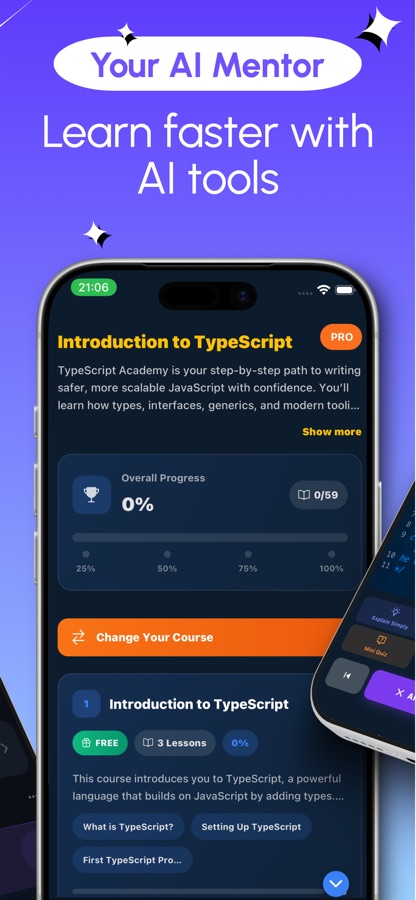
You learn types fastest by watching the red underline appear.
TypeScript's whole point is the feedback loop: write something wrong, see exactly where and why it is wrong, fix it. The editor checks your types as you type and Type Explorer shows what the compiler thinks a value is, so the concepts arrive attached to the errors they explain.
What it is
Learn TypeScript | Code & Run is a free iOS and Android app for learning TypeScript with a real compiler running on the phone. Its 101 courses and 352 lessons, levelled A1 to C2, cover basic types, interfaces, unions, narrowing, generics, conditional and mapped types, the infer keyword, strict mode and tsconfig, and real projects with React, Node.js, Zod, Jest and tRPC. The editor underlines type errors as you type, and puzzles, guided projects, coding missions, an interview simulator and an AI Mentor add practice.
Inside the app
What it looks like
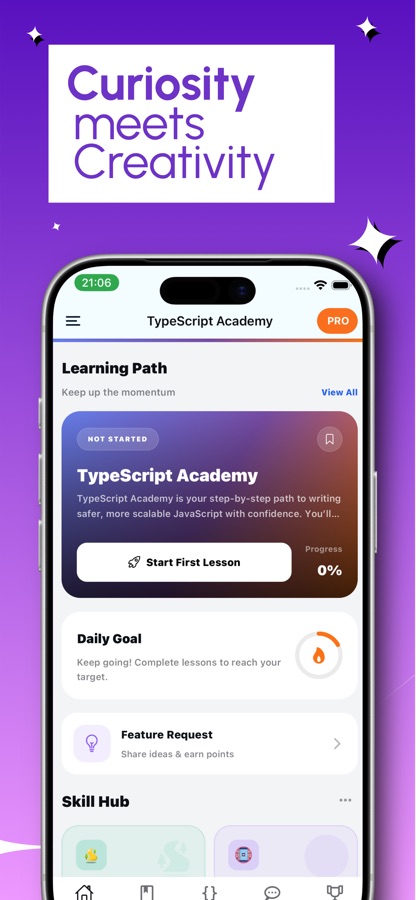
The course
What the TypeScript course covers
101 courses in the app's own course list, graded A1 to C2. These are the main stretches, using the real course names.
Types and variables first
Introduction to TypeScript, TypeScript vs JavaScript: Why Types Matter, Basic Types (string, number, boolean, any, unknown) and Types and Variables Essentials.
Functions, objects and everyday types
Functions and Type Annotations, Arrays, Tuples and Enums, Interfaces and Type Aliases, Union and Intersection Types, Literal Types and const Assertions, and Optional Chaining and Nullish Coalescing.
Narrowing, classes and generics
Type Narrowing and Type Guards, Classes and Access Modifiers, Generics Basics, Index Signatures, and the typeof and keyof operators.
Utility types and safe code
Utility Types (Partial, Required, Pick, Omit, Record), Error Handling Patterns, Strict Mode and tsconfig Best Practices, and Runtime Validation with Zod.
Advanced types
Advanced Generics with Constraints and Conditional Types, Mapped Types and Template Literal Types, Discriminated Unions and Exhaustiveness, and the satisfies Operator.
TypeScript in real projects
TypeScript with React: Props and Hooks, TypeScript with Node.js and Express, Testing TypeScript with Jest, Type-Safe API Clients, tRPC, GraphQL and Next.js.
Migration and tooling
Migration: JavaScript to TypeScript, Build and Bundlers, Monorepo Setup with TypeScript, and Authoring Declaration Files.
Type-level programming
The infer Keyword and Complex Conditional Types, Writing Custom Utility Types, Recursive and Self-Referential Types, and the TypeScript Compiler API.
How it works
How a TypeScript lesson goes
Lessons are short, and the compiler is part of every one of them.
Read a short explanation
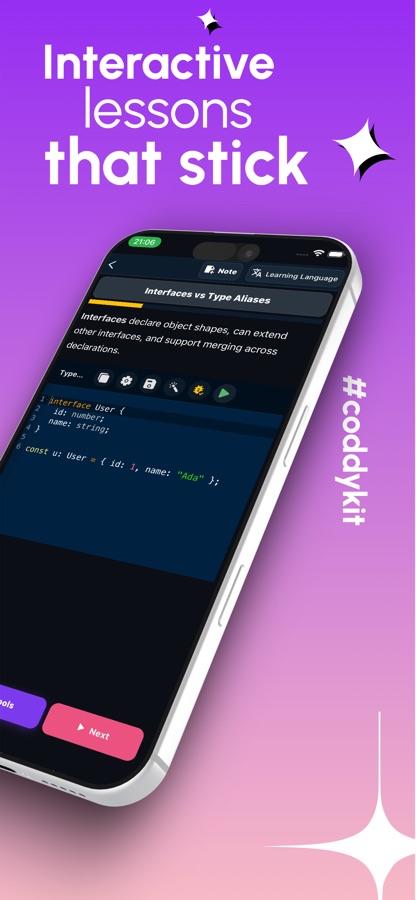
Each lesson takes five to ten minutes and pairs a plain explanation with a small example, such as the difference between an interface and a type alias.
Write code and watch the types
Type in the editor and errors are underlined live. Type Explorer shows the type at your cursor, including the members of a union, and you can run the program to see its output.
Practise it, then ask if it is unclear
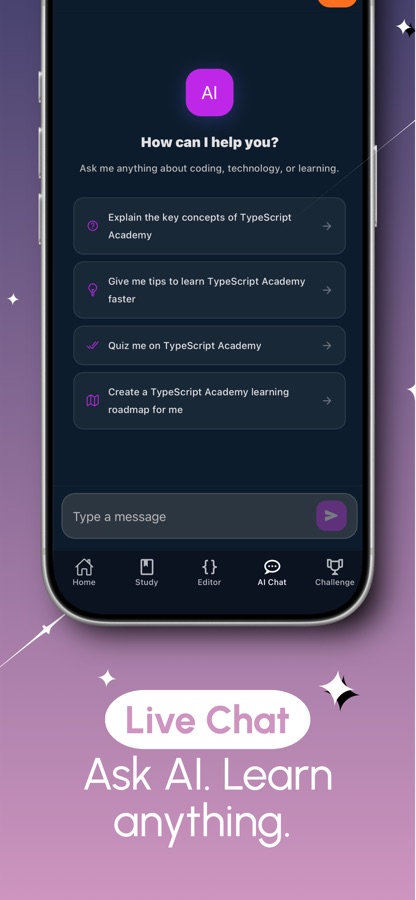
Questions and small code tasks close each topic, with puzzles in the Type Gym and broken code to fix in the Debug Arena. If a generic constraint or a compiler message is confusing, the AI Mentor explains it.
What's inside
What comes with the app
101
Courses from first types to C2
352 lessons levelled A1 to C2, from why types matter and basic types to the TypeScript compiler API and building type-safe parsers.
Live
Type checking in the editor
Type errors are underlined as you type, Type Explorer shows the type under the cursor, and AI Tools can review your program and suggest a fix you can apply.
24
Type Gym puzzles
24 type puzzles plus a puzzle of the day, and a Debug Arena where you fix broken code before the clock runs out.
20
Guided projects and 60 missions
Small programs built one step at a time, each step checked when you run it, plus 60 coding missions in three levels from Hello World to algorithms.
30
Interview simulator
A timed set of 30 questions with a graded report, alongside 50 interview questions with answers, and a Weakness radar showing the topics you still get wrong.
AI
AI Mentor
Ask about a compiler error or a generic constraint and get an explanation in plain language.
Background
Why learn TypeScript if you already know JavaScript?
TypeScript is JavaScript with a static type system added on top. You describe the shape of your data, the compiler checks every use of it before the code runs, and the types are erased when it compiles down to plain JavaScript. That is why React, Angular and Node codebases so often use it: the same language, with editor autocomplete that knows your code and a whole class of undefined-is-not-a-function bugs caught at build time. If you can read JavaScript, you already know most of what you need to start.
Type annotations and inferencestart here
You can annotate a variable or a function parameter with a type, and TypeScript infers many types on its own from the value you assign. Learning when to write a type and when to let inference do it is the first practical skill.
Unions and narrowingthe everyday workhorse
A union type says a value can be one of several types. Narrowing, through typeof checks, equality and custom type guards, tells the compiler which one it is inside a branch, and discriminated unions make that checkable exhaustively.
Genericsflexible but still safe
Generics let a function or type work with many types without falling back to any. Constraints, with the extends keyword, then say what a type parameter must be able to do.
Utility, mapped and conditional typeswhere the type system gets expressive
Partial, Pick, Omit and Record are built from mapped and conditional types. Once you understand those, with the infer keyword, you can write your own utility types instead of copying them.
tsconfig and strict modehow strict you want the compiler
The compiler options decide how much TypeScript will complain. Turning strict mode on is what makes the types trustworthy, and it is also what makes migrating an existing JavaScript project a gradual, file-by-file job.
Fit
Who it's for — and who it isn't
A good fit if you
- Write JavaScript and keep seeing TypeScript in job posts and codebases
- Use React or Node and want typed code from end to end
- Are a beginner who would rather learn the typed standard from the start
- Learn best from compiler feedback and small puzzles, not only reading
- Have a JavaScript project and want to migrate it file by file
Not the right tool if you
- Have never written any code and want a first language explained from zero, since lessons assume you can read code
- Need to build a large project in a full IDE, which still calls for a laptop
- Expect everything free, because the first course is free and Pro unlocks the rest
- Want an official Microsoft course, since the app is independent
Questions
Frequently asked questions
What is the best way to learn TypeScript on a phone?
Use something that actually checks your types, not only text to read. Learn TypeScript | Code & Run runs the compiler on the device, underlines type errors as you type, and pairs 101 courses with type puzzles, guided projects and an AI Mentor. It is free to start on iOS and Android, in 22 languages.
Can I learn TypeScript without knowing JavaScript?
You can, but it helps to read some JavaScript first, because TypeScript is JavaScript plus types. Learn TypeScript | Code & Run starts with why types matter and basic types, and an early course compares TypeScript with JavaScript. Beginners who want to learn the typed language from day one are one of the groups the app is written for.
What is the difference between TypeScript and JavaScript?
TypeScript adds a static type system to JavaScript. The compiler checks your code against the types you declare or that it infers, and then removes them, so what runs is ordinary JavaScript. The benefits are earlier error detection and better editor autocomplete, and the cost is a build step and some extra syntax to learn.
Does the app check my TypeScript with a real compiler?
Yes. The TypeScript compiler runs on the device, so the editor shows type errors underlined as you type and Type Explorer displays the type at your cursor. You can also run your code and see the output. The app notes that TypeScript is a trademark of Microsoft Corporation and is not affiliated with Microsoft.
What are generics in TypeScript and how does the app teach them?
Generics let a function or type work with many types while staying type-safe, instead of falling back to any. The app teaches them in steps, starting with generic functions and types, then constraints, then conditional types, mapped and template literal types and the infer keyword, with puzzles in the Type Gym to practise on.
Does it cover TypeScript with React and Node.js?
Yes. The real-project courses include TypeScript with React props and hooks, TypeScript with Node.js and Express, type-safe API clients, runtime validation with Zod, testing with Jest, GraphQL, tRPC and Next.js. A migration course shows how to adopt TypeScript in an existing JavaScript project gradually.
Is Learn TypeScript | Code & Run free?
It is free to download. The free version includes the first course, the first guided project and project track, two coding missions, daily Lab practice and a daily AI Mentor allowance, and it shows ads. Pro unlocks every course, project, track and mission, unlimited AI Mentor and Lab practice, the full error list in the editor and the certificate exam, and removes ads.
Does the app help with TypeScript interviews?
Yes. The interview simulator is a timed set of 30 questions that ends with a graded report, and there are 50 interview questions with answers. A Weakness radar shows which topics you still get wrong, so you can go back to the right course.
How long does it take to learn TypeScript?
If you already know JavaScript, the basics of types, interfaces and unions can be learned in a few weeks of short daily lessons, and generics and the advanced type system take longer. The app supports a steady pace with streaks, XP, progress tracking and daily reminders at the time you choose.
Is there a certificate?
Yes. Pro includes a certificate exam, and passing it gives you a certificate of completion to share. It records the course work you did and is not a Microsoft qualification.
Get started
Write your first typed program today
Free to start on iOS and Android, in 22 languages.
More from CoddyKit
Available on iOS and Android.