
Validation & small pitfalls
Validate whole strings with anchors, avoid greedy overmatch, use word boundaries, add simple extra checks, and beware /g with test().
Validation & small pitfalls is a free JavaScript Academy lesson on CoddyKit. This is lesson 3 of 3. Any 3 lessons of this learning path are free to read in full — after that, CoddyKit PRO unlocks every lesson, plus hands-on practice with a built-in code editor and a 24/7 AI tutor. It is part of the JavaScript Academy learning path, and your progress syncs across the web and the CoddyKit app. The JavaScript Academy course includes 3 lessons in total.
Whole-string validation
Goal: Validate safely without surprises.
- Use ^ and $ to match the whole string
- Avoid greedy overmatch; use lazy *? when needed
- Use \\b word boundaries
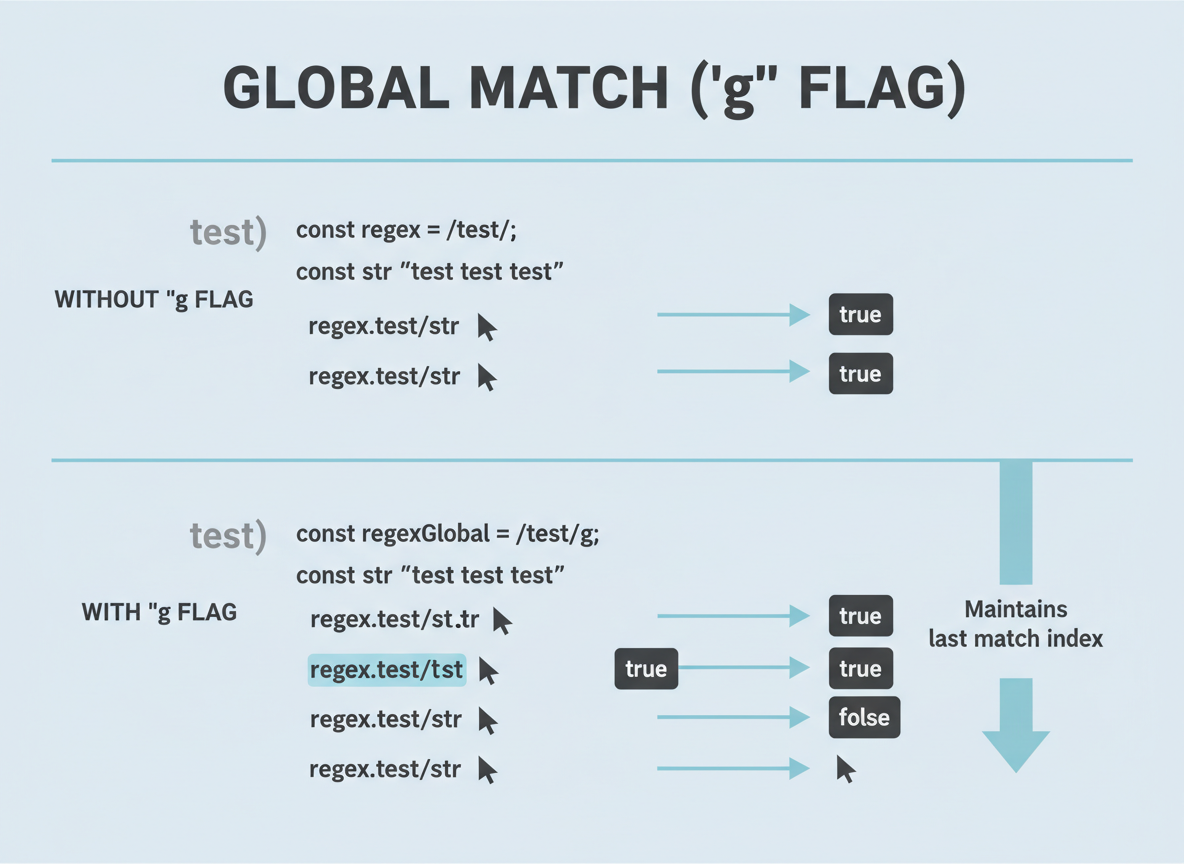
- Beware /g with test()
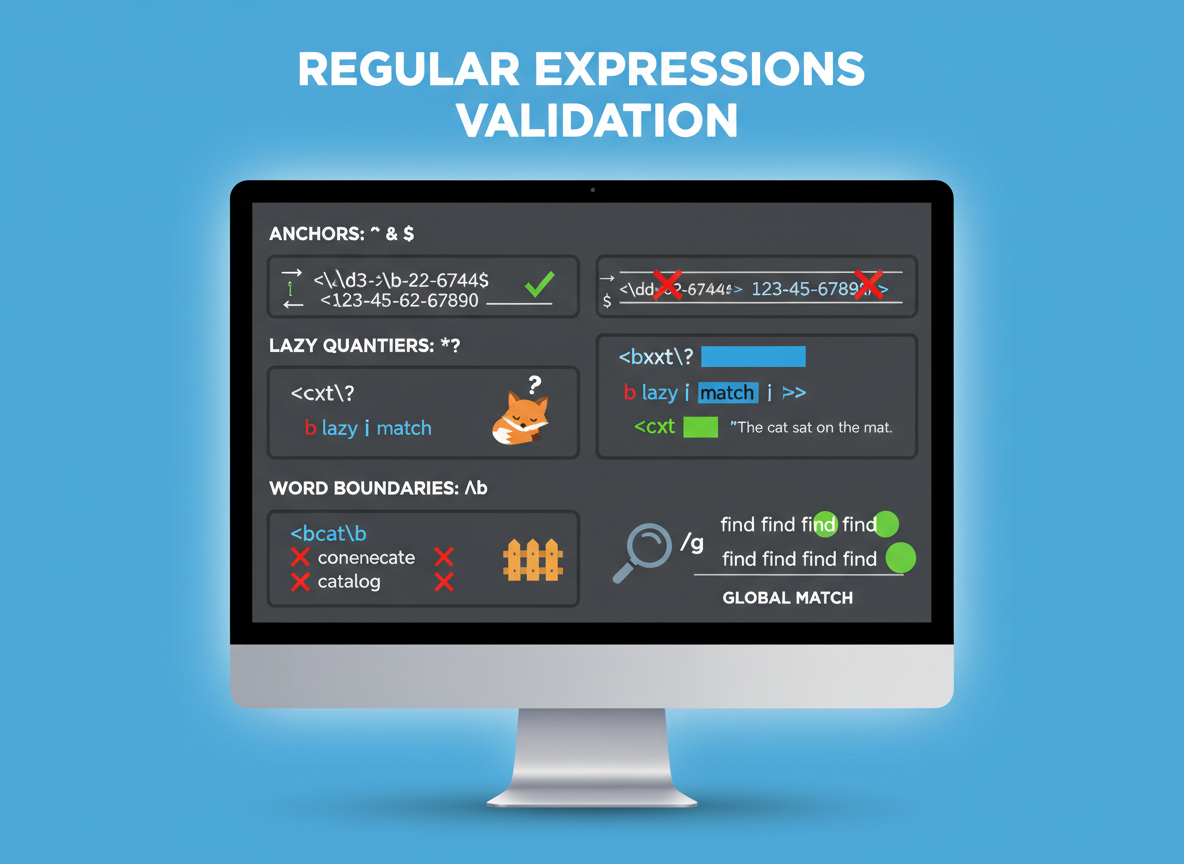
Anchors in practice
Add ^ and $ so partial matches do not slip through.
// Validate 4–6 digits ONLY (no spaces, no letters)
function isPin(text) {
  const re = /^\\d{4,6}$/;
  return re.test(text);
}

console.log("1234 ->", isPin("1234"));
console.log("12 34 ->", isPin("12 34"));
console.log("a123 ->", isPin("a123"));

Avoid overmatching
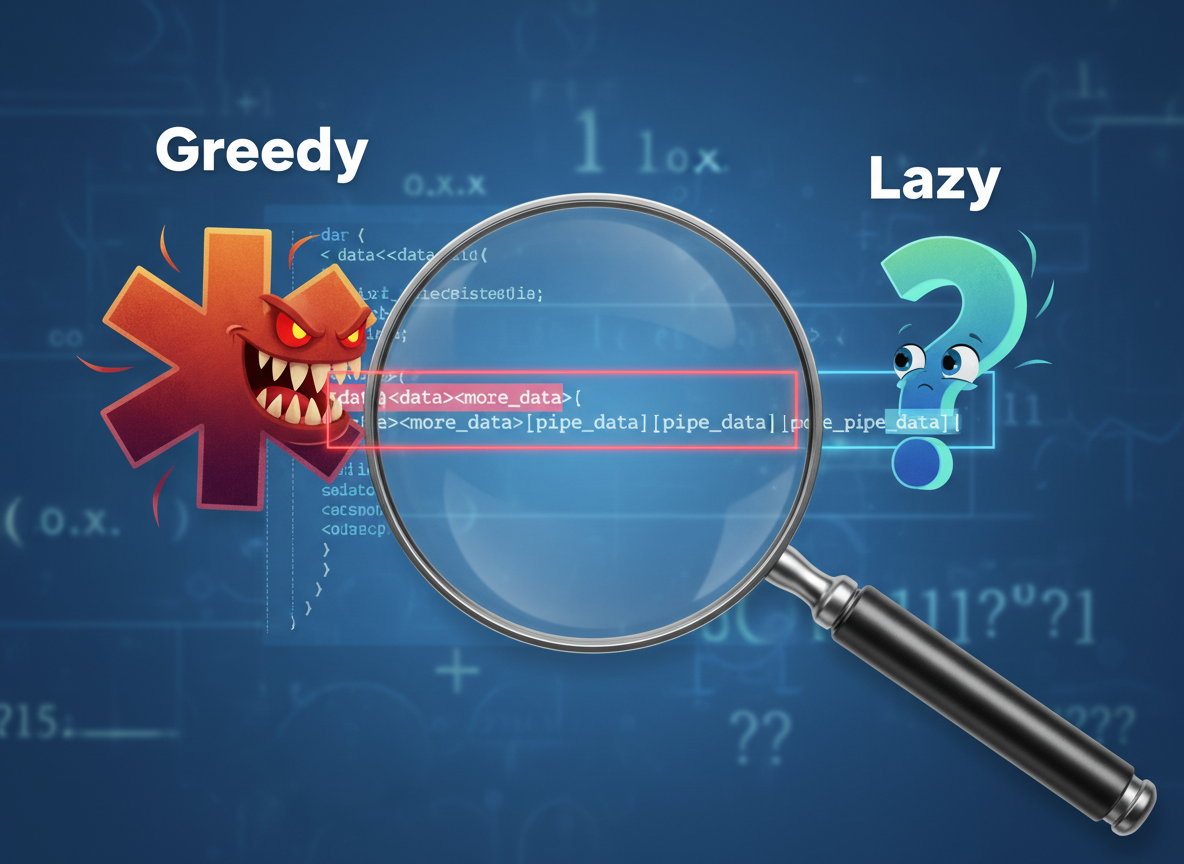
Greedy .* grabs the longest range; add ? for the shortest match between markers.
// Greedy (.*) vs lazy (.*?)
const text = "say \"hi\" and \"bye\"";

// Greedy: eats too much
const g = text.match(/".*"/);
console.log("greedy:", g && g[0]);

// Lazy: shortest between quotes
const l = text.match(/".*?"/g);
console.log("lazy:", l);
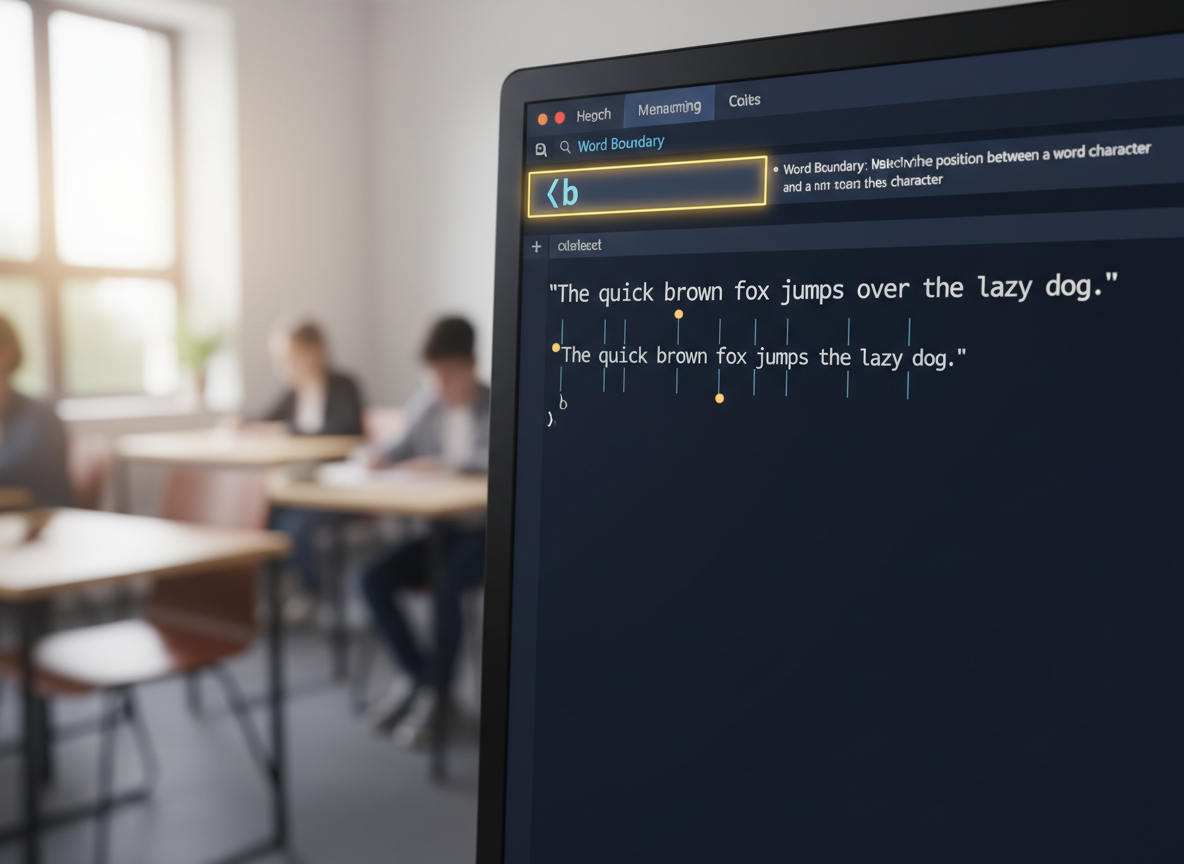
Word boundaries \\b
\\b matches boundaries between word and non-word chars; useful for whole words.
// Use \\b to match a whole word (not inside another)
const s = "restart start up";

console.log("has start word?", /\\bstart\\b/.test(s));    // true
console.log("matches restart?", /\\brestart\\b/.test(s));  // true
console.log("start inside restart?", /start/.test("restart")); // true (partial)
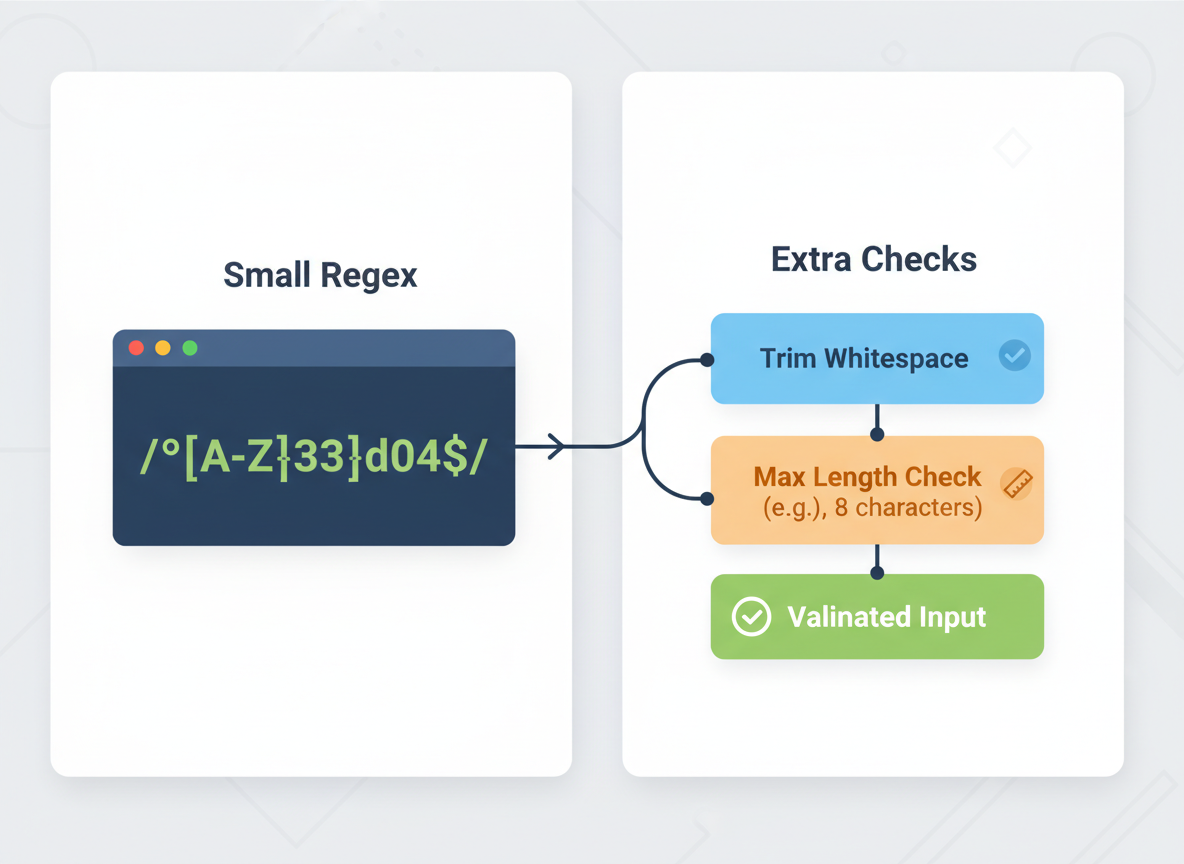
Combine checks safely
For beginners: pair a small regex with extra checks (trim, max length). Avoid huge patterns.
// Small, beginner-friendly email-like check (not RFC-complete)
// Strategy: small regex + extra length checks
function isEmailLite(text) {
  if (typeof text !== "string") return false;
  if (text.length > 254) return false;          // cap length
  const re = /^[^\\s@]+@[^\\s@]+\\.[^\\s@]+$/;  // basic shape
  return re.test(text.trim());
}

console.log("ok:", isEmailLite("a@b.co"));
console.log("bad space:", isEmailLite("a @b.co"));
console.log("too basic:", isEmailLite("abc"));
Global flag gotcha
The g flag moves an internal cursor on test(). For plain booleans on separate inputs, skip g.
// Using /g with test() changes lastIndex and can surprise you
const r = /a/g;

console.log("1st:", r.test("a")); // true
console.log("2nd:", r.test("a")); // false (cursor moved)
console.log("3rd:", r.test("a")); // true again

// Safer: avoid /g when repeatedly calling test() on separate strings
function hasA(text) {
  return /a/.test(text); // no g flag
}
console.log("safe:", hasA("a"), hasA("a"));
Anchors for validation quiz
Quick check: Whole-string validation.

Recap
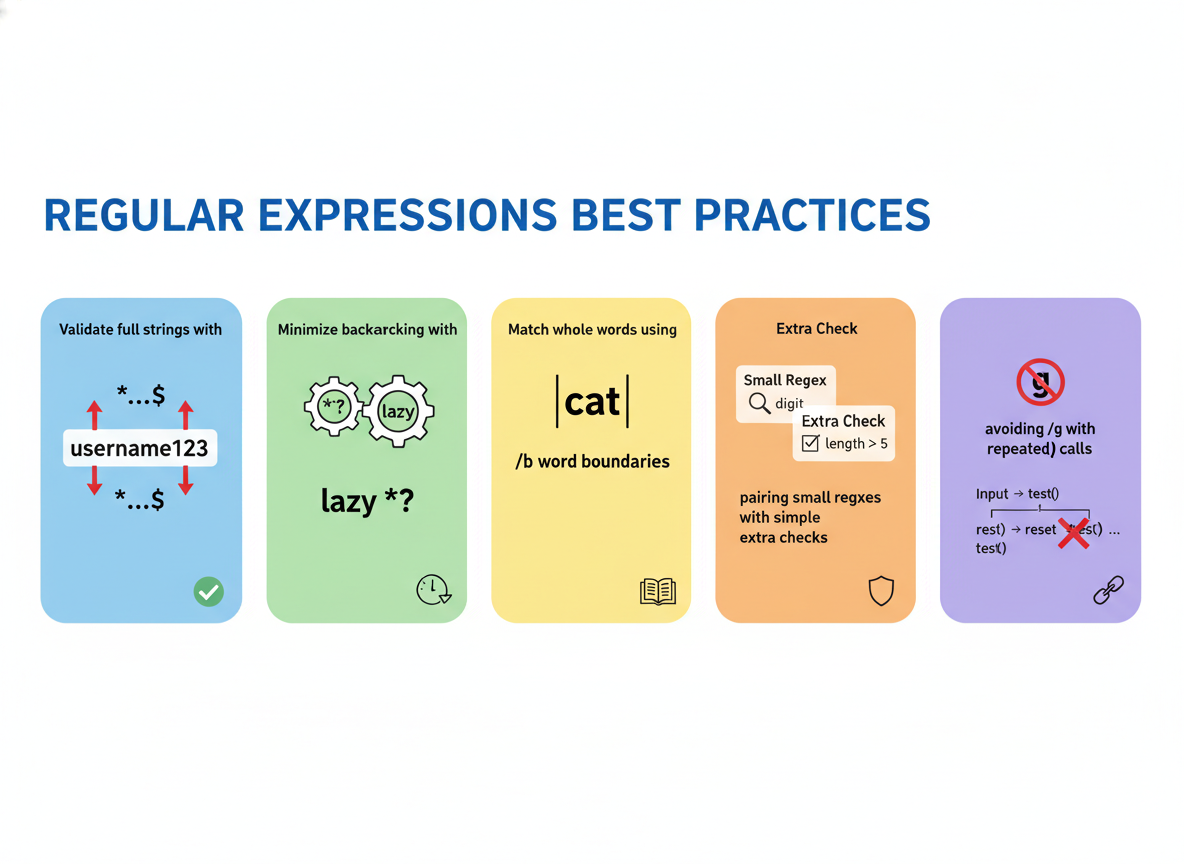
Recap: Validate full strings with ^...$, use lazy *? to avoid overmatching, add \\b for whole words, pair small regexes with simple extra checks, and avoid /g with repeated test() calls.

Learn JavaScript with an AI tutor — free
Write and run real code in your browser, get instant help from a 24/7 AI tutor, and pick up where you left off on the web or in the app.
- Courses
- 59
- Lessons
- 200
Frequently Asked Questions
Is the “Validation & small pitfalls” lesson free?
Yes — any 3 lessons of the JavaScript Academy learning path, including “Validation & small pitfalls”, are free to read in full here on the web. After that, CoddyKit PRO unlocks every lesson, plus interactive practice with a built-in code editor and a 24/7 AI tutor. The JavaScript Academy course includes 3 lessons in total.
What will I learn in “Validation & small pitfalls”?
Validate whole strings with anchors, avoid greedy overmatch, use word boundaries, add simple extra checks, and beware /g with test(). You practise JavaScript Academy with hands-on code you run directly in the browser, and a 24/7 AI tutor answers your questions as you work through the lesson.
Do I need any experience to start JavaScript Academy?
No prior experience is required. JavaScript Academy on CoddyKit is structured for beginners through advanced learners, so you can start here or from the beginning and move at your own pace. This is lesson 3 of 3.
How long does the “Validation & small pitfalls” lesson take?
Most CoddyKit lessons take about 5–10 minutes. Each one is bite-sized and interactive, so you make steady progress and pick up exactly where you left off across the web and the app.
Can I write and run code in this JavaScript Academy lesson?
Yes. Every JavaScript Academy lesson includes a built-in code editor, so you write and run real code right in your browser and get instant AI feedback — no local setup required.
All lessons in this course
- Regex basics — literals, test, anchors, and flags
- Groups, Captures, and Replace
- Validation & small pitfalls