
Prototype Chain & Own-Property Basics
Prototype chain basics; check own vs inherited properties; use Object.create; set simple descriptors.
Prototype Chain & Own-Property Basics is a free JavaScript Academy lesson on CoddyKit. This is lesson 1 of 2. Any 3 lessons of this learning path are free to read in full — after that, CoddyKit PRO unlocks every lesson, plus hands-on practice with a built-in code editor and a 24/7 AI tutor. It is part of the JavaScript Academy learning path, and your progress syncs across the web and the CoddyKit app. The JavaScript Academy course includes 2 lessons in total.
Intro to prototypes
Goal: See how objects inherit through the prototype chain and how to tell own vs inherited keys.
- Prototype chain
- hasOwn vs in
- Object.create
- Basic descriptors
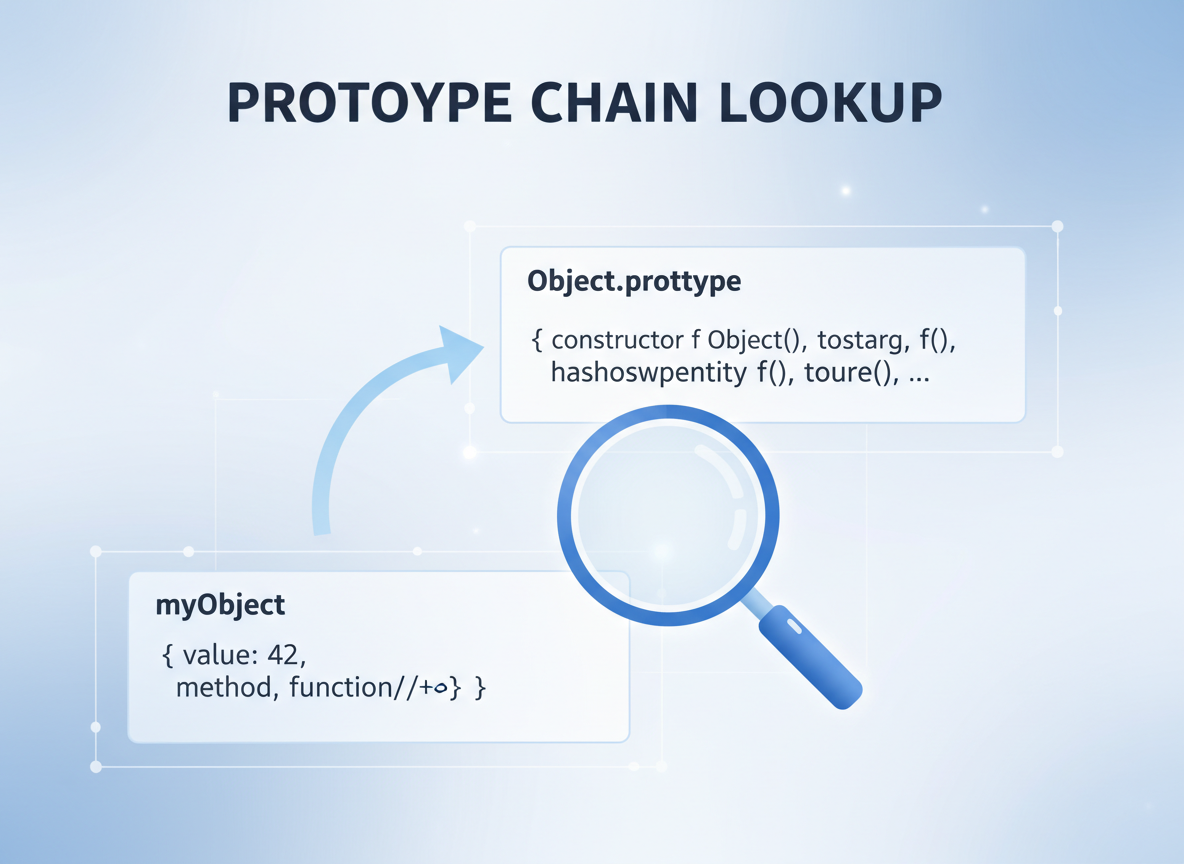
Prototype lookup
If a key is not found on the object, JavaScript looks at its prototype (e.g., Object.prototype).
// A simple object
const user = { name: "Ayla" };

// The prototype is another object used for fallback lookups
const proto = Object.getPrototypeOf(user);

console.log("name:", user.name);
console.log("has toString?", typeof user.toString === "function");
console.log("proto same as Object.prototype?", proto === Object.prototype);
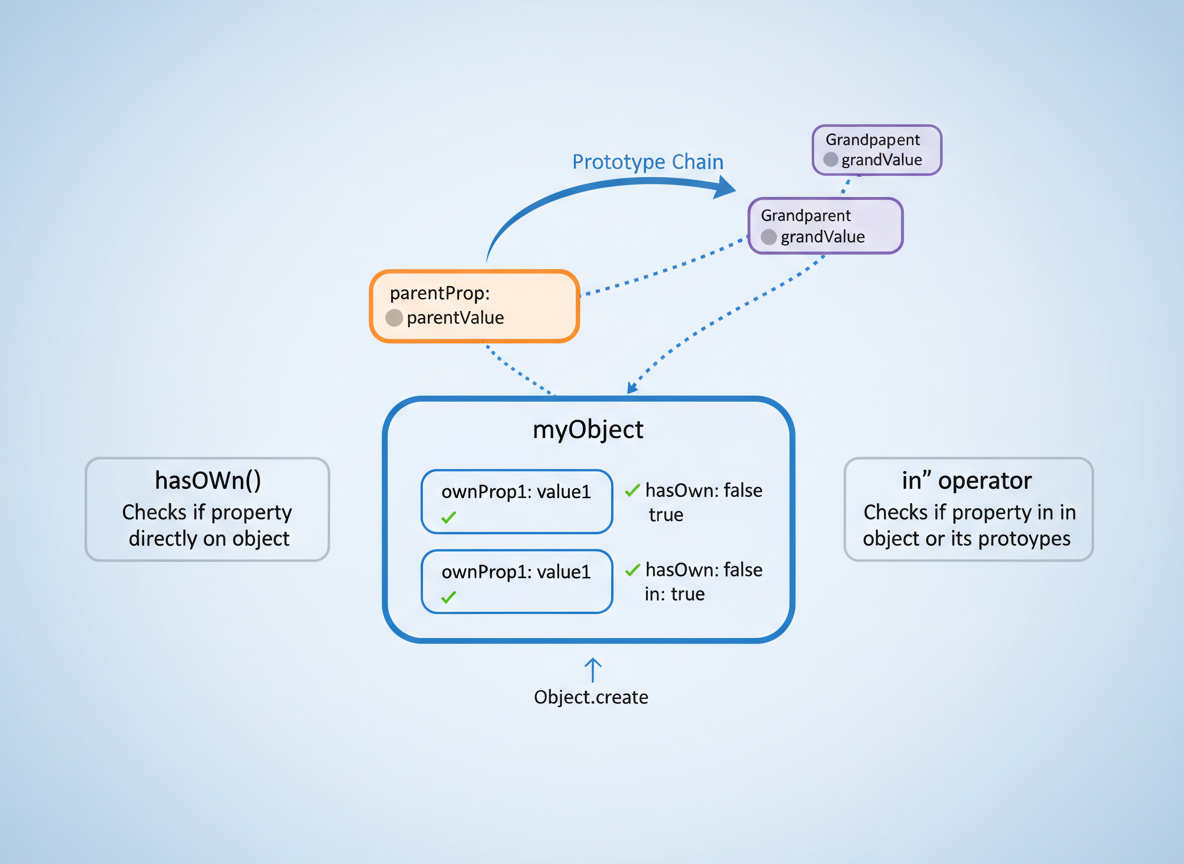
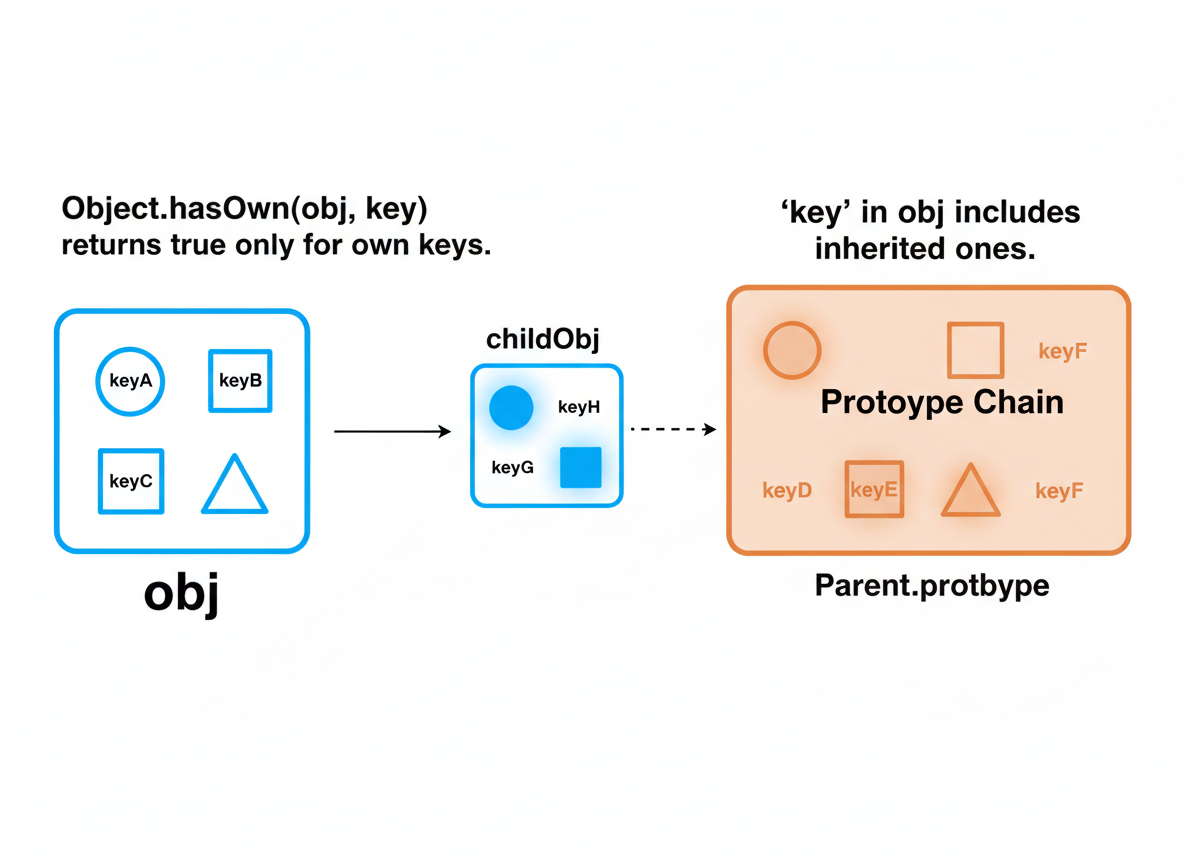
Own vs inherited
Object.hasOwn(obj, key) returns true only for own keys. "key" in obj includes inherited ones.
// Own vs inherited checks
const point = { x: 1 };

// "in" sees own or inherited
console.log("x in point:", "x" in point);
console.log("toString in point:", "toString" in point);

// Only own keys
console.log("hasOwn x:", Object.hasOwn(point, "x"));
console.log("hasOwn toString:", Object.hasOwn(point, "toString"));
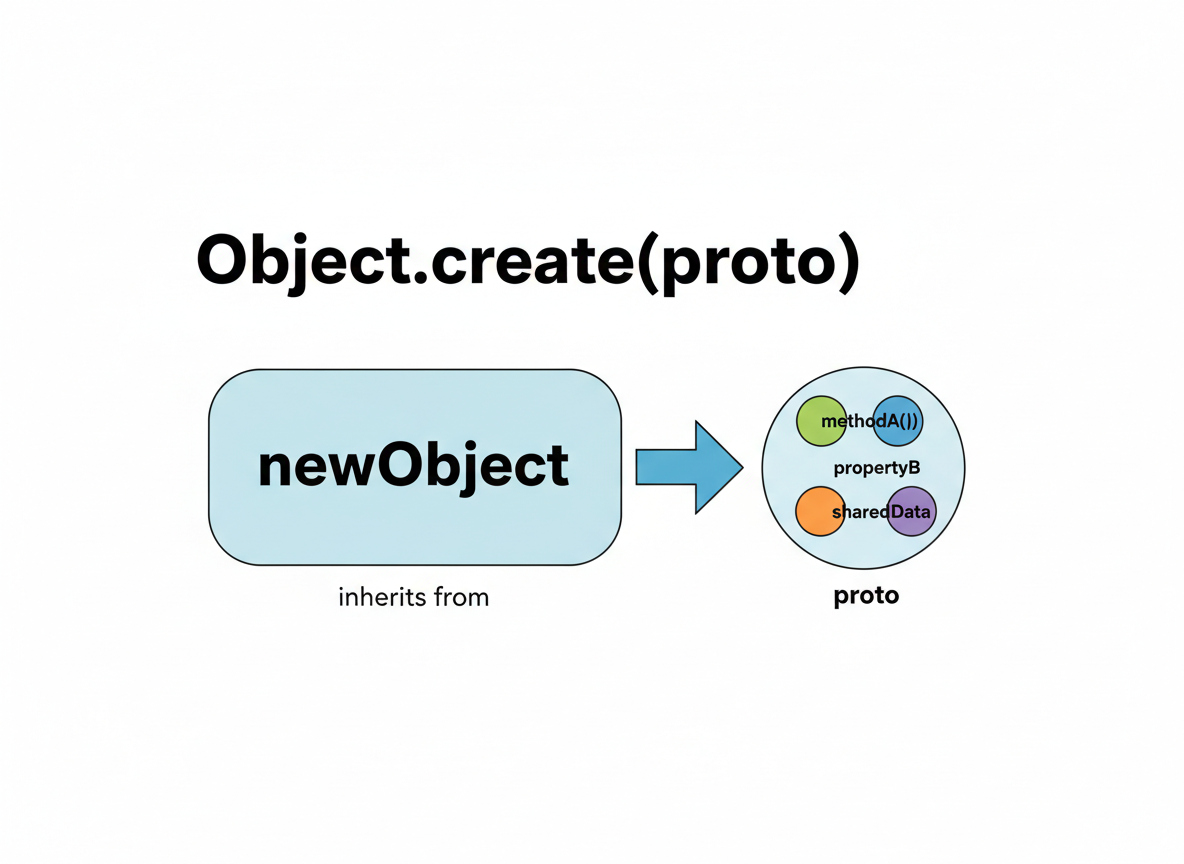
Object.create basics
Object.create(proto) makes an object that inherits from proto.
// Use Object.create to set a prototype
const animal = { kind: "animal" };

// pet inherits from animal
const pet = Object.create(animal);
pet.name = "Milo";

console.log("pet name:", pet.name);
console.log("pet kind (inherited):", pet.kind);
console.log("hasOwn kind?", Object.hasOwn(pet, "kind"));
Descriptors (light)
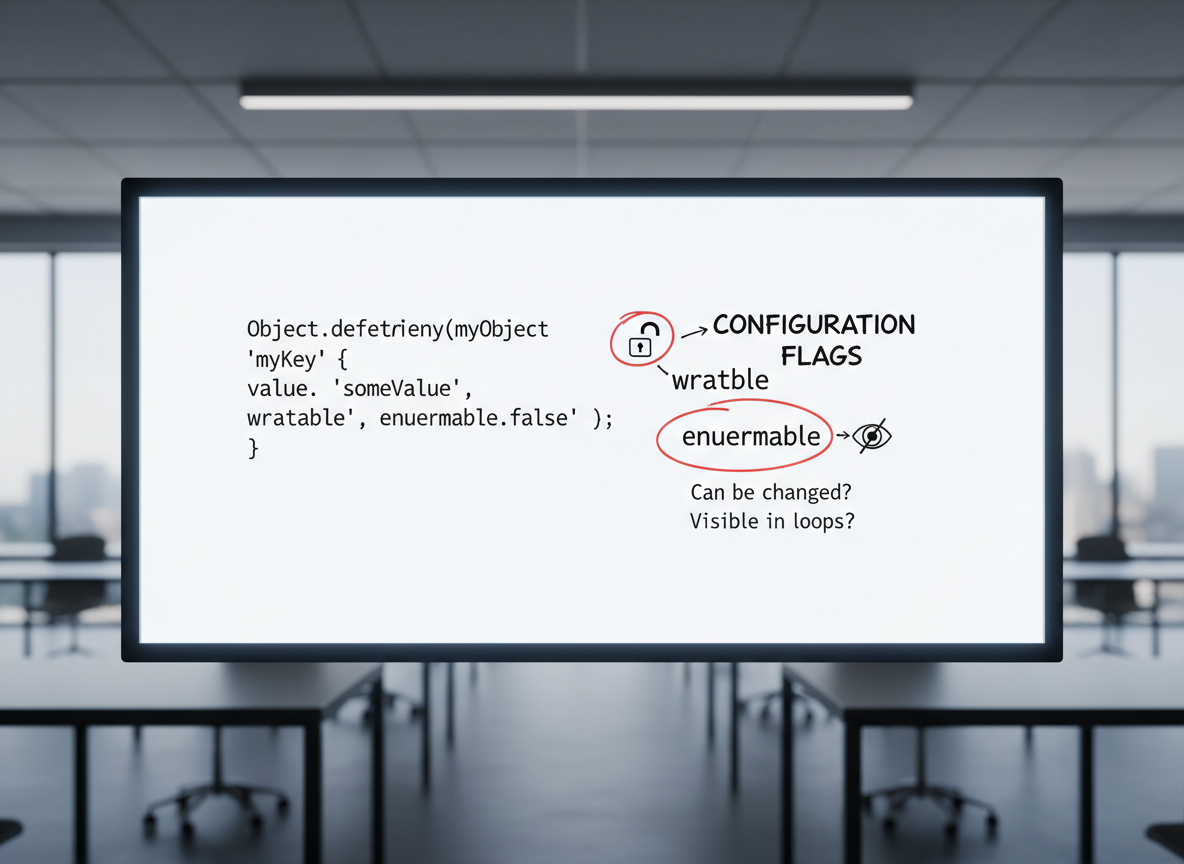
Object.defineProperty can set flags like writable and enumerable for a key.
// Define simple descriptors
const prefs = {};
Object.defineProperty(prefs, "theme", {
  value: "dark",
  writable: false,
  enumerable: true
});

// Try to change (silently fails in non-strict)
prefs.theme = "light";

console.log("theme:", prefs.theme);

// List keys: theme is enumerable
console.log("keys:", Object.keys(prefs));
Tips & checklist
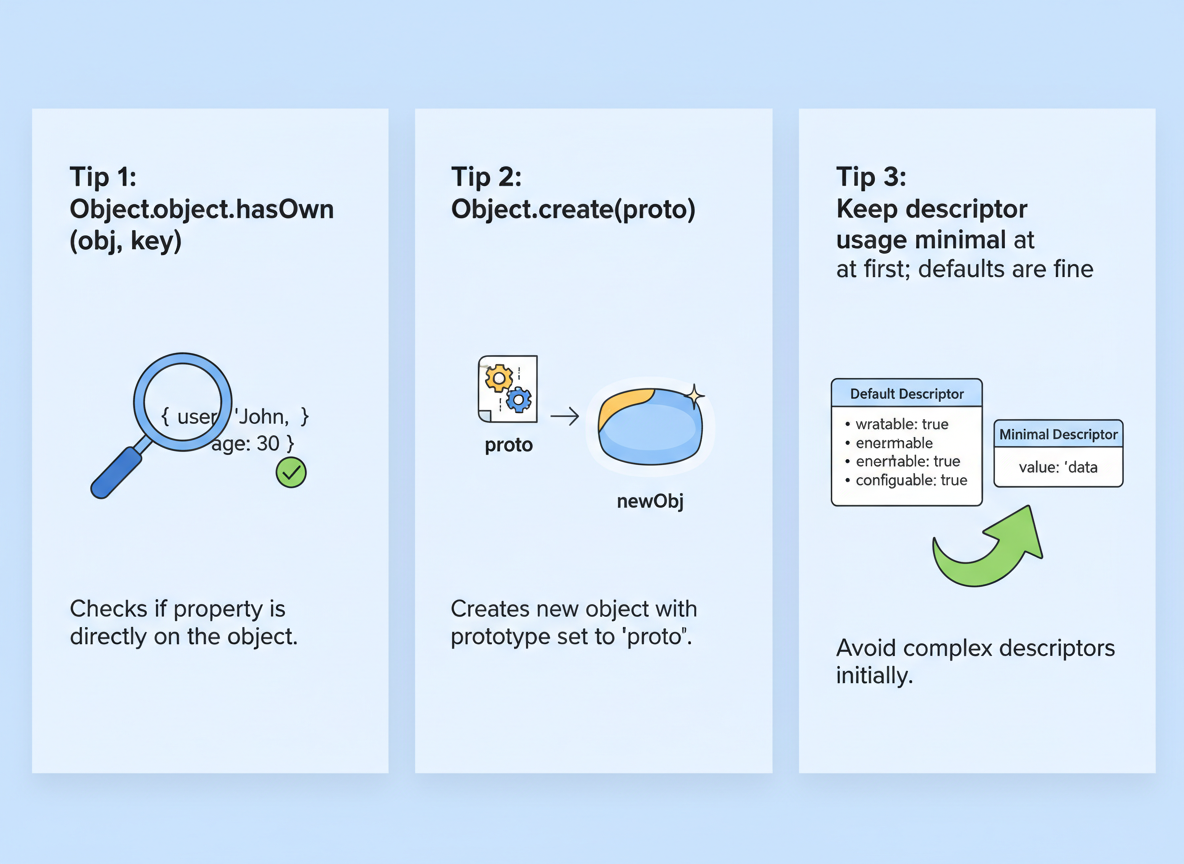
Tips:
- Use Object.hasOwn(obj, key) to test own keys.
- Prefer Object.create(proto) to make tiny prototypes.
- Keep descriptor usage minimal at first; defaults are fine.
Own vs inherited quiz
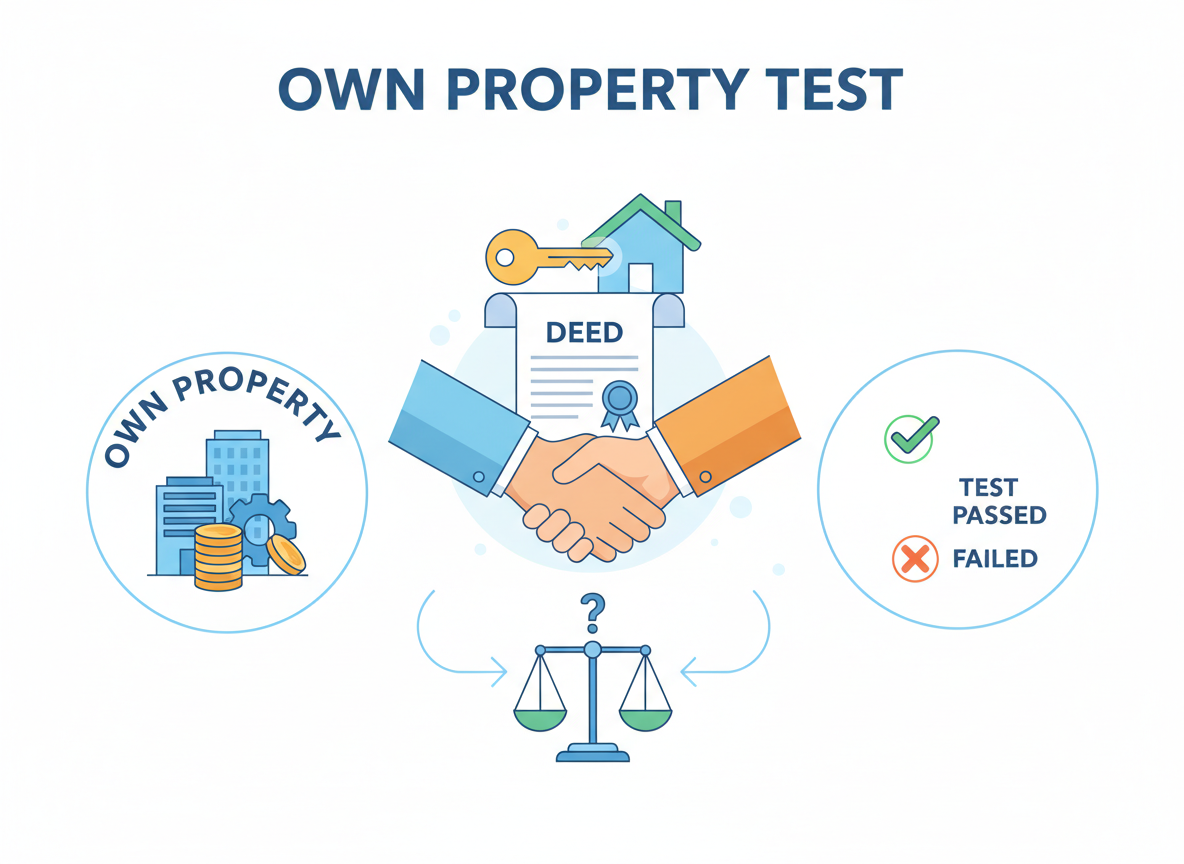
Quick check: Own property test.
Recap
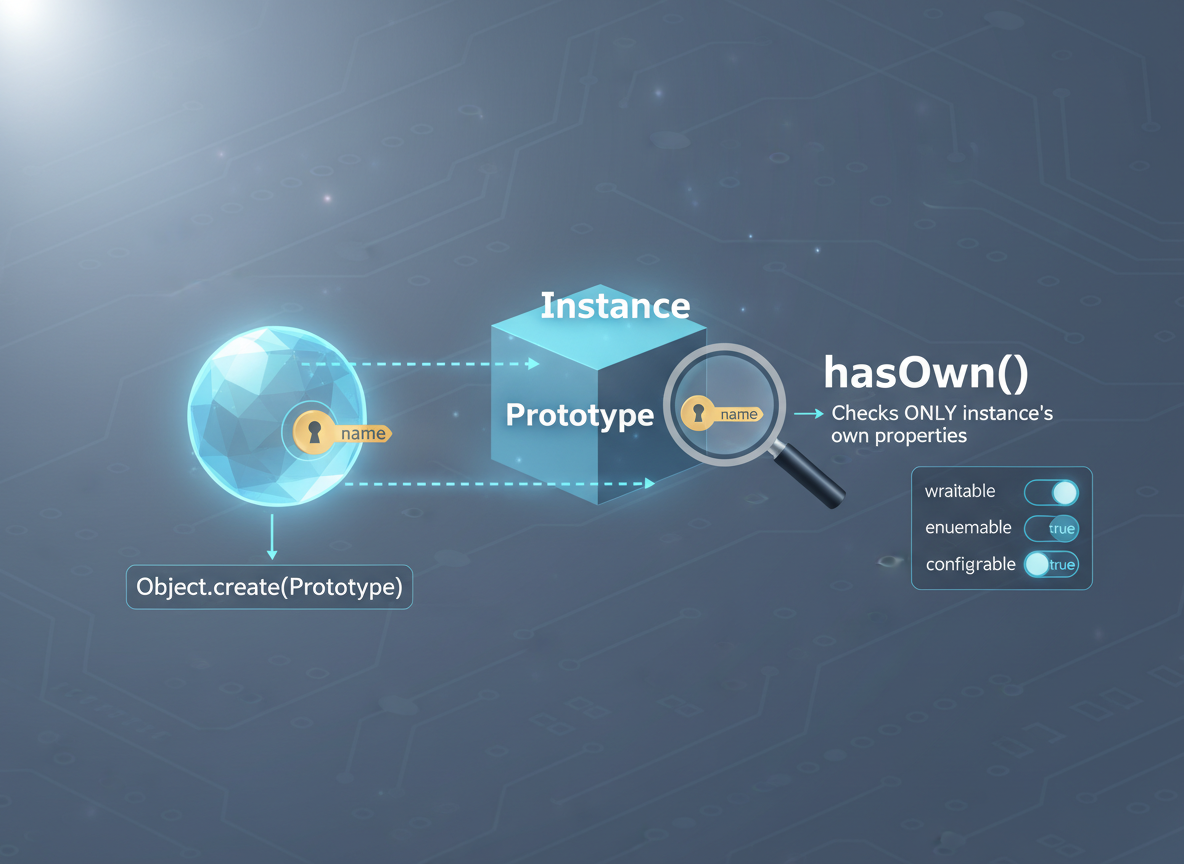
Recap: The engine looks up missing keys on the prototype. Use hasOwn for own keys only, Object.create to set a prototype, and descriptors to control basic flags.

Learn JavaScript with an AI tutor — free
Write and run real code in your browser, get instant help from a 24/7 AI tutor, and pick up where you left off on the web or in the app.
- Courses
- 59
- Lessons
- 200
Frequently Asked Questions
Is the “Prototype Chain & Own-Property Basics” lesson free?
Yes — any 3 lessons of the JavaScript Academy learning path, including “Prototype Chain & Own-Property Basics”, are free to read in full here on the web. After that, CoddyKit PRO unlocks every lesson, plus interactive practice with a built-in code editor and a 24/7 AI tutor. The JavaScript Academy course includes 2 lessons in total.
What will I learn in “Prototype Chain & Own-Property Basics”?
Prototype chain basics; check own vs inherited properties; use Object.create; set simple descriptors. You practise JavaScript Academy with hands-on code you run directly in the browser, and a 24/7 AI tutor answers your questions as you work through the lesson.
Do I need any experience to start JavaScript Academy?
No prior experience is required. JavaScript Academy on CoddyKit is structured for beginners through advanced learners, so you can start here or from the beginning and move at your own pace. This is lesson 1 of 2.
How long does the “Prototype Chain & Own-Property Basics” lesson take?
Most CoddyKit lessons take about 5–10 minutes. Each one is bite-sized and interactive, so you make steady progress and pick up exactly where you left off across the web and the app.
Can I write and run code in this JavaScript Academy lesson?
Yes. Every JavaScript Academy lesson includes a built-in code editor, so you write and run real code right in your browser and get instant AI feedback — no local setup required.
All lessons in this course
- Prototype Chain & Own-Property Basics
- Class Syntax (Preview): constructor, methods, static, extends